
Can an AI video model stop making things float and become useful in real work?
Runway Gen‑3 Alpha says yes.
It’s the third version built to fix the motion, object permanence, and artifact problems that made Gen‑2 unreliable.
Gen‑3 Alpha brings stronger temporal coherence, physics-aware motion, sharper visuals, and faster clip generation.
That matters for filmmakers, agencies, and solo creators who need predictable outputs, not experiments.
If you care about fewer failed renders and faster iteration, this release could move AI video from novelty to a practical tool worth testing in your workflow now.
Core Overview of Runway Gen‑3 Alpha
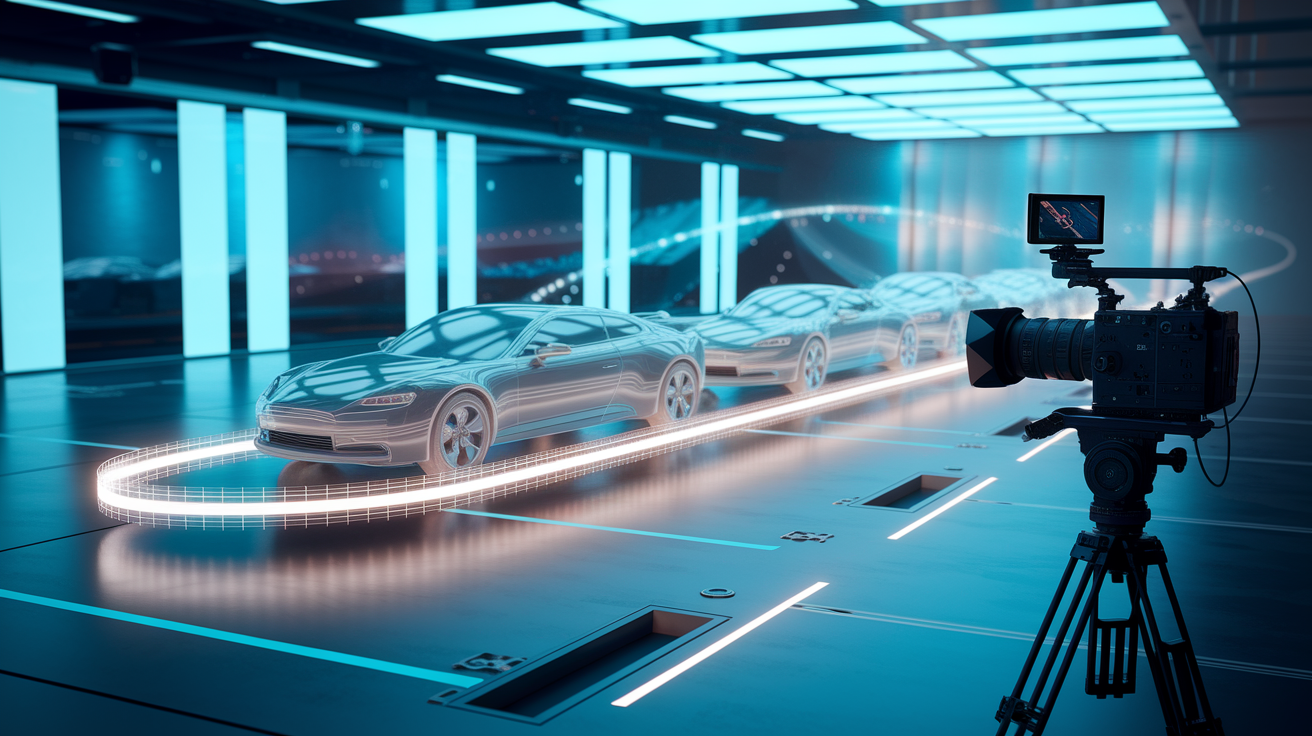
Runway Gen‑3 Alpha is the third take on their multimodal AI video model, built to fix what kept Gen‑2 from being production ready. It’s got better temporal coherence, smarter physics modeling, and cleaner visuals, all wrapped into one system for creators who can’t afford unreliable outputs. The model works with text-to-video prompts, image-to-video conversions, and video-to-video touch-ups. Objects stay put across frames, and you get fewer weird artifacts than before.
The real win here is how Gen‑3 Alpha understands motion. Earlier versions had issues with jitter, stuff randomly vanishing, and movement that didn’t make sense. Those problems killed immersion and ate up correction time. Gen‑3 Alpha cuts down on this mess through stronger temporal algorithms that keep things consistent as your scene plays out. If visual stability matters more than experimental shots, this version actually works.
You also get broader style options without losing control. Lighting, camera movement, scene composition—you can direct all of it with more precision. That makes Gen‑3 Alpha useful for quick ideation and final production tasks. For studios or solo creators on tight deadlines, fewer failed generations means less time fixing mistakes.
What’s actually improved in Runway Gen‑3 Alpha:
- Better temporal coherence across longer clips, less flicker and object wandering
- Physics-aware motion that respects gravity, inertia, and how things collide
- Higher native resolution with sharper textures and more accurate lighting
- Wider style range, from photorealistic renders to stylized art
- Faster generation speed per clip compared to Gen‑2
Detailed Breakdown of Gen‑3 Alpha Capabilities
Motion control lets you specify camera paths, object trajectories, and scene transitions with way more detail than Gen‑2 allowed. The model reads prompts that describe pans, tracking shots, or zooms and applies physically sensible acceleration curves. So “slow dolly push into a forest clearing at dusk” gives you smooth, cinema-quality movement instead of jerky jumps or inconsistent speed. The footage looks intentional rather than randomized.
Realism upgrades focus on lighting, texture quality, and getting anatomy right. Gen‑3 Alpha renders skin tones, fabric movement, and reflective surfaces with less blur and fewer glitches. Shadows fall where they should, highlights respond to light sources properly, and materials like metal, water, and glass behave optically correct. These changes make the model work for scenarios where viewers expect believable physics, whether that’s advertising renders, previs for live-action, or concept art that needs to match real references.
Style flexibility has opened up to handle different artistic directions without needing separate fine-tuned models. You can prompt for cel-shaded animation, hyper-stylized color work, or documentary naturalism in the same base system. Gen‑3 Alpha reads style cues from text prompts and adjusts the rendering accordingly. Less need for external compositing or post filters. Matters most when you’re switching between projects with different visual needs and want consistent quality across all of them.
Multimodal workflow support means Gen‑3 Alpha takes text prompts, static images, or existing video as input and spits out motion-consistent outputs. One still frame becomes a ten-second clip with camera movement and animated elements. A rough video draft gets refined for better lighting or smoother motion. A detailed text description generates a complete scene from nothing. These input modes fit into existing creative pipelines, so you can start from sketches, storyboards, or written concepts and iterate without platform hopping.
Technical Specifications and Architecture Insights
Gen‑3 Alpha brings measurable upgrades in resolution, speed, and stability. The model supports higher native resolutions than Gen‑2, so you don’t need upscaling workflows that make things soft or introduce interpolation errors. Temporal coherence algorithms got stronger to maintain object identity and spatial relationships across longer clips, cutting down the frame-to-frame mess that plagued earlier versions. Physics-aware motion modeling applies realistic limits to movement, stopping objects from floating weirdly or accelerating in ways that break immersion.
| Specification | Gen‑3 Alpha Capability |
|---|---|
| Native Resolution Support | Up to 1080p with sharper textures and less blur |
| Inference Speed | Faster per-clip generation vs Gen‑2, shorter wait times when iterating |
| Temporal Stability | Stronger frame-to-frame coherence, less flicker and object drift in multi-second sequences |
| Physics Modeling | Motion respects gravity, inertia, and collision behavior for more believable animation |
These technical improvements mean faster creative iteration and fewer thrown-out generations. You spend less time waiting for renders and less effort fixing visual errors. Matters most in production environments where time equals budget. The physics-aware modeling also reduces that uncanny valley effect where objects move in subtly wrong ways even if there’s no obvious error. By building realistic constraints into the generation process, Gen‑3 Alpha produces outputs that pass both casual and professional scrutiny more often.
Comparison Between Runway Gen‑3 Alpha and Gen‑2
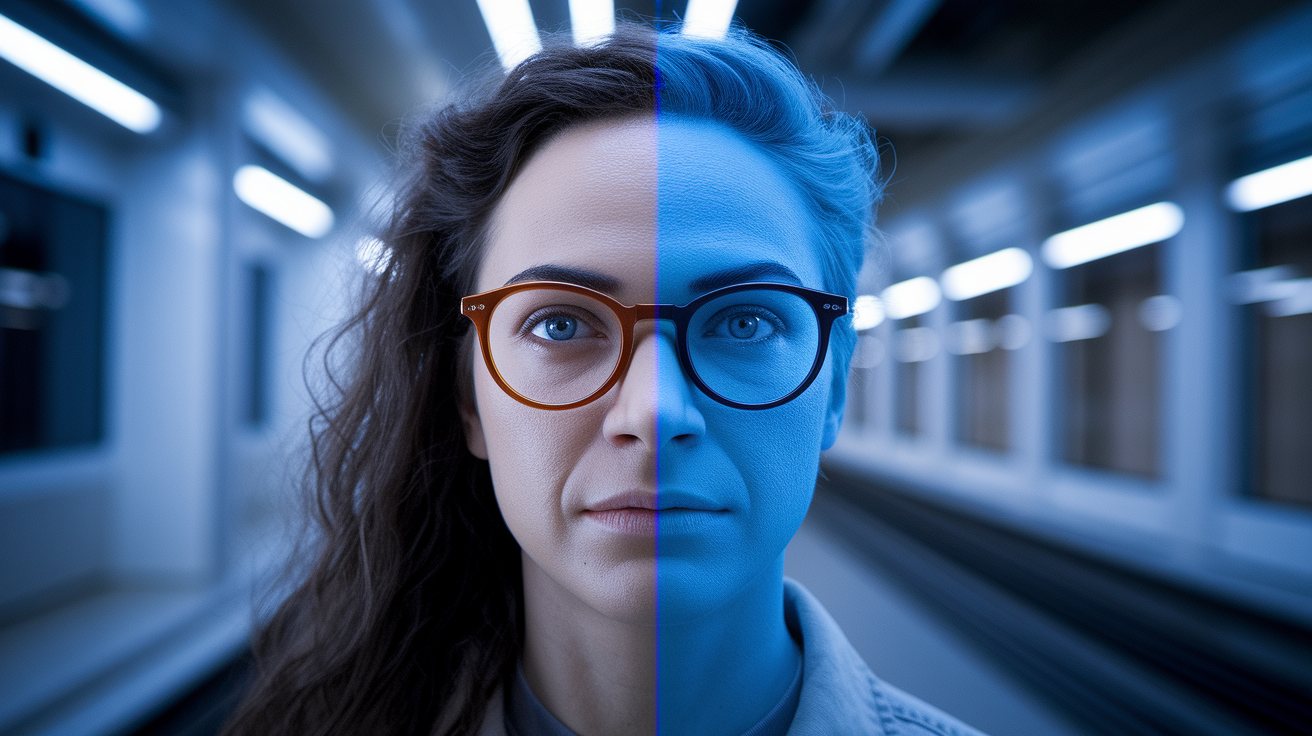
Gen‑3 Alpha fixes the specific problems that kept Gen‑2 from being production ready for high-stakes work. Gen‑2 had impressive initial results but struggled with motion jitter, inconsistent object permanence, and limited style flexibility. Gen‑3 Alpha rebuilds the temporal engine to cut down on these issues. You get smoother motion paths, better object tracking across frames, and more predictable responses to complex prompts.
What changed between Gen‑3 Alpha and Gen‑2:
- Motion consistency – Gen‑3 Alpha applies physics-aware constraints that stop unnatural acceleration, floating objects, and abrupt trajectory changes that showed up constantly in Gen‑2 outputs.
- Detail retention – Textures, facial features, and fine elements stay sharper and more stable across frames. Less of that blurriness and artifacting that degraded Gen‑2 sequences after a few seconds.
- Style control – Gen‑3 Alpha reads stylistic prompts more accurately, supports a wider range of visual treatments without needing separate fine-tuned models or heavy post work.
- Object permanence – Elements introduced early in a clip stay visually consistent throughout. Gen‑2 let objects morph, disappear, or shift identity mid-sequence.
- Inference speed – Generation time per clip dropped, so you can iterate faster and get tighter feedback loops during development.
For creators who tested Gen‑2 and found it unreliable for client work or final delivery, Gen‑3 Alpha’s improvements matter most in repeatability and polish. The model produces fewer unusable outputs, which cuts down the cost of trial and error workflows. Studios evaluating AI tools for previs, concept development, or fast-turnaround advertising can now trust Gen‑3 Alpha to deliver consistent quality without the manual cleanup Gen‑2 required. The upgrade isn’t incremental. It shifts the model from experimental to practical for time-sensitive, high-visibility projects.
Supported Input Modes and Creative Workflows
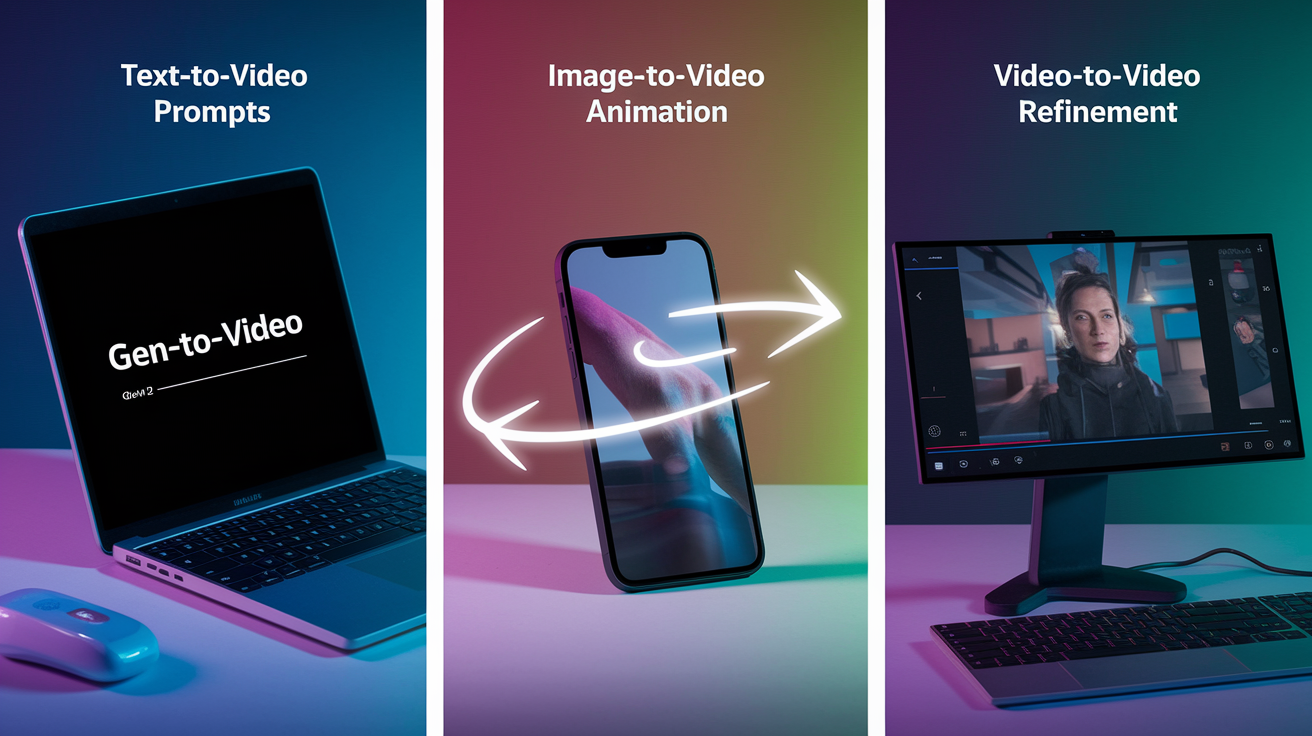
Gen‑3 Alpha accepts three primary input types, each optimized for different stages of the creative process. Text-to-video generation translates written prompts into complete motion sequences. You describe a scene, specify camera behavior, define lighting or stylistic treatment in natural language. This mode works best for initial ideation, rapid concept exploration, and generating variations when you’re not sure exactly what the final shot should look like.
Image-to-video transformation takes a single static frame (photograph, illustration, or 3D render) and animates it with camera movement, environmental motion, or subject action. This workflow bridges storyboard sketches and moving images, letting designers and directors visualize pacing and composition before committing to full production. Particularly useful when you have a precise visual reference but need to test how it performs in motion.
Video-to-video refinement processes existing footage to improve motion smoothness, enhance lighting, adjust stylistic treatment, or correct visual inconsistencies. This mode serves post-production workflows where the core content exists but needs polish, re-grading, or motion correction. Also supports hybrid pipelines where rough AI-generated drafts get refined iteratively until they meet final delivery standards.
Core workflows Gen‑3 Alpha supports:
- Text-to-video prompting for rapid scene generation from written descriptions
- Image-to-video animation to bring static frames, sketches, or renders into motion
- Video-to-video enhancement for refining, re-lighting, or stylistically adjusting existing clips
Practical Use Cases for Gen‑3 Alpha
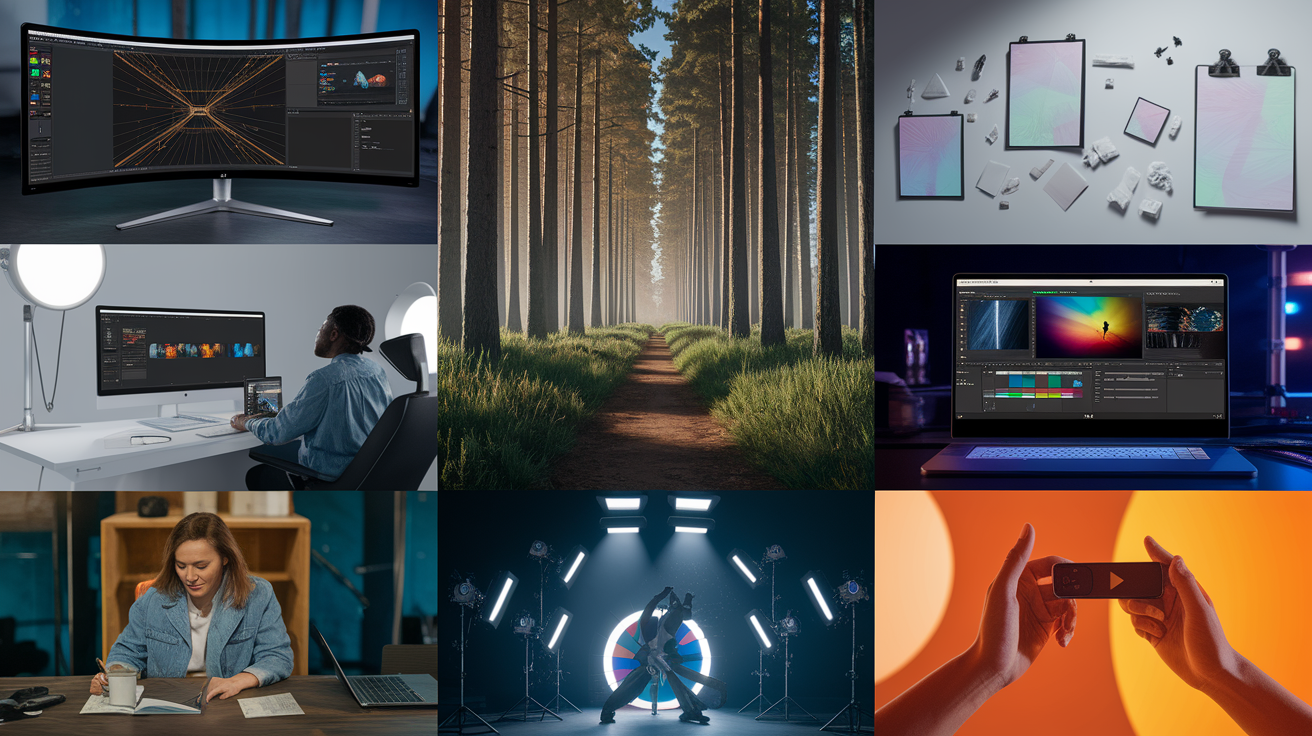
Filmmakers use Gen‑3 Alpha for previs and shot planning, especially when budgets or timelines don’t allow for full animatic production. By generating camera moves, blocking, and environmental motion from text prompts or reference stills, directors can test scene compositions and pacing before committing crew time or location resources. The improved temporal stability means these previsualization clips hold up during review sessions and can inform lighting, lens choice, and staging decisions with more confidence than earlier AI tools allowed.
Advertising agencies deploy Gen‑3 Alpha for rapid concept testing and client presentations. When pitching campaign ideas that need expensive live-action shoots or complex VFX, teams can generate realistic motion mockups in hours instead of weeks. The ability to adjust style, lighting, and composition through prompt iteration lets creative directors explore multiple visual directions without booking studios or hiring full production crews. Clients see polished motion concepts early, reducing the risk of late-stage creative pivots that blow budgets.
Concept artists and game developers use Gen‑3 Alpha to visualize environments, character movement, and atmospheric effects during pre-production. A single environment painting becomes a camera flythrough that reveals spatial relationships and visual rhythm. Character sketches get animated to test silhouette readability and motion appeal before rigging and animation pipelines begin. This front-loads creative decision making, catching design issues when they’re cheap to fix rather than deep into asset production.
Independent creators and small studios use Gen‑3 Alpha to produce finished content when traditional production methods are out of reach. Music videos, social media campaigns, and experimental short films benefit from the model’s ability to generate high-quality motion sequences without crew, equipment, or location costs. The outputs might need compositing or color grading for final delivery, but the core motion and visual foundation come from Gen‑3 Alpha. Lowers the technical and financial barriers to polished video content.
Limitations and Current Constraints of Gen‑3 Alpha

Gen‑3 Alpha still produces occasional visual artifacts, particularly in complex scenes with multiple moving elements or rapid camera motion. Fine details like fingers, text overlays, and small mechanical parts can blur, morph, or disappear across frames. Long-duration sequences remain challenging. Clips extending beyond ten to fifteen seconds often show degraded temporal coherence, with objects drifting from their intended paths or lighting consistency breaking down. If you’re working on extended narratives or continuous shots, expect to stitch shorter clips together rather than generating full scenes in one pass.
Physics reproduction improved but isn’t perfect. The model approximates realistic motion but can still generate implausible interactions. Objects passing through each other, incorrect weight distribution during character movement, or water and smoke that behave inconsistently. These issues pop up more often in scenarios the training data covered less thoroughly, like niche sports, specialized machinery, or uncommon environmental conditions. For productions requiring precise physical accuracy, Gen‑3 Alpha serves as a starting point that’ll need manual correction or compositing with real footage.
Current limitations you should account for:
- Occasional artifacting in fine details like hands, text, and small mechanical elements
- Temporal coherence degrades in clips longer than ten to fifteen seconds, requiring segmented generation
- Imperfect physics modeling in edge cases, especially for complex interactions or uncommon scenarios
- Iteration requirements—complex prompts may need multiple generations to get the result you want
Pricing Structure and Model Availability

Access to Runway Gen‑3 Alpha is gated by subscription tier. Higher plans unlock faster rendering, priority queue access, and advanced features like extended clip lengths or higher resolution exports. The base tier provides limited monthly credits suitable for experimentation and light project work. Mid-tier plans support regular professional use with faster turnaround and more generous credit allowances. Enterprise tiers offer custom credit packages, dedicated support, and API access for studios integrating Gen‑3 Alpha into automated pipelines.
Credit consumption scales with generation settings. Higher resolutions, longer durations, and more complex prompts eat more credits per output. If you’re planning heavy production workloads, calculate expected monthly credit usage based on typical clip settings and iteration rates. Runway provides credit top-up options for users who exceed their plan limits mid-cycle, though cost efficiency improves significantly at higher subscription levels.
| Subscription Tier | Gen‑3 Alpha Access Level |
|---|---|
| Basic | Limited monthly credits, standard resolution, slower queue priority, suitable for testing and light use |
| Pro | Increased monthly credits, higher resolution exports, faster rendering, priority queue access for regular professional workflows |
| Enterprise | Custom credit packages, API access, dedicated support, extended clip lengths, highest resolution and fastest processing for production pipelines |
Final Words
In the action, Runway Gen‑3 Alpha raises video realism, motion consistency, and controllability over Gen‑2, with physics-aware modeling, higher resolution, and richer multimodal inputs.
This post broke down its motion and realism gains, technical specs, workflow modes, real-world use cases, limits to watch for, and access/pricing so you can weigh fit and risk.
If you want to experiment, run short tests of text-to-video and image-to-video in your pipeline and track artifacts and temporal drift. The runway gen-3 alpha capabilities make that testing practical and promising. Expect steady improvements and useful results soon.
FAQ
Q: What is Runway Gen-3 Alpha?
A: The Runway Gen‑3 Alpha is Runway’s next‑generation multimodal video model, built for higher realism, stronger motion consistency, improved controllability, and support for text-, image-, and video-to-video workflows.
Q: What is the difference between Gen-3 Alpha and Gen-3 Alpha Turbo?
A: The difference between Gen‑3 Alpha and Gen‑3 Alpha Turbo is that Turbo prioritizes faster inference and lower cost for quicker renders, while Alpha focuses on maximum realism, finer motion control, and higher detail fidelity.
Q: What is the difference between Gen-3 and Gen 4 runway AI?
A: The difference between Gen‑3 and Gen‑4 Runway AI is that Gen‑4 aims to extend Gen‑3 with higher fidelity, longer-duration temporal coherence, and faster inference, though exact features depend on Runway’s official release notes.
Q: Is RunwayML better than other AI tools?
A: RunwayML is not categorically better than other AI tools; it excels at multimodal video, real-time motion control, and creative workflows, while other platforms may outperform it on specialized tasks, cost, or integrations.

