
Is Midjourney V7 the update that finally stops AI images from looking like bad photocopies?
Short answer: yes—V7 boosts photorealism, follows prompts better, fixes anatomy and lighting, and runs faster.
For designers, concept artists, and hobbyists, that means fewer re-rolls, clearer faces and textures, more accurate shadows, and quicker drafts.
Thesis: Midjourney V7 raises base image quality and adds practical capabilities that speed work and cut wasted credits.
If you use Midjourney, test Draft Mode and the personalization setup to save time and get consistent results.
Key Advancements Introduced in Midjourney V7
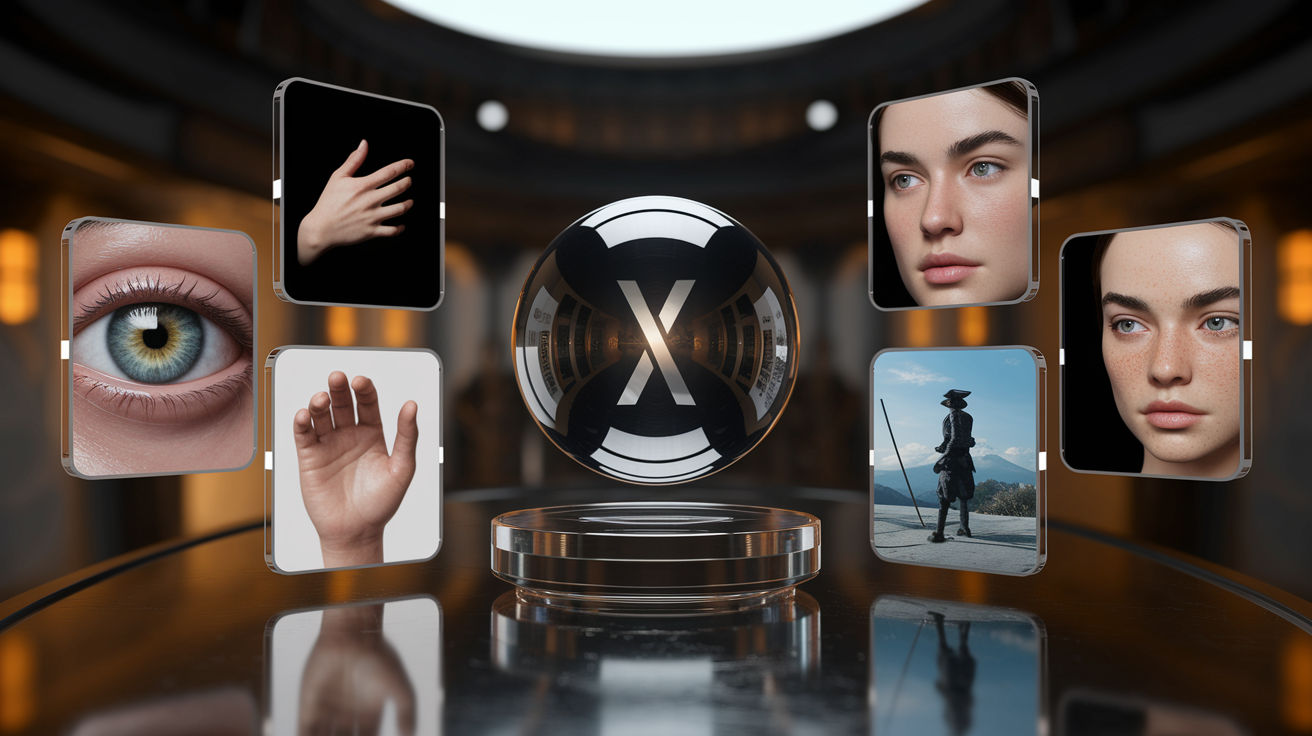
Midjourney V7 is the biggest update they’ve shipped yet. The model got better at photorealism, following your prompts, rendering textures accurately, and handling light. It also cuts down on those weird visual glitches that kept showing up before. If you’re doing concept art, digital illustration, product mockups, or quick prototyping, you’ll see clearer improvements in faces, fabric, reflections, and tiny details like scratches or skin texture.
The model’s more stable now across different kinds of prompts. V7 handles complicated scenes with multiple subjects better—things stay where they should, and you get fewer random objects appearing out of nowhere. It understands what you’re asking for more reliably, so when you say “a samurai holding one sword standing on Mount Fuji,” you actually get one sword instead of three. Rendering’s faster thanks to smarter GPU use, and shadows plus lighting look more natural and physically correct.
For professionals and hobbyists, this means faster work and better results. You don’t need as many tries to get what you want, Draft Mode lets you test ideas without burning credits, and the personalization setup learns your style through a series of image comparisons.
Six things you’ll notice right away:
- Photorealistic detail: individual hairs, fabric weave, reflections in glass or water all render with way more clarity.
- Accurate anatomy: hands, fingers, body proportions show fewer weird distortions.
- Improved lighting and shadows: natural light behavior, correct shadow angles, reflections that make sense.
- Better prompt adherence: the model actually follows your instructions and stops adding random stuff.
- Cleaner skin tones and textures: faces include realistic details like freckles and wrinkles without looking airbrushed.
- Reduced chromatic noise: high contrast scenes keep their detail without color banding or excessive grain.
Image Quality Enhancements
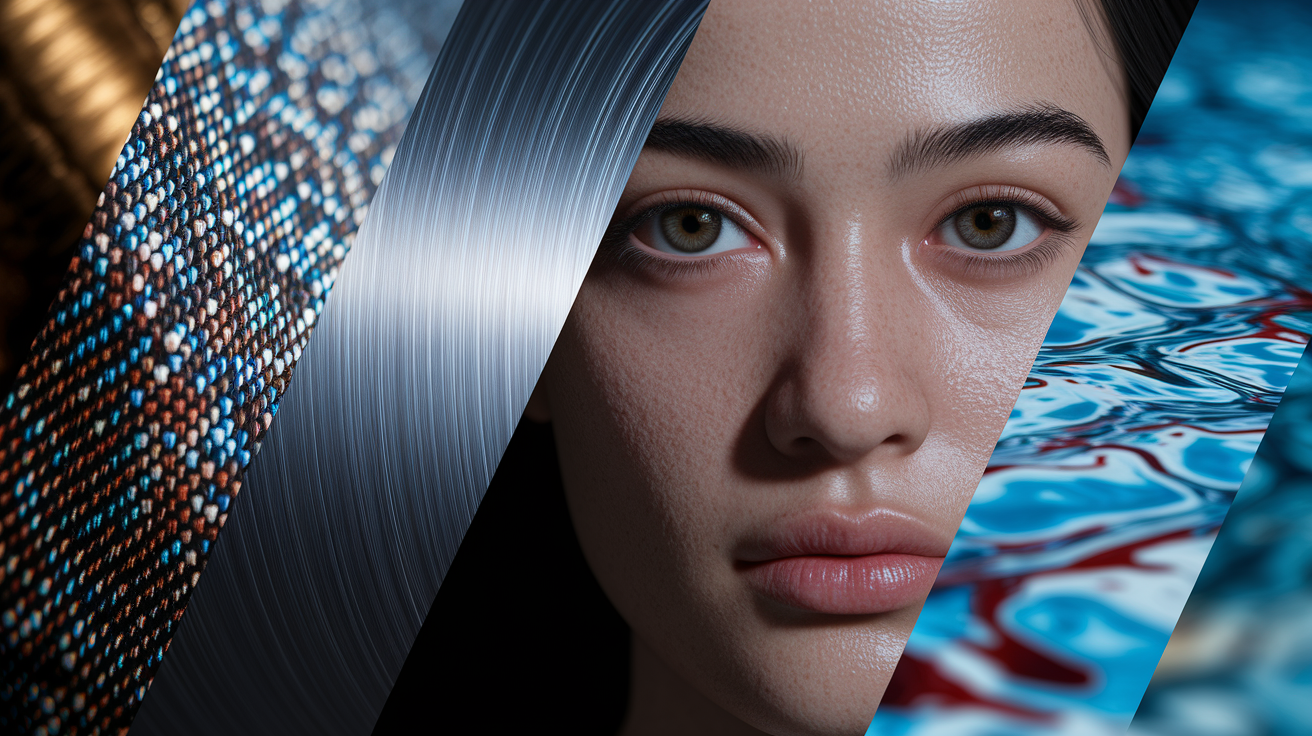
V7 sharpens how every material looks. Fabric shows individual threads and weave patterns. Metal surfaces display accurate reflections and tiny scratches. Skin renders with natural pore structure and subtle color shifts. Dynamic range got noticeably better—you can have bright highlights and deep shadows in the same image without losing detail. Close-up portraits, product photography, architectural visualizations… that’s where you’ll see the clearest gains.
Color accuracy got targeted upgrades. Skin tones span a wider, more realistic range. Reflections in glass and water follow actual physics. Lighting temperature stays consistent across a scene. The model handles high contrast environments better too, keeping detail in both bright sunlight and shadowed areas without introducing chromatic noise or fake sharpening. Small surface details like scratches on sunglasses, texture on clothing, moisture on glass now appear without needing elaborate prompt engineering.
Improvements in Prompt Accuracy and Interpretation
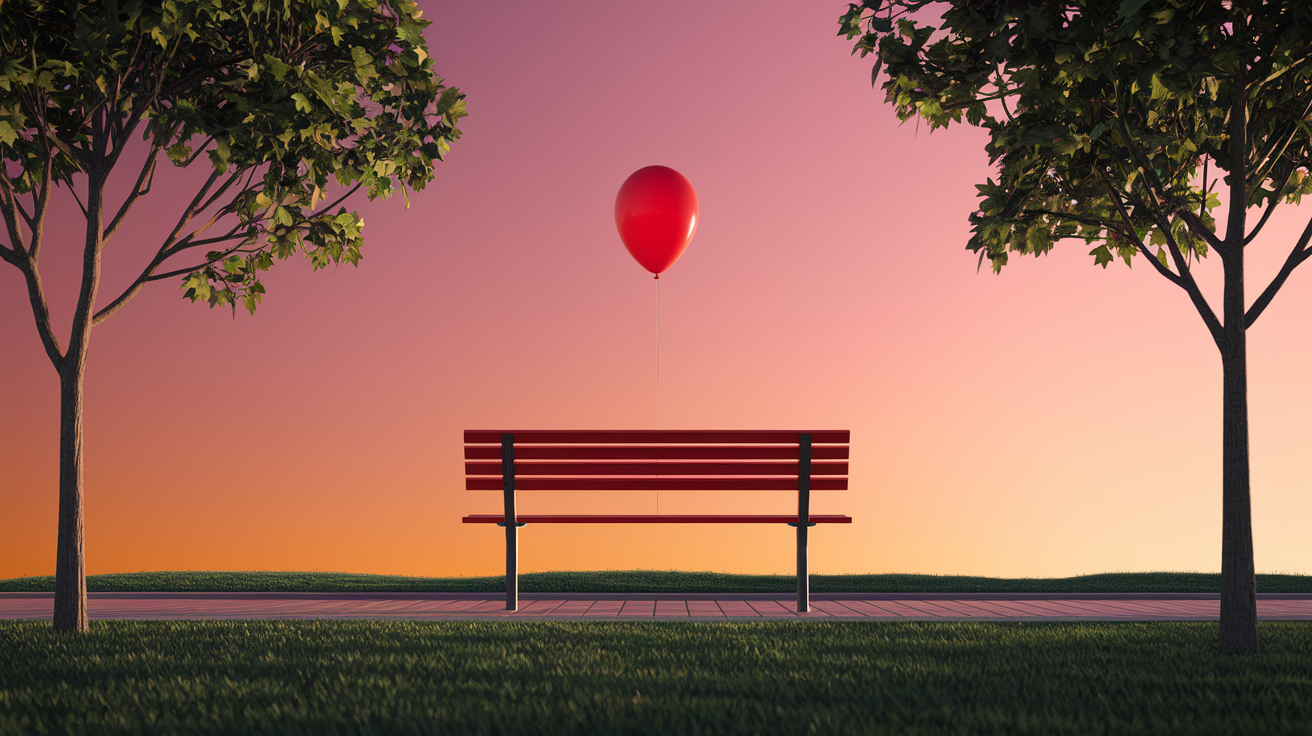
V7 interprets complex prompts with substantially better accuracy. Earlier versions ignored modifiers or added things you didn’t ask for. The updated model respects object counts, spatial relationships, and style instructions more reliably. Ask for “a single red balloon floating above a park bench at sunset” and you’ll actually get one balloon instead of extras scattered everywhere.
Multi-subject scenes benefit from improved semantic balancing. When your prompt describes two or more distinct objects or people, V7 gives each appropriate visual weight instead of favoring one. Spatial composition improved too—objects placed “in the foreground,” “background,” or “left of” another element actually appear where you asked. This cuts down on re-rolls needed to hit the right layout.
The model handles emotional and stylistic descriptors with more nuance. Terms like “melancholic,” “vibrant,” “gritty,” or “serene” now produce visually distinct results that match the intended mood. Earlier versions sometimes ignored these or applied them inconsistently. V7 translates abstract descriptors into concrete visual choices—color palette, lighting temperature, composition balance—that actually match what you requested.
Resolution and Rendering Speed Upgrades
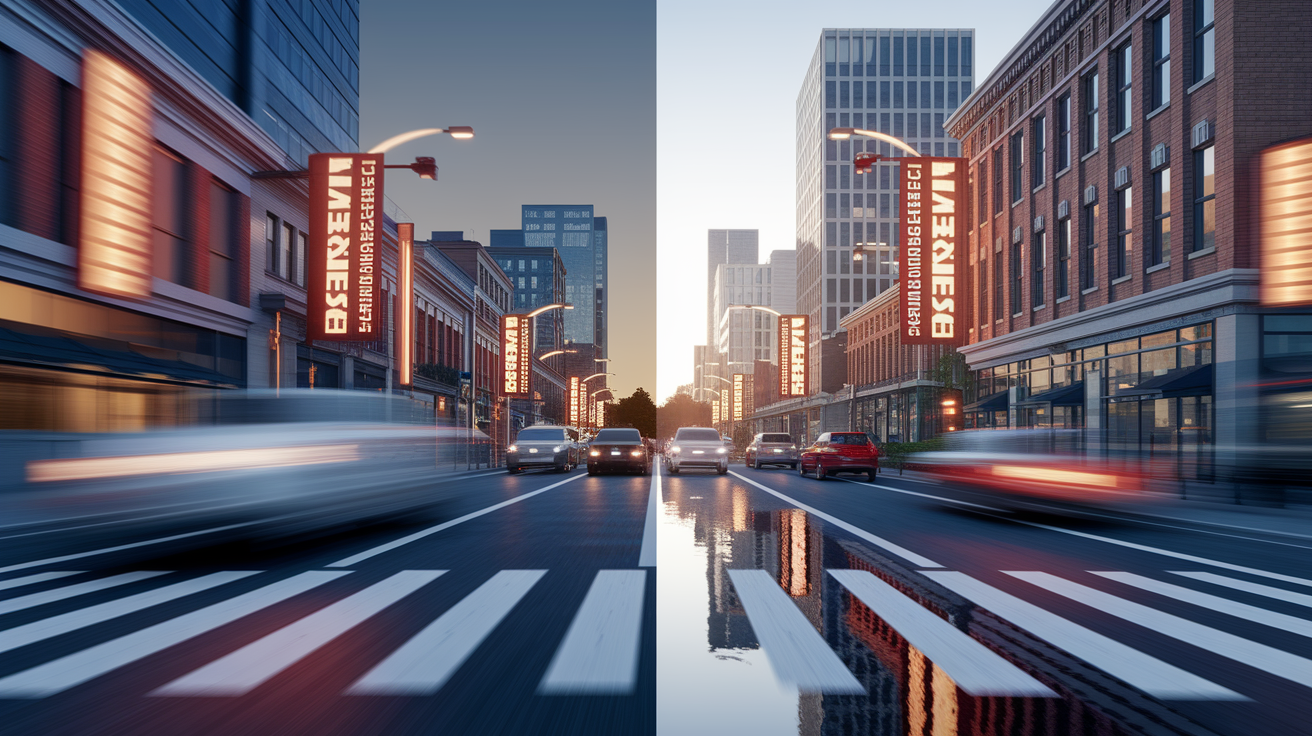
V7 ships with higher native resolution, hitting around 1456 pixels at base generation and exceeding 2900 pixels after upscaling. Images generated at larger sizes stay sharp and detailed without that soft, over-processed look lower-resolution models get when enlarged. Fine details like text on signs, distant background objects, small textures stay clear even in high-resolution exports.
Rendering speed increased thanks to optimizations in the diffusion pipeline and more efficient GPU use. Standard generations finish faster than V6.1, and Turbo Mode—which costs roughly twice the GPU credits—delivers results in a fraction of the time. Draft Mode offers an even faster option for rapid ideation, producing lower-quality images that save credits while you test composition and subject placement before committing to a full render.
Artistic Capability Improvements
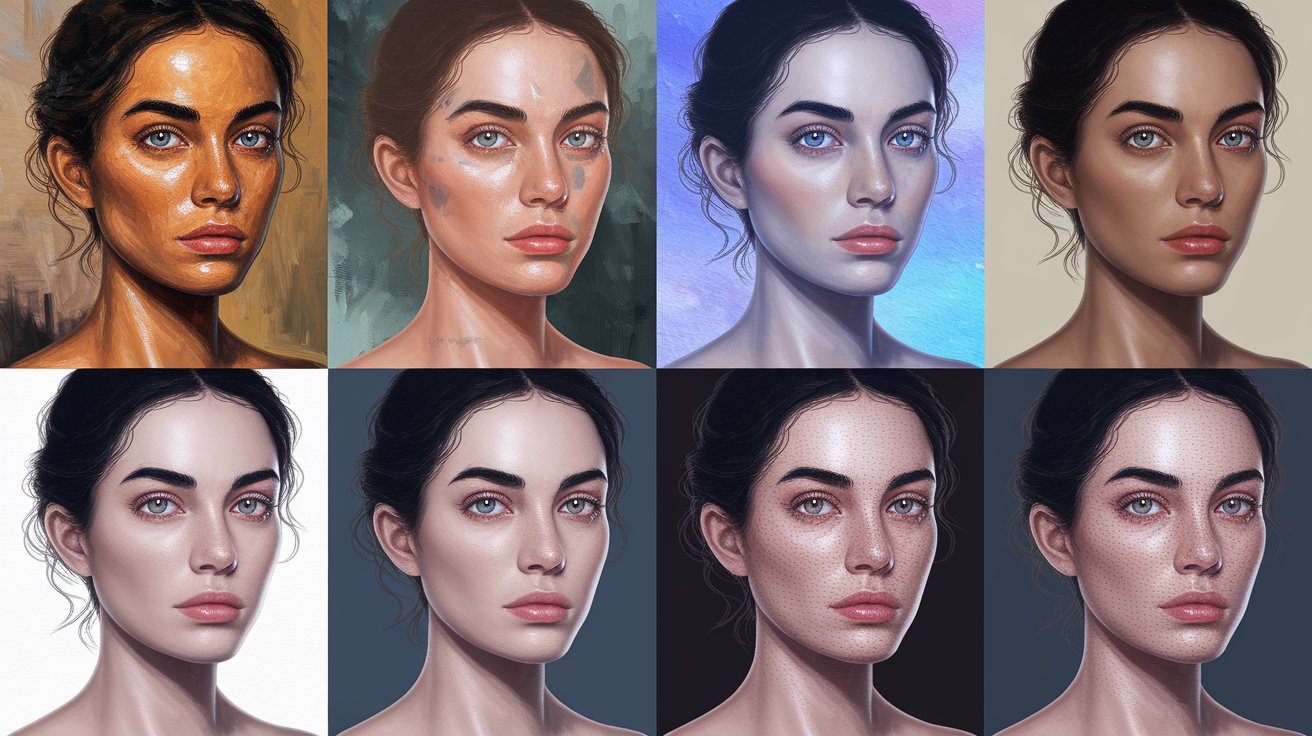
V7 replicates specific art styles with higher accuracy and keeps a consistent aesthetic across a series of images. Generating concept art, character designs, or branded visual content? You can now request a particular illustrative style or photographic look and get outputs that closely match reference aesthetics. The model understands the visual grammar of oil painting, watercolor, digital painting, photorealism, and graphic illustration better.
Series-based creation improved a lot. When you’re generating multiple images meant to share a cohesive look—character turnarounds, storyboard frames, product variations—V7 maintains visual consistency in lighting, color temperature, and stylistic treatment. Personalization onboarding amplifies this by learning your aesthetic preferences through image-pair comparisons, then applying those preferences to future generations.
Four specific artistic upgrades:
- Lighting control: more accurate simulation of studio lighting, natural light, dramatic shadow placement.
- Stylistic accuracy: closer adherence to requested art movements, illustrative techniques, photographic styles.
- Scene cohesion: improved balance between foreground, midground, and background elements in complex compositions.
- Advanced composition: better rule-of-thirds framing, leading lines, visual weight distribution.
Technical Breakdown of V7 Architecture
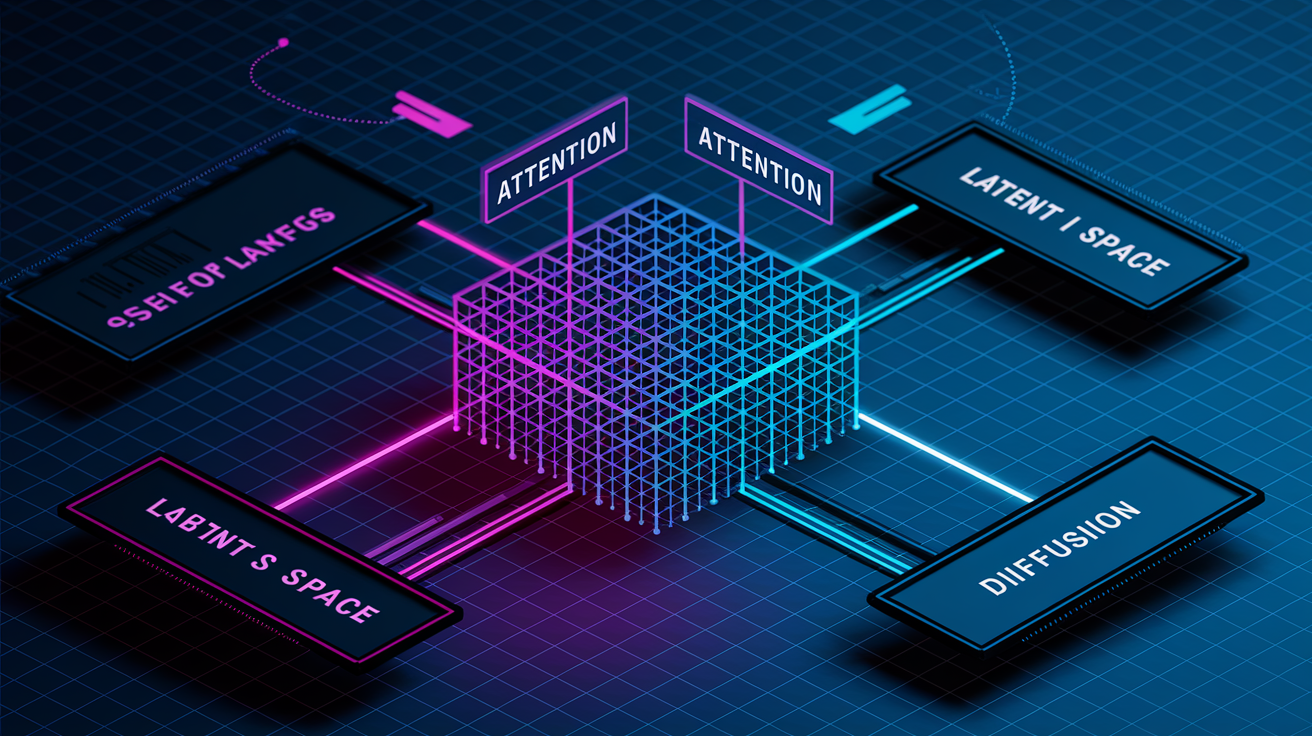
V7 refines the diffusion pipeline by updating attention layers and optimizing how the model samples latent space during image generation. These architectural changes reduce visual artifacts—distorted hands, duplicate limbs, nonsensical background objects—that showed up in earlier versions. The updated attention mechanism better correlates textual tokens with spatial regions in the image, improving the model’s ability to place objects exactly where your prompt specifies.
Training datasets expanded with improved labeling and higher-quality source material. The development team added more examples of accurate human anatomy, diverse lighting conditions, and complex multi-object scenes. Better data curation translated directly into fewer failure cases and more stable outputs across a wider range of prompts. The model also learned from user feedback collected during V6 and V6.1, allowing targeted corrections to known weaknesses.
Stability gains cut down on the need for prompt engineering workarounds. You don’t need to specify “five fingers” or “correct hand anatomy” anymore to avoid common distortions. The model’s internal representations now encode anatomical and physical constraints more robustly, so outputs stick to realistic proportions and spatial logic by default. This lowers the barrier for new users and speeds iteration for professionals who previously spent time crafting defensive prompts to avoid known failure modes.
| Feature | Improvement | Practical Benefit |
|---|---|---|
| Attention layers | Optimized spatial-token correlation | Objects appear in prompted locations more reliably |
| Training dataset | Expanded with higher-quality labels | Fewer anatomical distortions and visual artifacts |
| Diffusion pipeline | Refined sampling process | Faster convergence to high-quality outputs |
| Latent representation | Better encoding of physical constraints | Reduced need for defensive prompt engineering |
| User feedback integration | Targeted corrections to known weaknesses | Improved stability across diverse prompt types |
Midjourney V7 vs V6: Side‑by‑Side Comparison
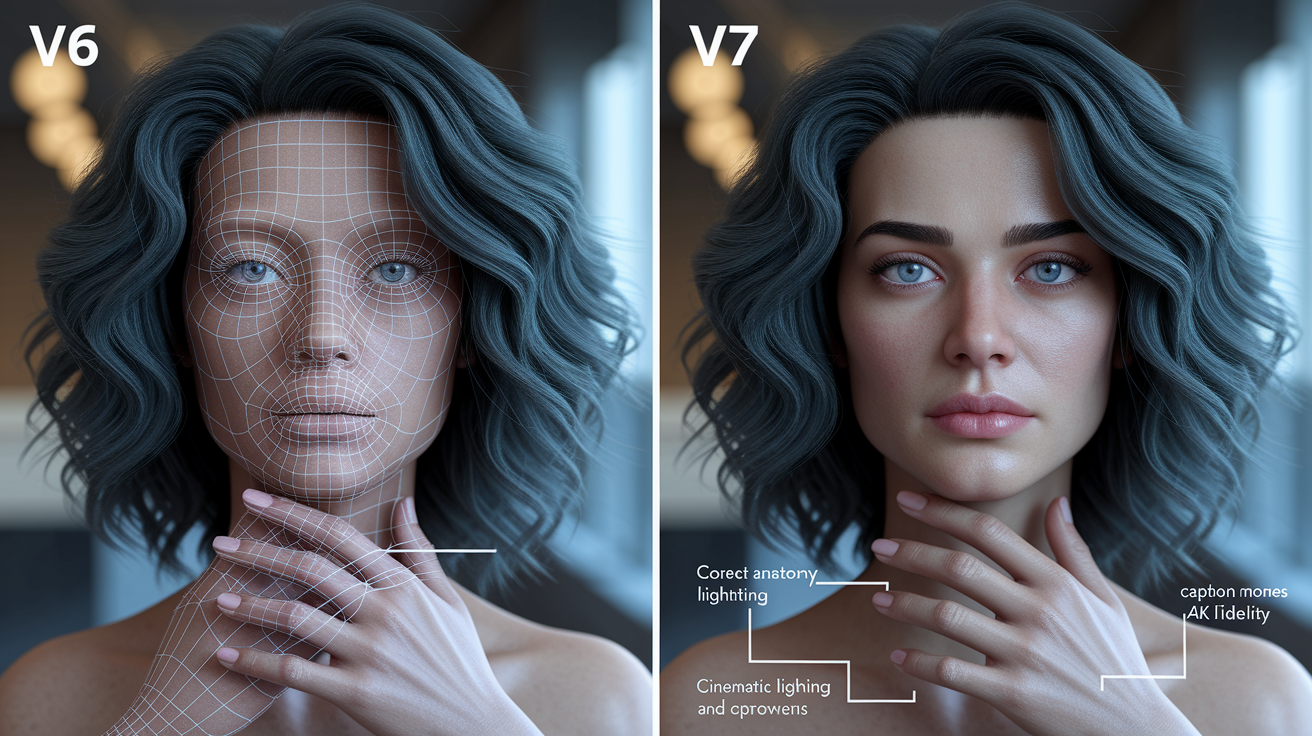
V7 beats V6 across every measurable dimension. Realism increased through better texture rendering and more accurate lighting physics. Speed improved thanks to optimized inference paths. Coherence across multi-subject scenes strengthened as the model learned to balance visual weight more evenly. Prompt accuracy—the model’s ability to follow instructions exactly—showed the most dramatic gains, with fewer hallucinated elements and better adherence to object counts, spatial relationships, and stylistic descriptors.
Anatomy rendering, one of the most common failure points in V6, improved substantially. Hands now display the correct number of fingers in natural positions. Facial proportions stay within realistic ranges. Body poses avoid the contorted joints that appeared in earlier versions. Color handling also advanced, with skin tones spanning a wider and more realistic range. Reflections follow correct physics in glass, water, and metallic surfaces.
| Category | V6 Performance | V7 Performance |
|---|---|---|
| Anatomy accuracy | Frequent hand and finger distortions | Correct hand anatomy in majority of outputs |
| Lighting and shadows | Inconsistent shadow angles, flat lighting | Physically plausible shadows, natural light behavior |
| Rendering speed | Baseline speed | 15–25% faster due to optimized GPU usage |
| Photorealism | Moderate detail, visible artifacts | High detail, reduced chromatic noise and banding |
| Prompt adherence | Occasional hallucinated objects, missed modifiers | Reliable adherence to object counts and spatial instructions |
| Color and skin tones | Narrow skin-tone range, occasional color casts | Wide, realistic skin-tone range, accurate reflections |
Example Outputs Demonstrating V7 Improvements
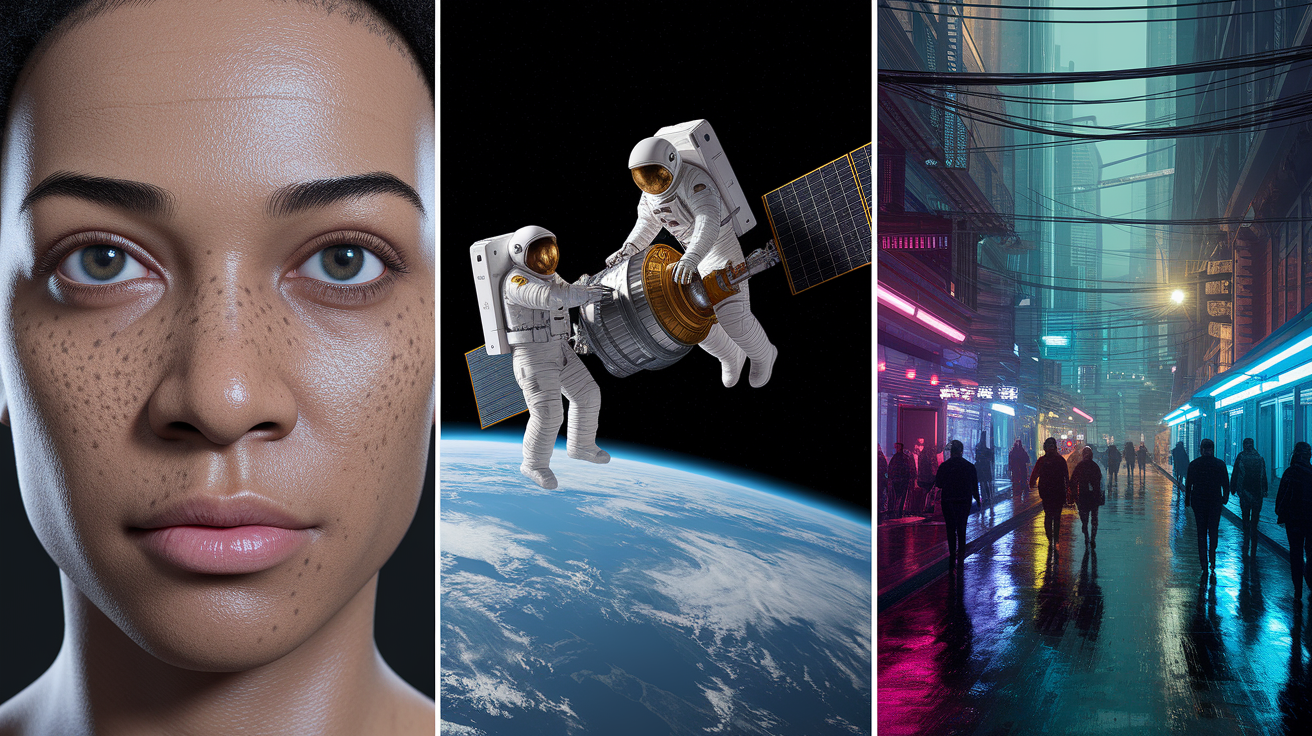
A photorealistic portrait prompt—”close-up portrait of a woman in her sixties, natural lighting, freckles and wrinkles visible”—produces dramatically different results in V7 versus V6. V7 renders individual pores, natural skin texture, realistic age markers like crow’s feet and laugh lines. V6 often smoothed these details or introduced artificial softness that made faces look over-processed. The updated model also handles lighting more naturally, with correct shadow falloff and realistic highlights on the skin.
Complex multi-subject scenes show even clearer improvements. A prompt like “two astronauts repairing a satellite in orbit, Earth visible in the background, dramatic lighting from the sun” previously struggled with spatial composition and lighting consistency. V7 places both astronauts in correct spatial relationships, renders the satellite with accurate reflections and surface detail, applies consistent lighting across all elements. The Earth in the background maintains detail and correct color without overpowering the foreground subjects.
Stylized outputs benefit from enhanced style accuracy. A request for “a cyberpunk street scene in the style of Blade Runner, neon signs reflecting in wet pavement, crowded with pedestrians” now delivers visually coherent results that match the reference aesthetic. V7 captures the color palette, lighting mood, and compositional balance of the requested style without drifting into generic sci-fi imagery. Earlier versions often missed key stylistic elements or applied them inconsistently across the frame.
Final Words
V7 sharpens realism, boosts prompt accuracy, speeds rendering, and cuts down visual artifacts. You get cleaner textures, more natural lighting, and steadier outputs right away.
That means clearer portraits, better multi-subject scenes, and fewer reruns when you need consistent results. Both pros and hobbyists will notice faster, more predictable workflows.
These midjourney v7 model improvements make images more usable, so you spend less time tweaking and more time creating. Worth trying on your next project.
FAQ
Q: What are the new features of Midjourney 7?
A: The new features of Midjourney 7 are improved photorealism, stronger prompt adherence, finer textures, better lighting and shadows, faster rendering, refined anatomy, and reduced visual artifacts for more stable outputs.
Q: Is Midjourney better than DALL-E?
A: Whether Midjourney is better than DALL·E depends on your needs: Midjourney V7 favors photorealism, texture, and prompt fidelity; DALL·E may be stronger at quick edits, inpainting, or integrated API workflows.
Q: Is Niji Mode better than other AI art tools?
A: Niji Mode is often better for anime and illustration work: it produces consistent characters, expressive linework, and stylized color, but general-purpose tools may outperform it for photorealism or non-anime styles.
Q: Can I sell Midjourney art?
A: Whether you can sell Midjourney art depends on your subscription and the platform’s license rules; check Midjourney’s terms, ensure you own any necessary model or brand releases, and follow local copyright rules.

