

Could Whisper V3 finally break the speed-versus-accuracy trade-off in speech recognition?
Built from about 5 million hours of audio and a turbo variant that runs 216× real-time, Whisper V3 speech recognition promises clear accuracy gains and much lower latency for live use.
This post walks through the hard numbers, where accuracy improves (and where it still lags), how to integrate the models locally or in streaming systems, and what to do next.
Core Capabilities and Improvements Introduced with Whisper V3

Whisper V3 is a big step up for automatic speech recognition. It’s trained on about 5,000,000 hours of audio, compared to 680,000 hours for the first version. That’s a massive jump. The training set includes roughly 1,000,000 hours of weakly labeled data and 4,000,000 hours of pseudo-labeled audio. The result? Much lower error rates on benchmarks like Common Voice 15 and Fleurs. Transcription accuracy got better across the board compared to the December 2022 release, especially for multilingual scenarios where earlier versions were inconsistent.
Speed got a serious boost too. Whisper Large-v3-Turbo cuts decoding layers from 32 down to 4, hitting 216× real-time transcription speed. That means it can chew through 216 seconds of audio per second. Accuracy takes a tiny hit, but it’s still about 1% better word error rate (WER) than Distil-Whisper. That makes it viable for things like customer-service chatbots and live voice interfaces where latency matters. The Base variant alone processes audio roughly 16× faster than older Whisper models.
Multilingual support expanded with a new Cantonese language token and better accuracy across dozens of languages. Whisper V3 handles previously tricky language pairs and dialects more reliably. But accuracy still drops off on low-resource languages and speech with heavy regional accents, where training data is thin. The model’s zero-shot generalization, its ability to transcribe languages it wasn’t explicitly tuned for, benefits directly from the huge training dataset.
What changed in Whisper V3:
- Training dataset scale: 5,000,000 hours of labeled and pseudo-labeled audio for stronger cross-language and cross-domain performance
- Multilingual coverage enhancements: new Cantonese token, improved accuracy on previously weak languages, better dialect handling for well-resourced languages
- Latency improvements: Whisper Large-v3-Turbo hits 216× real-time speed; Base variant runs 16× faster than earlier releases
- Benchmarked WER reductions: substantially lower error rates on Common Voice 15 and Fleurs compared to December 2022 models
- Turbo variant use cases: built for real-time customer interactions, live voice assistants, low-latency streaming transcription, interactive speech-to-text workflows where sub-second response times matter
Technical Architecture of Whisper V3’s Transformer-Based ASR System
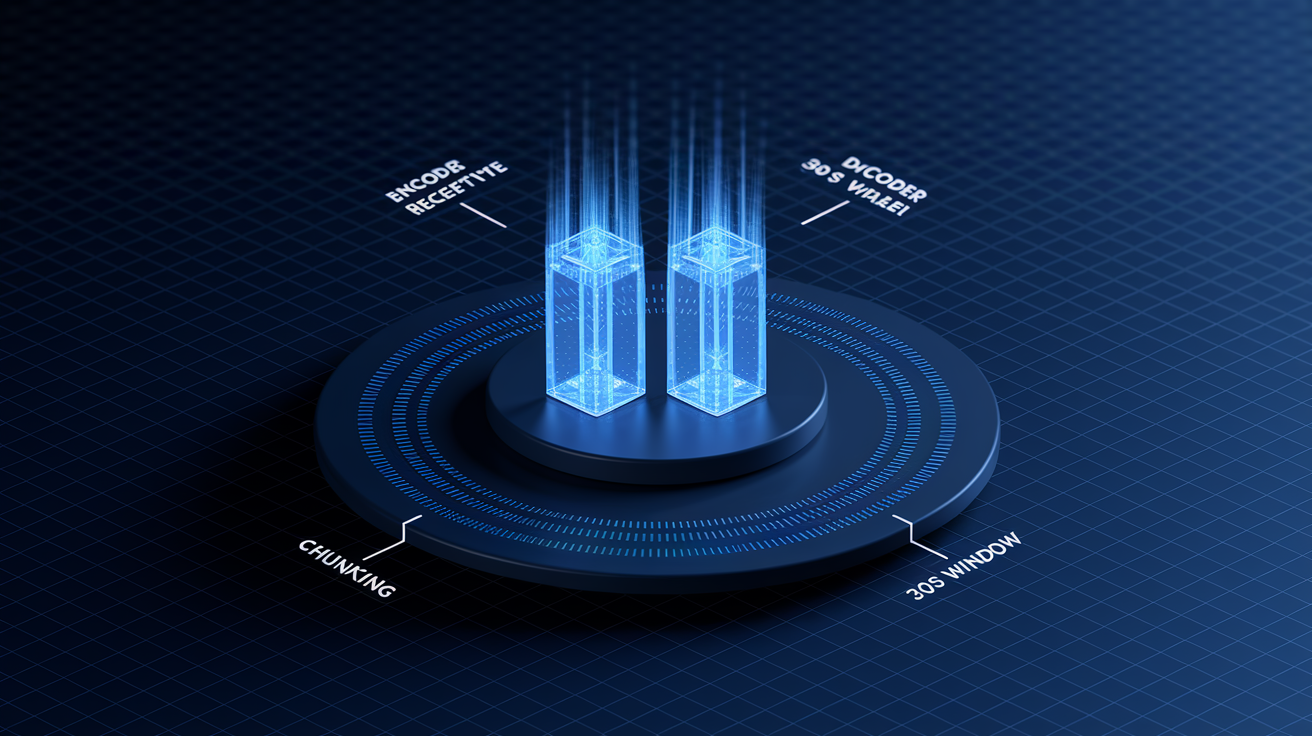
Whisper V3 runs on a transformer encoder-decoder architecture. The encoder takes spectral features from the audio waveform. The decoder generates transcriptions one token at a time, conditioned on both the encoded audio and previously generated text. It works with a 30-second receptive window, meaning it processes audio in chunks no longer than 30 seconds before it needs to segment or re-encode longer recordings. This balances context length with computational efficiency, keeping memory requirements manageable across model sizes.
Training data composition drives the model’s ability to generalize. The 5,000,000-hour dataset includes 1,000,000 hours of weakly supervised labels, where human annotators or automated tools identified speech presence and basic content, plus 4,000,000 hours of pseudo-labeled data generated by models trained on the smaller labeled subset. For audio longer than 30 seconds, Whisper V3 supports two chunking strategies. Sequential processing transcribes contiguous 30-second slices in order for maximum accuracy. Chunked mode splits audio into overlapping windows processed independently, then stitches them together for higher throughput. The chunklengths parameter controls the size of these overlapping segments, letting developers tune the trade-off between transcription speed and context preservation across segment boundaries.
| Architecture Component | Description |
|---|---|
| Encoder | Processes log-mel spectrogram features extracted from audio; captures temporal and spectral patterns over the 30-second receptive window |
| Decoder | Autoregressive transformer that generates text tokens conditioned on encoder output and prior tokens; supports multi-task outputs including transcription, translation, language ID, and timestamp prediction |
| Receptive Field | 30-second native window; audio longer than 30s requires segmentation via sequential slicing or overlapping chunked processing |
| Chunking Algorithm | Sequential mode processes contiguous segments for accuracy; chunked mode uses overlapping windows with configurable chunk_length_s for faster throughput and parallel processing |
Accuracy Benchmarks, WER Performance, and Language Coverage in Whisper V3

Whisper V3 shows substantially reduced word error rates (WER) and character error rates (CER) compared to earlier releases, particularly on multilingual benchmarks like Common Voice 15 and Fleurs. WER measures the percentage of words incorrectly transcribed, including substitutions, deletions, and insertions. CER tracks errors at the character level, often revealing finer-grained accuracy issues in languages with complex orthography. Lower scores mean better transcription quality. Though specific numeric WER values weren’t published in the initial release announcements, qualitative reports describe “much lower” error rates across the board. The Whisper Large-v3-Turbo variant achieves approximately 1% better WER than Distil-Whisper while processing audio 216× faster than real-time. For example, “The turbo model can transcribe a one-hour podcast in roughly 16 seconds on optimized infrastructure.”
Multilingual coverage improvements focus on both breadth and depth. Whisper V3 introduces a dedicated Cantonese language token, enabling more accurate transcription of Cantonese speech previously handled as a dialect variant of Mandarin. Performance gains extend across dozens of languages, with particularly strong improvements in previously underperforming mid-resource languages where the expanded 5,000,000-hour training corpus provided more representative examples. The model’s zero-shot capabilities mean it can transcribe languages and accents not explicitly included in labeled training data by generalizing from pseudo-labeled examples and related language families.
Accuracy challenges persist in low-resource languages and dialect-heavy speech. Languages with limited representation in the training dataset, often those spoken by smaller populations or lacking widely available digital audio corpora, continue to show higher WER and CER compared to well-resourced languages like English, Spanish, or Mandarin. Regional accents, non-standard pronunciations, and code-switching (mixing languages mid-conversation) can degrade transcription quality, as the model’s pattern recognition relies on statistical frequency in the training data. Developers working with underrepresented languages or specialized accents should expect to fine-tune Whisper V3 on domain-specific audio to get production-grade accuracy. Monitor WER on representative test sets before deployment.
Whisper V3 Implementation Guide: Installation, Setup, and Local Transcription
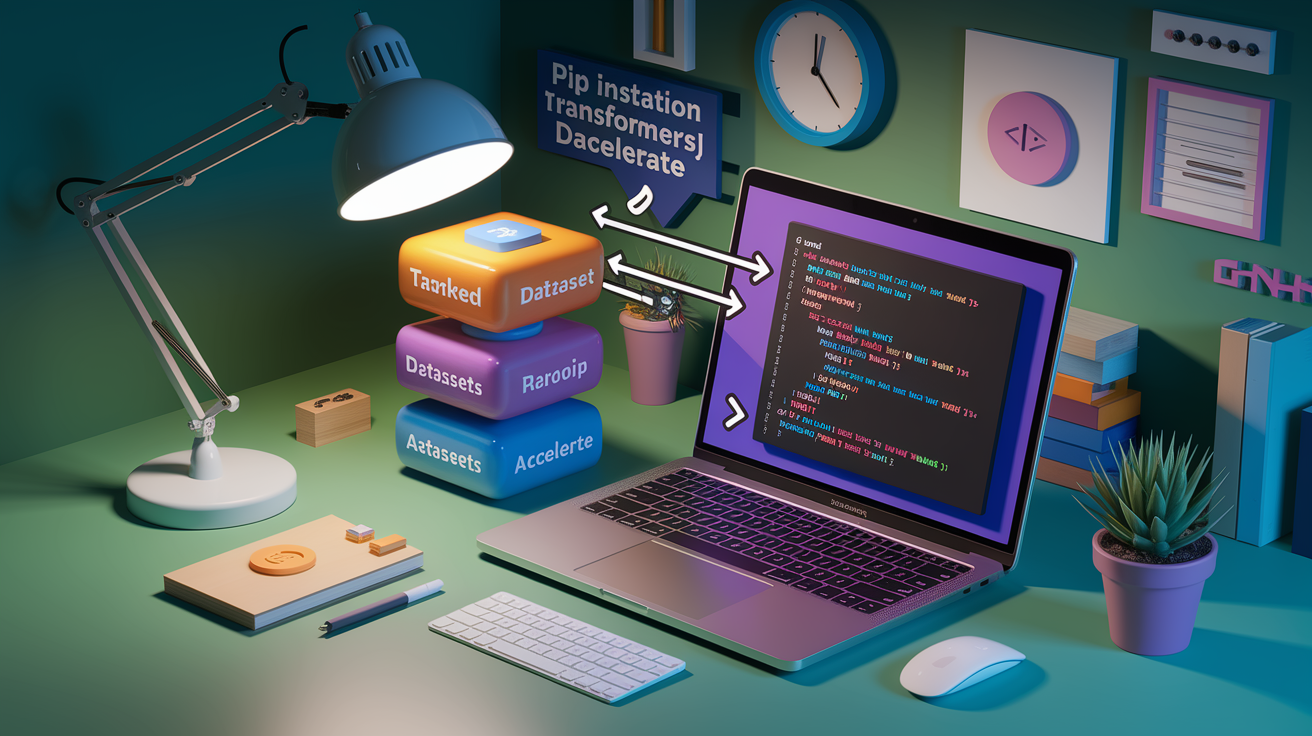
Setting up Whisper V3 requires installing three core Python libraries: Transformers (for model loading and inference), Datasets with audio support (for handling audio file formats and preprocessing), and Accelerate (for streamlined multi-GPU and mixed-precision execution). GPU execution is strongly recommended for acceptable performance. Using CUDA-enabled PyTorch with torch_dtype set to float16 or bfloat16 reduces memory footprint and increases throughput on compatible hardware. Whisper V3 accepts common audio formats including WAV, MP3, FLAC, and M4A, though resampling to 16 kHz mono is handled automatically by the pipeline. Make sure your environment has sufficient VRAM, ranging from approximately 1 GB for the Tiny variant to 10 GB for the Large model, and that audio files are accessible via local file paths or in-memory buffers.
Local transcription workflows center on the Hugging Face pipeline API, which abstracts model loading, audio preprocessing, and decoding into a single callable interface. Single-file transcription passes a file path directly to the pipeline. Multi-file batch transcription accepts a list of paths and processes them in parallel when batchsize is specified. For example, setting batchsize=8 allows the pipeline to transcribe eight audio files simultaneously, significantly reducing total processing time for large media libraries or batch jobs. The pipeline automatically handles chunking for audio longer than 30 seconds using the sequential algorithm by default, though developers can enable chunked mode for faster throughput on very long recordings.
To prepare your environment and run your first transcription:
- Install dependencies: Run
pip install transformers datasets accelerateto install required libraries with audio codec support - Verify GPU availability: Check CUDA is accessible via
torch.cuda.is_available()and select the appropriate device and dtype for your hardware - Load the model: Initialize the pipeline with
model="openai/whisper-large-v3"or the turbo variant, specifying device and torch_dtype - Prepare audio files: Make sure files are accessible via file paths; the pipeline will auto-resample to 16 kHz mono if needed
- Run transcription: Call the pipeline with a single path or list of paths; add
batch_sizefor parallel processing of multiple files - Export results: Extract the
"text"key from the returned dictionary; optionally parse"chunks"for sentence-level timestamps if requested
Example Pipeline Setup
The pipeline is instantiated by specifying the model identifier, device placement, and precision. On a CUDA-enabled system, use device="cuda" and torch_dtype=torch.float16 to enable mixed-precision inference. “Running Whisper Large V3 in float16 on an NVIDIA A100 can transcribe a 10-minute file in under 5 seconds.” For CPU-only environments, omit the dtype parameter and accept slower processing. The pipeline call accepts either a string path for single-file transcription or a list of paths for batch processing, returning a dictionary with the full transcription text and optional chunk-level metadata when timestamps are enabled.
Advanced Decoding, Timestamping, and Long-Form Transcription with Whisper V3
Advanced decoding controls let you fine-tune transcription quality and handle edge cases like uncertain audio segments and repetitive outputs. Temperature controls randomness during token generation. Lower temperatures (closer to 0) produce deterministic, conservative transcriptions. Higher values introduce variability that can help the model recover from ambiguous segments. Temperature fallback runs decoding at multiple temperature settings sequentially, for example, trying 0.0, then 0.2, then 0.4, and selects the result with the highest confidence. This mitigates transcription failures on difficult audio. The conditiononprevious_tokens parameter maintains context across long conversations by feeding previously transcribed text back into the decoder, improving coherence but occasionally causing the model to over-rely on prior context and repeat phrases. Beam search explores multiple decoding paths simultaneously, selecting the highest-probability sequence. While this reduces errors, it doesn’t fully eliminate hallucinations (the model generating text not present in the audio) or repetitive loops inherent to sequence-to-sequence architectures.
Decoding Controls and Quality Management
Developers can pass multiple decoding parameters via the generate_kwargs argument to balance quality and efficiency. For instance, generate_kwargs={"temperature": [0.0, 0.2, 0.4, 0.6], "compression_ratio_threshold": 2.4} enables multi-temperature fallback and filters out excessively repetitive outputs based on compression ratio, a measure of how much the transcription text compresses relative to the audio duration. Beam search is enabled by setting num_beams to a value greater than 1, though this increases computational cost. Repetition remains a known limitation. Mitigation strategies include temperature scheduling, limiting the maximum token count per segment, and post-processing to detect and remove duplicated phrases.
Timestamping Granularity
Whisper V3 supports both sentence-level and word-level timestamps, enabling precise alignment between transcribed text and audio playback. Sentence-level timestamps provide start and end times for each sentence or utterance, useful for generating chapter markers or segmenting long recordings. Word-level timestamps break down timing to individual words, critical for subtitle generation and synchronization tasks where frame-accurate alignment matters. “Word-level timestamps allow subtitle editors to adjust text position frame-by-frame, ensuring on-screen text matches spoken dialogue exactly.” Timestamps are requested by setting return_timestamps=True for sentence-level or return_timestamps="word" for word-level granularity. The pipeline returns timing metadata in the "chunks" field of the output dictionary.
Long-Form Chunking Strategies
For audio longer than the 30-second receptive field, Whisper V3 defaults to sequential processing. It transcribes contiguous 30-second slices in order, preserving full context within each segment but processing one chunk at a time. This approach maximizes accuracy by avoiding overlap artifacts but limits throughput on very long files. Chunked mode, enabled by setting chunklengths to a value like 15 or 20 seconds, splits the audio into overlapping windows, transcribes each independently, and stitches results together by aligning timestamps and merging text. Overlapping windows help maintain context across boundaries, reducing the risk of mid-sentence cuts. Chunked mode significantly increases throughput, especially when combined with batching, but may introduce minor stitching errors where overlapping segments produce slightly different transcriptions of the same words. Developers should benchmark both strategies on representative audio to choose the best fit for their latency and accuracy requirements.
Whisper V3 Performance Optimization: Latency, Throughput, and Hardware Requirements
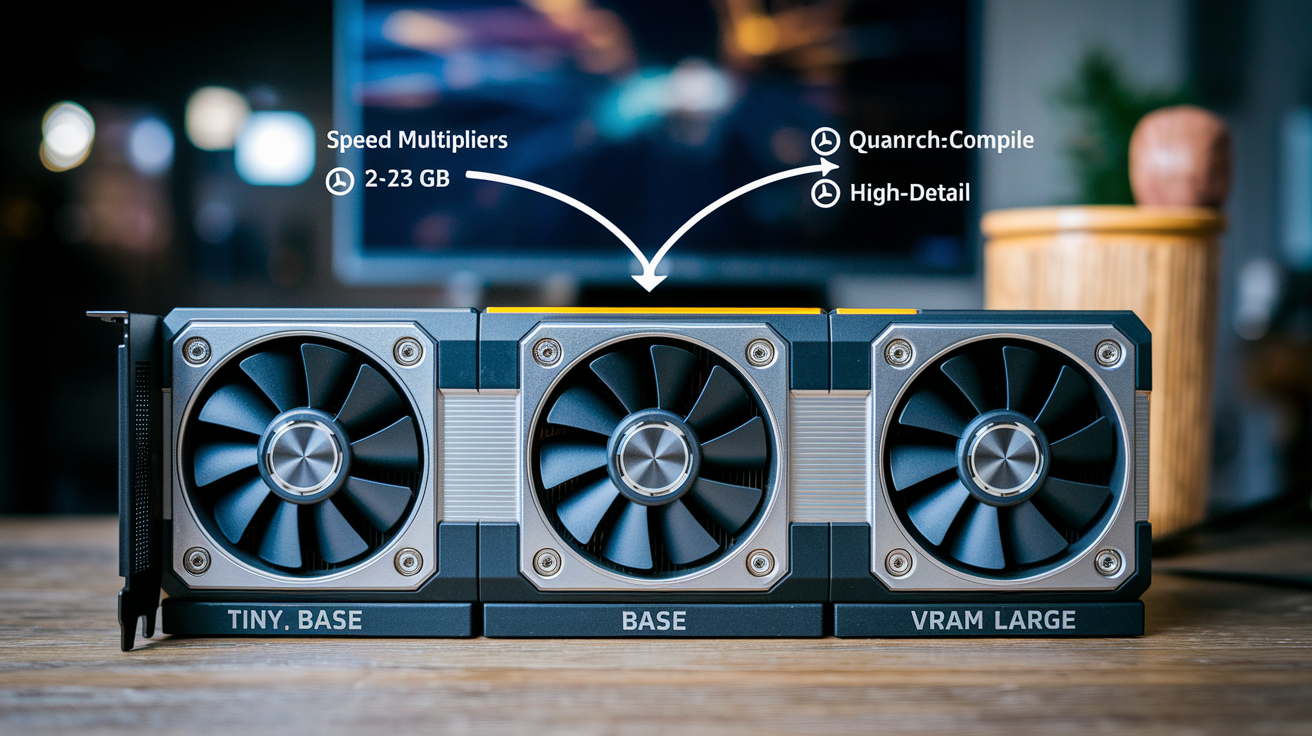
Whisper V3’s hardware requirements scale with model size, directly impacting deployment decisions. The Tiny variant requires approximately 1 GB of VRAM, making it suitable for edge devices and mobile applications with limited GPU memory. The Base model, running roughly 16× faster than earlier Whisper releases, fits comfortably in 2 to 3 GB VRAM and balances speed with moderate accuracy for general-purpose transcription. The Large model demands around 10 GB VRAM but delivers the highest accuracy across languages and challenging audio conditions. Whisper Large-v3-Turbo, built for low-latency scenarios, achieves 216× real-time transcription speed on high-performance infrastructure, processing a one-hour audio file in approximately 16 seconds, while maintaining near-identical WER to the full Large model by reducing decoding layers from 32 to 4.
Precision settings and GPU compilation techniques unlock substantial performance gains without sacrificing transcription quality. Running inference in float16 or bfloat16 instead of float32 cuts memory usage in half and increases throughput on modern GPUs with Tensor Cores. Quantization to int8 precision further reduces memory footprint and can enable on-device deployment on hardware with limited floating-point performance, though it may degrade WER slightly on difficult audio. Enabling torch.compile on PyTorch 2.0+ allows the framework to optimize the model’s computation graph for the target GPU architecture, yielding 20 to 40% speed improvements in many cases. Batching multiple files or audio segments together amortizes fixed overhead costs and maximizes GPU utilization, especially when transcribing large media libraries or processing real-time streams where multiple concurrent sessions share the same hardware.
Optimization techniques to maximize Whisper V3 performance:
- Batching: process multiple audio files or segments simultaneously using batch_size to saturate GPU compute and reduce per-file latency
- Precision (dtype): use torch.float16 or torch.bfloat16 on GPUs with Tensor Core support; consider int8 quantization for edge deployment with acceptable accuracy trade-offs
- CUDA execution: always run on GPU when possible; CPU inference is 10 to 50× slower depending on model size and processor
- Layer reduction: deploy Whisper Large-v3-Turbo for real-time use cases where the 4-layer decoder’s speed advantage outweighs the minor accuracy difference
Deployment Patterns: On-Device, Cloud, Web, and Containerized Whisper V3 Workflows
Whisper V3’s MIT open-source license enables commercial deployment across mobile, edge, cloud, hybrid, and browser environments without licensing fees, provided copyright and permission notices are preserved. On-device deployment paths include CoreML for iOS applications, TensorFlow Lite or ONNX Runtime for Android, and WebAssembly for browser-based transcription where audio never leaves the client. Mobile and edge deployments typically use the Tiny or Base variants to fit within device memory constraints, accepting slightly higher WER in exchange for privacy (no audio uploaded to cloud services) and zero-latency network independence. WebAssembly deployments run the model entirely in JavaScript-compatible runtimes, enabling real-time transcription in web apps without backend infrastructure, though performance is limited by browser sandboxing and CPU-only execution.
Cloud and containerized deployments offer scalability and hardware flexibility by packaging Whisper V3 in Docker containers orchestrated via Kubernetes or serverless platforms. Exporting the model to ONNX format allows inference on ONNX Runtime, which supports cross-platform deployment and hardware-specific optimizations like TensorRT acceleration on NVIDIA GPUs. TensorRT can further reduce latency by fusing operations and optimizing memory layout for the target GPU architecture. Private dedicated instances for Whisper Large V3 models are commercially available, allowing enterprises to run transcription workloads on isolated infrastructure with guaranteed throughput and data residency controls. Containerized deployments also simplify versioning and rollback, enabling A/B testing of model variants or fine-tuned versions across production traffic.
Three common deployment scenarios:
- Mobile: CoreML (iOS) or TensorFlow Lite (Android) for on-device transcription; prioritize Tiny or Base models to fit within typical device VRAM (1 to 2 GB); eliminates network dependency and keeps sensitive audio local
- Browser: WebAssembly runtime for client-side transcription in web applications; suitable for privacy-sensitive use cases and offline-capable progressive web apps; CPU-bound performance limits real-time usage to short clips
- Cloud: Docker plus Kubernetes orchestration with ONNX or TensorRT optimization; scale horizontally across GPU nodes; supports Large model variants for maximum accuracy and batch processing of media libraries
Real-World Use Cases Powered by Whisper V3
Whisper V3 and Whisper Large-v3-Turbo enable a wide range of production applications where speed, accuracy, and multilingual support are critical. Customer-service chatbots use the turbo variant’s 216× real-time speed to transcribe caller speech with sub-second latency, feeding text into dialogue management systems that route inquiries or trigger automated responses. Media transcription workflows, handling interviews, lectures, podcasts, and recorded TV programming, rely on the Large model’s superior accuracy to minimize manual correction, with sentence-level timestamps enabling automatic chapter generation and search indexing. Automated subtitle and caption generation leverages word-level timestamps to synchronize text with video frames, improving accessibility for deaf and hard-of-hearing audiences and meeting regulatory compliance requirements in broadcast and streaming.
Meeting transcription and summarization pipelines combine Whisper V3 with large language models (LLMs) to capture spoken content and distill it into action items, summaries, and searchable notes. This workflow was demonstrated at OpenAI’s DevDay event, where Whisper V3 transcribed live speech, a language model processed the text to extract key points, and a Text-to-Speech API converted the summary back into audio for playback. Interactive voice assistants for home automation, automotive infotainment, and mobile devices use Whisper’s multilingual capabilities to accept commands in dozens of languages without requiring separate models per locale, reducing deployment complexity and storage overhead.
Common applications in production environments:
- Captioning workflows: generate accurate, timestamped subtitles for video content; export WebVTT or SRT files for streaming platforms and compliance with accessibility standards
- Meeting transcription: capture spoken dialogue in real-time or from recordings; integrate with LLMs to produce summaries, action items, and speaker-diarized notes
- Podcast and media transcription: batch-process audio libraries with minimal manual editing; enable full-text search and AI-driven content recommendations
- Speech analytics: transcribe customer calls for sentiment analysis, keyword spotting, and compliance monitoring in finance, healthcare, and call-center operations
- Interactive assistants: power voice-controlled interfaces that accept multilingual speech, route commands to backend services, and respond via synthesized speech in end-to-end voice-to-voice workflows
Final Words
You saw the big changes: a ~5M-hour training set, measurable WER/CER drops, a Cantonese token, and a Turbo variant that cuts decoding layers to hit 216× real-time with only a small accuracy tradeoff.
We also walked through the transformer architecture, chunking and timestamping choices, install and pipeline tips, plus hardware and quantization tweaks for low-latency transcription.
Try it on a representative sample of your audio — whisper v3 speech recognition delivers faster, more accurate, and broader multilingual transcripts ready for captioning, meetings, and assistants.
FAQ
Q: What are the core improvements in Whisper v3 compared to earlier versions?
A: The core improvements in Whisper v3 include a much larger training dataset (~5 million hours), notably lower error rates on benchmarks, better multilingual recognition, and optimized variants for speed and latency.
Q: How large is Whisper v3’s training dataset and why it matters?
A: Whisper v3’s training dataset is about 5,000,000 hours; this scale improves robustness, reduces word error rate across benchmarks, and helps the model generalize to diverse speakers and audio conditions.
Q: How much faster is Whisper Large-v3-Turbo and what’s the tradeoff?
A: Whisper Large-v3-Turbo runs up to 216× real-time on specialized hardware by pruning decoding layers (32→4), trading only a small accuracy drop—about a ~1% WER difference versus smaller distilled models.
Q: What accuracy gains does Whisper v3 show on benchmarks?
A: Whisper v3 shows substantially reduced WER and CER on Common Voice 15 and Fleurs versus earlier Whisper releases, reflecting measurable accuracy improvements across standard public benchmarks.
Q: Which new languages or tokens does Whisper v3 add?
A: Whisper v3 adds a Cantonese language token and broader multilingual coverage, improving recognition accuracy and stability for more languages compared with past versions.
Q: Where does Whisper v3 still struggle with accuracy?
A: Whisper v3 still struggles mainly with low-resource languages, heavy dialects, and strong accents, where training data remains limited and error rates remain higher than on well-represented languages.
Q: How does Whisper v3’s transformer architecture handle audio input?
A: Whisper v3’s transformer encoder-decoder uses a native 30-second receptive window; audio is tokenized and decoded into text, with chunking used to manage longer recordings without losing context.
Q: What is the training data composition for Whisper v3?
A: Whisper v3’s training mix includes about 1,000,000 hours of weakly labeled audio and ~4,000,000 hours of pseudo-labeled audio, combining diverse sources to boost scale and coverage.
Q: How should I chunk long-form audio for best results?
A: For long-form audio, chunk sequential 30-second slices for best accuracy or use overlapping chunked windows for higher throughput; control behavior with chunklengths and stitching logic.
Q: What timestamping options does Whisper v3 support?
A: Whisper v3 supports both sentence-level and word-level timestamps, letting you choose coarser or fine-grained timing depending on downstream needs like captions or keyword spotting.
Q: What libraries and environment do I need to run Whisper v3 locally?
A: Running Whisper v3 locally requires Transformers, Datasets, Accelerate, and PyTorch; GPU is recommended with appropriate torch_dtype for performance and lower latency.
Q: What are the basic steps to set up a local transcription pipeline?
A: The basic setup steps are: prepare environment, install libraries, load model, preprocess audio, run transcription, and export results—tuning batch_size and device settings for throughput.
Q: What hardware and memory requirements should I expect for different sizes?
A: Whisper model VRAM varies: Tiny can fit under ~1 GB, Base scales up, and Large may need around ~10 GB; hardware choice affects latency, throughput, and practical deployment options.
Q: What optimization techniques improve Whisper v3 performance?
A: Performance improves with batching, using FP16 or int8 quantization, CUDA/GPU acceleration, and compilation tools like torch.compile; the turbo variant reduces layers for lower latency.
Q: What deployment options exist for Whisper v3?
A: Whisper v3 supports on-device (CoreML, WebAssembly), browser, and cloud/container deployments (Docker, ONNX, TensorRT), enabling edge, mobile, and scalable server use-cases.
Q: What are common real-world use cases for Whisper v3?
A: Whisper v3 is commonly used for captions and accessibility, podcast and media transcription, meeting notes and summaries, customer-service analytics, and interactive voice assistants.

