

Is OpenAI quietly rewriting how developers add vision to apps?
Between October 2024 and early 2025, the ChatGPT Vision API got major updates: vision fine-tuning for GPT-4o, automatic prompt caching, a Realtime multimodal API, expanded reasoning windows, higher file limits, and new model-fallback rules.
This post breaks down what changed, who’s affected, why it matters for cost, latency, and automation, and the first steps you should take: fine-tune if you need custom vision, test caching and Realtime flows, and verify fallback behavior in your integrations.
Core Changes in Recent ChatGPT Vision API Updates
OpenAI pushed out a bunch of vision-related API changes between October 2024 and early 2025. Models got updated, endpoints changed, caching behavior shifted, and real-time processing landed. The biggest thing developers need to know about is vision fine-tuning. You can now train GPT-4o on custom visual tasks using anywhere from 100 to 50,000 images.
Prompt caching went live automatically on October 1, 2024, for GPT-4o, GPT-4o mini, o1-preview, and o1-mini. It cuts both cost and latency when you’re sending repeated contexts that include images. The Realtime API hit public beta the same day, letting you do full audio-to-model-to-audio flows in one request. It supports vision inputs in multimodal assistant scenarios too.
Reasoning models got some serious multimodal upgrades. GPT-4o, o3, and the GPT-5.x Thinking series can handle up to 256,000 total tokens now (128k input + 128k output). That makes it actually practical to process long documents alongside images, spreadsheets, or code. These models integrate agentic tool use, web search, Python execution, file analysis, so vision tasks can trigger follow-up actions without you needing to orchestrate separate API calls.
File-handling limits jumped from 10 to 20 attachments per message. Any pasted content over 5,000 characters gets automatically converted into an attachment, which makes workflows mixing text and visual data way smoother.
Model routing and fallback logic changed too. When rate limits hit, requests automatically fall back to smaller models (GPT-5.4 mini or GPT-5.3 Instant Mini) that aren’t surfaced in the model picker but stay active for continuity. Image editing and prompt modification work on web and Android now, and all generated or uploaded images are saved to a “My Images” library at chatgpt.com/images for reuse across sessions.
What developers need to track today:
- Vision fine-tuning supports 100–50,000 image datasets for custom GPT-4o training.
- Realtime API (public beta Oct 1, 2024) handles audio + vision in one request with 11 available voices.
- Prompt caching auto-enabled Oct 1, 2024, caches ≥1,024 tokens and extends in 128-token increments.
- File limits increased to 20 attachments per message, >5,000-character pastes become attachments.
- Reasoning models (o3, GPT-4o, GPT-5.4 Thinking) support 256k token windows and agentic tool use with images.
- Fallback routing to mini models (GPT-5.4 mini, GPT-5.3 Instant Mini) occurs automatically under rate pressure.
Vision API Fine‑Tuning Capabilities and Dataset Requirements

Vision fine-tuning is production-ready for GPT-4o now. You can use image datasets as small as 100 images or as large as 50,000. The workflow is pretty straightforward. Format your dataset to match OpenAI’s specification, upload it through the platform, and kick off a fine-tuning job. This wasn’t available before—GPT-4o fine-tuning only supported text—so any application requiring custom visual classification, object detection, or layout understanding can now train a domain-specific model instead of relying on few-shot prompting or external vision APIs.
There’s a documented use case where someone trained GPT-4o on screenshots to identify UI elements by natural-language description. The customer used labeled images of application interfaces to teach the model to locate buttons, input fields, and menus without XPath selectors or pixel coordinates. The resulting fine-tuned model powered robotic process automation scripts that adapted to UI changes automatically, replacing brittle coordinate-based automation with description-driven interaction.
The platform doesn’t publish strict schema examples or validation rules beyond “match required format.” No sample upload API calls appear in the official changelog either. You’ll need to reference the fine-tuning documentation for JSON structure, image encoding (probably base64 or URL references), and label format. No pricing details, latency benchmarks, or hardware recommendations for large jobs (like 50,000 images) are public yet, so budget and timeline estimates will require direct testing or support contact.
Multimodal Reasoning Model Enhancements in the Vision API
GPT-4o, o3, and GPT-5.4 Thinking models got expanded context windows—256,000 total tokens (128k input + 128k output). That’s up from the previous 196k combined limit. For vision workloads, this means a single request can include dozens of high-resolution images, multi-page PDFs, or a combination of screenshots, spreadsheets, and code without hitting token ceilings that previously forced chunking or summarization.
These models also integrate agentic tool use directly into the reasoning loop. When processing an image, the model can autonomously invoke Python for data extraction, trigger web search for up-to-date context, or analyze attached files to cross-reference visual and textual information. This eliminates the need for separate orchestration logic in your application. One API call can handle image upload, analysis, web lookup, and structured output generation in sequence.
Newer reasoning models are trained to “think” about visual inputs before responding. They produce intermediate reasoning steps that improve accuracy on tasks like diagram interpretation, chart analysis, or spatial reasoning. The expanded token budget and built-in tool access make these models practical for workflows that previously required custom pipelines. Financial report parsing (tables + charts), scientific paper analysis (figures + references), or UI testing (screenshots + interaction logs) all become simpler.
Realtime Vision Processing and New API Interaction Patterns

The Realtime API reached public beta on October 1, 2024. It enables full voice-assistant flows—audio input → transcription → model processing → audio response—in a single API request. Six voices shipped at launch, with five additional voices added October 30, 2024, bringing the total to eleven. While the primary use case is voice interaction, the Realtime API supports multimodal inputs, so applications can combine audio questions with image uploads for scenarios like voice-guided troubleshooting (“What’s wrong with this wiring diagram?”) or live assistance (“Describe what you see in this photo”).
This architecture reduces integration complexity significantly. Previously, building a voice assistant with vision required separate calls to a transcription API, the chat completions endpoint (with image attachment), and a text-to-speech service. The Realtime API collapses that stack into one WebSocket or HTTP request, handling audio encoding, model inference, and response synthesis server-side. Latency drops because intermediate network hops disappear. Error handling simplifies since there’s only one request to monitor.
Four practical scenarios where realtime multimodal support changes app development:
- Customer support bots that accept spoken questions and uploaded photos of damaged products, returning spoken troubleshooting steps.
- Accessibility tools that describe live camera feeds or uploaded images in real time for visually impaired users.
- Field service applications where technicians verbally describe equipment issues while uploading photos, receiving diagnostic guidance via voice.
- Educational assistants that walk students through diagram interpretation or visual problem-solving with spoken explanations and follow-up questions.
Prompt Caching and Performance Changes Affecting Vision Workloads
Prompt caching rolled out automatically on October 1, 2024, for GPT-4o, GPT-4o mini, o1-preview, and o1-mini. The caching mechanism saves already-processed input tokens to avoid recalculating them on subsequent requests. Caching starts at 1,024 tokens and extends in 128-token increments as prompts grow. A 3,000-token prompt with a repeated image or system instruction will cache the first 2,944 tokens (1,024 + 15 × 128) and only reprocess the new content.
For vision workloads, this is a cost and latency win when the same image or set of images appears across multiple requests. That’s common in batch processing, iterative refinement, or multi-turn analysis. A workflow that uploads a diagram once and then asks five follow-up questions will only tokenize and encode the image on the first call. Subsequent calls reuse the cached representation, cutting both API cost (fewer input tokens billed) and response time (skipping the vision encoder step). The cache persists across requests within a short time window, though OpenAI hasn’t published explicit TTL or eviction policies.
Long-context visual prompts benefit most. Think a 20-page PDF with embedded charts or a sequence of screenshots. Without caching, each request re-encodes every page. With caching, only new pages or modified instructions consume fresh tokens, making iterative document review or multi-step visual QA far cheaper and faster.
Integration Requirements and REST API Considerations for Vision Calls
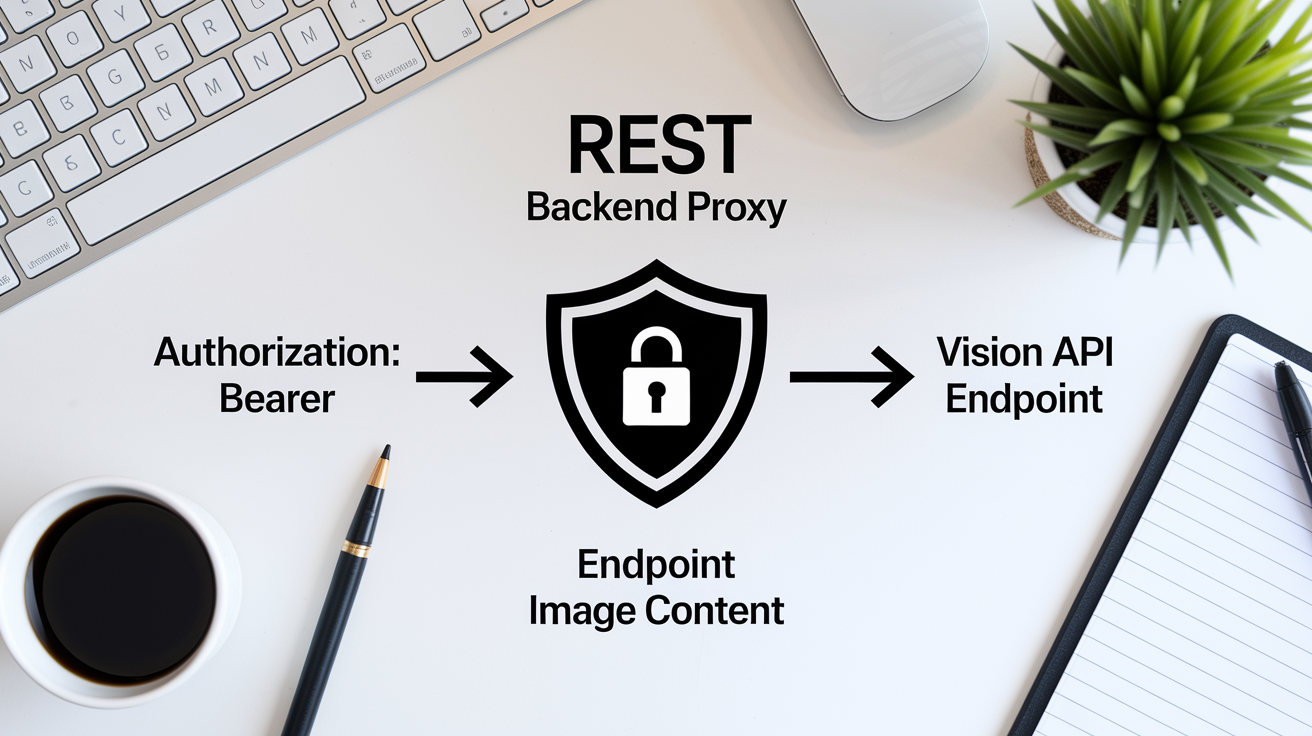
A forum discussion documented the basic integration pattern for calling the Vision API from low-code platforms and confirms the standard REST approach. You POST to https://api.openai.com/v1/chat/completions, set the model field to gpt-4-vision-preview (or the current vision-capable model identifier), and structure the messages array to include image content. The request requires an Authorization: Bearer $OPENAI_API_KEY header. You can optionally include max_tokens to cap output length and control costs.
Security guidance from the same thread emphasizes keeping the API key server-side. If you call the OpenAI endpoint directly from client-side code, whether in a browser, mobile app, or low-code action, the key will be visible in network traffic or bundled code. The recommended pattern is to proxy requests through your backend. The client sends image data and prompt text to your server, your server adds the API key and forwards the request to OpenAI, then returns the response. One developer reported that JSON variable interpolation failed when embedding dynamic values in low-code platform actions, requiring server-side request assembly to handle variables cleanly.
| Field | Required? | Description |
|---|---|---|
| endpoint | Yes | https://api.openai.com/v1/chat/completions |
| model | Yes | gpt-4-vision-preview or current vision model name |
| messages | Yes | Array of message objects; include image URLs or base64 data in content |
| Authorization header | Yes | Bearer token with your OpenAI API key |
| Security proxy | Recommended | Route requests through backend to hide API key from client code |
No official sample code snippets or request/response schemas appeared in the source changelogs, so you’ll need to reference the Chat Completions API documentation for exact message formatting, image encoding options (URL vs. base64), and additional parameters like temperature or top_p.
File, Image, and Library Updates Impacting Vision API Workflows

The file attachment limit increased from 10 to 20 files per message. That doubles the number of images, PDFs, or spreadsheets you can include in a single Vision API request. This change simplifies workflows that analyze multi-document sets, like comparing invoices, reviewing design mockups, or processing batches of screenshots, without requiring multiple API calls or manual chunking.
Any pasted content exceeding 5,000 characters is now automatically converted into an attachment. That affects how long text + image prompts are handled. If you paste a detailed system instruction or reference document alongside images, the platform treats the text as a file, keeping the message structure clean and ensuring token counting remains accurate. On web and Android, you can now edit messages that include image attachments. You can refine a prompt or swap an image without restarting the conversation or duplicating the request.
What’s changed for vision workflows:
- 20-file limit per message enables batch image analysis without splitting requests.
- My Images library at chatgpt.com/images stores all generated and uploaded images for reuse across sessions.
- Message editing with images supported on web and Android, letting you refine prompts without losing attached visuals.
- Auto-attachment conversion for >5,000-character pastes keeps messages structured and tokens predictable.
- Library feature (web-only initially) saves uploaded and created files, making it easier to reference images in follow-up multimodal tasks.
Model Routing, Deprecations, and Vision API Migration Notes
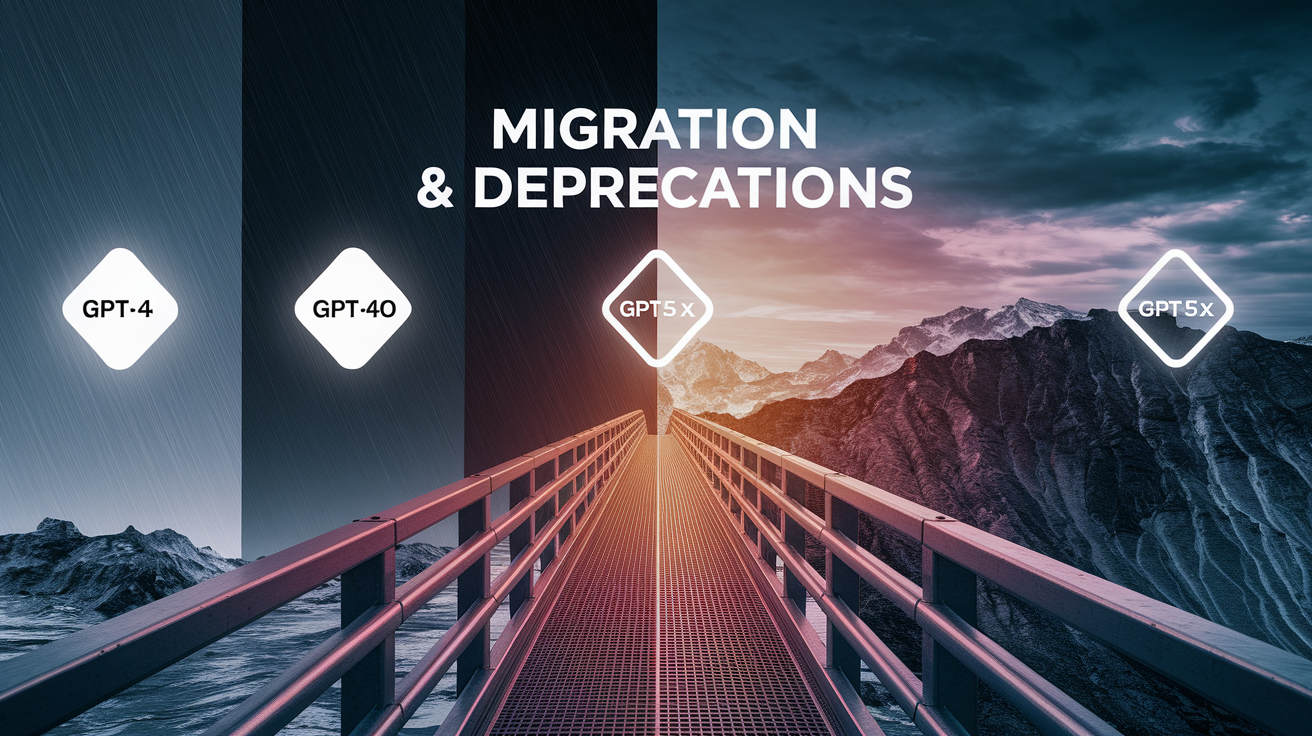
Several models supporting vision features are scheduled for retirement between 2025 and 2026. Developers need to plan migrations. GPT-4 will be removed from ChatGPT on April 30, 2025, though it remains available in the API. GPT-4o and other legacy models retire on February 13, 2026. GPT-5.1 models will be retired from ChatGPT on March 11, 2026, with existing chats automatically switching to GPT-5.3 or GPT-5.4 equivalents. The legacy deep research mode is scheduled for removal on March 26, 2026.
For production vision workloads, the safe long-term choices are GPT-4o, o3, and the GPT-5.x Thinking series (GPT-5.3, GPT-5.4). These models support the expanded 256k token window, vision fine-tuning, prompt caching, and agentic tool use. If you’re currently relying on gpt-4-vision-preview or older GPT-4o snapshots, you should test migration to the latest GPT-4o or GPT-5.4 Thinking models before the February 2026 cutoff to avoid unexpected inference changes or service interruptions.
Model fallback behavior also affects consistency. When rate limits are hit, requests automatically route to smaller models, GPT-5.4 mini or GPT-5.3 Instant Mini, that aren’t shown in the model picker. These fallback models aren’t listed in API documentation and may have different vision capabilities, token limits, or output quality compared to the primary model. For applications where visual inference must remain consistent (compliance, diagnostics, content moderation), you should monitor rate-limit events and either increase quota or implement client-side request queuing to avoid fallback routing during peak load.
Final Words
You now have a concise summary of recent ChatGPT Vision API updates: model and endpoint changes, fine-tuning support, Realtime API beta, prompt caching, and expanded file handling.
These updates affect developers and product teams: expect faster repeated inference, larger multimodal contexts, new fine-tuning ranges (100 to 50,000 images), and realtime audio and vision pipelines. Keep an eye on model deprecations and routing behavior.
Next steps: update integrations, test prompt caching, try a small fine-tune, and validate fallback behavior. Track chatgpt vision api updates closely; the tools are more capable and ready to use.
FAQ
Q: Is GPT-5.5 out?
A: GPT-5.5 is not publicly released or announced in recent OpenAI changelogs; no official release date has been published. Monitor OpenAI’s release notes or blog for confirmation.
Q: Does GPT-4 have vision?
A: GPT-4 includes vision-capable variants such as gpt-4-vision-preview and GPT-4o, letting apps send images for analysis, captioning, and reasoning. Use the vision-enabled model endpoints for multimodal inputs.
Q: Is GPT-4.5 discontinued?
A: GPT-4.5 has not been explicitly listed as discontinued in recent notices; OpenAI did retire GPT-4 and several legacy models, so check official deprecation pages or changelogs for current status.
Q: Is GPT-5.4 out yet?
A: GPT-5.4 is available — referenced as GPT-5.4 Thinking in recent updates — and included among improved reasoning models with enhanced visual and multimodal capabilities.

