
Annoyed by constant app updates? You’re not alone—and it’s actually intentional.
Most updates are driven by two big forces: urgent security fixes that must ship fast, and small feature or UX tweaks that keep apps competitive.
Add in store compliance rules, OS changes, and automated release pipelines, and apps start behaving like living products that need regular attention.
This post explains why security and features push frequent updates, who feels the impact, and the quick steps you can take when an update appears.
Core Reasons Apps Update So Frequently

The app market in 2024 hosts more than 1.8 million apps in Apple’s App Store and over 3.9 million on Google Play. That’s a lot of competition. Standing still isn’t an option when rivals ship fixes and features every week. Mobile ecosystems treat apps as living products now, not finished artifacts, so frequent updates became unavoidable for any publisher trying to stay relevant.
Security patches and vulnerability fixes sit at the top of every development team’s priority list. A newly discovered flaw can expose user data or crash devices, forcing immediate action no matter what was planned. Store policies on Google Play and the App Store also demand apps stay compliant with evolving privacy rules and data handling requirements. If an app falls behind on these standards, it risks removal or reduced visibility, so compliance updates arrive as soon as new rules take effect.
Five core reasons explain most update activity:
Security patches to close vulnerabilities and meet privacy compliance deadlines.
Bug fixes and stability improvements that reduce crashes and UI errors.
New features and UX enhancements that keep the app competitive and engaging.
OS and device compatibility updates to support the latest iOS and Android releases.
Performance optimizations that improve speed, battery life, or network efficiency.
Each major iOS and Android release introduces new APIs, deprecates older ones, and changes system behaviors. Apps that don’t adapt quickly risk incompatibility issues, poor reviews, or crashes on updated devices. Apple and Google typically give developers advance notice, but the window to test and ship compatible builds is tight. Many teams release updates within days of a new OS going public, even if no other changes were planned.
Store visibility and user retention add a secondary but real incentive for frequent updates. Apps that appear regularly in the “Recently Updated” section get an organic visibility boost. They signal to users that the publisher’s actively maintaining the product. Frequent, well communicated updates also reduce uninstall rates because users perceive an active app as more trustworthy and less likely to be abandoned or neglected.
Security and Stability Motivations Behind Frequent App Updates

Even a small security vulnerability can expose millions of users to data theft, account takeovers, or malware injection. When a new exploit surfaces, developers treat it as a code red event and bypass normal release schedules to push a hotfix. Regulatory frameworks and store policies often require disclosure and remediation on short timelines, so delaying a patch isn’t an option. That’s why you might see an update land mid week outside the typical monthly cycle.
Crash analytics and stability monitoring run continuously in the background of nearly every modern app. If crash rates spike above a threshold, say 0.5 percent of sessions, teams investigate logs, reproduce the issue, and push a bug fix update within days. Weekly or fortnightly bug fix releases are common because most non critical crashes accumulate gradually rather than appearing all at once. Addressing them in small, focused patches keeps the app stable without overwhelming QA or risking a large, untested release.
Zero day vulnerabilities (a security bug attackers use before there’s a fix) demand the fastest possible response. When a framework or library your app depends on discloses a zero day, every hour of delay increases exposure. Developers drop planned feature work, write a patch, run targeted regression tests, and submit to the store the same day if possible. App Store review times average 24 to 48 hours and Google Play roughly 24 hours, so the entire cycle from discovery to user devices can complete in under three days when urgency is high.
Feature Rollouts and UX Enhancements as Drivers of Frequent Updates
Agile and sprint based development cycles treat each two week sprint as a potential release candidate. Teams plan features in small increments, complete coding and QA within the sprint, then submit to the store at the end. That cadence naturally produces updates every few weeks, especially when multiple squads work in parallel and each delivers a slice of new functionality. The alternative, batching months of work into one large release, creates higher risk of regressions and longer rollback delays if something breaks.
Continuous UX tuning means design improvements arrive incrementally rather than waiting for a major redesign. A button color change, repositioned tab bar, or streamlined onboarding flow can each ship as standalone updates. These small tweaks let teams A/B test ideas on a subset of users, measure engagement metrics, and refine the change before rolling it out fully. Frequent iteration reduces the chance that a single bad design decision alienates the entire user base at once.
Large redesigns carry substantial risk because they touch many screens and workflows simultaneously. Breaking them into smaller updates, first the navigation structure, then icon styles, then color schemes, allows teams to validate each piece and gather feedback before moving to the next. If users dislike the new icon set, reverting or adjusting is simple. If the entire interface had changed overnight, backlash and confusion would be far greater and harder to address.
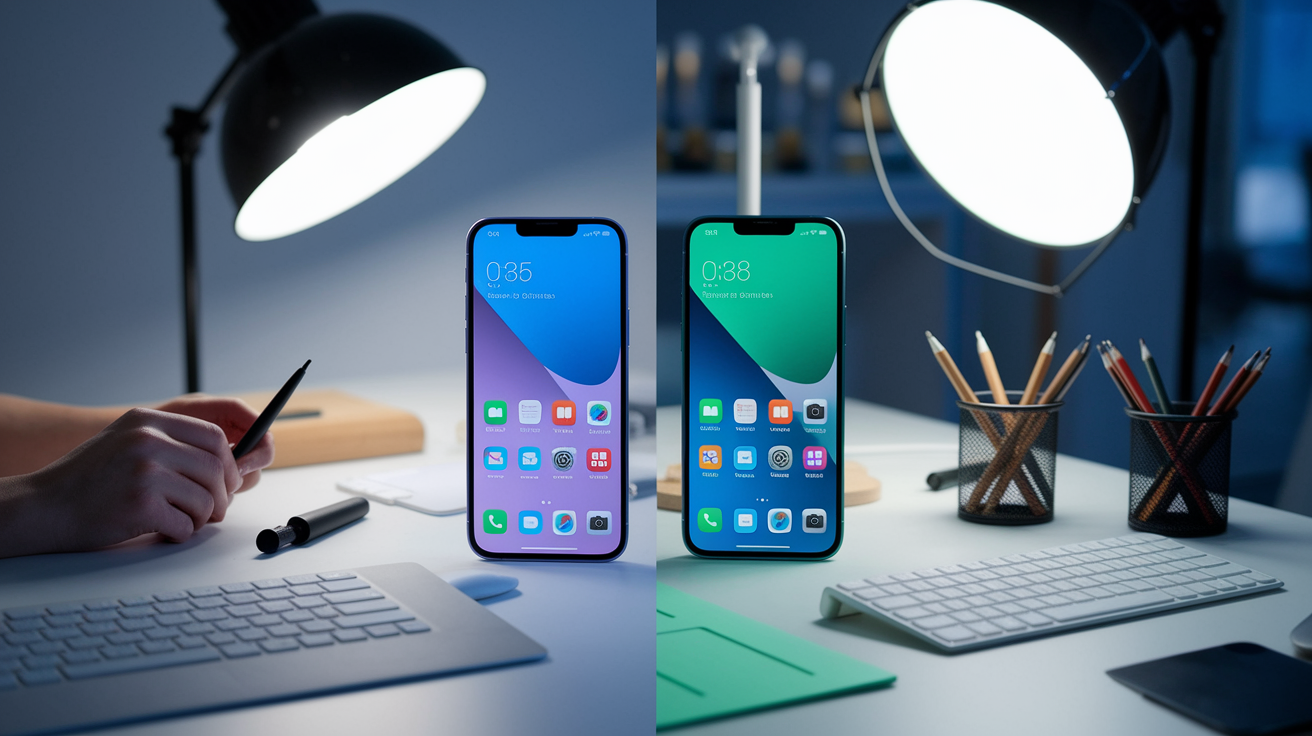
A/B testing and experimentation platforms drive rapid iteration by letting developers deploy multiple variants of a feature to different user cohorts. One group sees a “Buy Now” button in blue, another in green, and analytics decide the winner within days. Shipping the winning variant as a follow up update happens quickly because the code already exists and passed QA during the test. This cycle of test, learn, ship repeats continuously, resulting in updates that may appear minor but cumulatively improve conversion and engagement.
How User Feedback Directly Shapes Update Cycles
App reviews, in app surveys, and support tickets flow into prioritization meetings every sprint. When dozens of users report the same crash or request a missing feature, that signal moves the item to the top of the backlog. Developers often push a fix or small feature within one or two sprints of seeing concentrated feedback, which translates to updates arriving every few weeks in response to real user pain points. Ignoring feedback leads to poor ratings and churn, so responsiveness becomes a competitive advantage that justifies frequent release activity.
OS Changes, Device Fragmentation, and App Store Policies Affecting Update Frequency
Android’s device fragmentation means apps must support a wide range of OS versions, screen sizes, and hardware capabilities. When Google or a major manufacturer releases a new Android version, apps often need updates to handle new permissions models, display cutouts, or gesture navigation changes. iOS fragmentation is narrower but still real. Apps targeting the latest iOS APIs must update within weeks of a public release to avoid compatibility warnings or degraded performance on new iPhones.
Store policies impose hard deadlines that override developer preferences. Since August 2023, Google Play requires new apps and updates to target Android 13 (API level 33) or higher. Wear OS apps must target between Android 11 (API level 30) and Android 13 (API level 33). Missing these cutoffs means the store rejects your submission, forcing an update cycle purely to meet the requirement even if no functional changes are planned. Apple enforces similar rules around supported iOS versions and deprecated APIs, ensuring apps update or lose the ability to publish.
| OS/Store Requirement | Effective Timeline | Impact on Update Frequency |
|---|---|---|
| Google Play: Target Android 13 (API 33) | August 2023 onward for updates | Forces at least one update per year to remain compliant |
| Apple App Store: Support latest iOS minus one | Within weeks of major iOS release | Drives immediate post launch update to adopt new APIs |
| App Store review time: 24–48 hours (iOS) | Per submission | Shortens cycle allowing weekly releases if needed |
Review times shape how developers plan releases. Knowing an iOS submission will clear review in one to two days lets teams schedule a Friday submission for a Monday rollout. Android’s typical 24 hour turnaround is even faster, enabling Wednesday afternoon submissions that go live Thursday. These short windows mean developers can update more frequently without long waits, so minor fixes and features flow to users as soon as they’re ready rather than accumulating into quarterly mega releases.
Developer Workflows and Release Cadence That Lead to Frequent Updates

Continuous integration and continuous delivery (CI/CD) pipelines automate building, testing, and deploying code every time a developer commits a change. When automated tests pass, the pipeline packages a release candidate and stages it for manual QA. That automation removes much of the friction that once made releases rare and risky. Teams can confidently push updates every week because the pipeline catches regressions before they reach users.
Sprint based planning typically runs on two week cycles. A team completes coding in week one, runs QA and fixes blockers in week two, then submits to the store. Adding store review time and a phased rollout brings the total cycle to roughly four weeks for a feature to go from backlog to all users. Smaller bug fixes skip some steps and can land faster, which is why many apps publish minor updates every week while reserving larger feature releases for monthly or quarterly milestones.
Hotfixes exist outside the regular sprint schedule for urgent issues. Crashes affecting more than one percent of users, payment processing failures, or security patches. A hotfix branches from the current production code, applies the minimal change needed, runs targeted regression tests, and ships within 24 to 48 hours. Because hotfixes bypass feature work and extensive QA, they let teams respond to critical problems without disrupting the planned roadmap.
Staged rollouts reduce risk by releasing an update to a small percentage of users first, often 5 or 10 percent, then expanding to 25, 50, and finally 100 percent over several days. If crash rates or negative reviews spike during the early stages, the rollout pauses and the team investigates. Regression testing before each stage catches issues that slipped through initial QA. This process adds a few days to full deployment but prevents a bad build from reaching millions of users at once, making frequent updates safer and less disruptive.
Four main workflow components drive update frequency:
Automated CI/CD pipelines that remove manual release overhead.
Sprint cycles generating predictable monthly or bi weekly releases.
Hotfix processes for urgent out of band patches.
Staged rollouts and telemetry monitoring to catch regressions early.
Technical Dependencies and Third Party Components Requiring Constant Updates
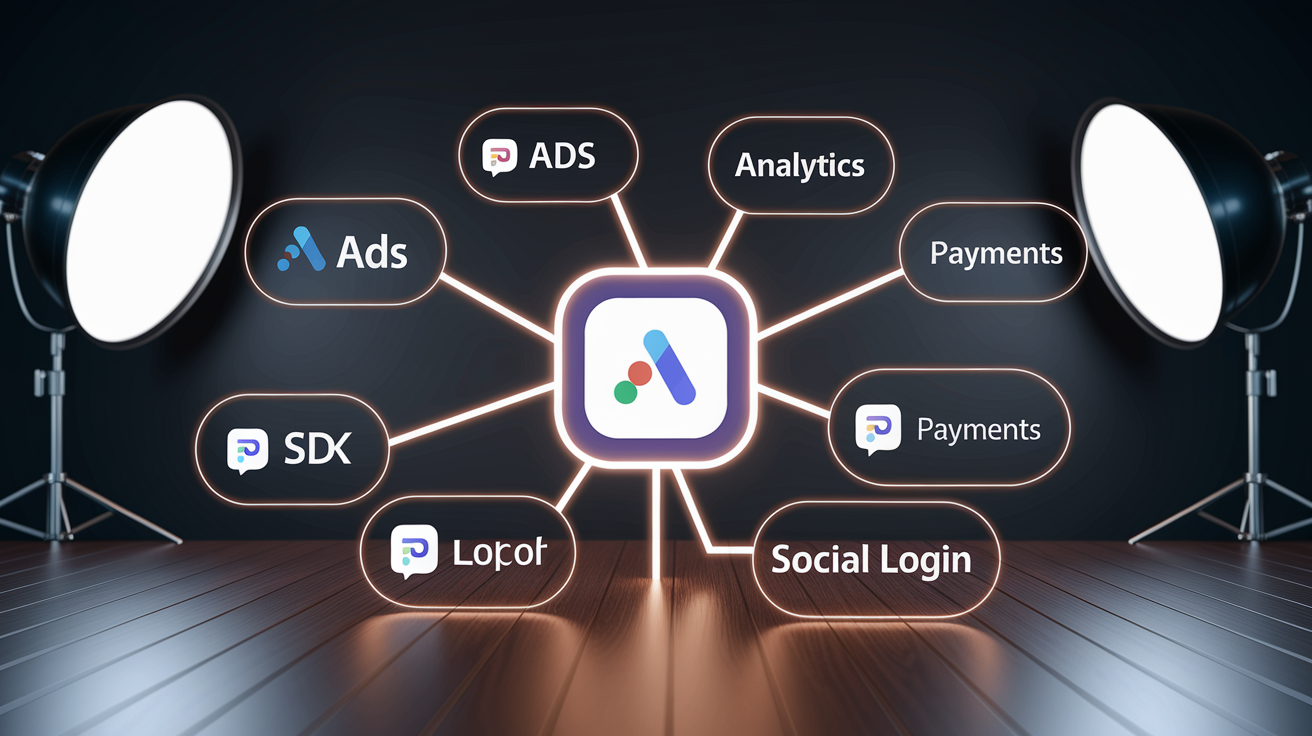
Third party SDKs for advertising, analytics, payments, and social login release updates every few weeks. When an ad network patches a tracking bug or a payment processor adds a new security requirement, apps that embed those SDKs must update to stay compatible and compliant. Ignoring SDK updates risks breaking functionality. Users can’t check out, ads stop displaying revenue, or crash rates climb because the old SDK version conflicts with a new OS.
Library deprecations force updates even when app features haven’t changed. A popular networking library might announce it will stop supporting API version 2.0 in six months, requiring all apps to migrate to 3.0. Developers schedule that migration, test it, and ship an update solely to avoid future breakage. These dependency driven updates often appear invisible to users but are necessary maintenance to prevent the app from becoming technically obsolete.
API versioning changes by backend services create similar pressure. If your app talks to a REST API and the service deprecates v1 endpoints in favor of v2, the app must update its network layer and resubmit to the store. Cloud platforms, authentication providers, and data APIs all follow versioning schedules that don’t align with your release calendar, so updates arrive whenever an external deadline lands rather than when features are ready.
Data Usage, Storage Impact, and User Concerns About Frequent App Updates
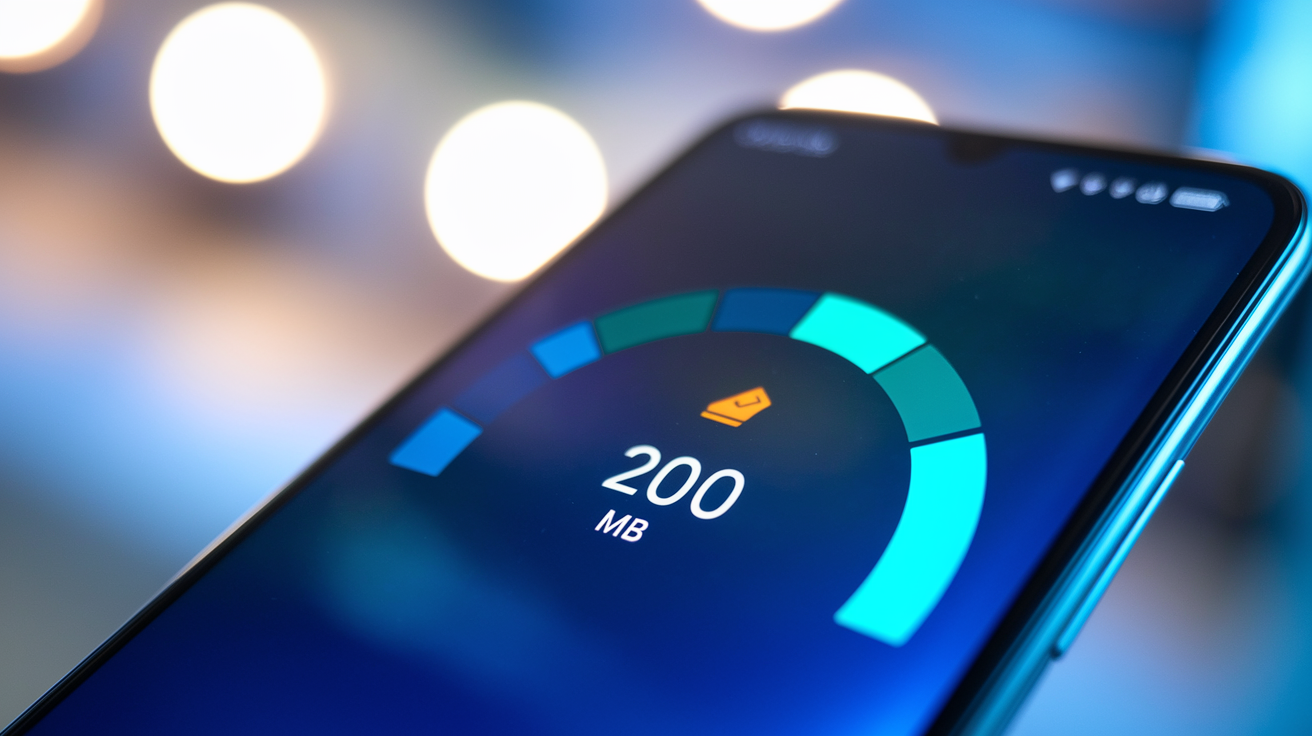
Updates consume device storage and mobile data, which frustrates users on limited plans or older devices with little free space. A 200 MB update over cellular can cost money in markets with metered data and takes time on slow connections. Wi Fi only update settings mitigate the cost but delay installation until the user connects to a network, leaving the app potentially outdated for days. That trade off between immediacy and convenience shapes how users perceive update frequency.
Delta updates and incremental patching reduce download sizes by sending only the changed files instead of the entire app bundle. If a bug fix touches one screen, the delta might be 10 MB instead of 150 MB. Google Play and the App Store both support delta delivery, but effectiveness varies by how much code changed. Large feature releases still require near full downloads, so users see a mix of small and large updates depending on what shipped.
Notification fatigue sets in when users see update prompts daily or multiple times per week. Each notification interrupts their workflow and creates a small decision point. Install now, later, or ignore. Daily updates are strongly discouraged because the cumulative annoyance drives users to disable notifications entirely or uninstall the app. Even weekly updates can feel excessive if changelogs are vague or the improvements aren’t visible.
Five user facing impacts of frequent updates:
Increased data consumption on cellular connections.
Reduced available storage on devices with limited capacity.
Notification interruptions that disrupt app usage.
Time spent waiting for downloads and installs.
Confusion or skepticism when changelogs lack clear explanations.
Strategies for Users to Manage Frequent App Updates
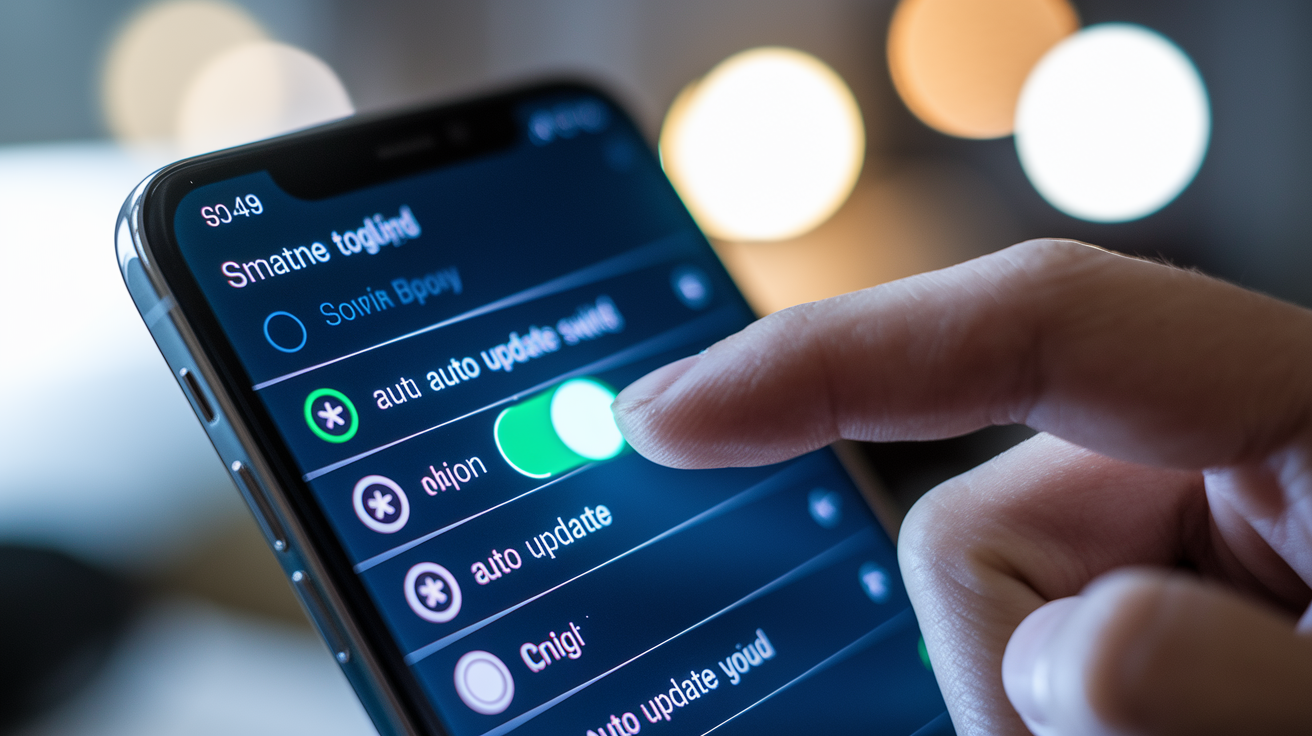
Automatic update settings let users choose between “always,” “Wi Fi only,” or “manual.” Switching to Wi Fi only prevents surprise data charges and defers updates until a suitable network is available. Manual mode gives full control but requires remembering to check for updates, which many users forget. Most platforms default to “Wi Fi only” as a middle ground, balancing convenience and cost.
Reviewing changelogs before installing helps users decide whether an update is necessary. If the changelog says “bug fixes and performance improvements” with no detail, the update is likely minor and can wait. If it mentions “critical security patch” or “fixes crash on launch,” installation becomes urgent. Clear changelogs respect user time and reduce the feeling that updates are pointless churn.
Four practical tips for managing updates:
Enable auto updates on Wi Fi to avoid manual prompts and data fees.
Check update size in the store listing before installing on limited data.
Clear unused apps and cached files to free storage before large updates.
Disable update notifications for non critical apps while keeping them on for banking or security sensitive tools.
Users who find an app updating too often can also check the app’s settings for an “update frequency” option. Some apps let you set checks to weekly or monthly instead of daily, reducing how often the prompt appears. Not every app exposes this control, but when available it directly reduces interruption without sacrificing long term compatibility or security.
How Businesses Plan Update Frequency for Long Term Maintenance

A monthly baseline release cadence is the minimum recommendation for most apps. Monthly updates allow time for a two week development sprint, QA, store approval, and a phased rollout while still signaling to users that the app’s actively maintained. Top performing apps in competitive categories often update weekly, dedicating separate teams to handle feature work and bug fixes in parallel so releases don’t bottleneck.
First year maintenance budgets typically consume around 50 percent of the initial development cost because post launch needs are high. Onboarding improvements, crash fixes, and rapid feature iteration dominate the first six to twelve months. After that stabilization period, ongoing maintenance averages 15 percent of the original budget per year. That covers bug fixes, third party SDK updates, security patches, compliance changes, hosting costs, and performance tuning.
| Maintenance Activity | Typical Budget % |
|---|---|
| Bug fixes, patch updates, and regression testing | 5–10% yearly |
| Third party license renewals and SDK updates | 2–5% yearly |
| Security, compliance, and infrastructure hosting | 3–7% yearly |
Tying major releases to product milestones or OS launch windows helps coordinate marketing, user communication, and technical readiness. A retail app might plan a big update for Black Friday with new checkout features, while a productivity app aligns releases with iOS and Android’s fall updates to adopt new OS capabilities immediately. Milestone based planning reduces the randomness of update timing and gives teams a clear target, which improves sprint predictability and reduces crunch periods.
Final Words
in the action, this post walked through the main drivers: security patches, bug fixes, feature rollouts, OS compatibility, and store or business pressures that make frequent releases common.
We also covered urgent security fixes, CI/CD workflows, third-party dependency churn, and the user costs of frequent updates, plus practical tips for managing them.
Knowing why apps update so frequently makes updates less annoying and more useful. Take a moment to set auto-update and Wi‑Fi rules — small settings, better apps.
FAQ
Q: Why do apps get updated so often?
A: The reason apps get updated so often is developers push security patches, bug fixes, small UX improvements, and OS compatibility updates—plus app stores reward frequent, fresh releases that boost visibility.
Q: Which is the No. 1 app?
A: The No. 1 app depends on the metric—downloads, monthly active users, or revenue; TikTok often tops downloads, Facebook/WhatsApp lead MAUs, and revenue leaders include YouTube and TikTok.
Q: What is happening to Android in 2026?
A: In 2026, Android is seeing stricter Play Store requirements, newer API targeting, increased privacy controls, and more AI/security features—developers must update apps for compatibility and policy compliance.
Q: How do I stop apps from getting updated?
A: To stop apps from getting updated, disable auto-updates in Play Store or App Store settings, choose manual or Wi‑Fi‑only updates, or restrict background data and permissions for specific apps.

