
What if I told you the browser that reshaped the web quietly dropped as a surprise beta on a single September day in 2008?
It’s true: Google released Chrome to the public on September 2, 2008 as a Windows-only beta with almost no buildup.
That launch introduced V8, tab sandboxing, a minimalist interface, and a rapid update model that forced rivals to adapt.
This post breaks down the exact timeline, early innovations, who was affected, and the steps you should take now to stay current.
Chrome Browser Release Date and First Public Availability

Google Chrome dropped on September 2, 2008. Beta version, Windows only. No warning, no buildup. Just a surprise launch that changed the browser game overnight.
The company went from announcement to downloadable beta in the same day, catching Internet Explorer and Firefox completely off guard. Google had the engineering muscle and search traffic to make a browser matter, and they used both.
A stable release followed in December 2008, still locked to Windows. The beta vs. stable distinction mattered if you were running a business or needed reliability guarantees, but either way, you could download Chrome and use it.
- Beta release date: September 2, 2008 (Windows only)
- Stable release date: December 11, 2008 (Windows only)
- Initial platform: Windows operating system exclusively
Chrome Browser Early Development Timeline and Origins

Chrome’s development started in early 2005. Quietly. Years before anyone outside Google knew it existed.
The co-founders built a small team and poached developers straight from Firefox and Internet Explorer between 2005 and 2006. They wanted people who knew how the dominant browsers worked and where they broke. The project used the Chromium open-source codebase as its foundation, which meant outside developers could actually see and contribute to the underlying code.
Google’s CEO didn’t want the project at first. He questioned whether Google needed to fight in a crowded browser market. The team changed his mind by building a working demo that showed speed and security improvements existing browsers couldn’t touch. That internal pitch worked. Three years later, Chrome went public.
Chrome Release Timeline and Platform Expansion
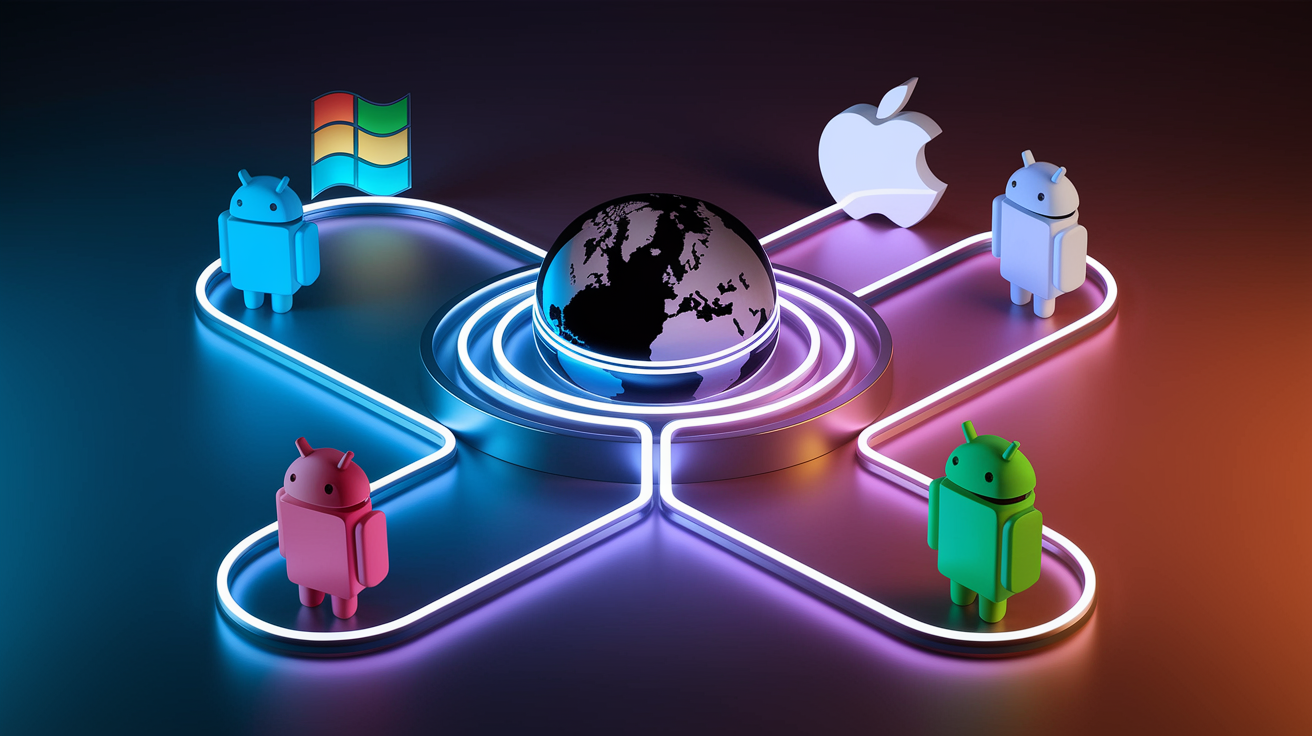
Chrome’s platform rollout took four years. Windows beta in September 2008, then a slow march to every major operating system and mobile platform.
| Platform | Release Date |
|---|---|
| Windows (beta) | September 2, 2008 |
| Mac and Linux (stable) | May 2010 |
| Android | 2012 |
| iOS | 2012 |
The staggered release wasn’t random. Windows had the biggest desktop market share in 2008, so Google started there. Building stable Mac and Linux versions took over a year after the initial beta because core components needed platform-specific rewrites. Mobile versions showed up four years later, once smartphones became the primary internet device for millions of people.
This expansion turned Chrome from a Windows experiment into a cross-platform standard. You could sync bookmarks, passwords, and browsing history across every device you owned. That mattered.
Chrome Browser Technical Innovations at Launch

Chrome’s September 2008 release fixed the biggest complaints people had about browsers. The engineering decisions weren’t subtle tweaks. They were fundamental rethinks of how browsers should work.
Each feature targeted a specific pain point. Slow JavaScript performance. Full-browser crashes from a single bad webpage. Too much screen space wasted on toolbars.
- V8 JavaScript engine — built from scratch, compiled JavaScript to native machine code instead of interpreting it, made web applications actually responsive
- Sandboxing — isolated each tab in its own process so malware or crashes in one tab couldn’t touch others or access system files
- Multi-process architecture — ran tabs, plugins, and the browser interface as separate processes, better stability and security
- Minimalist UI — removed toolbar clutter, maximized screen space for webpage content, hid most controls until you needed them
- Incognito mode — dedicated private browsing that left no local history, cookies, or cache files after closing
- Omnibox — combined address bar and search box into one input field that handled both URLs and search queries
These features worked together. The core Chrome promise was simple: faster, more secure, simpler than anything available in 2008. The speed improvement was obvious within seconds of opening the browser.
Chrome Browser Adoption, Growth, and Market Shift After Release

Chrome hit 30 million users within nine months of launch. That adoption rate surprised Google and everyone else watching.
The 2008 browser market belonged to Internet Explorer (roughly 60 percent share) and Firefox (about 30 percent). Internet Explorer had security problems and performance issues everyone complained about, but most people stuck with the default anyway. Chrome’s speed, Google’s brand, and aggressive promotion through Google.com broke through that inertia.
Growth accelerated through 2010. Chrome’s user base tripled from approximately 40 million at the start of the year to 120 million by December. Those users came from Internet Explorer and Firefox, not from new internet users. Chrome offered measurably faster page loads and better malware protection through sandboxing. People had concrete reasons to download and switch their default browser.
Google’s engineering resources let the team ship updates faster than Microsoft or Mozilla could match. That widened Chrome’s technical lead month after month.
Chrome Engine Evolution and Update Cadence

Google adopted a rapid release cycle from the start. Major version updates every six to eight weeks instead of the annual or multi-year cycles other browsers followed. The pace let Google push security patches, performance improvements, and new web standards support to users quickly.
Chrome originally used the WebKit rendering engine, the same engine powering Apple’s Safari. In 2013, Google forked WebKit to create Blink, its own rendering engine. That gave the Chrome team full control over development priorities and optimization. Blink later became the foundation for other Chromium-based browsers, including Microsoft Edge after Microsoft abandoned EdgeHTML.
The rapid release cycle delivered three major wins:
- Faster security patches — vulnerabilities got fixed and deployed in weeks instead of months, reducing the window attackers had to exploit known bugs
- Incremental feature rollout — new capabilities like improved JavaScript performance, updated HTML5 support, or better memory management shipped as soon as they were stable
- Reduced upgrade friction — frequent small updates felt less disruptive than infrequent major overhauls, and Chrome updated silently in the background without requiring restarts or decisions
Chrome Browser Extensions, Ecosystem Growth, and Customization

Chrome’s extension system launched shortly after the initial browser release. Third-party developers could add features and modify browser behavior through small installable programs. The extension ecosystem grew fast, reaching more than 8,500 extensions and 1,500 browser themes by early 2010.
Extensions turned Chrome from a minimal browser into a customizable platform. You could add ad blockers, password managers, productivity tools, developer utilities, and visual themes without waiting for Google to build them. The extension architecture used web technologies (HTML, CSS, JavaScript) that web developers already knew. That lowered the barrier to creating new extensions and expanded the ecosystem faster than competitors who required specialized programming knowledge.
| Category | Count (early 2010) |
|---|---|
| Extensions | Over 8,500 |
| Themes | Over 1,500 |
Final Words
September 2, 2008 kicked off Chrome’s public beta on Windows and set the stage for its Chromium roots, the V8 engine and sandboxing, a minimalist UI with the Omnibox, fast platform expansion, and rapid user growth that reshaped the browser market.
If you’re wondering when did chrome browser first release: the public beta arrived on September 2, 2008 (Windows), with stable builds in December 2008 and wider platform releases later. Chrome’s steady updates and growing extension ecosystem kept it useful — and it’s only gotten better since.
FAQ
Q: What is the oldest browser that still works?
A: The oldest browser that still works is the text-based browser Lynx, first released in 1992 and still maintained, making it usable for low‑resource setups and accessibility or testing purposes.
Q: When did Chrome become popular?
A: Chrome became popular around 2009–2010, reaching roughly 30 million users within nine months and growing to about 120 million by 2010 as users shifted from Internet Explorer and Firefox.
Q: Why are people not using Chrome anymore?
A: People are not using Chrome anymore for reasons like privacy and data‑collection concerns, high memory and battery use, and a preference for lighter or more privacy‑focused alternative browsers.
Q: What is a fun fact about Google Chrome?
A: A fun fact about Google Chrome is that Google announced it with a comic-style explanatory booklet to explain the browser’s design choices, making the launch unusually playful and accessible.

