

What happens when OpenAI’s API goes down mid-launch?
It’s happened: the June 10, 2025 event logged roughly 1,989 Downdetector reports and multiple impaired components.
Developers, ops teams, and apps need fast, reliable signals so they don’t waste time retrying or amplify the problem.
This post lays out real-time tracking and response: the official status dashboard, third-party monitors and social feeds, direct API health checks, and alert subscriptions, so you can confirm outages quickly and keep users working while the platform recovers.
Real-Time Ways to Check OpenAI API Downtime Status
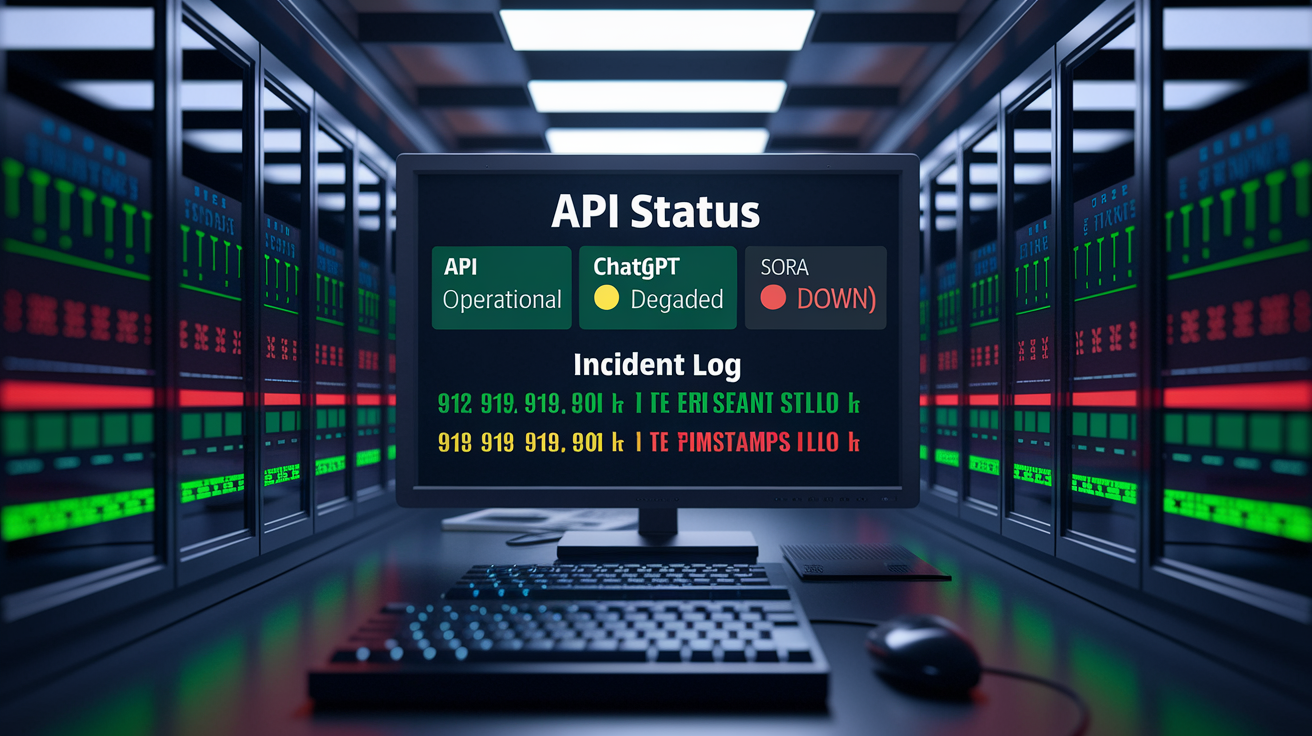
The official OpenAI status page is where you go first when the API stops responding. The dashboard shows live updates for all services (API, ChatGPT, Sora) and uses color labels to mark operational, degraded, or down states. When OpenAI declares a “Partial outage” or “Elevated error rates,” they’ll detail which components are affected. During the June 2025 event, 14 API components were simultaneously impaired, and the status page logged every mitigation step as it happened.
Third-party signals fill gaps when the status page lags or you want confirmation from the field. Downdetector aggregates user reports and plots spikes as they happen. A peak of roughly 1,989 reports in a few minutes usually means widespread trouble. Social platform accounts (especially OpenAI’s own feeds) often post acknowledgements before the status page updates. Google Trends can show sudden surges in searches for “OpenAI down” or alternative tools, which tells you user impact is spreading fast.
Manual API testing and alert subscriptions close the loop. A quick curl to the /v1/models endpoint with a valid key tells you instantly if the service responds or times out. Subscribing to incident notifications via email or webhook means you’ll get updates the moment OpenAI posts them. When errors spike on your own dashboards but the official page still shows green, cross-check with community reports and run a direct health check.
- Official status dashboard – Primary source for component state, incident timelines, and mitigation progress.
- API endpoint health checks – Direct HTTP calls to
/v1/modelsor/v1/chat/completionsconfirm live reachability. - Social platform updates – Early acknowledgements and user impact signals before formal incident reports.
- Downdetector spikes – Real-time crowdsourced reports. Peaks above 1,500 usually correlate with major outages.
- Direct API test – Send a minimal payload to verify authentication, quota, and response latency in your environment.
- Status alert subscriptions – Email or webhook notifications pushed by OpenAI when incidents are opened, updated, or resolved.
Understanding OpenAI API Outages and Service Interruptions
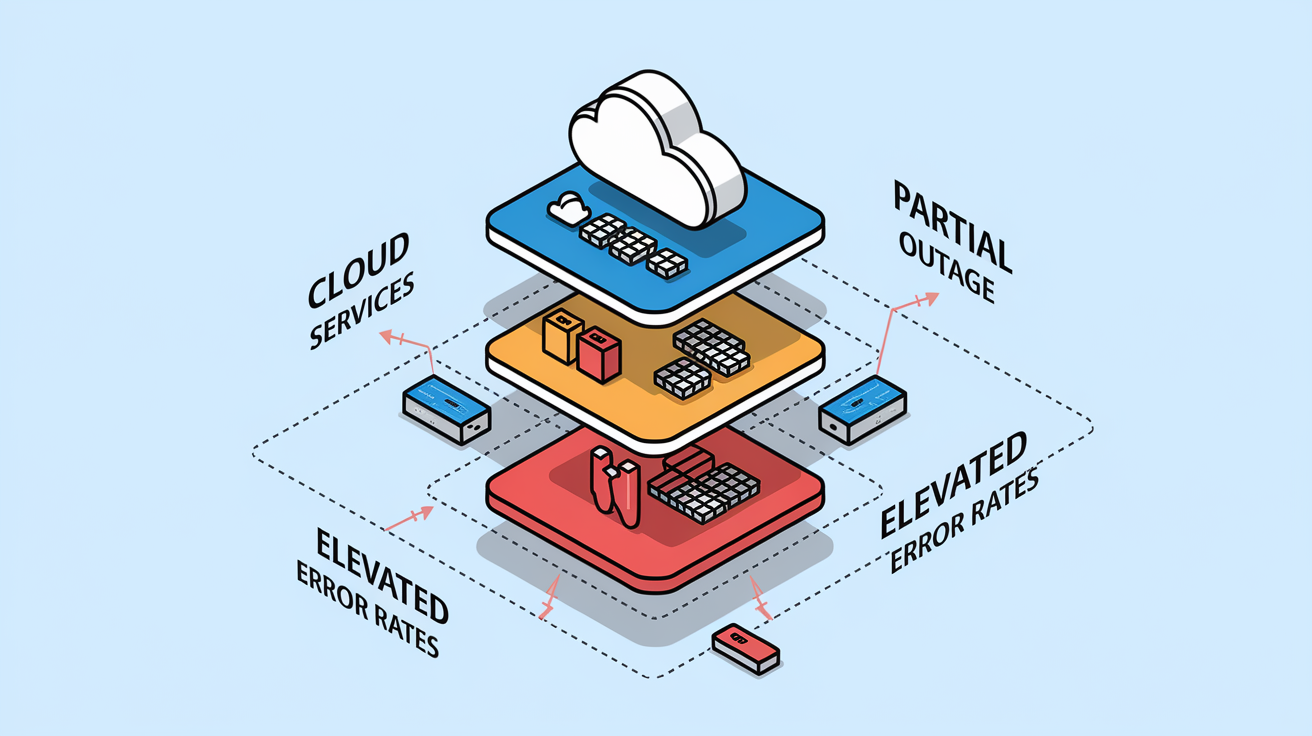
Not every problem is a full outage. Service degradation means the API is up but slow or unreliable: elevated latency, intermittent timeouts, occasional errors. A partial outage affects some components while others stay green. Users might hit errors only when calling specific models or features. A full outage shuts down all endpoints. Brownouts happen when infrastructure limits concurrent requests to prevent collapse, often triggered by unexpected traffic surges. Each class has different symptoms and requires different responses.
Real incidents illustrate the spectrum. March 2023’s Redis bug caused a 9-hour full outage for ChatGPT. June 2024’s global disruption hit during peak usage with no single root cause published. The June 10, 2025 event was labeled a “Partial outage” but lasted over 10 hours and impacted 21 ChatGPT components and 14 API components. Users saw “Too many concurrent requests,” timeouts, and blank loading indicators. Some models (like o3) failed completely while 4o-mini kept working. November 2024 saw API degradation during the GPT-4 Turbo release, suggesting load spikes tied to feature rollouts.
Upstream dependencies magnify risk. Cloudflare’s December 5 network disruption cascaded into outages across X, ChatGPT, Perplexity, Spotify, PayPal, and multiple brokerage platforms. OpenAI’s backend runs on Microsoft Azure, so an Azure incident or network partition can cascade down to API failures. When a single CDN or cloud provider experiences unusual traffic spikes, services that depend on it go dark together. Understanding the dependency chain helps you diagnose whether the problem is OpenAI, their host, or the internet backbone.
Historical OpenAI API Downtime Timeline and Patterns
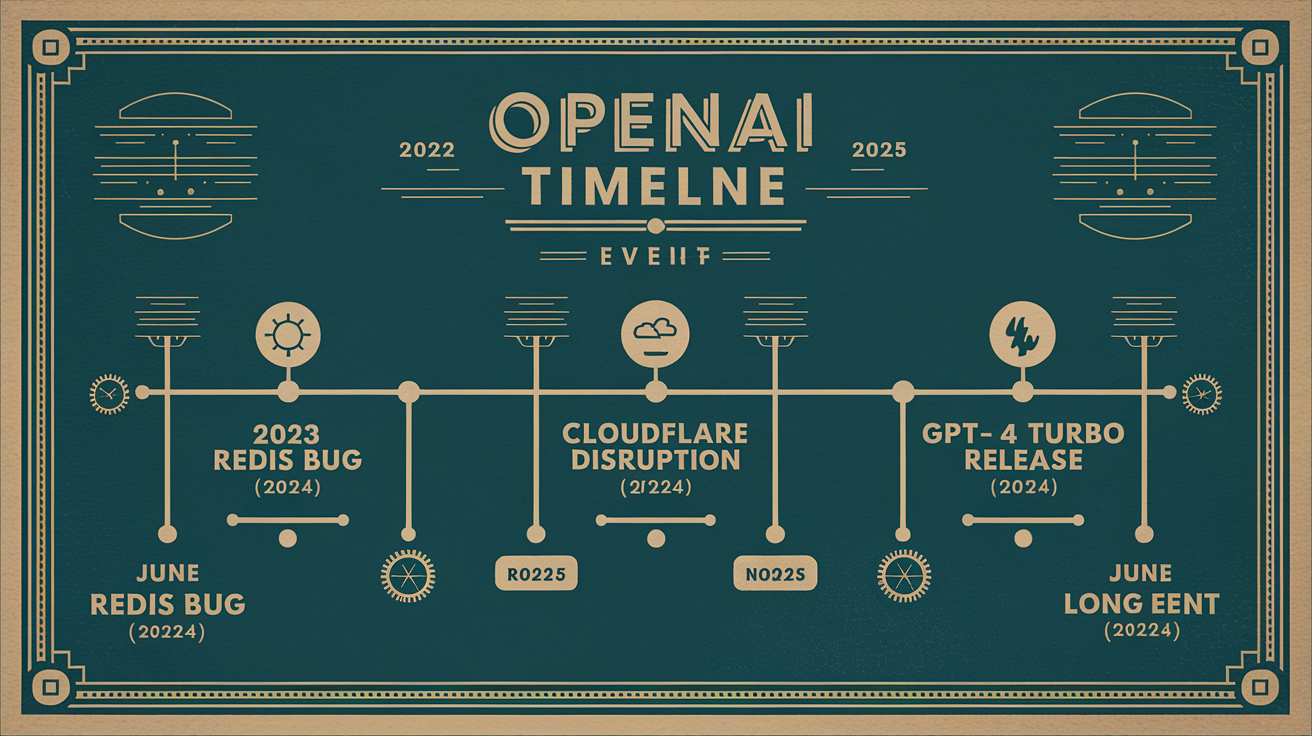
Tracking past outages reveals load triggers, infrastructure weak points, and how OpenAI responds under stress. November 2022’s launch brought 10 million users in five days, overloading capacity before scaling caught up. March 2023’s Redis bug shut down ChatGPT for nine hours. June 2024’s global outage struck during peak usage. November 2024 saw degradation when GPT-4 Turbo released. December 5 and 27 brought back-to-back disruptions, one tied to Cloudflare, the other to OpenAI itself. June 10, 2025 stands out as the longest recent event: over 10 hours with error report peaks near 1,989 on Downdetector.
Patterns emerge around product launches, high-traffic windows, and third-party infrastructure. New model releases and feature rollouts (GPT-4 Turbo, GPTs for all subscribers, DevDay announcements) have repeatedly preceded instability. Traffic surges overwhelm autoscaling thresholds, and cascading effects ripple through dependent services. Root-cause transparency varies. Some incidents publish detailed postmortems, others only state “identified and mitigated.” Recovery times range from one hour to half a day.
External dependencies compound risk. The Cloudflare event on December 5 disrupted global platforms simultaneously, including OpenAI. Azure incidents or network partitions can trigger the same effect. When OpenAI posts “implementing a mitigation,” it often means adjusting rate limits, failing over to backup regions, or restarting crashed components. Monitoring these historical signals helps you predict when the next spike might occur and how long typical recovery takes.
| Date | Duration | Cause | Impact Summary |
|---|---|---|---|
| November 2022 | ~5 days (intermittent) | Launch overload, 10M users in 5 days | Capacity stress, frequent errors, slow responses |
| March 2023 | ~9 hours | Redis bug | ChatGPT fully down, API unaffected |
| June 2024 | Not specified | Peak usage spike | Global outage, ChatGPT and API impacted |
| November 2024 | Not specified | GPT-4 Turbo release load | API degradation, elevated latency |
| December 5, 2024 | Several hours | Cloudflare network disruption | Cascading failures across X, ChatGPT, brokerages, others |
| June 10, 2025 | 10+ hours | Not disclosed in detail | 21 ChatGPT components, 14 API components affected; ~1,989 Downdetector reports |
Troubleshooting OpenAI API Downtime Issues

Symptoms during downtime are consistent: “Too many concurrent requests,” “Error in message stream,” timeouts, or blank loading indicators. Some users see “A network error occurred” or “Request timed out.” Read Aloud and Custom GPT features may fail silently. Errors often vary by model. o3 might refuse all requests while 4o-mini responds normally. Memory and settings sometimes reset after recovery, losing custom instructions or conversation context.
Start by ruling out local issues. Verify your API key hasn’t expired or been revoked. Check your usage dashboard for quota exhaustion or rate-limit violations. Confirm your SDK version matches current API requirements. Outdated libraries occasionally break when OpenAI updates authentication or response schemas. Test a minimal request (listing available models or a single completion) to isolate whether the problem is your payload, your network, or OpenAI’s infrastructure.
If your key and quota are fine but errors persist, cross-check the official status page and Downdetector. A spike of 1,500+ user reports in a few minutes confirms a real outage. If the status page shows yellow or red for your region or model tier, you’re waiting on OpenAI’s mitigation. If it shows green but you’re still failing, try a different model or region. Some outages affect only certain endpoints or model families.
Stabilize your client by implementing safe retry logic with exponential backoff. Avoid hammering the API during partial outages. Aggressive retries worsen congestion and can trigger rate-limit bans. Use circuit breakers to stop sending requests after consecutive failures, then periodically test for recovery. Cache recent responses or queue non-urgent requests so users don’t face blank screens. Log all errors with timestamps so you can correlate internal failures with public incident timelines later.
Developer Resilience Patterns for OpenAI API Downtime
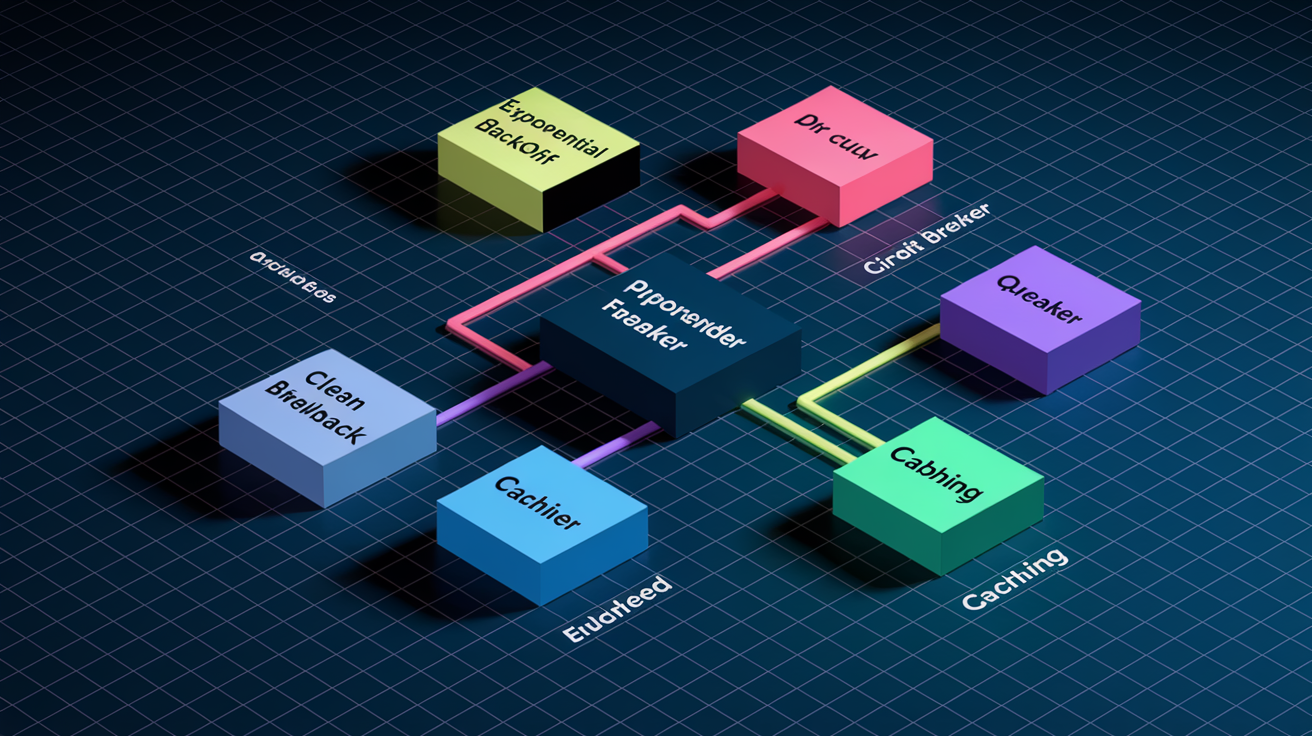
Production systems that depend on external APIs need defense layers that keep working when the upstream service fails. Resilience patterns reduce user-facing errors, prevent cascading failures in your own infrastructure, and buy time for manual intervention. The patterns below have proven effective during real OpenAI outages and apply to any third-party AI service.
Exponential Backoff & Retry Logic
Retry failed requests with increasing delays. Start at one second, then two, four, eight. Add random jitter (a few hundred milliseconds) so clients don’t retry in lockstep and create a thundering-herd effect. Cap retries at five attempts or 30 seconds total to avoid blocking user threads indefinitely. Retries work when the failure is transient (a brief network blip or load spike) but waste resources during sustained outages. Stop retrying once the circuit breaker opens or the status page confirms a full outage.
Circuit Breaker Pattern
A circuit breaker watches error rates and switches states: closed (normal operation), open (stop all requests), half-open (test recovery). After five consecutive failures, open the circuit and return cached responses or friendly error messages instead of making live calls. Wait 60 seconds, then enter half-open and send one test request. If it succeeds, close the circuit and resume normal traffic. If it fails, reopen and wait again. This prevents your app from hammering a down service and gives OpenAI breathing room to recover.
Multi-Provider Fallback
Configure a fallback chain: try OpenAI first, then Anthropic’s Claude, then Google’s Gemini, then a local or open-weight model if all else fails. Each provider should use similar prompt templates so switching is seamless. During the June 2025 outage, searches for Claude jumped 95 percent and DeepSeek surged 109 percent as users manually switched. Automating that switch keeps your app online without user intervention. The tradeoff is integration cost and potential model quality differences, but availability often trumps perfection.
Queuing & Caching
Queue non-urgent requests in a durable store (Redis, RabbitMQ, a database) and process them when the API recovers. Cache responses by prompt hash or user intent so repeated queries return instantly without hitting the API. For interactive features, show users a cached or fallback response immediately and refresh in the background once the service is back. This approach worked during the December 5 brokerage outage. Zerodha routed users to a WhatsApp backup while the main platform was down. Apply the same principle to AI features: serve stale data or simplified alternatives until live inference is available again.
Monitoring, Alerts, and Observability During OpenAI API Downtime

Early detection matters. Configure alerts that fire when error rates cross a threshold (for example, more than 5 percent of requests fail in a five-minute window) or when average latency jumps above baseline (response time doubles). Synthetic monitoring sends test requests every minute from multiple regions and alerts you the moment one fails. Real user monitoring captures actual failures in production, weighted by traffic volume. Both signals together help you distinguish between a localized network problem and a global OpenAI outage.
Track logs, traces, and metrics for every API call. Record HTTP status codes, error messages, model names, and response times. When OpenAI reports “elevated error rates and latency” across 14 API components, your internal metrics should confirm which models and endpoints are affected in your environment. Distributed tracing links user actions to downstream API calls, making it easy to see whether a checkout failure or a support-bot timeout was caused by OpenAI or another dependency. Correlating your metrics with Downdetector spikes and status page updates validates your alert thresholds and helps tune false-positive rates.
Watch these signals during suspected downtime:
- Error-rate thresholds – Alert when failures exceed 5 percent in a rolling window. Page on-call if it stays above 10 percent for five minutes.
- Latency spikes – Trigger warnings when p95 or p99 latency doubles. Sustained spikes often precede full outages.
- Model-level failure patterns – Track success rates per model. One model failing while others work indicates partial degradation.
- Regional anomalies – Monitor by origin or target region to catch geofenced or CDN issues before they spread.
- Upstream provider alerts – Subscribe to status feeds from OpenAI, Cloudflare, and Azure so you know if the root cause is external.
SLA, Uptime Guarantees, and Business Continuity Planning for API Downtime

OpenAI hasn’t published detailed SLA terms or uptime guarantees in widely available documentation. No confirmed compensation policies exist for outages affecting paid subscribers, and incidents have ranged from one hour to over 12 hours without public credits or extensions. This uncertainty means you can’t rely on contractual remedies to cover revenue loss or user churn during downtime. Plan as if no SLA exists and build your own reliability layer.
Business continuity depends on redundancy and failover. Use multi-provider fallback chains so your app can switch to Claude, Gemini, or a local model when OpenAI goes dark. Deploy to multiple cloud regions and route traffic dynamically based on health checks. Cache frequently requested responses and queue non-critical tasks so users experience degraded service instead of total failure. Document incident response runbooks that assign roles, escalation paths, and customer communication templates so your team acts fast when alerts fire.
Core continuity tactics to implement now:
- Multi-provider contracts – Pre-integrate at least two alternative inference APIs with tested failover logic.
- Regional failover – Deploy health checks in multiple geographies and route around impaired regions automatically.
- Request queuing – Buffer non-urgent requests in a durable queue and drain it after recovery.
- Response caching – Store results by prompt hash or user context to serve stale answers during outages.
Preparing for the Next OpenAI API Downtime Event

Incidents like the June 10, 2025 outage lasted over 10 hours. Recovery timelines are unpredictable, so having a runbook ready means the difference between calm execution and scrambling in the dark. A runbook documents exactly who does what: who monitors the status page, who decides to activate fallback providers, who drafts customer notifications, who escalates to leadership. Assign clear roles before the incident so nobody waits for permission when errors spike. Practice the runbook quarterly with a tabletop exercise or a chaos engineering drill that simulates an API blackout.
Customer-facing communication matters as much as technical fixes. Post a status banner on your site within five minutes of detecting widespread failures. Link to OpenAI’s status page and your own incident timeline. Update every 30 minutes even if nothing has changed. Silence reads as ignorance or indifference. Use plain language: “Our AI features are down because OpenAI’s API is experiencing an outage. We’ve activated backup systems and expect partial service within the hour.” Transparency builds trust. Vague reassurances erode it.
Build fallback states for user-facing systems so downtime doesn’t mean dead screens. Show a friendly message explaining the issue and offering limited alternatives. Route users to cached FAQs, keyword-based search, or a support ticket form. Store best prompts and custom instructions outside the AI service so you can restore context quickly once it recovers. Export important chats and settings regularly. During the June 2025 event, some users reported memory and settings resets after recovery, losing customizations. A “cold start” template with saved prompts and instructions helps you rebuild fast.
- Maintain an incident runbook – Document detection, escalation, failover activation, and communication steps with named owners.
- Assign on-call rotation – Ensure 24/7 coverage so alerts trigger immediate action, not waiting until morning.
- Prepare status banner templates – Pre-write HTML snippets and notification copy so you can publish updates in under five minutes.
- Test fallback UIs quarterly – Simulate an outage in staging and verify that users see helpful messages and alternative flows.
- Store prompts and configs externally – Keep a backup of custom instructions, prompt libraries, and settings in a document or repo outside the AI platform.
Final Words
In the action, we focused on fast checks and confirmations: the official status dashboard, third‑party signals, manual API tests, and alert subscriptions.
You also got outage types, a historical timeline, troubleshooting steps, resilience patterns (backoff, circuit breakers, multi‑provider fallbacks), and monitoring signals to spot problems early.
Keep your runbook current, automate health checks, and subscribe to status updates. openai api downtime can still happen, but with these controls you’ll stay ready and keep users moving.
FAQ
Q: How long is ChatGPT usually down for?
A: ChatGPT is usually down for short windows ranging from a few minutes to several hours; most incidents resolve within minutes to a few hours, but rare major outages have lasted 9–10+ hours.
Q: Why is OpenAI API not working?
A: The OpenAI API is not working when traffic spikes, elevated error rates, upstream provider failures (like Cloudflare), software bugs, rate limits, authentication problems, or regional disruptions affect API components.
Q: What is the timeout limit for OpenAI API?
A: The OpenAI API timeout limit is not universally published; timeouts depend on client SDKs, proxies, and server settings—teams commonly use 30–120 seconds. Check your SDK, gateway, and OpenAI docs for specifics.
Q: What caused OpenAI outage?
A: OpenAI outages are caused by factors like software bugs (for example the March 2023 Redis bug), traffic surges, upstream provider failures, configuration errors, or cascading infrastructure issues.

