Most people think a model number tells whether a Samsung device is safe, but that’s wrong.
Only the serial number can pin down the exact unit and the recall batch.
Enter it into Samsung’s recall checker and you get a clear answer: affected, not affected, or needs more info.
This guide shows where to find your serial, how to enter it correctly, and what to do if your device is listed.
Do this now, some recalls involve fire risks and free fixes that depend on that one string of characters.
How to Perform a Samsung Recall Check Using Your Serial Number
Samsung needs your serial number because it’s the only way to know if your specific device came from a bad batch. Model numbers lump thousands of units together. Your serial number pins down the exact appliance and whether it rolled off the line when the defect was happening. Without it, Samsung can’t tell you if you’re eligible for a repair kit, replacement, or service visit.
When you plug your serial number into Samsung’s recall portal, it checks production databases maintained by Samsung and the Consumer Product Safety Commission. The system matches your number against recalled serial ranges instantly. You’ve got to enter it right. Even one flipped digit will spit back a “not affected” message when your unit actually has a real safety problem. People swap the letter O with zero all the time. Same with the letter I and the number one. Or they drop leading zeros that look optional but aren’t.
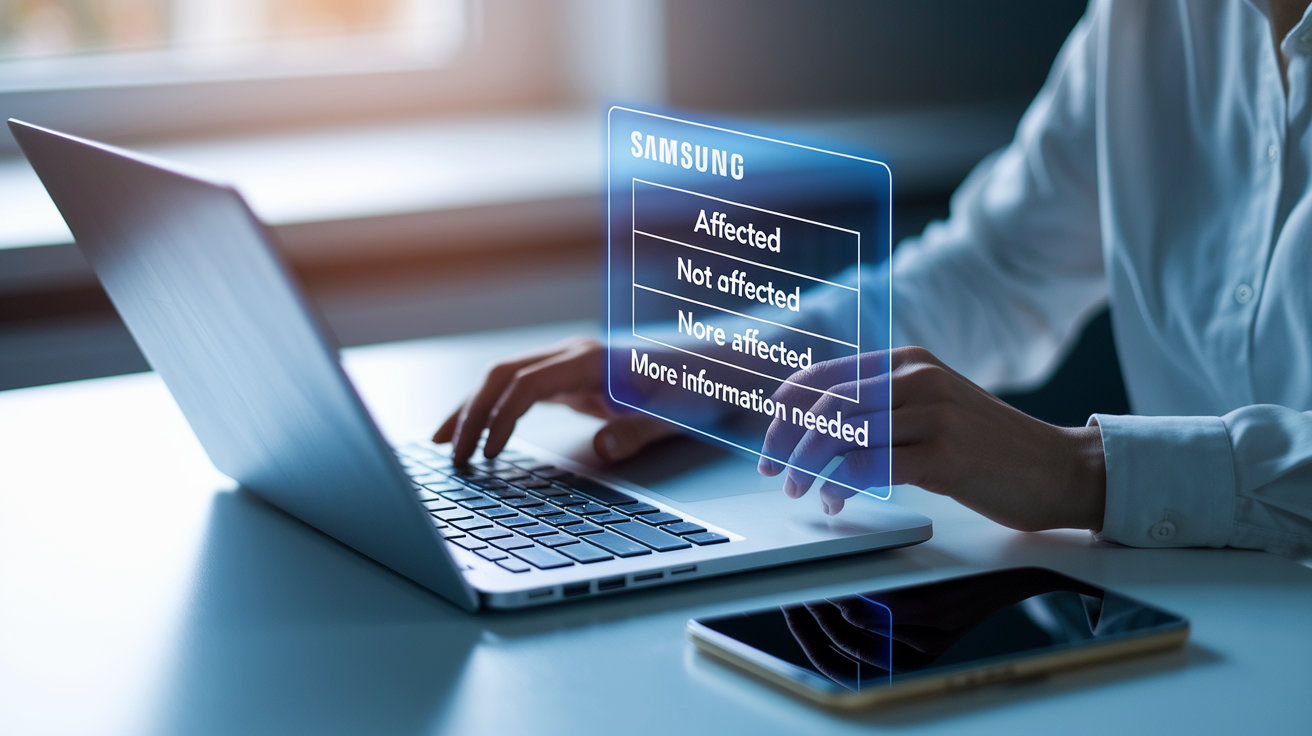
You’ll get one of three answers. “Affected” means your device is in the recalled range and you need to act now. “Not affected” means your serial sits outside the problem batch and you’re clear. “More information needed” pops up when the system can’t match what you typed, usually from a typo, a model variant it doesn’t recognize, or a serial format that doesn’t fit. That means calling Samsung support for manual verification.
Six steps to check recall status with your serial number:
-
Go to Samsung’s official support site and find the product recall or safety notice section, usually under Support > Recalls or Product Notices.
-
Type your full model number exactly as it shows on the device label, then enter the complete serial number in the fields they give you.
-
Double check characters that get mixed up constantly: O versus zero, I versus one, five versus the letter S. Include any leading zeros you see on the label.
-
Submit the form and let the system process it. Takes a few seconds.
-
Read the result carefully. If your device is affected, note the specific instructions about remedy kits, service appointments, or safety steps.
-
When it shows your device is affected, screenshot or write down the reference number. Then follow Samsung’s instructions right away to stop using the device or turn on safety features while you set up the fix.
How to Locate the Serial Number on Samsung Devices and Appliances
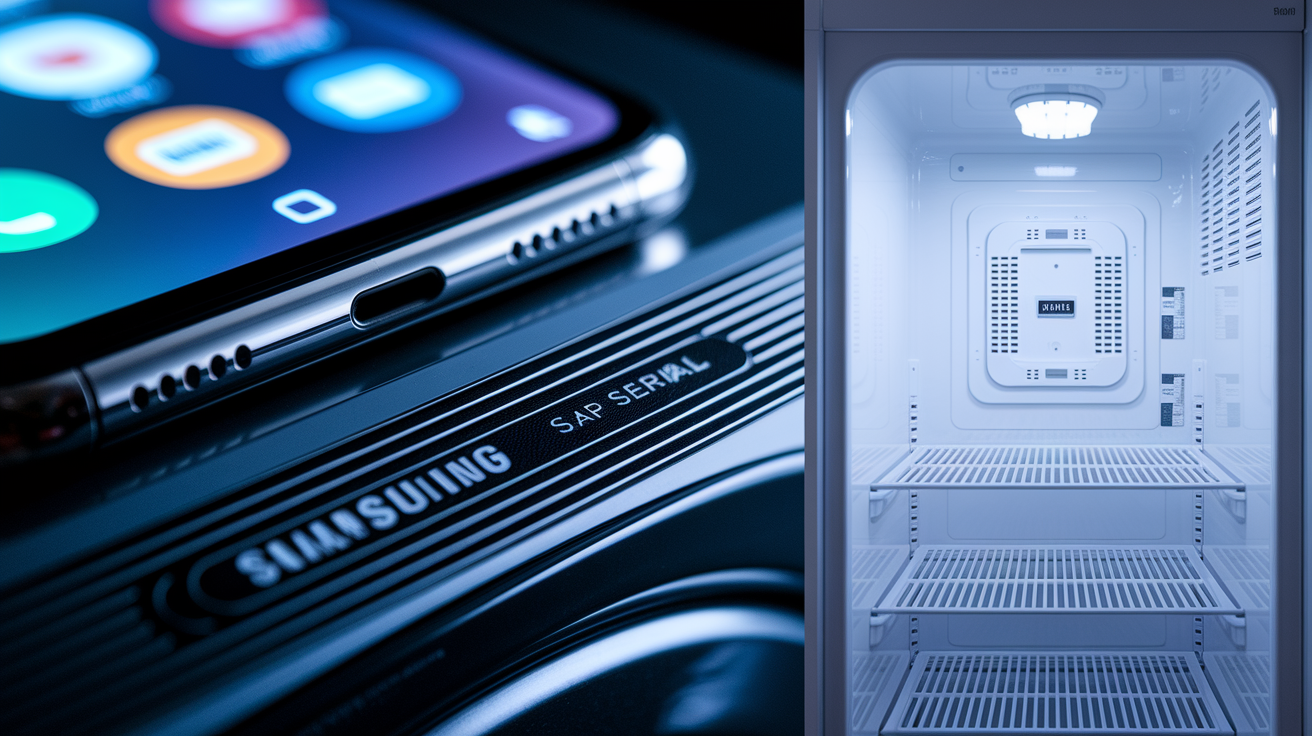
Serial numbers live on adhesive labels or engraved plates stuck to spots you can still reach after setup but don’t get banged up from daily use. For phones and tablets, you’ve got two options: go to Settings > About Phone (or About Tablet) > Status where the serial shows up as a string of letters and numbers, or check the retail box where Samsung prints it on a barcode label. People mix up the IMEI with the serial on phones constantly, but they’re different things. Recall checkers want the serial, not the IMEI.
Washing machines put serial labels in a few places depending on the type. Front-loaders usually have them inside the door on the inner rim or around the rubber gasket, a white or silver sticker listing both model and serial. Top-loaders often stick the label inside the drum near the top edge where you see it when you lift the lid, or behind the detergent drawer that pulls out and lifts. If you don’t see it from the front, try the back panel near the water connections or under the control panel if it flips up.
Dryers and refrigerators typically put labels on door frames or interior walls. For dryers, open the door and look along the door frame, or pull the lint filter out where some models attach a label inside that cavity. Refrigerators stick them on the interior left or right wall near the top when you open the fresh food door, or on the rear panel near the compressor if the interior label wore off. Dishwashers show the serial on the top edge of the door frame when you open it all the way, or on the side edge of the door.
Electric ranges make you check inside the body. Open the oven door and look at the upper left corner of the door frame or the front face of the oven cavity for a metal or paper label with model and serial. No label there? Pull the storage drawer at the bottom forward on its metal rails and check the front frame panel that shows up. Some slide-in ranges have a backup label on the rear panel, but you’d have to move the whole thing away from the wall.
Where to find serial labels by device type:
- Phones and Tablets: Settings > About device > Status screen, or the retail box barcode label
- Front-Load Washers: Inner door rim, rubber door gasket, or back panel near water hookups
- Top-Load Washers: Inside drum near the top, behind detergent drawer, or under the control panel
- Dryers: Door frame edge, inside lint filter slot, or rear panel near the exhaust
- Refrigerators: Interior side wall near the top shelf, or rear panel by the compressor
- Electric Ranges: Inside oven door frame (upper left corner), or front frame behind the bottom drawer
Current Samsung Recalls That Require Serial Number Verification
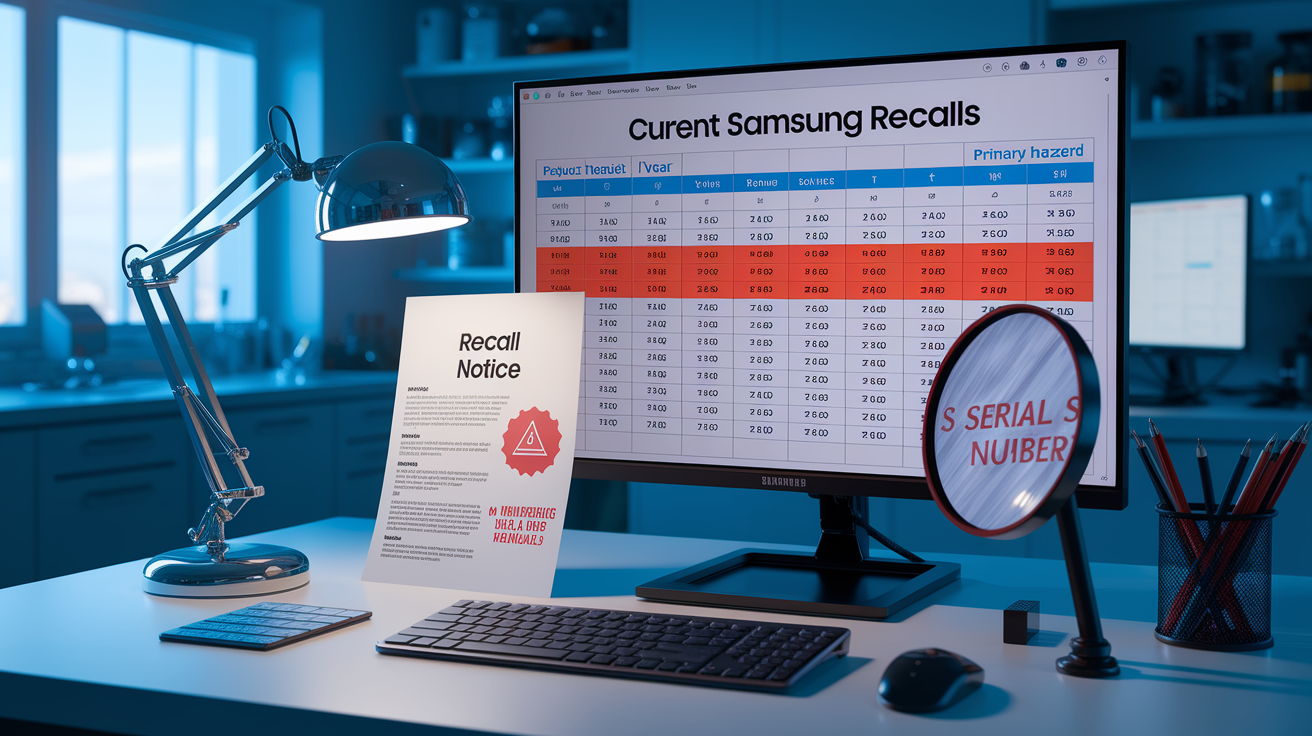
Samsung and the Consumer Product Safety Commission have pushed out several major appliance recalls recently, each hitting hundreds of thousands or millions of units and needing owners to verify their exact serial numbers. These recalls cover long production windows, sometimes over a decade, so model number alone won’t tell you if your device is affected. Serial verification identifies the exact batch and whether your unit has the defect that triggered the recall.
The biggest recent one involves electric ranges with knobs on the front that can get bumped on by people or pets, creating a fire risk when the cooktop fires up without anyone noticing. Affected models usually start with NE5 or NE6, but only units made during certain serial ranges between May 2013 and August 2024 are included. Other big recalls cover top-load washers where electronics can short out and catch fire, plus an earlier massive recall of front and top-load washers with structural problems that let the drum break loose during spin cycles and hurt people nearby.
Each recall comes with a fix tied to serial verification. For the electric range thing, Samsung sends free knob lock kits to stop accidental activation, but you’ve got to enter your serial to confirm you’re eligible and request the kit. The top-load electronics recall might mean an onsite repair visit to swap circuit boards or update software, depending on your model and serial range. The 2016 washer recall offered free in-home repairs, rebates, or replacements based on how bad the defect was in each serial batch.
| Product | Year | Units Recalled | Primary Hazard |
|---|---|---|---|
| Electric Ranges (Slide-In, Front Knobs) | 2024 | 1,000,000+ | Accidental knob activation causing unintended ignition and fire risk |
| Top-Load Washing Machines | 2022 | 660,000 | Electronic component short circuit creating fire risk |
| Front-Load and Top-Load Washers | 2016 | 2,800,000 | Drum detachment during spin cycle causing structural failure and injury risk |
How to Interpret Samsung Recall Checker Results by Serial Number
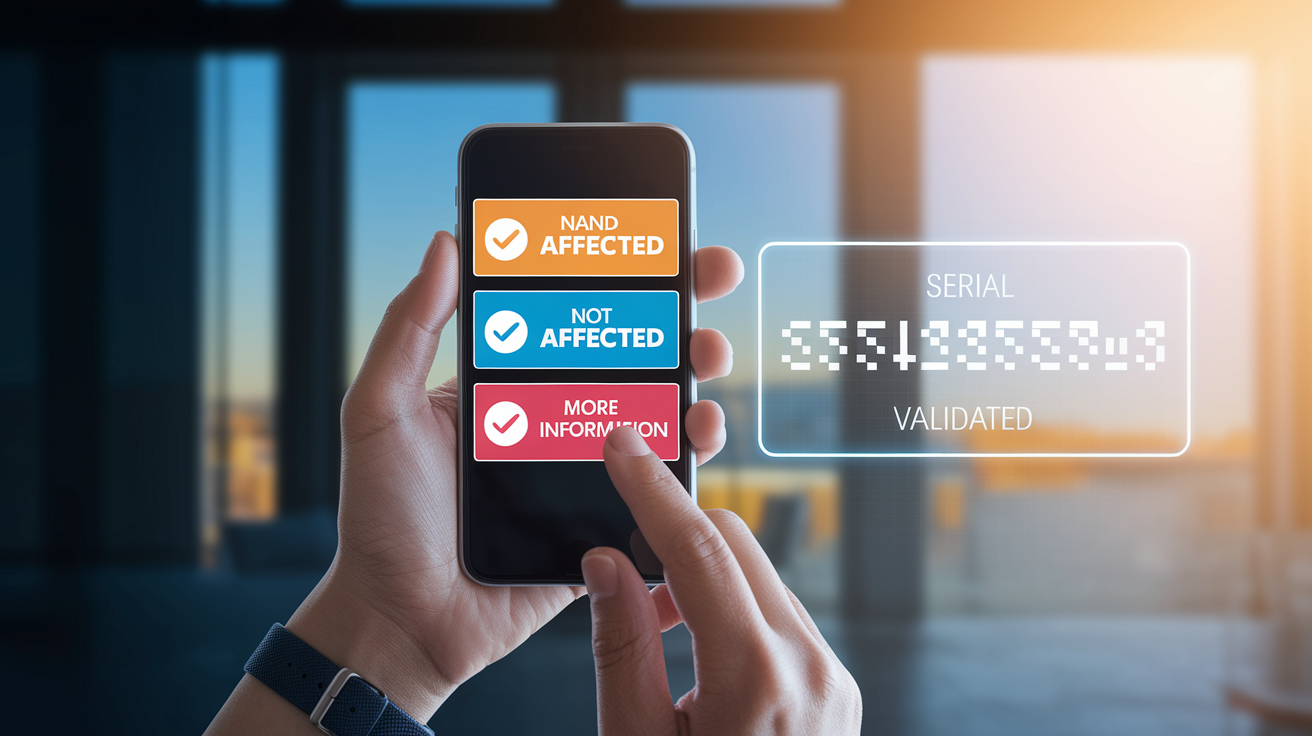
When you get an “Affected” result, your device is in the recalled serial range and Samsung confirmed the defect applies to your unit. The result page shows what to do next. Usually it’s instructions to stop using certain features, a description of the fix like a free repair kit or scheduled visit, and a form or phone number to claim your remedy. For serious recalls involving fire or things breaking apart, they’ll tell you to stop using it completely until the repair or replacement happens. Lower risk stuff might let you keep using it with specific safety steps in place.
“Not Affected” means your serial sits outside the recalled batches and you don’t need to do anything for that recall. Your unit was made before or after the defect window, or it’s got a design revision that fixed the safety issue before your production date. But that result only clears your device for that one recall. If Samsung announces a different recall for another defect later, you’ve got to check your serial again.
When the system says “More Information Needed” or can’t process your serial, you probably flipped some digits, confused similar characters, or left part of the serial out. Go back to the device label and type it exactly as printed, including hyphens or spaces if they’re there. Still getting an error after careful reentry? Your model might be a variant not in the recall database yet, or your serial format doesn’t match what the system expects. Call Samsung’s recall support line where someone can manually check your serial against their records and tell you for sure.
Safety Steps to Take If Your Samsung Device Is Affected by a Recall
If the checker says your device is affected, first thing is cutting immediate risk based on the specific hazard in the recall notice. For fire stuff like the electric range knob recall or washer circuit shorts, that means getting rid of ignition opportunities and watching the device closely if you’ve got to keep using it temporarily. For structural failure risks like the washer drum coming loose, continued use can hurt someone or wreck your house. Stop using it until the fix is done.
Samsung recall notices spell out safety instructions for each defect type. Following them protects your home while you wait for repair kits or service appointments. For appliances that stay powered even when idle, isolating the device or turning on safety features can help in the meantime. Owners of recalled electric ranges with Wi-Fi can enable the “Cooktop On” notification in the Samsung SmartThings app, which pings their phone whenever a burner turns on so they can catch accidental knob bumps before a fire starts.
Five safety actions to take right after confirming your device is affected:
-
Unplug or disconnect power if the recall involves electrical fire or shock risks. Only reconnect when you’re actively using it under close watch.
-
Stop using it entirely if the recall notice says the hazard poses immediate injury, fire, or property damage risk. Don’t use it again until Samsung finishes the fix or replacement.
-
Clear flammable stuff away from the device. Get dish towels and paper products off countertops, and make sure kids and pets can’t reach knobs or buttons that might set off the hazard.
-
Do what Samsung tells you for the interim like putting on temporary knob locks, turning on smart notifications, checking the device visually before each use, or scheduling usage times when you can monitor it.
-
Take photos showing the serial number label, the appliance’s overall condition, and any visible signs of the defect or past incidents. Helps Samsung process your claim faster and might be required if damage already happened.
Contacting Samsung for Recall Support and Serial Confirmation

When you call Samsung recall support, they’ll ask for specific info to verify your device and handle your claim. Have your full model and serial numbers ready, plus your purchase date or best guess of when you got it, and your current address where the appliance sits or where you want the repair kit shipped. Can’t find your receipt? Samsung can often verify the sale date from the serial number, but any documentation like credit card statements, delivery invoices, or warranty emails speeds things up.
The fix process changes by recall type and how serious it is. For recalls with free kits like the electric range knob locks, Samsung ships the parts to your address with installation instructions most people can handle themselves. For recalls needing onsite repair like circuit board swaps or software updates, Samsung connects you with an authorized service center nearby and schedules a tech visit at a time that works for you, usually at no cost under the recall program. For recalls with replacement or rebate programs, reps explain your options, confirm eligibility based on your serial, and walk through the timeline for getting the new unit or processing the rebate.
After you register your affected device with Samsung recall support, they’ll send confirmation of your claim and tracking info for shipped kits or appointment details for scheduled visits. Samsung typically follows up via email or mail to confirm the fix was completed. Some recalls include verification steps where you’ve got to confirm you installed the kit or that the tech finished the repair. If you sell or give away the device before completing the fix, you’re responsible for telling the new owner about the recall and making sure they’ve got the info to claim the remedy themselves. The recall obligation follows the device serial, not the original buyer.
Final Words
Check Samsung’s recall portal and enter your model and serial number exactly, this guide showed where serials live on phones and appliances and why formatting (O vs 0, I vs 1) matters.
If the checker returns Affected, Not Affected, or More Info Needed, follow the recommended steps: stop using high-risk units, unplug or isolate, and schedule repair or request a kit via Samsung.
Use the samsung recall check by serial number to confirm eligibility; getting it checked now reduces risk and gives clear next steps.
FAQ
Q: What Samsung product was recalled?
A: The Samsung products recalled include electric ranges, top-load washers and other appliances; recent high-profile recalls covered 2016 washers, 2022 top-load units, and electric ranges sold across 2013–2024.
Q: Can I check a Samsung serial number online?
A: You can check a Samsung serial number online using Samsung’s official recall checker; you’ll need the model plus the exact serial (including leading zeros) to confirm recall eligibility or see CPSC recall details.
Q: What is the most common problem with Samsung?
A: The most common problem with Samsung products varies by category: phones often have battery or screen issues; appliances commonly report electrical or motor faults. Check your model’s support pages for specifics.
Q: What is the class action lawsuit against Samsung stoves?
A: The class action lawsuit against Samsung stoves alleges certain electric ranges can activate burners unintentionally, creating fire and burn risks; plaintiffs seek repairs, replacement units, or compensation for damages and safety failures.