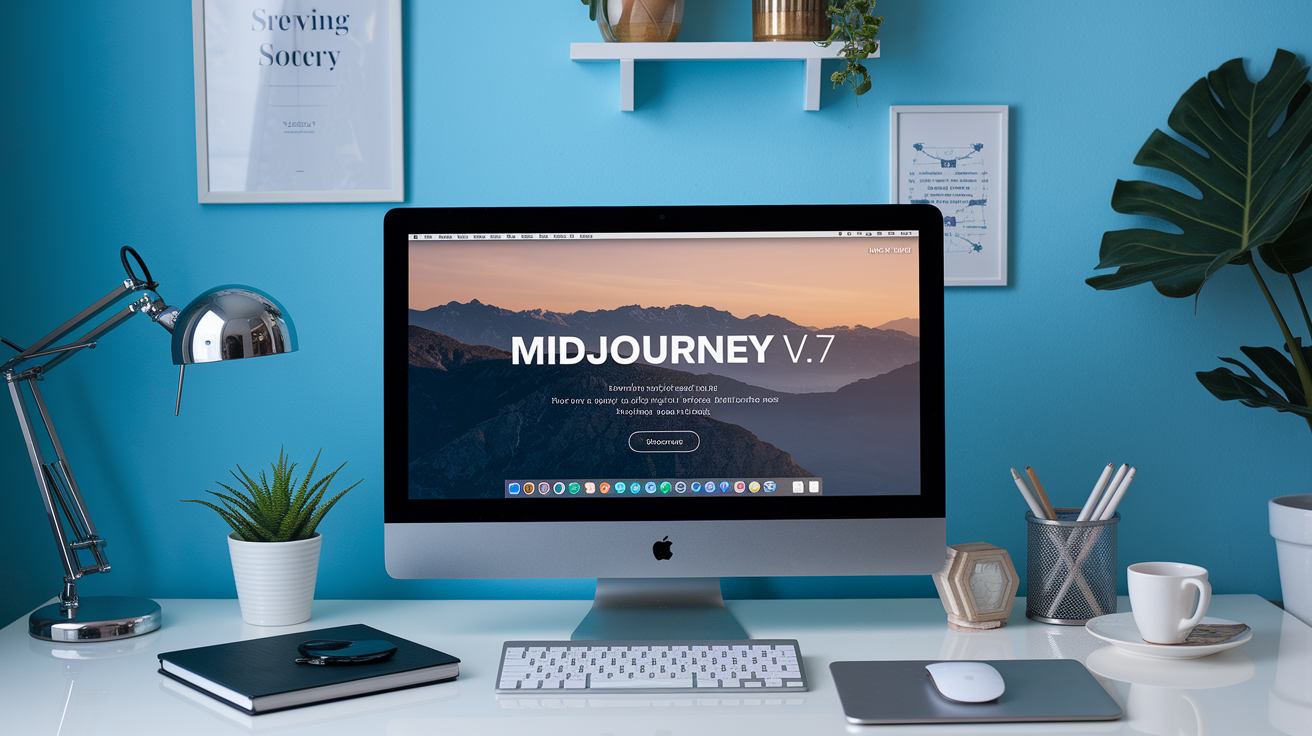
Controversial: the Midjourney V7 model makes you rate 200 image pairs before the generator becomes the default.
Once you’re past that onboarding gate, V7 delivers noticeably sharper textures, far better anatomy, stronger scene coherence, and a Draft Mode that’s about 10× faster and half the cost of V6 standard.
This post breaks down what changed, who’s affected, what still fails (text rendering and some editing tools), and practical steps to use Draft, personalization, and reference flags so you get consistent, usable images fast.
Key Capabilities and Updates Introduced in the Midjourney V7 Model
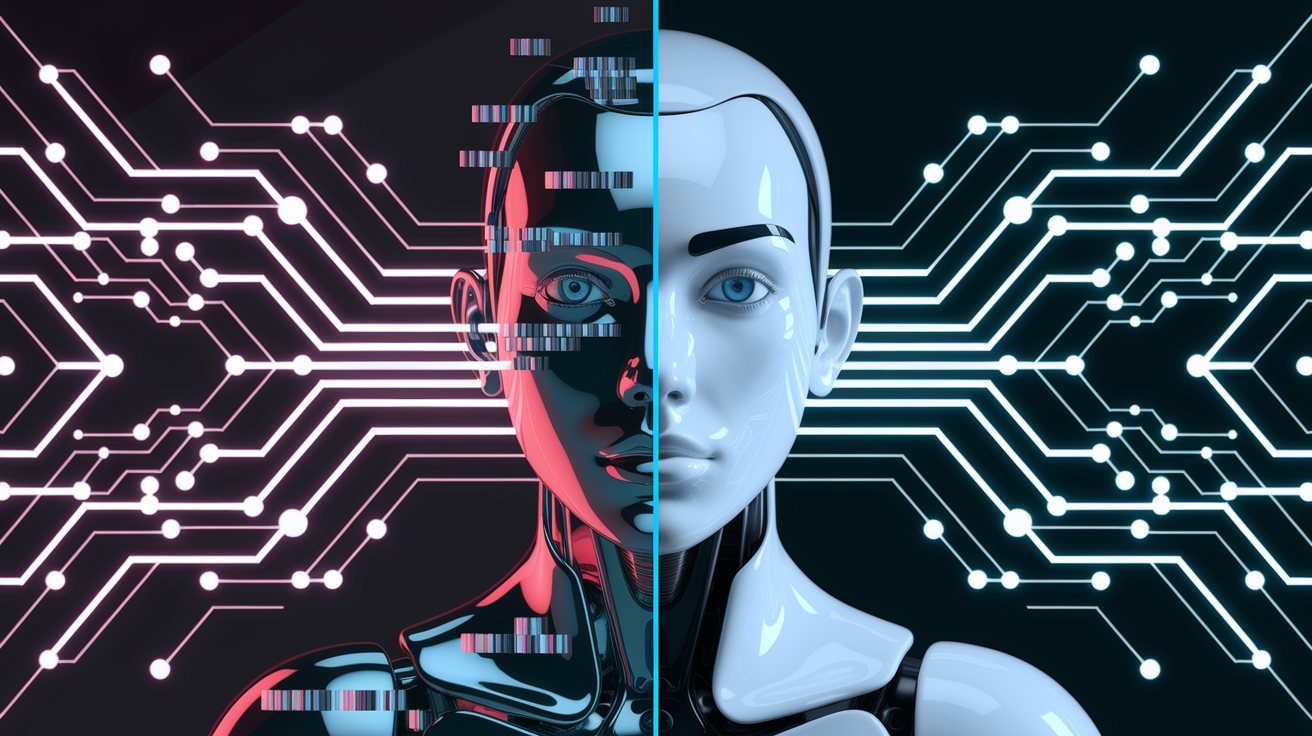
Midjourney V7 just left beta and became the default image generator after months of testing. It’s better at understanding prompts, rendering clearer images, and keeping visual elements coherent across complex scenes.
But there’s a catch. Before you can use it, you’ve got to rate 200 pairs of random images. The system uses this to learn what you like aesthetically. Problem is, it sometimes gets confused and applies your preferred style even when your prompt asks for something completely different.
Where V7 really shines compared to V6.1: texture work, human anatomy (finally, hands that don’t look alien), and overall scene composition. There’s also a new Draft Mode that cranks out images about 10 times faster than standard V6 jobs while costing only half as much. Perfect for quick testing and brainstorming. You can upgrade any draft to full quality with one click.
What’s new and improved:
- Better image quality and detail, especially textures and materials
- Stronger grasp of what your prompt actually wants
- Improved visual coherence (lighting, perspective, how objects relate)
- Draft Mode: 10× speed, 0.5× the cost of V6 standard
- Personalization that 85% of users prefer once they finish onboarding
- Partial feature support: mood boards and style references work now, but upscaling, editing, and retexturing still run on V6 until updates arrive
Text rendering still sucks though. It’s a known problem that hasn’t improved much even as everything else got better. The dev team’s committed to pushing updates every two weeks for the next couple months, focusing on a new reference system for keeping characters and objects consistent.
Draft Mode in the Midjourney V7 Model for Rapid Prototyping
Draft Mode flips the usual workflow on its head. Speed over polish. You get lower quality outputs in about one-tenth the time it takes for standard renders, and it costs half what a V6 job would run you. Makes sense for exploring ideas, testing compositions, or generating quick reference images.
It only works with V7 using the --draft parameter. If you’re on the web interface, you can combine it with voice control for spoken edits.
Here’s how it usually goes:
- Toss
--draftinto your prompt to turn on fast generation - Check the rough output for composition, subject placement, general vibe
- Use voice commands (web only) to tweak things like “swap the dog for a cat” or “change it to sunset”
- Generate a bunch of drafts quickly, see what directions work
- Pick the best one and upgrade it to full quality with one click
Drafts stay visually consistent, so when you upgrade, you’re keeping the core decisions you made during the sketching phase. The upgrade just applies V7’s full rendering power to what’s already there. No need to regenerate from scratch. Cuts down on all that waiting around for high quality versions of ideas that might not even pan out.
Personalization and Style Control in the Midjourney V7 Model
V7 turns on personalization by default, but you can’t skip the 200-pair gauntlet. You pick between random image pairs so the model can figure out what you like. This builds a profile that affects every V7 image you make after that.
Sometimes the system gets too attached to what it learned. If you picked mostly illustrated styles during onboarding, it might fight you when you ask for photorealism later. You’ll need to turn off personalization temporarily or force it with style flags.
The style control stuff got noticeably better. Moodboard algorithms are tighter, and the style reference (--sref) processing is way more precise than V6. Omni-reference (--oref) lets you keep characters and objects looking the same across multiple scenes, which people have been asking for forever. Great for narrative work or character projects.
These reference systems stack on top of your personalization layer. You end up with learned preferences, explicit style refs, and individual prompt instructions all working together.
Smart ways to handle personalization:
- Think broad when you’re doing the 200-pair thing. Don’t just pick one aesthetic if you work on different types of projects.
- Use
--srefwith specific images when you need to break away from your profile - Combine
--orefwith character or object images to stay consistent across a series while keeping your personalized baseline - Test prompts with and without style flags so you understand how hard your profile pushes on different subjects
- Come back and adjust your personalization settings when your creative needs shift
Avoiding Text Failures in V7
V7 can’t handle text well. It’s still broken. When you need readable typography, the safest move is generating the image without text, then adding it afterward in Photoshop or whatever you use.
If text absolutely has to be in the generation, keep it short (3 to 5 characters max), use high contrast colors, ask for bold or heavy fonts in your prompt, and make multiple versions hoping at least one comes out semi-readable. Try something like “a vintage poster with bold red text reading ‘PIZZA’ in a heavy sans-serif font against a cream background.”
Prompting Techniques and Template Strategies for the Midjourney V7 Model
V7 gets nuance now. You can write detailed, multi-part descriptions and it’ll actually understand what you meant. The model’s especially good with texture specs, material properties, and precise lighting conditions. Layering descriptive elements works way better than it used to.
On the web interface, voice-controlled editing takes natural language. You can say stuff like “make it darker” or “add fog” without rewriting your whole prompt.
Prompts that work well with V7:
- Texture detail – “a weathered copper statue covered in green patina, showing intricate surface oxidation patterns and water staining, macro photography, shallow depth of field”
- Layered lighting – “an abandoned warehouse interior lit by shafts of golden-hour sunlight streaming through broken windows, dust particles visible in light beams, deep shadows in corners”
- Anatomical precision – “a classical oil painting of a pianist’s hands on ivory keys, accurate finger positioning, visible tendons and knuckles, warm studio lighting, Rembrandt-style”
- Material surfaces – “a close-up of rain-soaked cobblestones reflecting neon signs, puddle distortions, wet stone texture, urban night photography”
- Omni-reference workflow – “a detective character in three scenes –oref [reference image URL]” to keep appearance consistent across contexts
- Draft to production – “a concept sketch for a sci-fi vehicle –draft” then “make it photorealistic, add metallic materials and studio lighting” after picking the best draft
- Style reference precision – “a mountain landscape –sref [style reference URL]” to apply specific artistic treatment while keeping V7’s improved coherence
The model responds well to camera terminology (focal length, aperture, film stock) and artistic medium specs (oil painting, watercolor, digital rendering). Prompts that separate subject from style tend to produce more predictable results. “Subject: a merchant’s stall filled with exotic spices and fabrics. Style: vibrant market photography, warm afternoon light, shallow depth of field, 85mm lens.”
V7’s conversational mode on web accepts commands like “change the time to night,” “replace the car with a bicycle,” or “make the colors more saturated.” It auto-generates new jobs based on your last output plus the voiced instruction. Better for iterative exploration than typing modified prompts over and over.
Comparing the Midjourney V7 Model to V6.1 and Earlier Versions
V7 launched messy. Lots of instability issues. But they patched it fast, and now most people prefer it over V6.1. The big wins are visual coherence (consistent perspective, lighting, physical logic across complicated scenes), better prompt interpretation, and cleaner rendering for tough stuff like hands, fabrics, and reflective surfaces.
But here’s the thing. Several editing and post-processing tools still use V6 models while they wait for updates. So your workflow might bounce between versions depending on what you’re doing.
What makes V7 different isn’t just refinement. Draft Mode and Omni-reference are brand new capabilities that didn’t exist in V6 at all. Draft Mode’s 10× speed changes how ideation works. Omni-reference solves character and object consistency across multiple generations. But if you need upscaling, retexturing, or certain edits, you’re back on V6 until the corresponding V7 updates drop.
| Feature | V6 | V7 |
|---|---|---|
| Prompt Comprehension | Good for straightforward descriptions | Handles complex multi-clause prompts and nuanced instructions |
| Image Coherence | Occasional perspective and lighting inconsistencies | Improved physical logic and scene consistency |
| Editing Support | Full upscaling, retexturing, and editing tools available | Currently relies on V6 for upscaling and editing (updates pending) |
| Speed Modes | Turbo and Relax modes only | Turbo, Relax, and Draft (10× faster, 0.5× cost) |
| Reference Systems | Basic style references (–sref) | Enhanced –sref, moodboards, and Omni-reference (–oref) for character/object consistency |
Pricing, Modes, and Access Requirements for the Midjourney V7 Model
V7 currently has two speed tiers. Turbo mode costs twice what a standard V6 job runs (2× base rate). Draft mode costs half (0.5× base rate). A standard V7 mode is coming soon, which’ll sit between draft prototyping and turbo final rendering.
You need an active Midjourney subscription to use V7. No free tier, no trial access.
Relax mode works with V7 if your plan includes relaxed GPU time. You can generate images without burning fast-hour credits, but it’s way slower than Turbo or Draft. Until V7 gets its full feature set, some operations automatically fall back to V6. Upscaling, image editing, and retexturing all use V6 processing right now, even if your source image came from V7.
What you need to know:
- You’ve got to finish the 200-pair personalization onboarding before you can generate any V7 images
- The
--draftflag only works with V7 and won’t speed up V6 generations - Upscaling a V7 image currently processes through V6 upscaling models until V7-native upscaling arrives
- Editing and retexturing tools stay on V6 across all workflows for now
- Turbo mode gives you full quality V7 output at 2× cost. Draft mode trades quality for 10× speed at 0.5× cost.
Common Workflows and Creative Use Cases with the Midjourney V7 Model
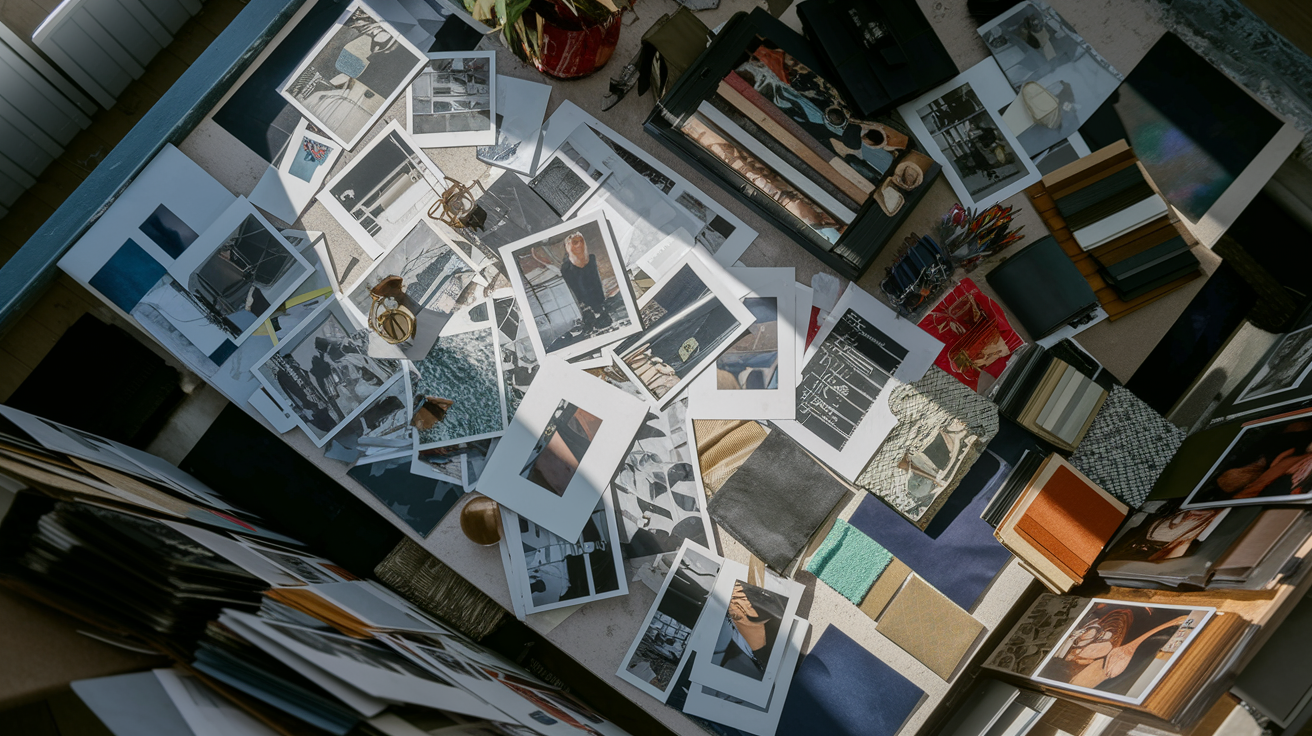
V7’s anatomy improvements make portrait work way less frustrating. Fewer weird hands, unnatural joints, or wonky facial proportions that earlier versions kept spitting out. The texture rendering produces convincing skin detail, fabric weaves, and material surfaces that get close to photorealistic when you prompt with enough detail and proper photography terms. Omni-reference support changes the game for character projects: concept art series, character design iterations, storyboard sequences where you need the same protagonist or object across multiple scenes.
Architectural visualization gets better perspective consistency and physical logic. Building exteriors and interior spaces have more believable geometry and lighting. Product design mockups take advantage of V7’s material rendering to show realistic metal finishes, glass transparency, plastic textures, fabric properties. Environment and landscape generation benefits from improved atmospheric perspective, natural lighting behavior, and coherent ecosystem details (vegetation types, geological formations, weather effects).
Practical workflows across different creative work:
- Concept exploration – Generate 8 to 12 draft variations of a product concept in under two minutes, pick the strongest direction, upgrade to full quality, use voice commands to iterate on materials and colors
- Character consistency – Create a hero character reference image, save as Omni-reference source, generate the character in different poses, environments, and lighting while keeping appearance consistent
- Photorealistic portraits – Prompt detailed skin texture, specific lighting setup, precise emotional expression. Generate multiple variations, upscale selected outputs (via V6 until V7 upscaling arrives)
- Architectural rendering – Draft multiple building exterior angles quickly, upgrade chosen perspective, generate interior views using the same style references to maintain design language consistency
- Product visualization batch – Use style references to maintain brand aesthetic across multiple product images, use Draft mode for composition testing, upgrade finals for marketing materials
- Environment concepts – Generate landscape drafts with different times of day and weather conditions, select hero images for upgrade, use voice editing to refine atmospheric details
Troubleshooting and Known Limitations of the Midjourney V7 Model
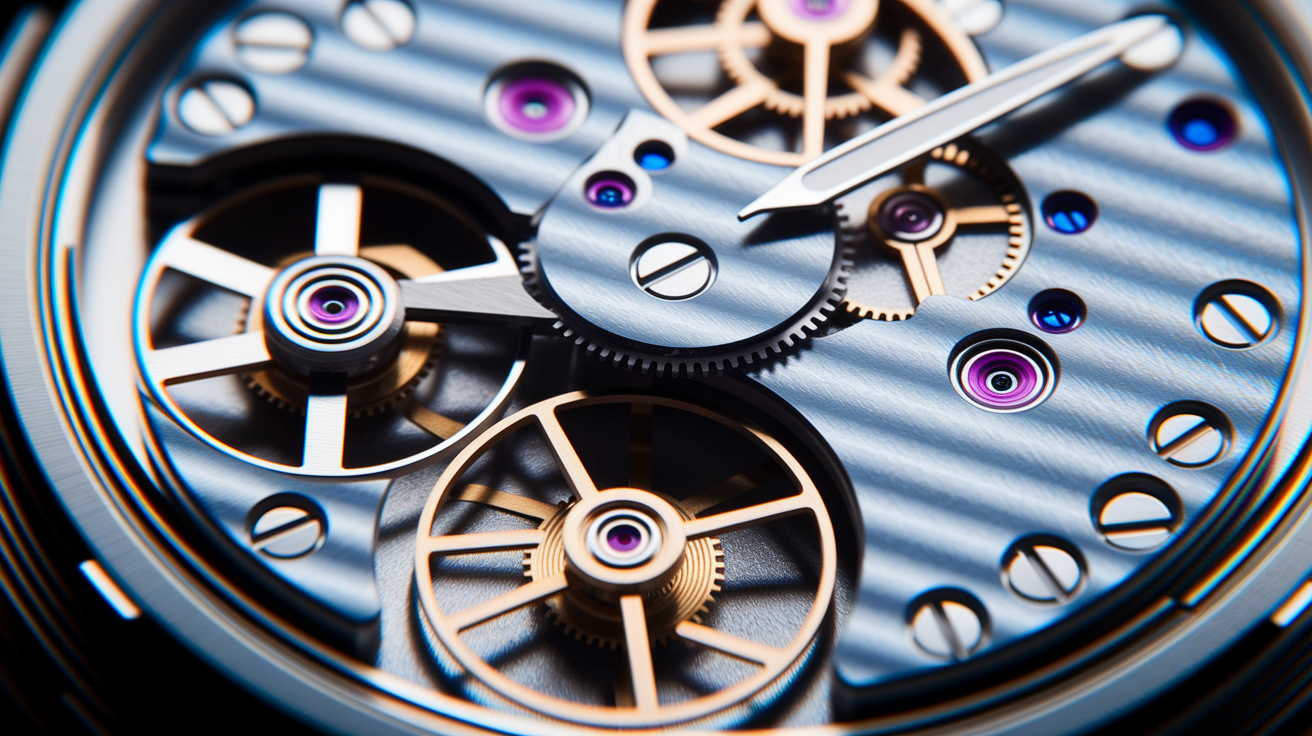
Text rendering is still the biggest complaint. The model constantly produces illegible, distorted, or nonsensical letters even when your prompt explicitly asks for specific readable text. Affects any project needing signage, product labels, book covers, or typography-integrated designs.
Early V7 releases were rough. Severe quality inconsistencies, unexpected behaviors. Rapid patching fixed most stability issues within the first few weeks of beta, but some quirks remain.
The personalization system can be stubborn. It overrides prompt-specific style requests sometimes. If your onboarding choices leaned toward illustration, V7 might resist photorealistic prompts unless you use explicit style flags or temporarily adjust personalization. And the feature gaps during this transition period force you to bounce between V7 for generation and V6 for upscaling and editing. Adds friction to production.
How to work around common problems:
- Text issues – Generate images without text, add typography in external software. If text must be in-generation, keep strings to 3 to 5 characters max and make multiple attempts
- Personalization conflicts – Use strong style references (
--sref) to override learned preferences, or explicitly describe the desired aesthetic in opposition to your profile - Anatomy problems – Add specific anatomical detail to prompts (“accurately proportioned hands with visible knuckles and natural finger placement”), generate multiple variations, pick the best result
- Ignored prompt elements – Break complex prompts into shorter, more direct instructions. Use comma-separated descriptive phrases instead of long narrative sentences
- Inconsistent quality – Verify you finished the 200-pair onboarding. Check that flags (
--draft,--sref,--oref) are formatted correctly with double hyphens and no spaces before parameters - Editing tools fail – Confirm whether the operation you want is V7-compatible. If you need upscaling or retexturing, expect it to fall back to V6 models until corresponding V7 updates arrive
Final Words
Midjourney v7 model is now the default and brings higher image quality, stronger prompt understanding, fast Draft mode, and personalization features like sref, moodboards, and Omni-reference.
You saw how Draft speeds prototypes, the 200-pair onboarding tunes style, prompt templates and workarounds help, and where v6 still handles some editing and upscales. Known limits include text rendering and a few tool gaps.
Try Draft for quick iterations, upgrade to full quality for final assets, and complete onboarding to get the best results. The midjourney v7 model is a clear step up—worth trying on your next project.
FAQ
Q: What is Midjourney V7?
A: The Midjourney V7 model is the current default image-generation model Midjourney uses, rolled out after months of testing; it replaces older versions for most jobs with higher image quality and coherence.
Q: Which model does Midjourney use?
A: Midjourney uses the V7 model as its default generation model, offering improved prompt understanding, coherence, and visual fidelity compared with prior versions.
Q: What is new in Midjourney 7?
A: Midjourney 7 introduces higher image quality, stronger prompt comprehension, better coherence, a 200‑pair personalization onboarding, Omni‑reference, sref and moodboards, faster Draft mode, and improved textures, bodies, and hands; text rendering still struggles.
Q: What are the quality settings for Midjourney V7?
A: The quality settings in V7 include Draft mode—10× faster and 0.5× cost (use –draft, upgradeable to high quality)—Turbo mode at ~2× v6 cost, and a standard mode still in development.