Can a single still image become a believable, cinematic 10-second video?
Runway Gen-4 says yes — it turns a reference photo plus a motion prompt into 24 frames per second clips with stronger scene memory, better motion physics, and faster Turbo rendering.
In this post I’ll show what changed from Gen-3, who benefits (creators, developers, teams), why it matters for real projects, and practical first steps to try it yourself.
Quick examples included.
Key Capabilities and Improvements of the Runway Gen-4 Model

Runway Gen-4 is a fourth-generation multimodal model that turns still images into animated video clips through text prompts. It spits out 10-second clips at 24 frames per second with 720p resolution by default. You can upscale to 4K if you’re on a paid plan. Gen-4 works differently than earlier versions—it needs both a reference image and a motion description to generate anything. So you’d feed it an image of a knight in armor along with “The knight walks through a misty battlefield, camera tracking from behind.”
What sets Gen-4 apart is how it handles temporal consistency and scene memory. The model keeps character identity, clothing details, and background elements stable across all 240 frames in a single clip. That’s a big deal. Earlier text-to-video tools struggled with visual drift and weird instabilities that broke immersion. Gen-4 also got better at motion-aware generation, handling realistic physics like hair movement, shadow progression, and gravity. Multi-angle consistency means it can render coherent wide shots and close-ups of the same subject without visual continuity breaking down. The Turbo variant generates a full 10-second clip in roughly 30 seconds, running about five times faster than standard Gen-4 through parallel frame processing and predictive computation.
Gen-4 advantages include:
- Stronger temporal consistency. Subjects, wardrobe, and backgrounds stay stable across all frames with minimal identity drift.
- Improved motion physics. Realistic hair flow, fabric movement, shadows, and environmental effects like wind or rain.
- Multi-angle coherence. Wide shots and close-ups maintain visual integrity when depicting the same character or scene.
- Cinematic camera motion. Smooth 360° pans, tracking shots, depth-of-field effects, and motion blur render reliably.
- Flexible resolution and aspect ratios. Supports 16:9, 4:3, 1:1, 3:4, and 9:16 formats with optional 4K upscaling.
- Dual-input control. Combining reference images with text prompts delivers precise identity anchoring and deliberate motion direction.
Technical Foundations Behind Gen-4’s Visual Intelligence

Runway Gen-4 runs on a diffusion-transformer architecture paired with temporal attention mechanisms that track relationships between consecutive frames. Earlier models treated each frame independently. Gen-4’s temporal attention layer analyzes how objects, lighting, and motion evolve across the entire clip. The architecture’s optimized for NVIDIA Hopper and Blackwell GPUs, which speed up the model’s ability to process frames in parallel while maintaining coherence. Generation happens through progressive refinement—starts with a low-resolution preview and iteratively adds detail—combined with predictive computation that anticipates how motion should unfold across the 10-second timeline.
The model incorporates spatial and 3D-aware reasoning to interpret camera movements and adjust perspective dynamically. When a prompt describes a zoom, pan, or tracking shot, Gen-4 calculates how the scene’s geometry should shift frame by frame to simulate realistic camera behavior. This spatial understanding also helps the model maintain object permanence, keeping small details like jewelry, props, or background elements in consistent positions even as the camera moves or the subject changes pose.
Temporal Attention and Spatial Understanding
Temporal attention works as a memory layer that links frames together during generation. Instead of producing each frame in isolation, the model references earlier frames to preserve continuity in character appearance, lighting conditions, and environmental details. This frame-to-frame memory reduces flicker, prevents sudden color shifts, and minimizes the disappearance or duplication of objects. Spatial depth models interpret the 3D structure of the scene, letting Gen-4 handle complex camera movements like dolly shots or rotations without breaking the illusion of a continuous environment. The combination of temporal memory and 3D-aware reasoning lets the model render cinematic movements—like a slow zoom into a subject’s face—while maintaining focus, depth-of-field effects, and realistic perspective changes across all 240 frames in a 10-second clip.
Visual Quality Improvements Introduced in the Gen-4 Model
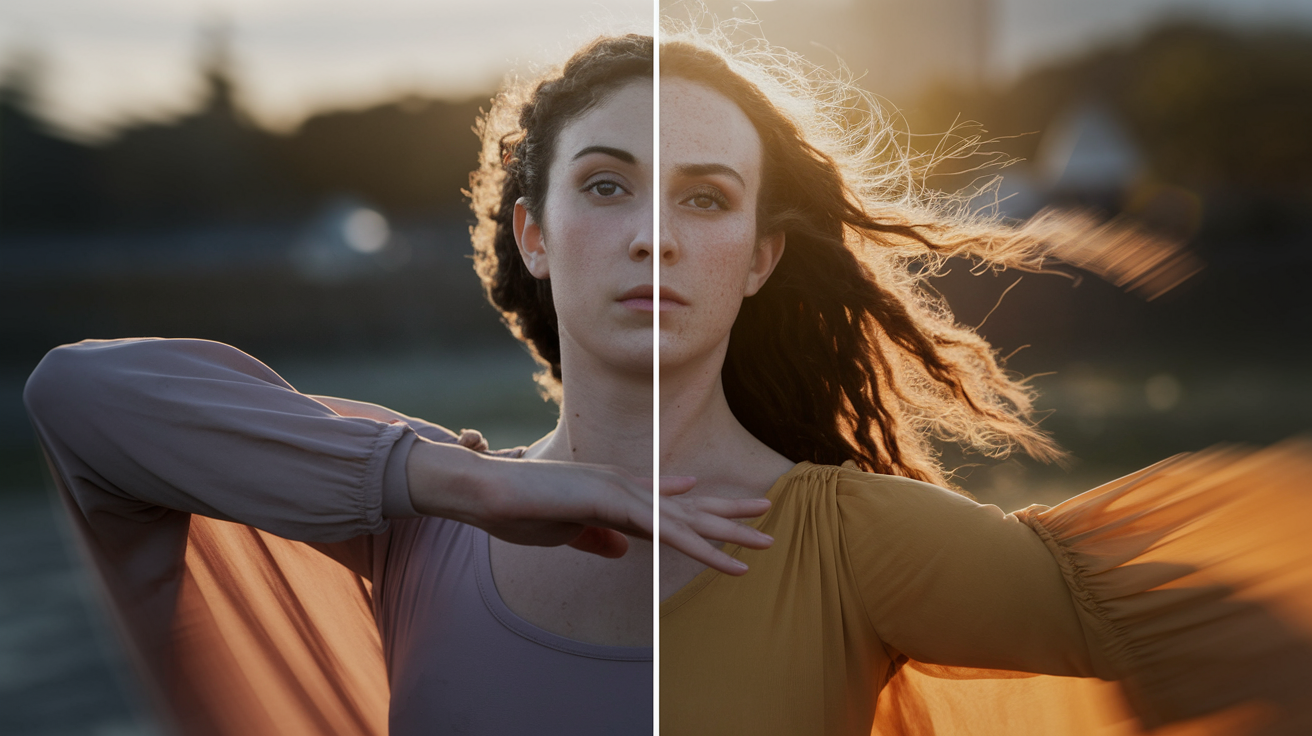
Gen-4 delivers noticeable upgrades in lighting consistency, depth-of-field realism, and motion blur compared to earlier Runway models. It handles dynamic lighting scenarios more reliably, maintaining coherent shadows and light sources even when subjects move through changing environments. Depth-of-field effects—where the foreground remains sharp while the background blurs—render with cinematic precision. Motion blur appears natural during fast movements or camera pans. Environmental effects like falling snow, rain, or wind-blown fabric animate with greater realism, and multi-element scenes with several moving subjects or complex backgrounds remain visually stable.
Detail retention has improved but isn’t flawless. Gen-4 preserves textures, facial features, and object edges more reliably than Gen-3, but fine details like individual hair strands, skin pores, or fabric weave can blur or shift during rapid motion or in extreme close-ups. Quality tends to stay high for the first seven seconds of a clip, with occasional degradation visible in the final frames. Optional 4K upscaling enhances sharpness and allows for professional-grade output, though upscaling eats additional credits. Cinematic color grading—warm tones, cooler shadows, and naturalistic contrast—appears more frequently in Gen-4 outputs, giving clips a polished, film-like aesthetic without requiring extensive post-processing.
Common real-world visual improvements in Gen-4 include:
- Improved lighting consistency across transitions, shadows, and reflections.
- Realistic environmental physics for elements like water, hair, fabric, snow, and wind.
- Stable multi-element compositions with fewer character mutations or background glitches.
- Better fine-detail retention in textures and facial features, though imperfect in complex close-ups.
Gen-4 vs Gen-3: What Meaningfully Changed
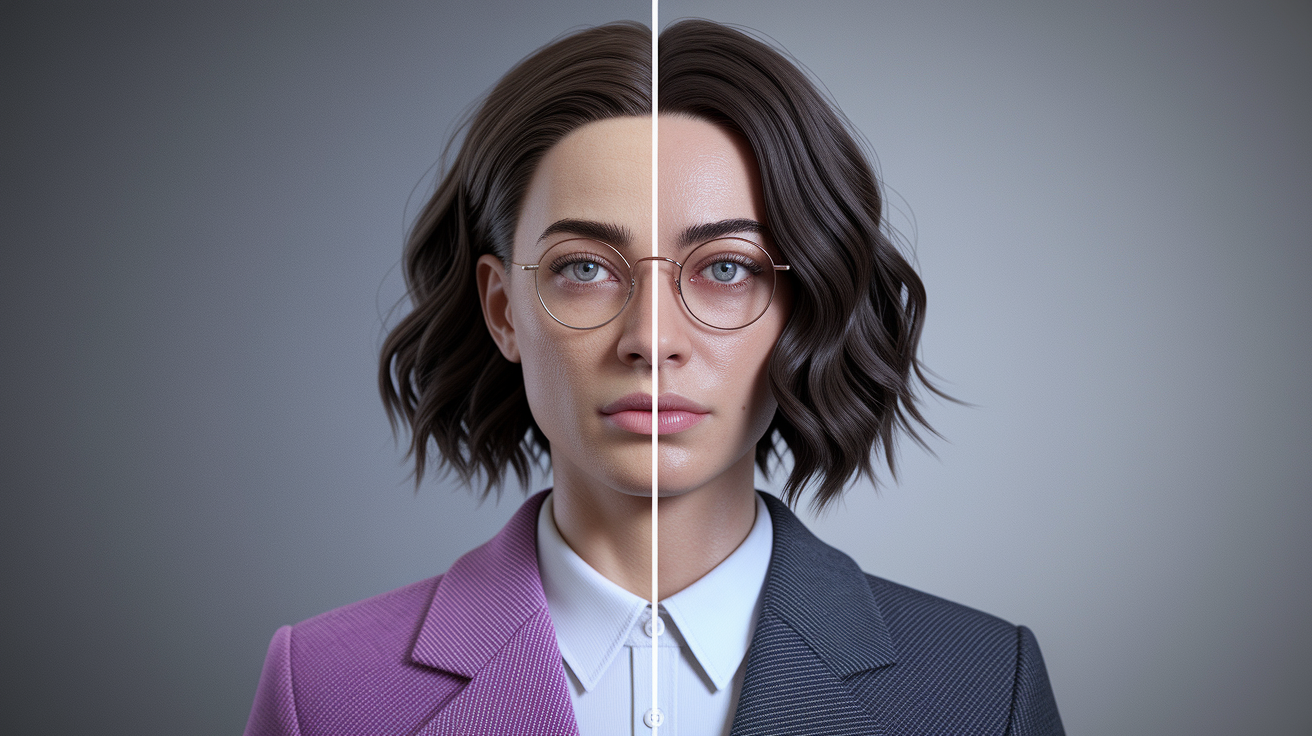
Gen-4 replaced Gen-3’s manual frame controls with smoother, more organic motion generation. Gen-3 let users specify individual keyframes or control points, but the trade-off was often jerky transitions and unnatural movements. Gen-4 removes that manual control in favor of a simpler dual-input workflow—reference image plus motion prompt—that produces more fluid, cinematic results. Scene memory is the most impactful upgrade. Gen-4 can maintain consistent character identity, wardrobe, and background details across wide shots and close-ups within the same clip. Gen-3 frequently failed at this.
Prompt interpretation is more reliable in Gen-4. Concise, specific instructions translate into deliberate on-screen actions without the frequent character mutations or unexpected scene changes that plagued Gen-3. Character expressiveness also improved. Gen-4 renders readable emotions like sadness, joy, or tension combined with believable body language and environmental interactions. Physics realism received substantial upgrades, with hair, fabric, and gravity effects behaving more naturally across all frames.
| Feature | Gen-3 | Gen-4 |
|---|---|---|
| Frame Controls | Manual keyframe specification available | Automatic organic motion, no manual keyframes |
| Scene Memory | Inconsistent character identity across angles | Consistent wide-shot to close-up transitions |
| Physics Realism | Basic motion, frequent glitches | Improved hair, fabric, gravity, and environmental effects |
| Prompt Reliability | Required verbose or repeated instructions | Concise prompts produce deliberate, stable results |
Working With Dual-Input Prompts in Gen-4

Dual-input prompting is the core workflow for Gen-4. You need to provide both a reference image and a text-based motion description. The reference image anchors the visual identity of the subject—character appearance, wardrobe, environment, and composition—while the text prompt directs the motion, camera behavior, and action. An image of a knight in armor paired with the prompt “walks through a misty battlefield, camera tracking from behind” produces a 10-second clip of that specific knight moving through fog with a following camera. Scene memory maintains the knight’s identity for the full duration, preventing mid-clip character drift or costume changes.
Complex prompts with multiple simultaneous actions or layered instructions can confuse the model. You’ll get partial execution or visual artifacts. Iterative refinement works better than attempting to describe everything in one prompt. Users typically start with a simple, focused action—”slow zoom in on subject’s face”—and regenerate with adjusted prompts if the result misses the mark. Gen-4’s scene memory is reliable for 5 to 10 seconds, making it suitable for single-shot sequences but requiring stitching and external tools for longer narratives.
Best Practices for Crafting Effective Gen-4 Prompts
- Use explicit camera and cinematography terms. Describe movements like “slow dolly zoom,” “shallow depth of field,” or “tracking shot from behind” to guide framing and perspective.
- Include lighting cues. Specify conditions such as “golden hour lighting,” “harsh overhead shadows,” or “soft diffused light” to influence mood and realism.
- Focus on a single primary action. Describe one clear movement or event per prompt rather than layering multiple simultaneous actions.
- Clearly identify the subject. Reference the character or object by name or description to maintain scene memory across frames.
- Provide stable framing instructions. Specify whether the camera should remain static, pan, zoom, or track to control motion consistency.
Clip Length, Resolution, and Supported Formats in Gen-4

Gen-4 offers two clip-length options: 5 seconds or 10 seconds per generation, both rendered at 24 frames per second. Default output resolution is 720p (1280 × 720), with optional 4K upscaling available on paid plans at an additional credit cost. The model supports multiple aspect ratios including 16:9, 9:16, and 1:1, with the Turbo variant adding 4:3 and 3:4 for broader creative flexibility. Exported files get delivered as silent MP4 or GIF formats. No audio track is embedded, so you’ll need to add voiceovers, music, or sound design in post-production.
The 10-second maximum clip length creates challenges for longer storytelling. Multi-scene narratives require generating separate clips and stitching them together in an external video editor. Maintaining character consistency across stitched scenes demands reusing reference images or employing additional tools. The lack of native audio means all sound design, dialogue, and music must be layered manually after generation, adding an extra step to production workflows.
| Specification | Gen-4 Standard | Gen-4 Turbo |
|---|---|---|
| Clip Lengths | 5 seconds or 10 seconds | 5 seconds or 10 seconds |
| Frame Rate | 24 FPS | 24 FPS |
| Output Formats | Silent MP4 or GIF (no audio) | Silent MP4 or GIF (no audio) |
Performance and Generation Speed of the Runway Gen-4 Model

Gen-4 Turbo generates a complete 10-second clip in approximately 30 seconds, making it roughly five times faster than the standard Gen-4 model. This speed improvement comes from parallel frame processing, which renders multiple frames simultaneously rather than sequentially, and predictive computation that anticipates motion trajectories to reduce redundant calculation. The generation process begins with a low-resolution preview that establishes composition and motion paths, followed by a refinement pass that adds detail, sharpens textures, and applies lighting effects.
Standard Gen-4 prioritizes visual fidelity over speed. Takes longer per generation but often produces cleaner results with fewer artifacts. Turbo sacrifices some detail precision in exchange for rapid iteration, making it ideal for testing prompts, exploring creative directions, or generating quick drafts. For final production-quality outputs, workflows often start with Turbo for concept testing, move to standard Gen-4 for refinement, and finish with Gen-4.5 (if available) for the highest fidelity.
Factors that affect generation speed include:
- GPU class. NVIDIA Hopper and Blackwell GPUs deliver the fastest processing. Lower-tier hardware or cloud queue congestion slows results.
- Clip complexity. Scenes with multiple moving subjects, intricate backgrounds, or dynamic lighting require more computation time.
- Model version. Turbo prioritizes speed, standard Gen-4 balances quality and time, and Gen-4.5 focuses on maximum fidelity at the cost of longer waits.
Practical Limitations and Common Failure Modes in Gen-4

Gen-4 struggles with fine motor control, particularly detailed hand gestures, intricate facial micro-expressions, and small object manipulation. Text embedded in source images frequently becomes garbled or distorted after animation, making Gen-4 unsuitable for animating signage, product labels, or documents without additional post-production cleanup. Tiny objects like jewelry, coins, or small props may disappear, shift position, or duplicate unexpectedly between frames due to object-permanence tracking failures. The final seconds of a 10-second clip sometimes exhibit blurred edges or visual glitches as the model’s temporal attention weakens near the end of the sequence.
Complex prompts that describe multiple simultaneous actions often confuse the model. You’ll get partial execution or character behavior that contradicts the prompt. Iterative, focused prompting—starting simple and refining across multiple generations—produces more reliable results. Generation quality depends heavily on the source image. AI-generated or low-resolution input images produce noticeably inferior results compared to high-quality photographs. Some subscription plans restrict access to Runway’s built-in image generator, requiring users to create or source reference images externally. A “References” feature appears in the Gen-4 interface for some users but may be locked or unavailable, blocking workflows that rely on persistent character identity across multiple scenes.
Common Gen-4 weaknesses include:
- Garbled or distorted text when animating images containing written words.
- Unstable tiny objects that shift, disappear, or duplicate across frames.
- End-frame blur or glitches in the final 1 to 2 seconds of 10-second clips.
- Inconsistent small details like fabric textures, hair strands, or fine patterns in close-ups.
- Difficulty with complex simultaneous actions requiring multiple elements to move or change at once.
Pricing, Credits, and Monthly Cost Structure for Gen-4 and Gen-4 Turbo
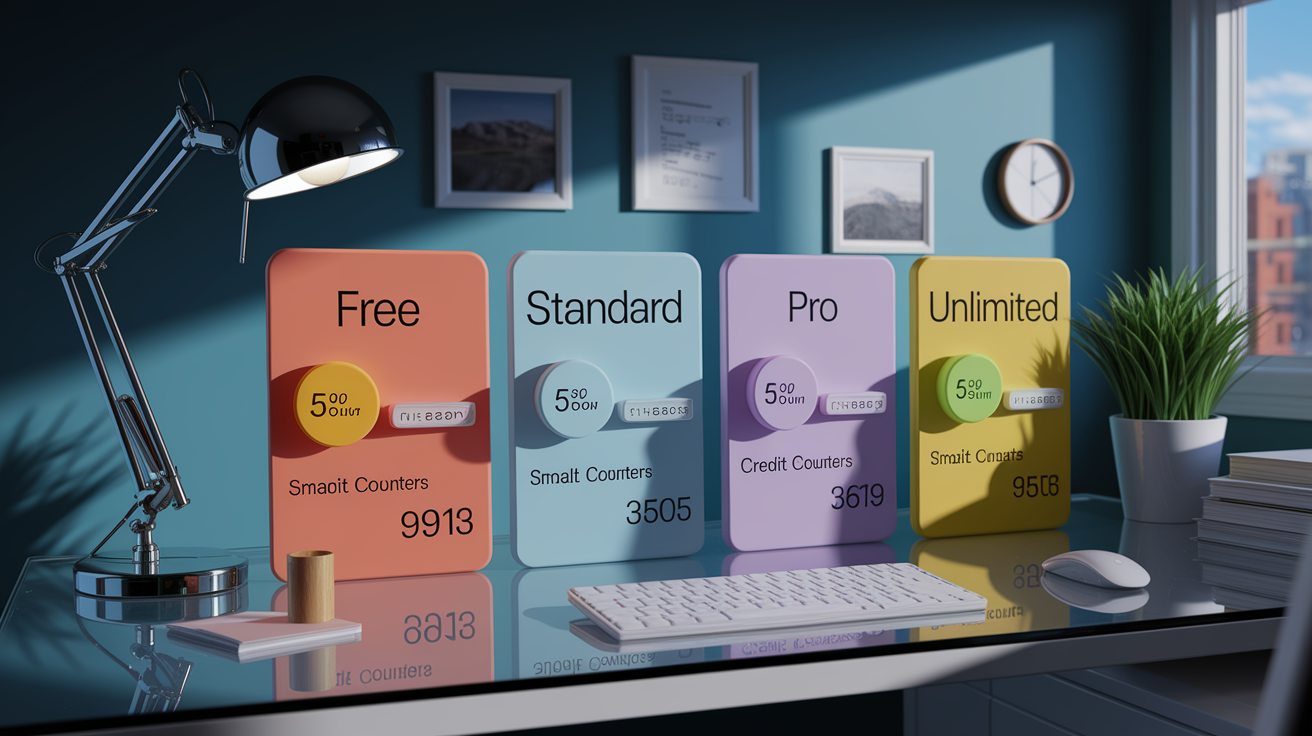
Runway Gen-4 and Gen-4 Turbo operate on a credit-based pricing system where each second of video consumes a fixed number of credits. Gen-4 Turbo costs 5 credits per second, meaning a 10-second clip requires 50 credits. Standard Gen-4 costs 12 credits per second, or 120 credits for a 10-second clip. The Free plan provides 125 one-time credits, enough for approximately 25 seconds of Gen-4 Turbo output. That’s equivalent to 2.5 ten-second clips. Credits don’t roll over between months. Unused credits expire at the end of each billing cycle.
The Standard plan costs $12 per month and includes 625 credits, which translates to 125 seconds of Gen-4 Turbo (roughly 12 ten-second clips) or 52 seconds of standard Gen-4 (about 5 ten-second clips). The Pro plan costs $28 per month and provides 2,250 credits, yielding approximately 450 seconds of Gen-4 Turbo (around 45 ten-second clips) or 187 seconds of standard Gen-4 (18 ten-second clips). Pro subscribers also get access to custom voice generation and priority processing queues. The Unlimited plan costs $76 per month and offers “unlimited” generations in Explore mode, but runs at a relaxed, lower-priority queue that slows generation times significantly compared to Standard or Pro plans.
Additional credit costs apply for 4K upscaling and watermark removal. Using the Pro plan as a reference, each Gen-4 Turbo clip costs approximately $0.62 when calculated as $28 divided by 45 clips. Standard Gen-4 clips on the Pro plan cost roughly $1.56 each ($28 divided by 18 clips). You should evaluate monthly output needs against plan limits to avoid mid-month credit exhaustion.
| Plan | Monthly Cost | Credits Included | Gen-4 Turbo Output |
|---|---|---|---|
| Free | $0 (one-time) | 125 credits | ~25 seconds (2.5 clips) |
| Standard | $12 | 625 credits | ~125 seconds (12 clips) |
| Pro | $28 | 2,250 credits | ~450 seconds (45 clips) |
| Unlimited | $76 | Unlimited (relaxed queue) | Unlimited at lower priority |
Gen-4 in Professional Workflows and Production Pipelines
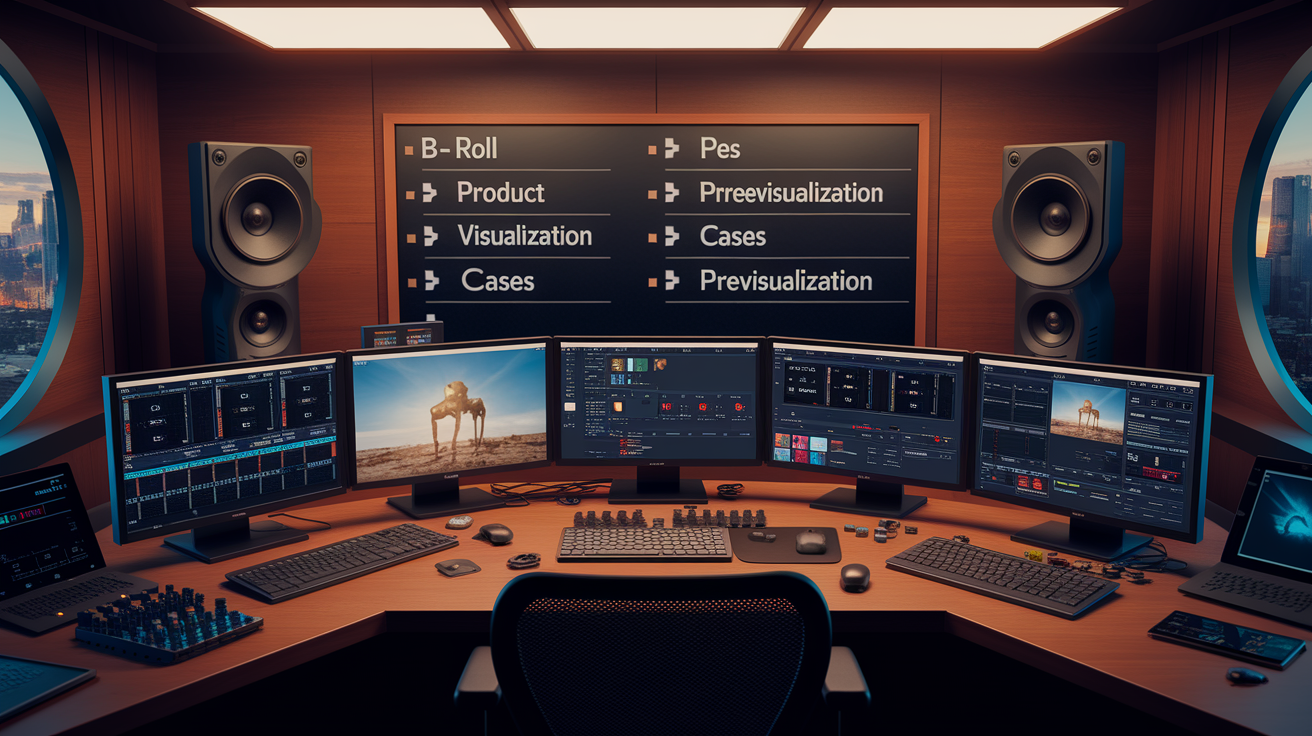
Runway Gen-4 has been adopted by production studios including Lionsgate and integrated into workflows for The Late Show with Stephen Colbert. The model serves multiple professional functions. It generates B-roll footage for tight deadlines, animates product photos for marketing campaigns, visualizes film concepts during pre-production, and creates mood-driven cinematics for music videos or art projects. Gen-4’s speed and cost efficiency make it suitable for rapid iteration during creative development, while its cinematic output quality supports final delivery for lower-budget or experimental productions.
Professional workflows often combine Gen-4 with broader multi-model pipelines. A typical sequence might start with AI image generators like Midjourney or DALL·E to create reference frames, animate those frames in Gen-4, add voiceovers or music in audio tools, and assemble the final edit in Adobe Premiere, DaVinci Resolve, or similar software. Platforms that unify multi-model workflows—supporting 200+ AI models and 1,000+ integrations—reduce manual integration overhead and allow no-code pipelines that automate the generation, voiceover, and publishing sequence. Gen-4’s support for multiple aspect ratios (16:9, 9:16, 1:1) allows simultaneous export of social media variants for A/B testing across platforms.
Popular professional use cases for Gen-4 include:
- B-roll generation for video production under tight deadlines or limited budgets.
- Product visualization by animating still product photos into motion footage.
- Film previsualization to quickly communicate shot ideas, camera movements, or scene compositions.
- Social media content creation with rapid multi-aspect-ratio variants for testing and engagement optimization.
Comparing the Runway Gen-4 Model to Sora, Veo, Kling, and Luma
OpenAI’s Sora 2 offers longer clip durations and native audio generation, embedding synchronized sound effects and music directly into video outputs. Google’s Veo 3.1 specializes in audio-visual synchronization, producing clips where sound matches on-screen action more naturally than competitors. Kling, developed by ByteDance, provides granular camera controls suited for cinematographers who need precise framing and movement adjustments, though the interface has a steeper learning curve. Luma AI excels at realistic physics simulation—fabric draping, liquid dynamics, and object collisions—but generates results more slowly than Gen-4 Turbo.
Gen-4 Turbo’s competitive advantage lies in its balanced trade-off between speed, cost, and quality. Turbo’s 30-second generation time allows for rapid experimentation and iteration, while the credit-based pricing model remains predictable and accessible for both independent creators and professional studios. Gen-4’s temporal consistency and scene memory rival or exceed competitors in maintaining character identity and background stability across 10-second clips, though it sacrifices longer durations and audio features available in Sora and Veo.
| Model | Strengths | Weaknesses |
|---|---|---|
| Sora 2 | Longer durations, native audio generation | Less transparent access and pricing |
| Veo 3.1 | Audio-visual synchronization, native sound | Fewer aspect ratio options, less iteration speed |
| Kling | Granular camera controls for cinematographers | Steeper learning curve, slower workflow |
| Luma AI | Realistic physics simulation, object interactions | Slower generation times, higher computational cost |
Future Roadmap and Advancements Beyond the Gen-4 Model
Runway’s development roadmap includes extending clip durations to 30 seconds, 60 seconds, and beyond, addressing the current 10-second limitation that requires stitching for longer narratives. Audio synchronization is a priority, with plans to integrate native sound generation that matches on-screen action and environmental context. Physics improvements will target fabric behavior, fluid dynamics, and collision interactions to handle complex scenes involving multiple moving objects or realistic environmental effects. Multi-shot consistency is a key research focus, aiming to maintain character identity, wardrobe, and scene continuity across multiple independent generations for seamless multi-scene storytelling.
Near-real-time generation is another long-term goal, reducing the current 30-second Turbo wait time to seconds or less for faster iteration and interactive editing. Research into “world models”—persistent representations of characters, environments, and physical rules—could let the model remember past scenes and maintain continuity across extended timelines. Interactive editing workflows with localized prompt-driven changes (for example, “change the lighting in the background to sunset”) are also under exploration, allowing users to refine specific elements without regenerating entire clips.
Final Words
We covered Gen‑4’s biggest changes fast: dual‑input prompts, stronger temporal consistency, better physics, multi‑angle coherence, and 10s clips at 24 fps with optional 4K upscaling. Turbo speeds up iteration, making experimental workflows practical.
The piece also explained the model’s diffusion‑transformer core, how visual quality improved over Gen‑3, common failure modes, pricing tradeoffs, and real‑world uses in production.
If you’re trying it, refine prompts, budget credits, and use Turbo for quick tests. The runway gen-4 model is a clear step toward more reliable, cinematic text‑to‑video.
FAQ
Q: Which model does runway use?
A: The model Runway uses is the Gen‑4 family (Gen‑4 and Gen‑4 Turbo), a fourth‑generation multimodal text-to-image and text-to-video system with dual-input prompts, stronger temporal consistency, and optional 4K upscaling.
Q: What is the difference between Gen 3 and Gen 4 runway?
A: The difference between Gen‑3 and Gen‑4 is that Gen‑4 adds dual‑input prompting, improved scene memory, better physics and temporal consistency, and smoother, more cinematic motion with more stable character identities across frames.
Q: What is the difference between Gen 4 and 4.5 runway?
A: The difference between Gen‑4 and Gen‑4.5 is that 4.5 typically denotes incremental vendor updates focused on fidelity, stability, and prompt handling; check Runway’s official release notes for exact changes and benchmarks.
Q: What is the runway gen 4 image?
A: The Runway Gen‑4 image is a still frame generated by the Gen‑4 model—default 720p, supports multiple aspect ratios, often produced from a reference image plus a motion-style prompt and upscalable to 4K.