Is Twitch down right now — or is it just your router acting up?
If streams are freezing and chat stays silent, this post gives live status and step-by-step fixes.
Read the official status sources, user reports, and traceroutes to know whether the problem is platform-wide, regional, or on your end.
We explain what failures look like, who gets hit first, and clear steps to get back online or move your audience to a backup stream.
Follow minute-by-minute updates so you don’t waste time troubleshooting during a real outage.
Is Twitch Down Right Now? Live Status Overview

Right now, the fastest way to know if Twitch is actually down is to check multiple real-time sources. When something’s breaking for real, you’ll see user reports spike hard within minutes. The official Twitch Status page is still your best bet since it’s updated directly by the team running the platform.
Current outage signals come from server response times, how many people are complaining, and where those complaints are coming from. During a real platform-wide mess, reports jump from maybe a few dozen per hour to thousands in 15 to 30 minutes. If you’re seeing steady low-level grumbling, that’s usually just normal internet weirdness, not Twitch itself.
Here’s where to check:
- Twitch Status Page — Shows what’s working and what’s not across video delivery, chat, login stuff, and broadcasting tools
- Downdetector Twitch Page — Live graphs, heatmaps of where things are broken, and comment sections full of people describing what they’re seeing
- Twitch Support on X (Twitter) — Posts confirmations, time estimates, and all-clear messages when stuff goes sideways
- AWS Health Dashboard — Twitch runs on Amazon’s servers. If AWS regions like US-East or US-West go down, Twitch follows
- Real User Monitoring Tools — Services like UptimeRobot and Pingdom ping Twitch every few minutes and flag when responses fail
- Community Forums and Subreddits — r/Twitch and Discord channels light up fast when widespread problems start
Regional impacts show up before global confirmations sometimes. During a June 2025 incident tied to Cloudflare, European users started reporting dead streams about 10 minutes before North American complaints peaked. If current reports cluster in specific countries or ISPs, you’re probably looking at a network transit issue, not Twitch breaking.
Reported Symptoms Users Are Facing During Outages
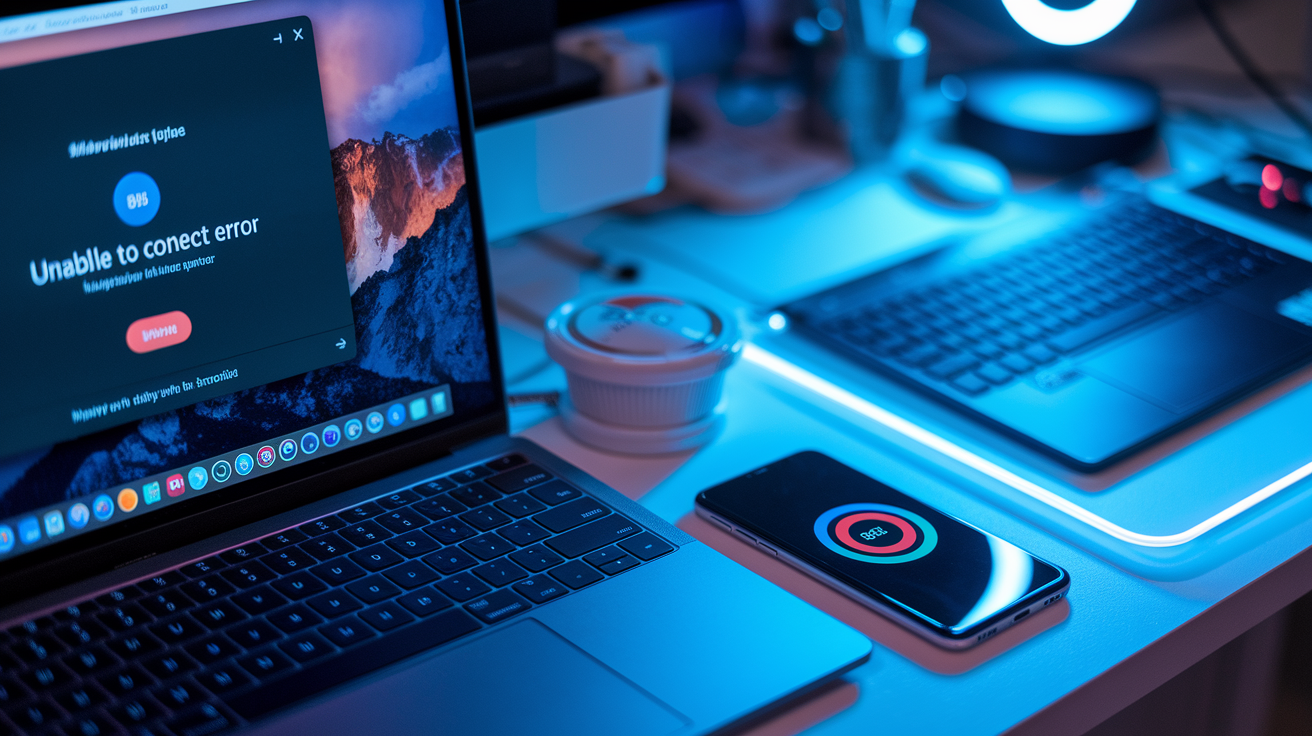
When Twitch goes down, the most common thing you’ll see is streams just refusing to load. Infinite spinner, black screen, or error messages like “Unable to connect” or “Error 2000 Network.” Chat might die separately, so you can watch video but can’t type, or the other way around. Login pages time out, locking you out of account settings, subs, or the creator dashboard.
Broadcasters get hit differently. Streaming software like OBS or Streamlabs throws “disconnected” or “failed to connect to server” alerts when you try to go live. RTMP ingest endpoints reject connections, or your stream starts fine then drops seconds later. VOD uploads stall or return processing errors, and payout tools become unresponsive. During partial outages, some channels load while others in the same category stay dead, which just confuses everyone.
Mobile app users often see different symptoms than browser folks. The Twitch app crashes on launch, freezes mid-stream, or shows outdated thumbnails and offline markers for live channels. Push notifications stop completely, and sub or Bits purchases fail without any confirmation.
Regions and Platforms Most Affected

North America and Western Europe usually get hit hardest because that’s where most users are and where AWS availability zones concentrate traffic. When primary ingest servers in US-East-1 or EU-West-1 degrade, millions of viewers drop at once. Mobile users on iOS and Android apps tend to report problems earlier than desktop browser users, probably because mobile clients hit different CDN edge nodes and API endpoints that fail independently.
Common impact zones:
- United States (East Coast) — Highest user density, outages often start here because of proximity to core AWS infrastructure
- United Kingdom and Germany — Major European streaming hubs relying heavily on EU-West CDN nodes
- Mobile Apps (iOS/Android) — App-specific API failures, push notification breakdowns, in-app purchase disruptions
- Browser-Based Viewing (Chrome, Firefox, Edge) — Player embed failures, chat websocket disconnections, ad delivery errors
- Third-Party Integrations — StreamElements, Nightbot, and other bot services lose connection when Twitch API endpoints go down
Different platforms see varied effects because Twitch’s setup separates video delivery, chat services, and authentication. A CDN failure might kill video playback while chat keeps working. An API outage can prevent mobile login but leave desktop sessions running if you’re already logged in. Browser extensions that add custom features often break first, making it look like Twitch is down when the core service is still partially up.
Troubleshooting Steps When Twitch Appears Down
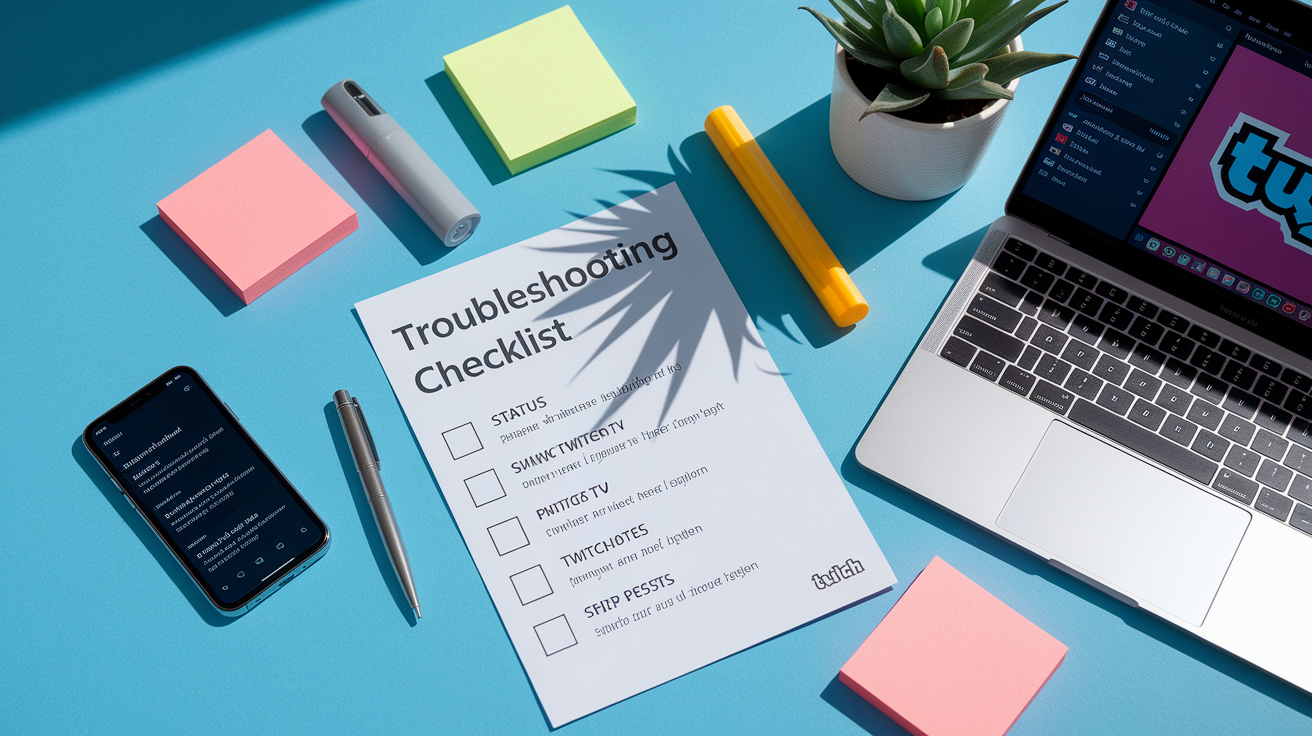
Before you assume Twitch is having a platform-wide meltdown, try these steps to rule out issues on your end:
-
Check Twitch Status Page and Downdetector — Hit up status.twitch.tv and downdetector.com/status/twitch. If report counts are under 100 and there’s no official notice, the problem’s probably local.
-
Test Other Streaming Services — Open YouTube, Netflix, or another video platform. If those work fine, your internet’s good and the issue is Twitch-specific.
-
Clear Browser Cache and Cookies — Press Ctrl+Shift+Delete (Windows) or Cmd+Shift+Delete (Mac), select cached images and cookies, then reload Twitch. Corrupted cache files cause playback errors all the time.
-
Disable Browser Extensions — Ad blockers like uBlock Origin, privacy tools like Privacy Badger, and Twitch extensions like BetterTTV or FrankerFaceZ can clash with updated Twitch code. Open an incognito window and test if streams load there.
-
Switch Browsers or Devices — Try Firefox if you normally use Chrome, or test the Twitch mobile app. If the problem follows you across multiple browsers and devices on the same network, your ISP might be throttling or blocking Twitch traffic.
-
Restart Your Router and Modem — Unplug both for 30 seconds, then reconnect. This clears stale DNS cache and resets your public IP, which can fix ISP-level routing problems.
-
Change DNS Servers — Switch from your ISP’s default DNS to Google Public DNS (8.8.8.8, 8.8.4.4) or Cloudflare DNS (1.1.1.1). Corrupted DNS records sometimes prevent Twitch domain resolution.
-
Run a Speed Test and Traceroute — Use fast.com or speedtest.net to confirm you’re getting at least 5 Mbps download for HD streams. Run
tracert twitch.tv(Windows) ortraceroute twitch.tv(Mac/Linux) in a terminal to see where packets are dropping.
If none of this works and outage aggregators show spiking reports in your region, stop troubleshooting and wait for official updates. Refreshing repeatedly during a real platform outage just makes things worse by overloading already-strained servers. Monitor Twitch Support’s social channels for time estimates and don’t submit duplicate support tickets.
Official Twitch Responses and Known Issues
Twitch posts outage updates mainly through its Status page and the @TwitchSupport account on X. During active incidents, the ops team usually acknowledges things within 15 to 30 minutes of widespread reports, then posts updates every 30 to 60 minutes about affected services, what they’re investigating, and when they think things will be fixed. Major outages also trigger in-app banners on the website and mobile apps pointing users to status.twitch.tv.
Typical responses break down issues by system component: “Investigating issues with video playback,” “Identified problems with chat service,” or “Monitoring elevated API error rates.” When a fix goes live, Twitch posts confirmations with timestamps like “Services restored as of 2:36 PM ET” and guidance like “Refresh your browser tab to resume normal access.” Sometimes they publish brief post-mortems explaining root causes. Recent examples have included DDoS attacks, AWS regional failures, code deployment errors, and third-party CDN disruptions. If no official statement shows up within 60 minutes of spiking user reports, the issue’s probably isolated to specific ISPs, regions, or user account configs, not a platform-wide outage.
Alternatives for Streaming or Watching During a Twitch Outage

When Twitch goes down during scheduled streams or live events, both broadcasters and viewers need backup options to keep audience engagement going and avoid lost revenue.
Major alternative platforms:
- YouTube Live — Solid infrastructure with strong monetization tools (Super Chat, channel memberships starting at $4.99/month, comparable to Twitch Tier 1 subs), built-in discoverability through YouTube search, and reliable uptime backed by Google Cloud
- Kick — Growing platform with streamer-friendly revenue splits (95/5 compared to Twitch’s standard 50/50), lower sub price of $5/month, and fewer content restrictions, though smaller audience reach and evolving moderation policies
- Facebook Gaming — Access to existing Facebook friend networks, monetization through Stars (comparable to Twitch Bits), and strong mobile app integration, but algorithmic discoverability can be inconsistent
- Discord Stage Channels and Go Live — Low-latency option for smaller communities (up to 50 video participants in Go Live, larger audio-only audiences in Stage), free for existing servers, ideal for keeping direct fan interaction alive during short outages
Switching platforms temporarily means losing Twitch-specific features like emotes, channel points, and integrated extension overlays. Viewers won’t get push notifications for followed channels, and subscription revenue only continues if users manually subscribe on the alternative platform. But using Discord or social media to notify your audience of a temporary platform switch can preserve real-time engagement and show reliability, which often strengthens long-term viewer loyalty even after Twitch service comes back.
Historical Twitch Outages and Recurring Patterns
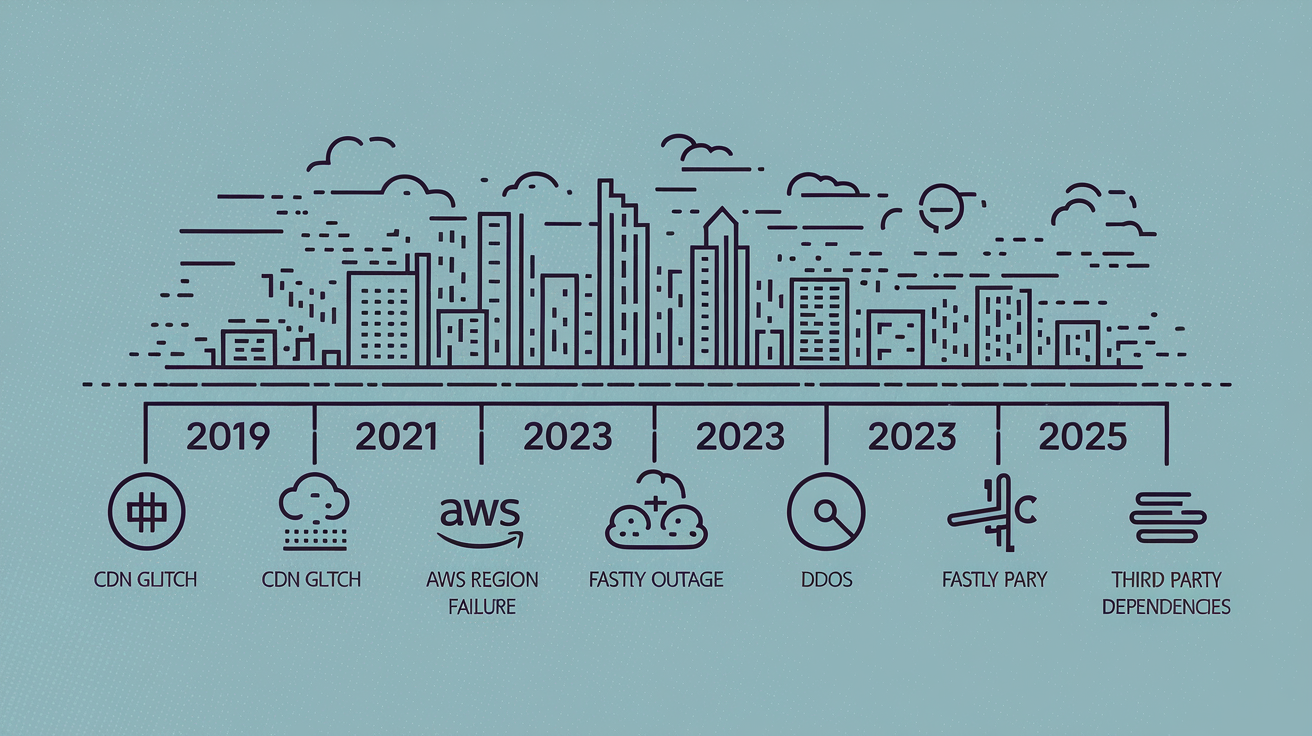
Twitch has had several significant outages over the past six years. Common root causes include CDN failures, traffic overload during major esports events, DDoS attacks, and upstream AWS infrastructure issues. Outages tend to cluster around peak viewing hours (evenings in North America and Europe) and during high-profile tournaments when concurrent viewer counts exceed normal capacity planning.
Notable outages and confirmed causes:
- October 2019 — Multi-hour global outage from an internal configuration error during a routine infrastructure update, affected all streams and chat services
- June 2021 — AWS US-East-1 region failure cascaded into Twitch video delivery disruptions lasting about 90 minutes, services restored after AWS rerouted traffic to backup regions
- September 2022 — Targeted DDoS attack overwhelmed edge servers in Europe, causing intermittent stream drops and login failures for 3 to 4 hours before mitigation kicked in
- March 2023 — CDN provider Fastly reported degraded performance that hit Twitch video playback globally for roughly 45 minutes, Twitch confirmed dependency on Fastly edge nodes as a contributing factor
- June 12, 2025 — Cloudflare infrastructure outage (lasting 2 hours 28 minutes) disrupted Twitch alongside dozens of other platforms, Google Cloud also reported issues, both vendors blamed third-party dependencies
- Recurring Pattern — Smaller chat-only outages happen 2 to 3 times per year, typically resolved within 20 to 30 minutes, often caused by websocket server overload during viral moments or raid trains
Historical data shows that real platform-wide outages exceeding 60 minutes are fairly rare (3 to 5 per year), while localized or feature-specific disruptions happen more often. Understanding this helps you tell the difference between minor hiccups that resolve quickly and major incidents requiring hours of engineering work, so you can decide whether to wait or switch platforms during downtime.
Final Words
If you’re seeing errors or buffering right now, this post showed how to check live status, spot common symptoms, and where outages tend to concentrate.
We walked through practical troubleshooting steps, listed real‑time sources and official update channels, and offered alternatives like YouTube Live, Facebook Gaming, and Kick.
If this twitch streaming outage is affecting your watch or stream, try the checklist, follow Twitch’s status posts, and pause heavy fixes—most incidents clear within a few hours, so you’ll likely be back online soon.
FAQ
Q: Is there an issue with Twitch right now?
A: There may be an issue with Twitch right now if streams won’t load, chat is missing, or outage trackers report problems; check Twitch’s Status page, Downdetector, and official Twitter for live updates.
Q: How many viewers on Twitch to make $1000 a month?
A: To make $1,000 a month on Twitch you typically need roughly 200–400 paying subscribers (or about 50–200 average viewers), depending on revenue split, ads, bits, and sponsorships.
Q: Can you go braless on Twitch?
A: Going braless on Twitch violates Twitch’s nudity policy if nipples or sexual content are visible; streamers must wear clothing that covers breasts and nipples and avoid sexually suggestive presentation.
Q: Why is Twitch streaming not working?
A: Twitch streaming may not be working because of a site outage, regional ISP or CDN problems, local network issues, browser cache or extension conflicts, or an app update; run basic troubleshooting first.