
What happens when your CRM freezes in the middle of the workday?
On January 27, 2026, Salesforce’s USA26 instance suffered a major performance disruption that left thousands facing slow pages, timeouts, and an unusable Help site.
The outage came in two waves starting at 05:08 GMT and wasn’t fully resolved until 12:20 UTC, interrupting case updates, reports, and marketing sends.
This post explains what changed, who was affected, why it matters for teams and SLAs, and the timeline and practical steps you should take now.
Immediate Overview of the Latest Salesforce Service Disruption

On January 27, 2026, Salesforce went down. Well, not completely down, but degraded enough that thousands of users on the USA26 instance spent their morning staring at spinning wheels and timeout errors. The disruption kicked off with a status post at 05:08 GMT warning that some functionality was “running at less than optimal performance.” Translation: things were broken, just not everywhere at once.
What users actually experienced was severe latency, random connectivity failures, and timeout errors that made the platform borderline unusable. You could technically log in, but good luck saving anything or pulling a report.
The whole thing unfolded in two waves. First incident got flagged as resolved around 06:26 GMT, roughly an hour and 18 minutes after the initial alert. But that didn’t last. A second incident started at 06:55 GMT with the same symptoms. Access was technically possible, but responses were either slow or didn’t come at all. Salesforce posted an investigation update at 08:05 GMT confirming what everyone already knew: slow page loads, timeout errors, and the Help site was also struggling.
Full restoration didn’t come until 12:20 UTC on January 27. So if you were trying to work during that window, you were mostly stuck.
The Help site failure made things worse. Between roughly 09:30 and 10:00 GMT, users saw first a performance warning banner, then an error page saying the site was temporarily unavailable. Support channel gone, right when people needed it most. Salesforce apologized and committed to a full investigation, but that doesn’t help when you’re mid-incident and flying blind.
Here’s what users dealt with:
- Slow performance across core CRM functions, intermittent but consistent
- General timeout errors kicking people out of sessions
- Connectivity issues that made USA26 unreachable or unstable
- Page loads that stretched from seconds into minutes
- Timeout errors blocking data saves and queries
- Complete inability to reach the Salesforce Help site at peak failure
Salesforce didn’t publish mitigation steps or workarounds. The official advice was to monitor the Salesforce Status Page and wait.
Timeline of Salesforce Service Disruption Events and Status Updates
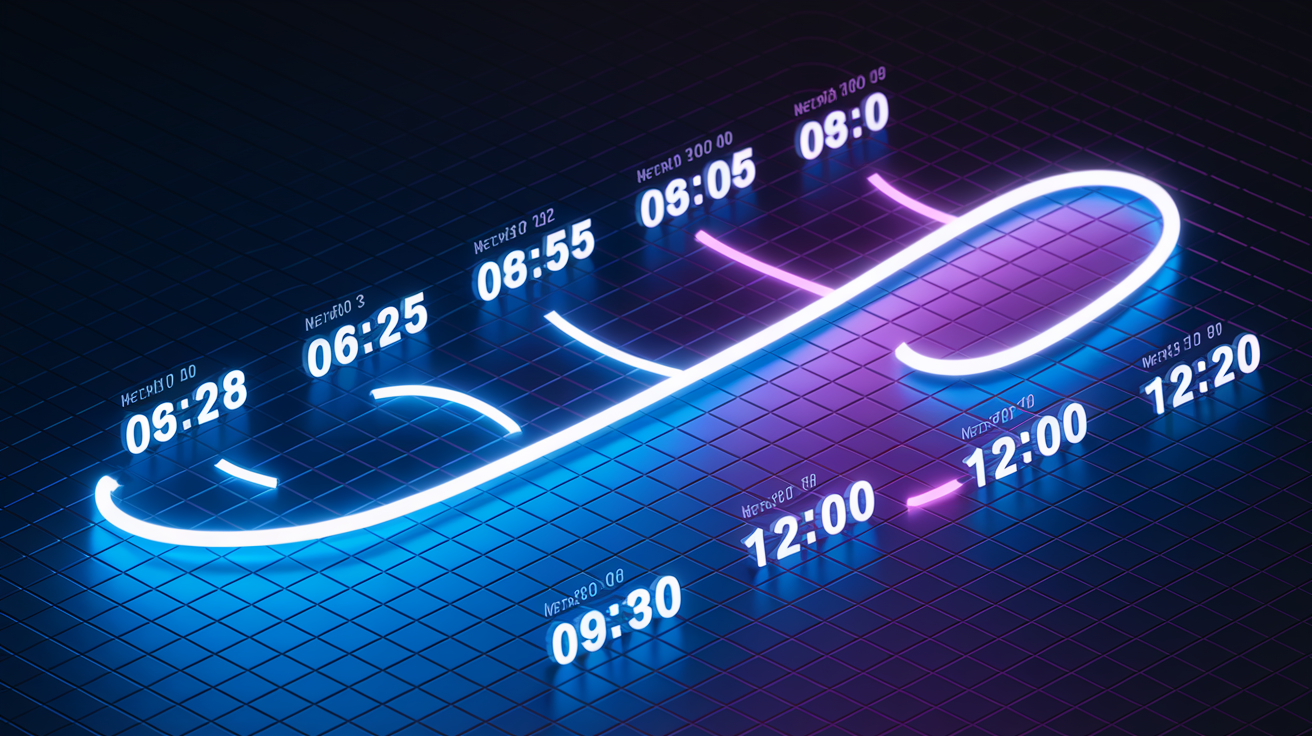
The January 27 disruption started early GMT and dragged through midday UTC. First status post at 05:08 GMT flagged performance degradation on Core Services and the Help site, specifically USA26. Salesforce reported partial recovery around 06:26 GMT, but it didn’t stick. Second incident logged at 06:55 GMT, same pattern: accessible but slow or broken.
At 08:05 GMT, Salesforce confirmed the investigation was active and customers should expect slow page loads, timeout errors, and Help site inaccessibility. Reporter observations between 09:30 and 10:00 GMT showed the Help site cycling between a degradation warning and a full error page. Full service restoration posted at 12:20 UTC, ending roughly seven hours of significant disruption across two separate incident windows.
| Time (GMT/UTC) | Event | Impact |
|---|---|---|
| 05:08 GMT | First status post: performance degradation reported | Some functionality unavailable or slow on USA26 and Help site |
| 06:26 GMT | First incident reported resolved | Temporary recovery, duration ~1 hour 18 minutes |
| 06:55 GMT | Second incident begins with similar symptoms | Access possible but functionality slow or broken |
| 08:05 GMT | Investigation update posted | Slow page loads, timeouts, Help site unavailability confirmed |
| 09:30–10:00 GMT | Help site observed showing degradation then error page | Primary support channel intermittently unreachable |
| 12:20 UTC | Full restoration confirmed | USA26 and Help site reported fully recovered |
No workaround guidance during either incident window. Customers either waited for platform recovery or tried manual offline processes on their own.
Business Impact of the Salesforce Service Disruption on Core Products

The disruption hit Core Services on the USA26 instance hardest. That’s where CRM operations live: Sales Cloud, Service Cloud, and the workflows that keep customer-facing teams running. Users reported that basic tasks like updating records, running reports, and accessing dashboards became unreliable or impossible. Slow page loads and repeated timeout errors stopped work cold. The degradation hit during North American business hours, interrupting things like case management, opportunity tracking, and support ticket routing.
Marketing Cloud users got hit separately but simultaneously. Email send speeds slowed, message processing queues backed up. Teams relying on scheduled campaigns faced delays that could mess up delivery windows and reporting accuracy. And the Help site failure compounded everything. Users trying to open support cases or search for status updates got error pages instead of assistance.
Key business processes that broke during the January 27 disruption:
- Case creation and updates in Service Cloud, leaving support teams unable to log or follow up on customer issues
- Opportunity and lead management in Sales Cloud, blocking pipeline updates and deal tracking
- Report generation and dashboard refreshes, interrupting data decisions
- Marketing email processing and send execution, delaying scheduled campaigns
Lost productivity, delayed customer responses, and the risk of missed SLA commitments for service teams who couldn’t document or route incoming requests.
Root Cause Clues and Technical Factors Behind the Salesforce Service Disruption
At the time of reporting, Salesforce hadn’t published a formal Root Cause Analysis for the January 27 incident. But incident updates referenced the need for “database optimization and component isolation,” which points toward a database bottleneck or resource contention issue within the USA26 infrastructure. The platform struggled to handle query load or experienced internal database inefficiencies that cascaded into user-facing latency and timeouts.
The incident pattern tells a story: partial recovery followed by a second degradation. That’s consistent with attempted fixes that temporarily relieved pressure but didn’t address the underlying database or traffic problem. The Help site’s intermittent unavailability indicates the issue affected shared infrastructure components, not just customer-facing application layers.
Database and Traffic Indicators
During a separate but contextually relevant global outage, Salesforce teams identified “inconsistencies in affected databases” and began restoring those databases to the most recent stable backup. Mitigation for that incident required controlling excessive traffic and network utilization to reduce strain on database stability. At approximately 08:15 UTC during that event, teams began implementing traffic controls to limit load.
The January 27 USA26 incident likely followed a similar pattern. Database performance degraded under load, triggering slow queries, connection pool exhaustion, or replication lag. Component isolation efforts suggest Salesforce attempted to limit the impact by segmenting affected systems, but the Help site’s failure indicates the isolation was incomplete or the shared dependencies were too tightly coupled to separate cleanly.
Without a published RCA, the exact technical trigger remains unconfirmed. But the combination of database optimization language, traffic control measures, and multi-wave recovery timing all point to a database performance or configuration issue made worse by high utilization.
Regional and Instance-Level Impact of Salesforce Service Disruptions
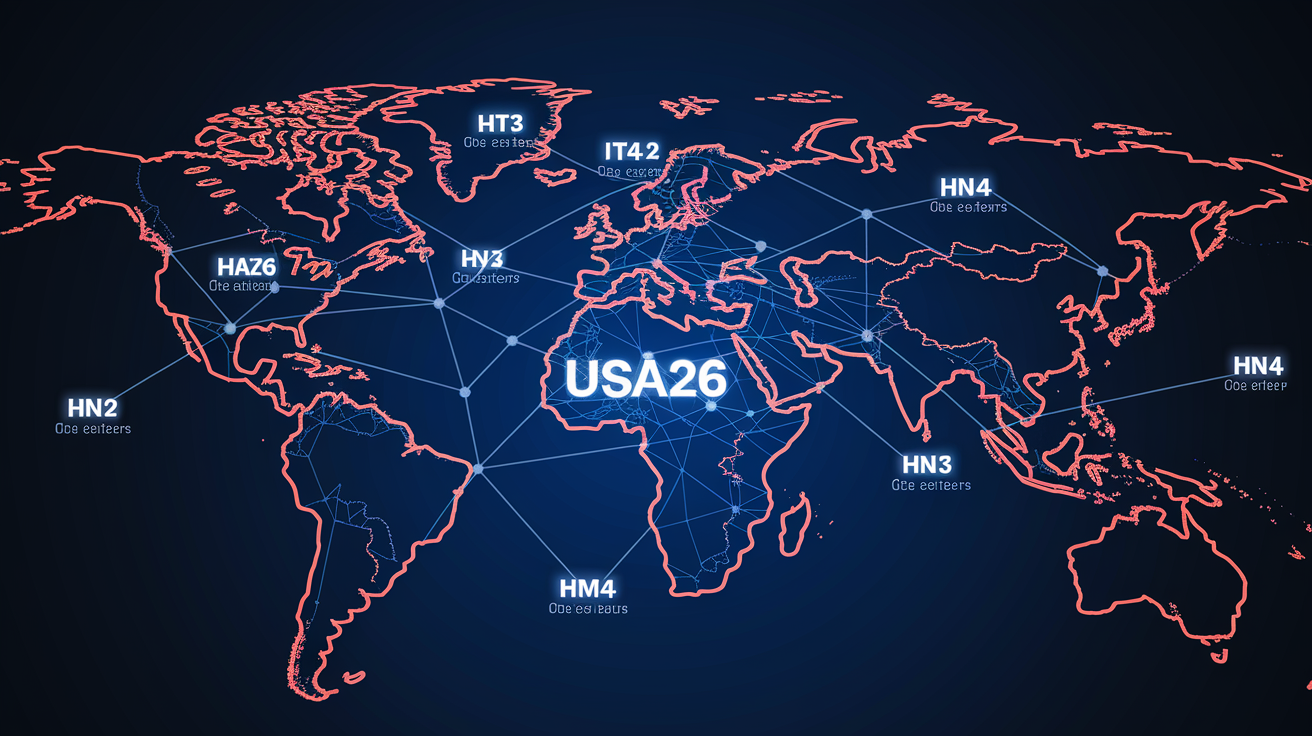
The January 27, 2026 incident was localized to the USA26 instance, affecting North American customers relying on that data center for CRM operations. Users on other instances reported normal service. But the Help site failure crossed instance boundaries. Users from multiple regions attempting to reach support encountered the same degradation and error pages, indicating the Help site runs on shared infrastructure separate from individual customer instances.
A separate global outage impacted five data centers simultaneously: IT3, IT4, IA7, HN3, and HN4. That incident left customers unable to access the Salesforce service entirely, rather than experiencing degraded performance. Data Cloud users during that outage faced feature degradation, with some functionality unavailable even after partial recovery. The global outage required database restores to the most recent stable backup, a more severe intervention than the optimization measures referenced for USA26.
| Instance | Observed Impact |
|---|---|
| USA26 | January 27: slow page loads, timeouts, intermittent connectivity, full recovery 12:20 UTC |
| IT3, IT4 | Global outage: total service inaccessibility, database restore required |
| IA7 | Global outage: total service inaccessibility, database restore required |
| HN3, HN4 | Global outage: total service inaccessibility, database restore required |
| Help Site (shared) | January 27: degradation banner then error page, affected users across instances |
Historical Salesforce Service Disruptions Relevant to Current Outage Context

The January 27, 2026 disruption isn’t an isolated event. Salesforce has a history of outages spanning nearly a decade. While the platform maintains high uptime overall, several major incidents have left customers without access for hours or even days, often due to configuration errors, database issues, or infrastructure missteps. Understanding this history helps contextualize current risk and recovery expectations.
June 10, 2025: Widespread outage lasting more than 6 hours. Affected Heroku, Core Services, Commerce Cloud, Marketing Cloud, Tableau, Service Cloud, Revenue Cloud, and MuleSoft. Root cause traced to an unexpected production system update that caused network connectivity failures across multiple services.
January 2025: Four-day disruption featuring massive login failures and Email‑to‑Case and Web‑to‑Case outages, primarily affecting North America. Triggered by a technical deployment error that cascaded into database configuration issues, leaving customers unable to authenticate or route inbound support requests.
November 2024: Disruption lasting over 9 hours across multiple data centers. Later attributed to a botched database maintenance change that introduced performance degradation and required rollback procedures.
September 2023: Global outage exceeding 4 hours, affecting Commerce Cloud, MuleSoft, and Tableau. Root cause identified as a faulty AWS permissions change. Human error during routine infrastructure management that broke cross-service authentication.
May 2021: Roughly 5-hour outage caused by a rapid configuration change that wasn’t properly staged or tested before deployment, resulting in immediate service impact and requiring emergency rollback.
May 2019: Multi-day outage affecting up to 3,200 customers, temporarily leaving them unable to access data. Salesforce forced the outage to prevent a permission-exposure security issue resulting from a faulty database script that affected the Pardot production environment. Calculated decision to protect data security at the cost of availability.
May 2016: Approximately 20-hour outage caused by a storage-array firmware bug. Data had to be moved between data centers, and some customers experienced permanent data loss due to the severity of the hardware failure and recovery complexity.
Recurring patterns across these incidents: database configuration errors, deployment mistakes not caught in staging, infrastructure permission changes, and the challenge of maintaining service during emergency repairs. Forced outages like the 2019 security incident occur when taking the service offline prevents a larger security or data-exposure risk. Accidental outages often follow unintended side effects of routine maintenance or updates.
Workarounds and Immediate Steps to Reduce Impact from a Salesforce Service Disruption

Salesforce didn’t release official workarounds for the January 27 disruption. The guidance was to monitor the Salesforce Status Page for updates. During performance degradation or Help site failures, organizations need to act quickly to maintain business continuity even without vendor-provided guidance. The priority is triaging critical workflows, shifting to offline processes where possible, and preserving visibility into customer interactions that can’t wait for platform recovery.
When Salesforce performance degrades or becomes unreliable, teams should immediately assess which workflows are time-sensitive. Support ticket intake, order processing, and lead capture are common examples. If the platform is slow but partially accessible, prioritize read-only tasks such as reviewing existing records or exporting recent data. If timeouts prevent saves or updates, document changes in external tools such as spreadsheets or ticket systems that can be reconciled once service is restored.
Check the Salesforce Status Page immediately to confirm whether the issue is acknowledged and whether an estimated resolution time is available. Status postings can lag initial user reports, so cross-correlate with internal logs and user telemetry.
Switch critical inbound workflows to manual or offline capture. Route support requests to email, use phone logs for order details, and maintain temporary spreadsheets for lead intake to avoid losing customer interactions during the outage window.
Pause non-essential scheduled jobs and integrations that may retry against a degraded platform, creating additional load and masking the true scope of the disruption. Restart these only after full restoration is confirmed.
If you maintain independent backups, verify they’re current and accessible in case you need to export recent data for offline reference or perform a restore to recover lost work once the platform is stable.
Document the timeline and business impact internally. Note when degradation began, which processes were blocked, and how long recovery took. This data supports future continuity planning and vendor accountability discussions.
How to Prepare for Future Salesforce Service Disruptions

Organizations relying on Salesforce for mission-critical workflows can’t afford to wait for vendor recovery during multi-hour or multi-day disruptions. Long-term resilience requires independent backups stored off-platform, tested restore procedures, continuous monitoring to detect issues before they cascade, and documented playbooks that guide teams through degradation or total outages. Native platform SLAs often don’t align with business expectations for uptime or recovery speed. And user-caused data loss (accidental deletions, failed migrations, misconfigured integrations) remains a frequent and often unrecoverable risk without third-party protection.
The most common technical causes of Salesforce outages and data loss: hardware failures, power outages at data centers, software bugs introduced during updates, cyber attacks such as ransomware, flawed third-party integrations that overwrite or delete records, human error during configuration changes, misconfigured permissions that expose or lock data, failed migration scripts, and app overwrites that replace production records with incomplete or incorrect data. Relying solely on Salesforce’s native recovery tools can leave organizations unprotected for hours or days during platform-wide disruptions, when those tools may be inaccessible or too slow to meet business recovery time objectives.
Practical preparation begins with deploying an independent cloud-to-cloud SaaS backup that replicates all Salesforce data and stores copies in separate, independent data centers isolated from the primary platform. Backups must be automatic and scheduled to run frequently enough to meet your recovery point objectives. Daily at minimum, hourly for high-change environments. Ensure the solution supports granular restores, enabling both full-environment recovery and individual-object or record-level restores to address targeted data loss without rolling back unaffected data. Include non-Salesforce artifacts where relevant, such as virtual machines running integrations or exported archives from legacy systems. Test restore procedures regularly under realistic conditions to confirm speed and completeness.
Essential Components of a Resilient Continuity Plan
Independent backups with off-platform storage: Replicate all Salesforce data to a separate cloud provider or on-premises location. Verify backups are automatic, support granular restore, and can be accessed even during a Salesforce platform outage.
Failover and offline workflow procedures: Document manual processes for critical functions such as order capture, support ticket routing, and lead intake. Train teams to execute these workflows without platform access and reconcile data after recovery.
Third-party SaaS security and monitoring: Deploy tools that detect misconfigurations, unauthorized API activity, credential compromises, and malicious changes in real time. Use these alerts to prevent data loss before it occurs.
Incident playbook and escalation paths: Maintain a written plan that includes checking the vendor status page, triaging business impact, activating offline workflows, and deciding when to initiate a restore from backups. Define escalation contacts and decision authority to avoid delays during active incidents.
Final Words
The January 27 salesforce service disruption began at 05:08 GMT, mostly affecting instance USA26 and causing slow performance, timeouts, and intermittent Help site errors. Services reported full recovery at 12:20 UTC.
We covered the detailed timeline, business impact, technical clues, regional effects, historical context, immediate workarounds, and preparation steps.
Monitor the Salesforce Status Page (status.salesforce.com), keep independent backups, and test your outage playbook. Preparing for a salesforce service disruption now will make your team calmer and more resilient.
FAQ
Q: Is the Salesforce server down?
A: The Salesforce server may be down for some users during incidents; check the Salesforce Status Page for live updates and affected instances (for example USA26 during Jan 27, 2026).
Q: Is Salesforce laying off employees in 2026?
A: Salesforce is not publicly confirmed to be conducting company-wide layoffs in 2026; no official announcement as of Jan 27, 2026—monitor Salesforce statements and reputable financial news for updates.
Q: Was Salesforce affected by AWS outage?
A: Salesforce was affected by an AWS-related permissions issue in September 2023, but the Jan 27, 2026 disruption was tied to database inconsistencies and multi-data-center issues; check status.salesforce.com for the final cause.
Q: Why is Salesforce falling?
A: The reason Salesforce is falling depends on whether you mean share price or service performance: stock moves follow market and earnings, while service problems stem from technical issues like database inconsistencies and heavy traffic.