
Could your personal data already be for sale on the Dark Web?
Data breaches happen every day, and many people only find out after the damage is done.
This post lays out the fastest warning signs—unexpected password resets, unknown logins, fake antivirus pop-ups, odd bank charges—who’s at risk (anyone with online accounts), why it matters (identity theft, fraud, account takeover), and the quick checks to run now: scan breach databases, review account activity, change passwords, and enable two-factor authentication.
Immediate Checks to Confirm If Your Data Was Breached
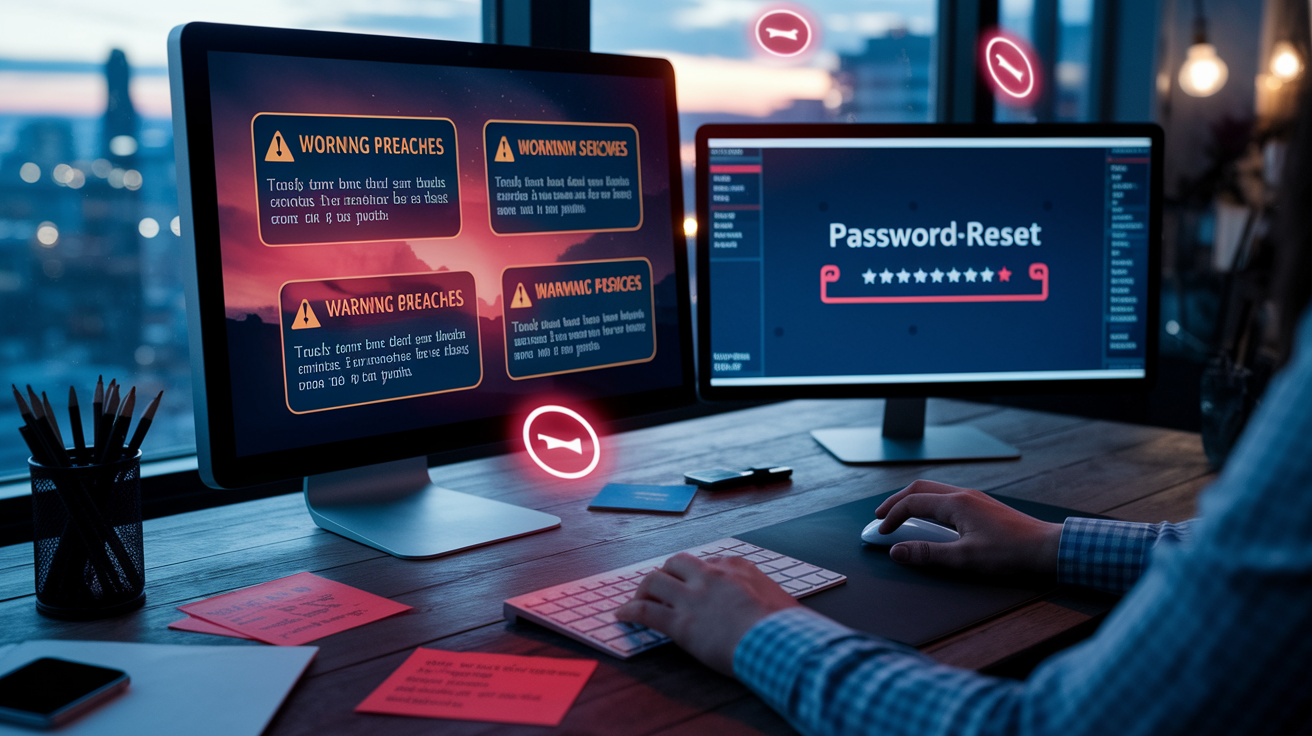
Data breaches happen daily. There’s no single test that’ll catch every exposure. Some people don’t find out until the damage is already done.
The fastest way to know? Watch for specific warning signs and run a few quick checks on your most important accounts.
Start with your online activity. Fake antivirus pop-ups that push you to install software or threaten data loss usually mean malware got in after a breach. Unexpected password-reset emails, especially for accounts you didn’t touch, signal someone’s trying to lock you out. Foreign login attempts, unfamiliar devices in your settings, and a sudden spike in phishing calls all point to leaked credentials.
Check your financial accounts next. Unauthorized transactions often show up first, even small ones. Your personal details (name, phone, address) appearing in search results or on people-search sites can mean your information was exposed and sold to data brokers.
Here’s what to check right now:
- Fake antivirus messages or pop-ups threatening data loss and pushing urgent installs
- Unexpected password-reset emails or account recovery messages you didn’t ask for
- Foreign or unknown login attempts from locations you’ve never been
- Sudden increase in phishing calls, junk mail, or targeted scam emails
- Unauthorized transactions or unfamiliar charges on bank or credit card statements
- Personal details suddenly appearing in search results or data-broker sites
Tools and Services to Check Whether Your Data Was Breached
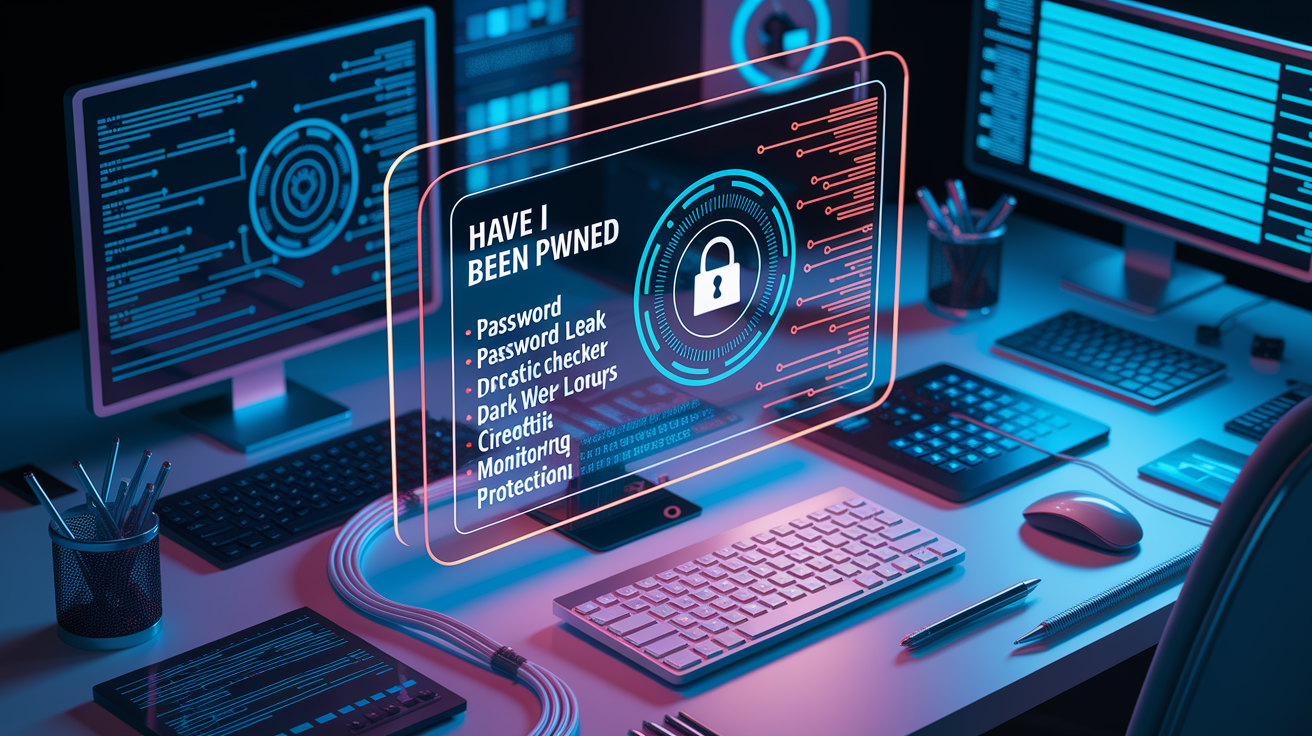
Breach-checking tools scan known data leaks and Dark Web sources to see if your email, phone, or passwords have been exposed. They work by crawling millions of websites (including underground networks where stolen data gets traded) and matching your information against leaked records. Most tools just need your email address to start. Some let you add phone numbers for a more complete scan.
Free breach checkers give you a snapshot of known exposures. Paid monitoring services track new leaks in real time and alert you as soon as your data appears. Many paid tools also monitor up to five email addresses, map your digital footprint, and provide a breach history chart with account-specific remediation steps. Keep in mind that while these services can identify where your data leaked, permanently removing information from the Dark Web isn’t possible. Once data’s out there, it stays out there.
| Tool/Service | What It Checks | Notes |
|---|---|---|
| Email breach scanners (e.g., Have I Been Pwned) | Email addresses in known breaches, paste dumps, and password lists | Free; shows breach date and what data types were exposed |
| Password leak checkers | Hashed or plaintext passwords in public breach databases | Use secure services that hash input before checking; never enter current passwords |
| Dark Web lookup tools | Email, SSN, phone, and account data on Dark Web marketplaces and forums | Paid services scan continuously; removal from Dark Web sources is generally impossible |
| Credit monitoring services | New credit accounts, hard inquiries, and changes to credit reports | Alerts sent when activity occurs; some free via credit bureaus or banks |
| Identity monitoring and protection | Social Security number use, address changes, payday loans, tax filings | Broader coverage than credit monitoring; often includes fraud insurance and recovery support |
Reviewing Specific Accounts to Detect Data Exposure
Once you’ve scanned for known breaches, check the security settings and activity logs of your most important accounts.
Start with your email. Review recent sign-in activity for unfamiliar IP addresses or devices, check account recovery options for changes you didn’t make, and look for suspicious forwarding rules that redirect messages to unknown addresses. Remove any connected apps or devices you don’t recognize.
Next, check whether your phone number leaked by entering it into breach databases. Phone numbers get used for account recovery and two-factor authentication, so exposure increases the risk of SIM-swap attacks and account takeovers. Review your mobile carrier account for unauthorized changes to your number or security settings.
Social media accounts are another common target. Look for profiles using your name, photos, or personal details. Impersonation happens quickly after a breach. Check your privacy settings to see what’s publicly visible, and review follower lists for fake or suspicious accounts. Enable login notifications wherever possible so you’re alerted to sign-ins from new devices or locations.
If you received fake antivirus messages or noticed unexpected system behavior, scan your devices for malware or keyloggers. Malware infections often follow credential breaches, giving attackers ongoing access to everything you type or view. Use reputable antivirus software and check installed programs for anything unfamiliar.
Detecting Identity Theft After a Possible Data Breach
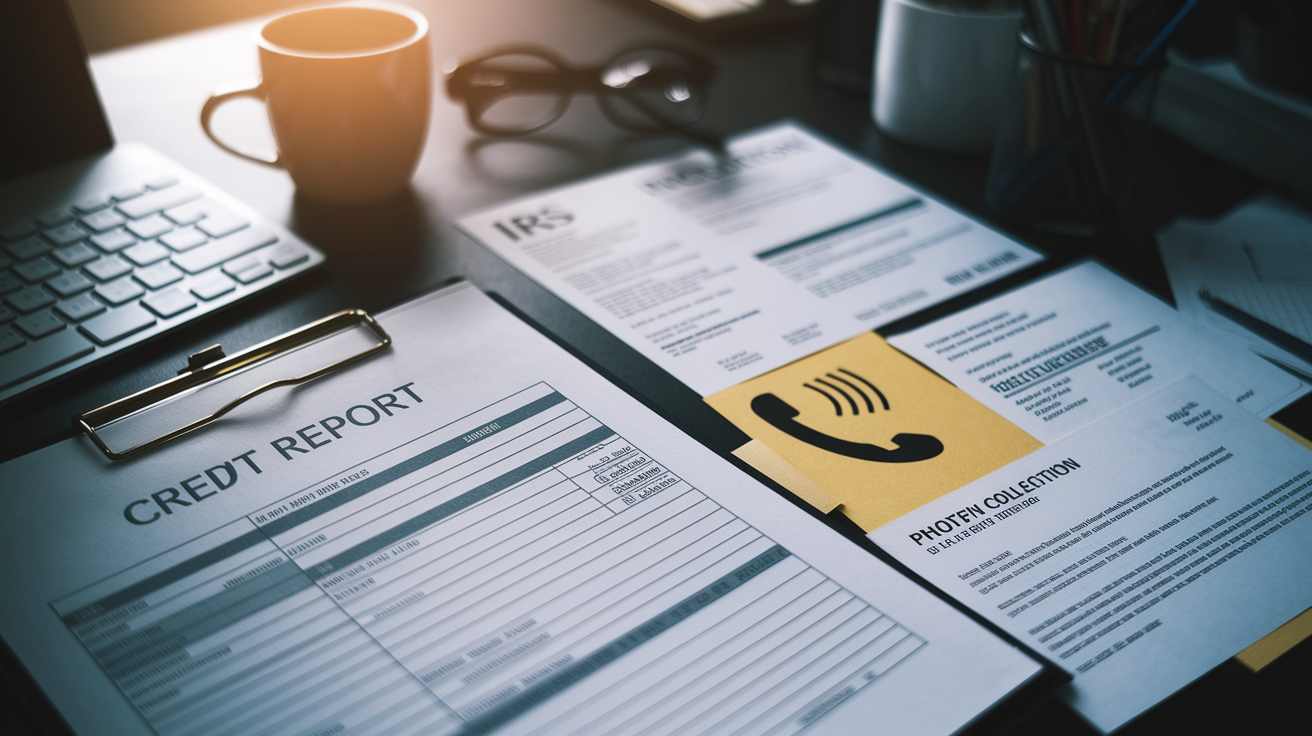
Identity theft often follows data breaches by weeks or months. The first signals usually appear in your credit report, tax records, or banking activity. Unauthorized credit accounts, hard inquiries you didn’t start, and sudden drops in your credit score all point to stolen personal information being used to open accounts in your name.
Tax-related identity theft shows up when the IRS notifies you that more than one tax return was filed under your Social Security number, or when you receive unexpected tax forms from employers you’ve never worked for. Debt-collection calls for debts you didn’t take on are another red flag. Thieves often rack up charges and ignore payment, leaving you to deal with collectors.
Banking anomalies are easier to catch if you monitor statements regularly. Look for small test charges that criminals use to verify stolen card numbers before making larger purchases. Check for withdrawals, transfers, or account changes you didn’t authorize. Enable real-time transaction alerts through your bank’s app so you’re notified immediately when charges or logins occur.
Here are the core identity-theft indicators to check:
- Credit reports showing new accounts, loans, or hard inquiries you didn’t authorize
- IRS notices about multiple tax returns filed in your name or unexpected tax documents from unknown employers
- Debt-collection contacts or legal notices for debts you didn’t take on
- Banking anomalies including unauthorized charges, transfers, or changes to account settings
If you find any of these signs, place a fraud alert with the credit bureaus or request a credit freeze to block new accounts from being opened. Contact your bank and card issuers immediately to dispute unauthorized transactions and request holds or reversals.
What to Do Immediately If You Confirm a Data Breach
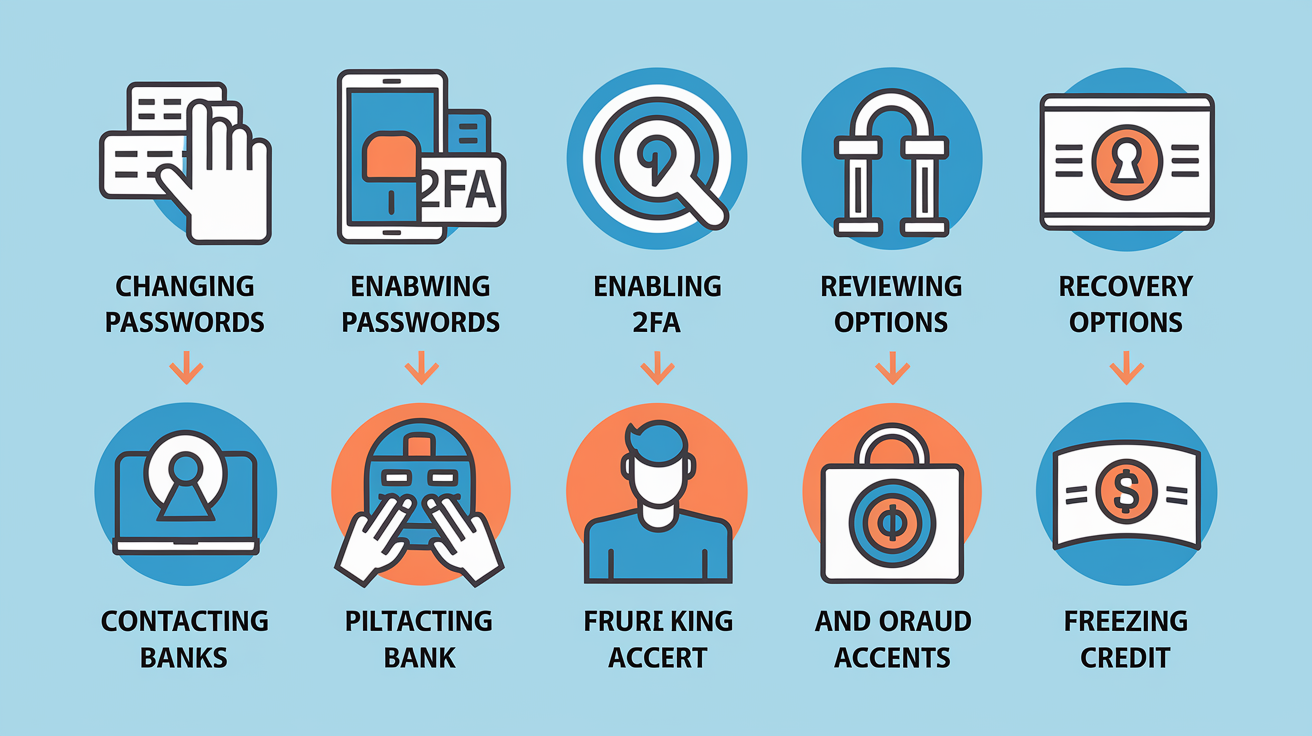
When you confirm your data was breached, speed matters. Attackers move quickly to exploit stolen credentials before you can lock them out.
The first step is to change passwords for every affected account, starting with email and banking. Use unique, strong passwords for each account. Reusing passwords across sites is how one breach turns into many.
Enable two-factor authentication (2FA) everywhere it’s available, especially on email, financial accounts, and any service that stores payment information. Two-factor authentication adds an extra login check (usually a code sent to your phone or generated by an app) so even if your password’s stolen, attackers can’t get in. Review your account recovery settings next. Remove any secondary email addresses or phone numbers you don’t recognize, and check for linked devices or active sessions you didn’t start.
Take these actions immediately after confirming a breach:
- Change passwords for all affected accounts; avoid reusing passwords across sites
- Enable two-factor authentication (2FA) on email, banking, and key online accounts
- Remove unknown connected devices, active sessions, and linked apps from account settings
- Review and update account recovery email addresses and phone numbers
- Contact your bank and card issuers about unauthorized transactions; request holds or reversals if needed
- Place a fraud alert or credit freeze with credit bureaus to block new accounts from being opened
- Secure your primary email account first. It’s the key to resetting passwords on every other service
Long-Term Prevention to Reduce Future Data Breach Risk
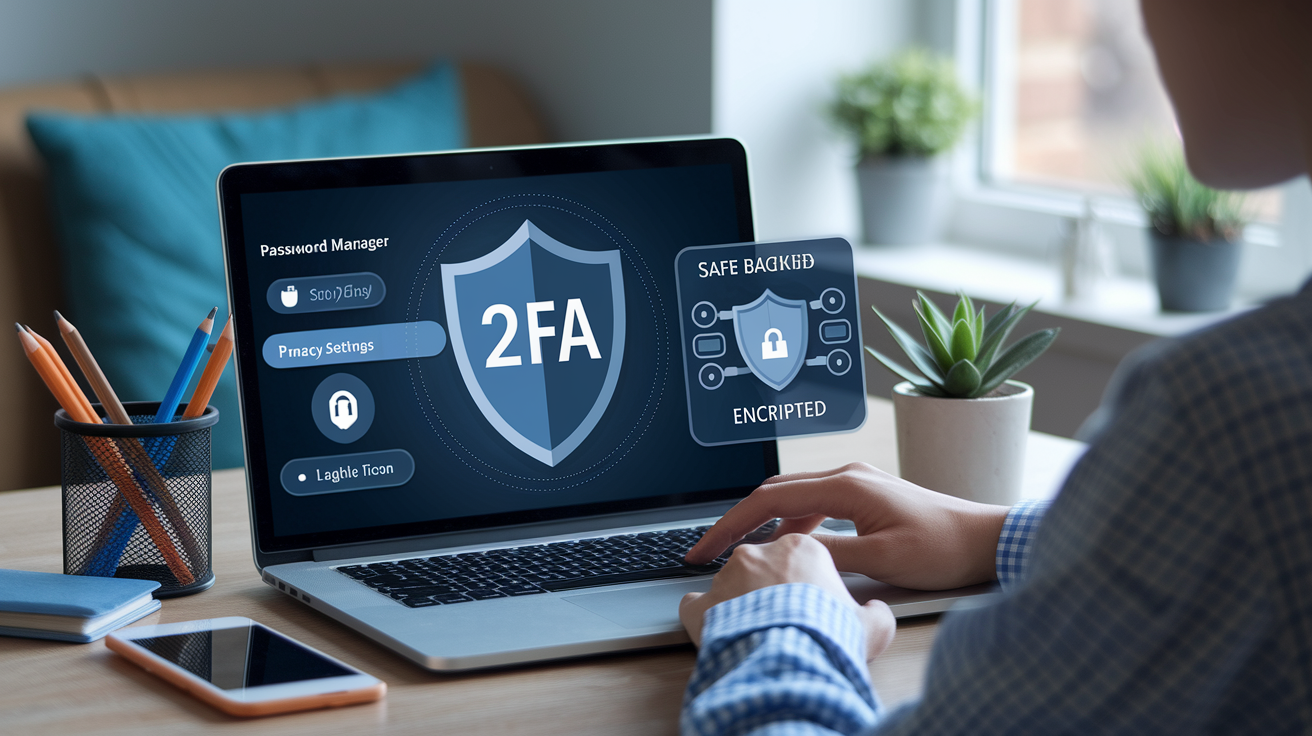
Preventing future breaches starts with reducing your attack surface and monitoring what’s already out there.
Use a password manager to create and store unique, strong passwords for every account. Password managers eliminate the temptation to reuse passwords, and they autofill credentials only on legitimate sites, which helps block phishing attempts. Turn on two-factor authentication and enable login notifications wherever possible so you’re alerted to suspicious activity immediately.
Personal information often ends up on data-broker and people-search sites after a breach, increasing your risk of spam calls, junk mail, and identity theft. Regularly search your name, phone number, and address to see what’s publicly visible, then request removal from sites that list your details. Some removal services handle this at scale, but you can also submit opt-out requests directly to each site.
Here are practical protections to put in place now:
- Use a password manager and create unique passwords for every account; avoid reusing credentials
- Turn on two-factor authentication and real-time login notifications for email, financial, and key accounts
- Limit personal details shared online; review and tighten privacy settings on social media profiles
- Periodically search your name, phone, and address to check for exposure on data-broker or people-search sites; request removal when found
- Back up essential data regularly and store backups offline or in encrypted cloud storage to protect against ransomware and data loss
Final Words
In the action, run quick checks: watch for fake antivirus pop‑ups, unexpected password resets, unknown logins, and unauthorized transactions. Use free breach checkers to scan emails and exposed credentials right away.
Review email recovery settings, bank statements, and credit reports; enable 2FA, change reused passwords, and consider a fraud alert or credit freeze.
If you’re asking how to know if your data was breached, follow this checklist, monitor accounts, and act fast. With these steps, you’ll lower risk and bounce back sooner.
FAQ
Q: How do I know if my info was in a data breach?
A: You can tell if your info was in a data breach by checking breach databases or email scanners, reviewing account activity for unexpected password-resets or charges, and watching for phishing spikes or foreign logins.
Q: Can I run a test to see if my phone is hacked?
A: You can run checks to see if your phone is hacked by scanning with a reputable mobile antivirus, watching unusual battery or data drains, spotting unknown apps or pop-ups, and reviewing recent login or device activity.
Q: How do I find out if I was part of the T-Mobile data breach?
A: You can find out if you were part of the T‑Mobile data breach by checking T‑Mobile notices, scanning your email or phone number on breach-check sites, and monitoring your accounts, credit reports, and unfamiliar messages.
Q: What are the two possible signs that you have been hacked?
A: Two possible signs you have been hacked are unexpected password-reset emails and unauthorized charges or unfamiliar logins from foreign locations; if you see these, change passwords, enable 2FA, and review account activity.

