
What happens when a single config file brings down critical systems worldwide?
On July 19, 2024, a bad CrowdStrike Falcon config—Channel File 291—triggered an uninitialized pointer in CSagent.sys, causing BSODs and reboot loops on about 8.5 million Windows devices and knocking out airlines, hospitals, banks, and government services.
This post explains exactly what failed, who was affected, why kernel crashes are so destructive, and what IT teams should do now to recover and harden systems.
Immediate Explanation of the CrowdStrike Outage Cause

A busted configuration file sent to CrowdStrike Falcon sensors crashed millions of Windows machines with blue screens on July 19, 2024. The bad file, Channel File 291, had a logic error that set off a memory bug inside CSagent.sys, the Falcon sensor’s kernel driver.
Windows systems running Falcon sensor version 7.11 or newer grabbed Channel File 291 between 04:09 UTC and 05:27 UTC. When they did, the driver tried to read the broken config. That triggered an uninitialized pointer (basically pointing to random memory), which caused invalid page faults in the kernel. Windows shut down hard, throwing BSOD errors like DRIVEROVERRANSTACKBUFFER and SYSTEMTHREADEXCEPTIONNOT_HANDLED.
CSagent.sys loads early as a file system filter driver, so affected machines got stuck in reboot loops. Every restart loaded the driver again, crashed again, and kept Windows from finishing boot. About 8.5 million Windows devices went down worldwide. That’s under 1% of all Windows installs, but the hits landed hard on airlines, hospitals, banks, government agencies, and other critical systems.
What went wrong:
- Bad file: Channel File 291, a sensor config update
- Broken part: CSagent.sys, Falcon’s Windows kernel driver
- How it failed: uninitialized pointer read → kernel page fault → BSOD
- When it shipped: 04:09 to 05:27 UTC on July 19, 2024 (78 minutes)
Low‑Level Mechanics Behind the Faulty Falcon File Failure

Channel File 291 added a config value that Falcon’s parser didn’t check properly. When CSagent.sys loaded the file during boot, the driver’s code tried to use a pointer that had never been set to a real memory location. This wild pointer aimed at random memory, often outside what the kernel can safely touch.
Kernel Failure Trigger Path
The bad pointer read happened in kernel mode, where one memory fault brings everything down. User apps can crash alone. Kernel code runs with full privileges, and any unhandled exception forces Windows to halt completely to keep data safe. The sensor’s config parser read a field from Channel File 291, used it to calculate a memory offset, then tried to access that address without checking boundaries or testing for null. When the CPU hit that invalid page, the memory unit threw a page fault. No recovery handler existed in kernel space, so Windows triggered a bugcheck (BSOD) to prevent corruption.
The crash messages, DRIVEROVERRANSTACKBUFFER and SYSTEMTHREADEXCEPTIONNOT_HANDLED, pointed straight at memory violations inside a driver. Analysis confirmed the failure came from Falcon’s filter driver during config loading. Not an attack, not malware, not some other Windows problem.
Timeline of the CrowdStrike Outage Events
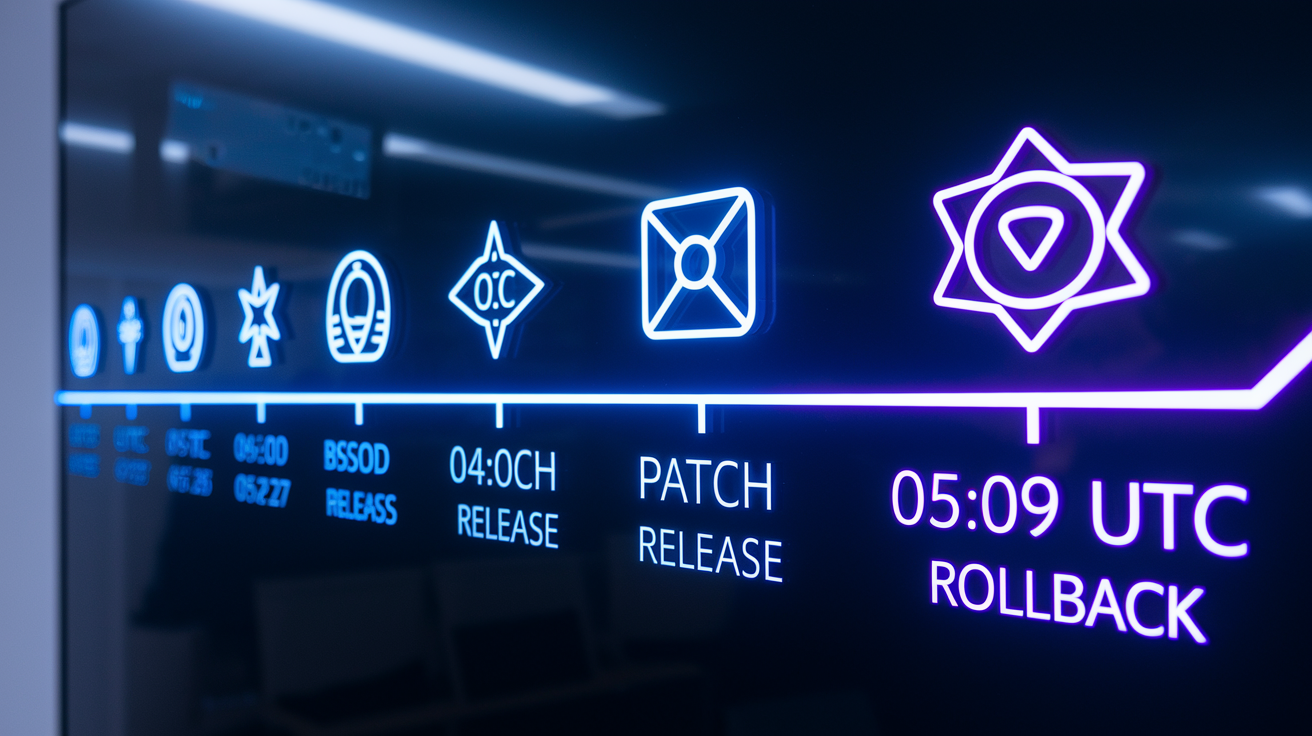
CrowdStrike’s update system pushed Channel File 291 to Falcon sensors worldwide in 78 minutes. Here’s how fast things broke and how quickly the vendor caught and reversed it.
- 04:09 UTC, July 19, 2024 — Channel File 291 goes live to Falcon sensors running 7.11 and up through CrowdStrike’s delivery system.
- 04:15–04:30 UTC (estimated) — First customer reports roll in: BSODs and boot failures across time zones and industries.
- 05:00 UTC (estimated) — CrowdStrike engineers connect Channel File 291 to the crashes; internal investigation starts.
- 05:27 UTC, July 19, 2024 — CrowdStrike pulls the bad config and stops distribution of Channel File 291.
- 05:30–08:00 UTC — Machines that already downloaded the file stay stuck in loops; fixing them means manual work because the driver reloads every restart.
- July 19–22, 2024 — IT teams everywhere work through manual fixes; big companies with tens of thousands of devices keep recovering for days.
Scale of Impact and Global Disruptions Linked to the CrowdStrike Failure
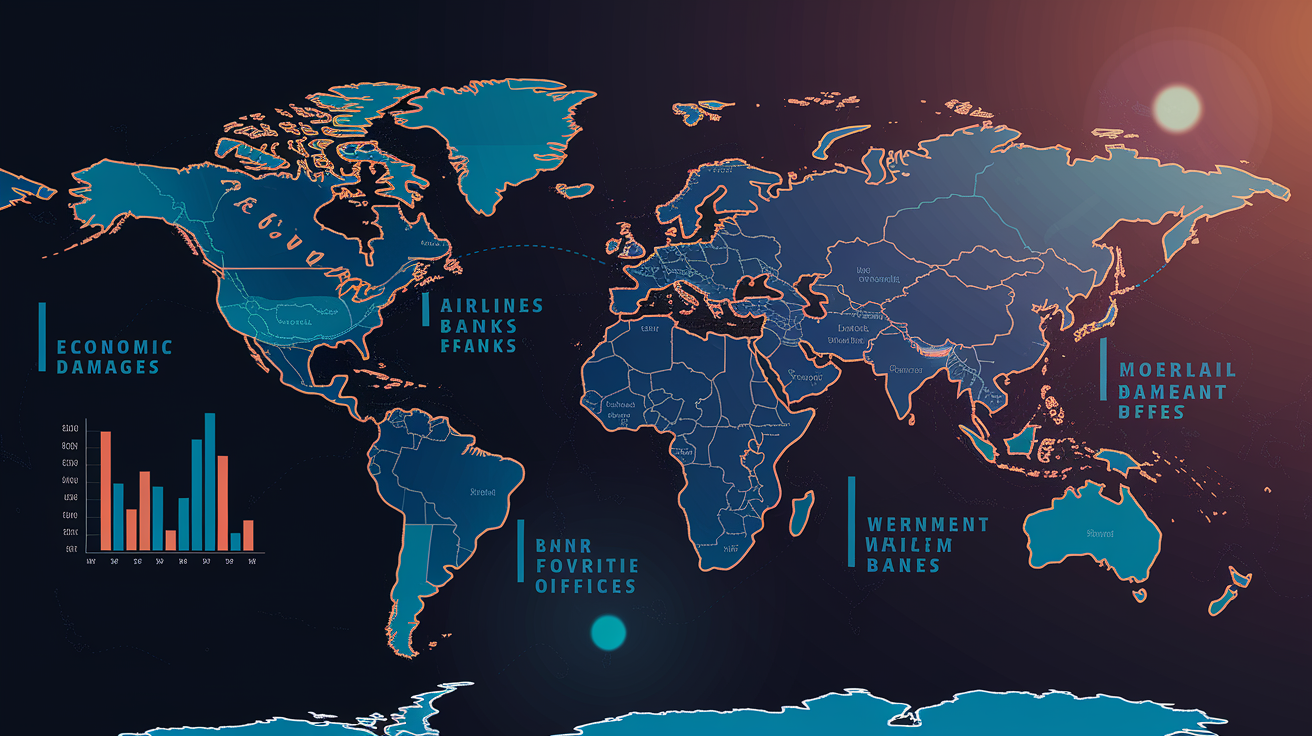
The outage hit around 8.5 million Windows devices. Microsoft later said that’s less than 1% of all Windows machines, but the damage concentrated in places that can’t afford downtime: airlines, hospitals, banks, government ops, emergency dispatch. The visible mess was way bigger than the device count because those systems run critical workflows and customer services.
Economic damage sits at a minimum of $10 billion. Fortune 500 companies alone ate an estimated $5.4 billion in lost revenue and profit. Healthcare took about $1.94 billion, banking around $1.15 billion, airlines near $860 million collectively. Delta reported roughly $500 million in impact alone, showing how hard travel and logistics got hit. Only 10% to 20% of these losses had cyber insurance coverage, so most orgs absorbed the costs directly.
Who got hit:
- Airlines: American, United, Delta, Air India, KLM saw grounded flights, delays, manual check-ins.
- Airports: Hong Kong International, Berlin Brandenburg, London Stansted reported baggage problems and operational disruptions.
- Financial services: payment terminals across Australia went dark; London Stock Exchange Group had workspace outages affecting trading.
- Healthcare: hospitals and blood banks faced delayed procedures and distribution snags from unavailable records and logistics systems.
- Emergency services: multiple 911 centers went offline, forcing backup radios and manual call routing.
- Government: U.S. federal agencies like DHS and DOJ had service interruptions; some Social Security offices suspended operations.
The concentration in mission-critical environments made the outage highly visible and showed how much depends on a single security vendor’s kernel software.
Observable Windows Boot‑Loop Behavior During the Outage

Users and IT staff got instant blue screens with kernel fault messages as soon as machines tried to start. CSagent.sys loads early as a file system filter driver, before user login, network, or remote tools come online. Each restart reloaded the driver, re-read Channel File 291, re-triggered the crash within seconds. Machines cycled through power-on, loading screen, blue screen, auto-reboot endlessly with no way to fix remotely.
Standard Windows recovery options often failed to stop the loop. Automatic Repair couldn’t finish because the driver loaded before repair tools. Safe Mode also failed on some systems, especially cloud VMs where boot mode selection needs console access not available through normal cloud tools. Operators faced locked endpoints unreachable by remote desktop, config management, or patch systems, forcing hands-on or console access for every device.
CrowdStrike’s Immediate Response and Emergency Fix Deployment

CrowdStrike spotted the link between Channel File 291 and the BSOD surge within the first hour. Engineering teams pulled the config at 05:27 UTC, 78 minutes after release, and blocked the bad file from further distribution through Falcon’s delivery system. That stopped new devices from downloading it, but machines that already had it stayed stuck in loops and needed manual fixes.
The company worked closely with Microsoft, AWS, Google Cloud, and Azure to share impact data, align on fix guidance, and build recovery procedures for cloud VMs. CrowdStrike published step-by-step remediation docs and released scripts to help IT teams with large-scale recovery. They also warned customers to ignore sketchy third-party sites offering “fix” tools, since scammers jumped on the outage’s visibility fast.
What CrowdStrike did:
- Pulled Channel File 291 and deployed corrected sensor config to prevent repeat.
- Published manual recovery steps including safe mode boot and file deletion commands.
- Coordinated with cloud providers to build VM-specific recovery workflows and console access guidance for systems without traditional safe mode.
Microsoft’s Support Actions During the Outage

Microsoft sent hundreds of engineers to help enterprise customers, cloud subscribers, and partners hit by the Falcon sensor failure. The company published detailed fix docs within hours, outlining how to boot into Windows Recovery Environment, access command prompt, and delete Channel File 291 from affected systems. Microsoft also worked directly with large Azure customers to provide console access and step-by-step guidance for VMs that couldn’t enter safe mode through normal boot menus.
Microsoft’s response went past documentation. They opened direct channels with CrowdStrike, AWS, and Google Cloud to share telemetry, align messaging, and coordinate cross-vendor help. For Azure customers running Falcon on Windows VMs, Microsoft provided tooling and console workarounds to let IT teams access locked machines and manually delete the problem file, speeding up recovery for cloud workloads significantly.
Manual Recovery Challenges for IT Teams After the CrowdStrike Outage

Fixing machines required hands-on or console access to every endpoint. IT teams had to boot each into Windows Recovery or Safe Mode, navigate to Falcon’s config directory, and manually delete Channel File 291 before the system could restart normally. This per-device workflow created huge scalability problems for orgs managing thousands or tens of thousands of Windows endpoints.
BitLocker made things worse. Systems with BitLocker needed admins to supply the Recovery Key before accessing the file system, adding minutes per device and requiring secure key retrieval from management consoles, docs, or Azure AD. Many orgs lacked centralized key management or hadn’t documented keys beforehand, slowing large-scale recovery a lot.
Cloud VMs added another layer. Standard safe mode entry needs pressing a function key during boot, impossible on VMs accessed only through management consoles. Cloud providers and Microsoft worked to expose serial console access and boot config tools, but many IT teams hit delays learning and applying these workflows under pressure.
| Recovery Challenge | Impact |
|---|---|
| Safe Mode or Recovery Environment entry | Needed physical console access or cloud serial console tools; many teams didn’t know VM-specific boot workflows. |
| BitLocker Recovery Key retrieval | Added 2–5 minutes per device; orgs without centralized stores faced manual doc searches or helpdesk delays. |
| Per-device manual file deletion | No remote fix path; automated patch systems and remote desktop unusable because of boot loops. |
| Fleet scale (thousands of endpoints) | Recovery took days for large companies; some needed techs to physically visit remote offices or data centers. |
Lessons Learned From the CrowdStrike Incident

The failure showed gaps in fast-release processes for security products running in kernel mode. Channel File 291 skipped the normal QA pipeline and staged rollout controls usually applied to driver updates or major releases. Because sensor config files count as “content” instead of executable code, they followed an accelerated path designed to push threat intel quickly. That choice prioritized detection speed over deployment safety, blowing up the blast radius when a logic error hit production.
Security and reliability pros stressed that kernel drivers need exceptional care. One unchecked pointer or boundary error in kernel code can halt an entire OS, and rapid distribution can spread such failures globally in minutes. Defensive validation, checking every config value, guarding every pointer, testing boundary conditions, becomes critical when code runs with kernel privileges and touches millions of endpoints.
Orgs evaluating endpoint security products should dig into vendor deployment practices. Transparency about QA processes, staged rollouts, and rollback capabilities now matters as much as detection accuracy and threat coverage.
Prevention practices analysts recommend:
- Do phased or canary rollouts for all endpoint updates, including config and content files, not just driver binaries.
- Require strict QA and automated testing (unit, integration, fuzz) for config parsers and kernel code paths.
- Test updates in isolated sandbox or staging environments before pushing to production fleets.
- Build rollback and kill switch capabilities into content delivery systems to quickly revert bad updates.
- Run blameless postmortems focused on systemic process gaps instead of individual errors, and publish root-cause analyses to rebuild customer trust.
Preventing Future Vendor Outages: Organizational Preparedness and Hardening

The CrowdStrike incident highlighted systemic risk concentration created when one security product with kernel components runs on millions of endpoints. Kernel drivers provide deep visibility, performance, and tamper resistance, but they also create single points of failure with OS-wide impact. Microsoft responded by recommending security vendors minimize kernel logic and move core functionality into user-mode processes where possible.
Microsoft’s guidance pointed to architectural alternatives that reduce kernel attack surface. Virtualization-based Security (VBS) enclaves let security software run in isolated, hardware-protected containers with high privilege but limited kernel exposure. Protected Processes prevent tampering without kernel drivers. Event Tracing for Windows (ETW) provides rich telemetry for detection logic running in user mode. These features enable strong endpoint security with less kernel dependency, trading some performance overhead for greater system stability and resilience.
Orgs should evaluate their own architectural dependencies and resilience posture. Putting all endpoint security on one vendor, especially one with kernel components, creates concentration risk. Segmenting workloads, staging update adoption, and keeping offline or secondary detection methods can limit vendor-triggered outage scope.
Organizational hardening recommendations:
- Minimize reliance on kernel-mode security software; check vendors’ architectural roadmaps and willingness to adopt user-mode alternatives.
- Do staged update adoption with a delay window for critical systems, allowing time to catch early-adopter issues before broad deployment.
- Keep documentation and tested procedures for safe mode recovery, BitLocker key retrieval, and cloud VM console access.
- Design incident response and disaster recovery plans accounting for vendor-introduced failures, not just attacker-driven incidents or infrastructure failures.
Guidance for Customers Recovering from the CrowdStrike Outage
Customers with systems still affected by Channel File 291 must manually remove the bad config file before Windows can boot normally. CrowdStrike and Microsoft published step-by-step recovery procedures, and most orgs finished remediation within 24 to 72 hours depending on fleet size and encryption complexity.
IT teams working through recovery should document the process, preserve logs and forensic evidence where needed, and verify updated Falcon sensor versions are running after systems come back. Reinstalling the Falcon sensor with a corrected config ensures the endpoint resumes normal telemetry and protection without risk of reintroducing the bad file.
Recommended customer recovery flow:
- Boot the affected Windows system into Windows Recovery Environment or Safe Mode (or use cloud provider serial console for VMs).
- If BitLocker is on, retrieve and enter the BitLocker Recovery Key to unlock the drive.
- Go to the Falcon sensor config directory (usually
C:\Windows\System32\drivers\CrowdStrike\) and delete Channel File 291 or all.systemporary config files per vendor guidance. - Restart normally; confirm Windows boots without BSOD.
- Verify Falcon sensor runs the latest version and reports telemetry correctly; check for pending updates or corrected config files from CrowdStrike.
Industry Comparisons and Historical Context for the CrowdStrike Outage
Analysts called the July 2024 CrowdStrike outage one of the largest IT disruptions on record, matching major cloud provider failures and internet backbone incidents in visibility and economic impact. The concentration of affected systems in airlines, hospitals, and banks amplified public awareness and media coverage, pushing the event beyond typical software update failures.
Earlier incidents involving vendor-pushed config errors or software updates have disrupted smaller customer subsets, but few matched the combo of kernel failure, rapid global spread, and mission-critical system concentration seen here. Comparisons were drawn to previous OS update failures, antivirus false positives that quarantined system files, and cloud control-plane outages that left virtual infrastructure inaccessible. The CrowdStrike event stood out for simultaneous impact across multiple industries and geographies, driven by one config file distributed in under 80 minutes.
Communication and Transparency: Evaluating CrowdStrike’s Public Messaging
CrowdStrike moved fast to clarify the outage wasn’t a cyberattack or external breach. Within hours of pulling the bad update, the company issued public statements confirming the issue was an internal software defect and warning customers to avoid sketchy third-party sites falsely offering recovery tools. That transparency helped limit confusion and reduced the risk IT teams would follow bad remediation advice or download fake “fix” utilities.
The vendor coordinated messaging with Microsoft, AWS, and Google Cloud, ensuring consistent guidance across platforms and avoiding conflicting instructions that could’ve delayed recovery. CrowdStrike committed to publishing a detailed root-cause analysis and outlined initial lessons learned, signaling accountability and willingness to share findings with the broader industry. These communication choices aligned with best practices for high-severity incidents, prioritizing clarity, coordination, and rapid factual updates over defensive or vague messaging.
Final Words
A faulty CrowdStrike Falcon configuration update (Channel File 291) on July 19 caused a kernel‑mode memory error in CSagent.sys, triggering BSODs and reboot loops across about 8.5 million Windows devices.
CrowdStrike reverted the file, cloud providers helped, and teams recovered systems via safe‑mode removals, BitLocker keys, and sensor reinstalls. Prioritize validating telemetry and preserving logs during restore.
For a quick recap of the root cause and recovery steps, look up what caused the CrowdStrike outage, and use this as a prompt to strengthen release controls and canary testing going forward.
FAQ
Q: What was the reason for the CrowdStrike outage?
A: The reason for the CrowdStrike outage was a faulty Falcon configuration update (Channel File 291) released at 04:09 UTC on July 19, 2024, which caused a kernel memory-safety bug in CSagent.sys and widespread BSODs.
Q: Who is responsible for the CrowdStrike outage?
A: CrowdStrike is responsible for the outage: the company released Channel File 291 containing the logic error and managed the update distribution and subsequent rollback in coordination with cloud providers.
Q: Was anyone fired from CrowdStrike?
A: As of March 20, 2026, there are no public reports that CrowdStrike fired employees over the outage; the company hasn’t announced personnel actions and any internal reviews appear ongoing.
Q: How much money was lost during the CrowdStrike outage?
A: Estimates place the minimum global economic impact at about $10 billion, with Fortune 500 losses near $5.4B and sector hits roughly healthcare $1.94B, banking $1.15B, airlines $860M.

