

Could a single DNS glitch really knock out thousands of apps worldwide?
On October 20, a DNS resolution failure in AWS’s US‑EAST‑1 region broke DynamoDB API calls and left gaming, streaming, finance, smart‑home, and AI services struggling.
Millions of users saw logins fail, streams stall, trades block, and voice assistants go silent while Amazon worked through mitigation.
This post lists exactly which AWS services and popular platforms were hit, explains the technical cause and regional reach, and gives clear checks and next steps for teams and users.
Immediate Breakdown of AWS Outage Impact and Affected Services

A widespread AWS outage hit Monday, October 20, 2025, taking down over 1,000 apps and services. The cause? A DNS resolution failure that broke DynamoDB API calls in the US-EAST-1 region, according to Amazon’s Service Health Dashboard. Gaming platforms, streaming services, financial apps, and smart-home devices all went dark. User reports flooded outage trackers worldwide.
AWS posted its first status update at 5:01 a.m. Eastern Time, calling out the DNS resolution problem as the trigger for elevated DynamoDB API error rates. By 5:27 a.m. ET, they reported “significant signs of recovery” and noted that “most requests should now be succeeding.” At 6:35 a.m. ET, AWS said the DNS issue had been “fully mitigated,” though they warned some requests might still hit throttling during recovery. The dashboard’s final update showed up at 12:04 p.m. UTC, with no clear timeline for complete normalization beyond that mitigation statement.
Major consumer platforms took a beating. Millions of people couldn’t access streaming libraries, launch multiplayer games, or check bank balances. Smart-home alarms and voice assistants went silent.
Most widely reported affected platforms:
- Roblox and Fortnite (login and matchmaking failures)
- Snapchat and Signal (intermittent connectivity)
- HBO Max and Prime Video (playback errors)
- Amazon Alexa and Ring (couldn’t process commands or send alerts)
- Robinhood and Coinbase (blocked trading and balance checks)
- United Airlines (degraded flight booking and check-in)
- Amazon Music and Spotify (playback interruptions, library access errors)
- MyFitnessPal and Strava (failed workout syncs)
- OpenAI and Claude (elevated error responses)
- Shopify and Etsy (checkout and inventory issues)
AWS status messages used phrases like “increased error rates” and “intermittent throttling.” Increased error rates means more requests are failing outright instead of completing. Intermittent throttling means AWS is deliberately slowing or rejecting some requests to protect backend systems during recovery, so apps relying on those APIs show slowdowns, timeouts, or partial feature loss even after mitigation starts.
Technical Overview of AWS Services Impacted During Outage
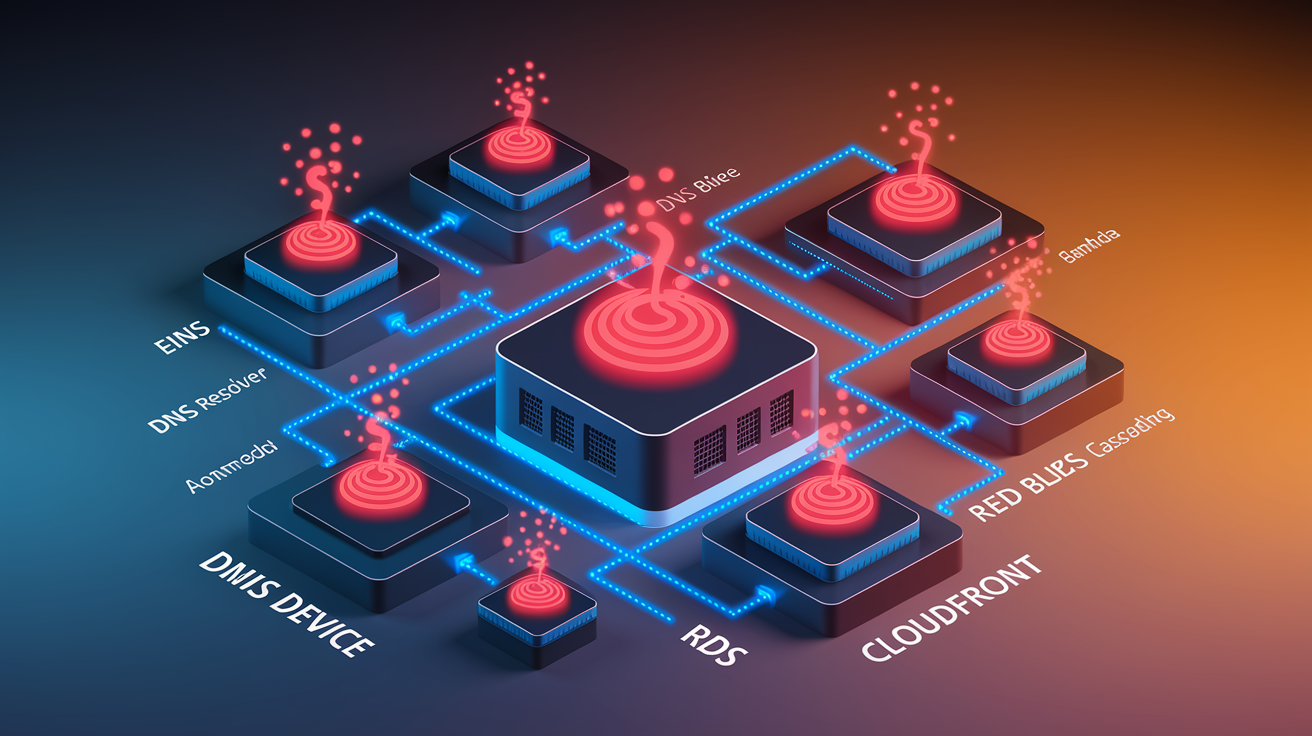
The October 20 AWS outage started with a DNS resolution failure inside US-EAST-1, breaking API requests to DynamoDB and triggering errors across dependent services. DNS resolution translates service endpoints into routable IP addresses. When it fails, client applications can’t locate backend databases, compute instances, or storage buckets, even if those resources are running fine. AWS confirmed that DynamoDB API calls saw elevated error rates as a direct result, and the DNS problem spread to other AWS services relying on internal DNS lookups.
AWS reported mitigation progress starting at 5:27 a.m. ET, but some customers kept seeing intermittent throttling and failed requests all morning. The company rolled out fixes at multiple points during the early hours of October 20, but full stabilization took hours. That suggests the DNS corruption hit multiple internal systems and required coordinated repairs.
| AWS Service Category | Type of Impact |
|---|---|
| DynamoDB | Elevated API error rates, failed reads and writes, connection timeouts |
| Route 53 | DNS resolution failures affecting service discovery and endpoint routing |
| Lambda | Function invocations timing out due to inability to reach downstream dependencies |
| RDS | Intermittent connection failures as clients failed DNS lookups for database endpoints |
| CloudFront | Content delivery degraded when origin lookups failed, causing cache misses and origin errors |
| EBS | Volume attachment and snapshot operations delayed or failed in affected availability zones |
DNS failures spread across cloud services because nearly every API call, database connection, and inter-service request starts with a DNS lookup to resolve an endpoint name to an IP address. When those lookups fail or return stale data, applications can’t establish network connections, even if the target service is healthy. In a tightly coupled cloud environment like AWS, a single DNS subsystem problem can cascade to dozens of services within minutes.
Regional and Global Reach of the AWS Outage
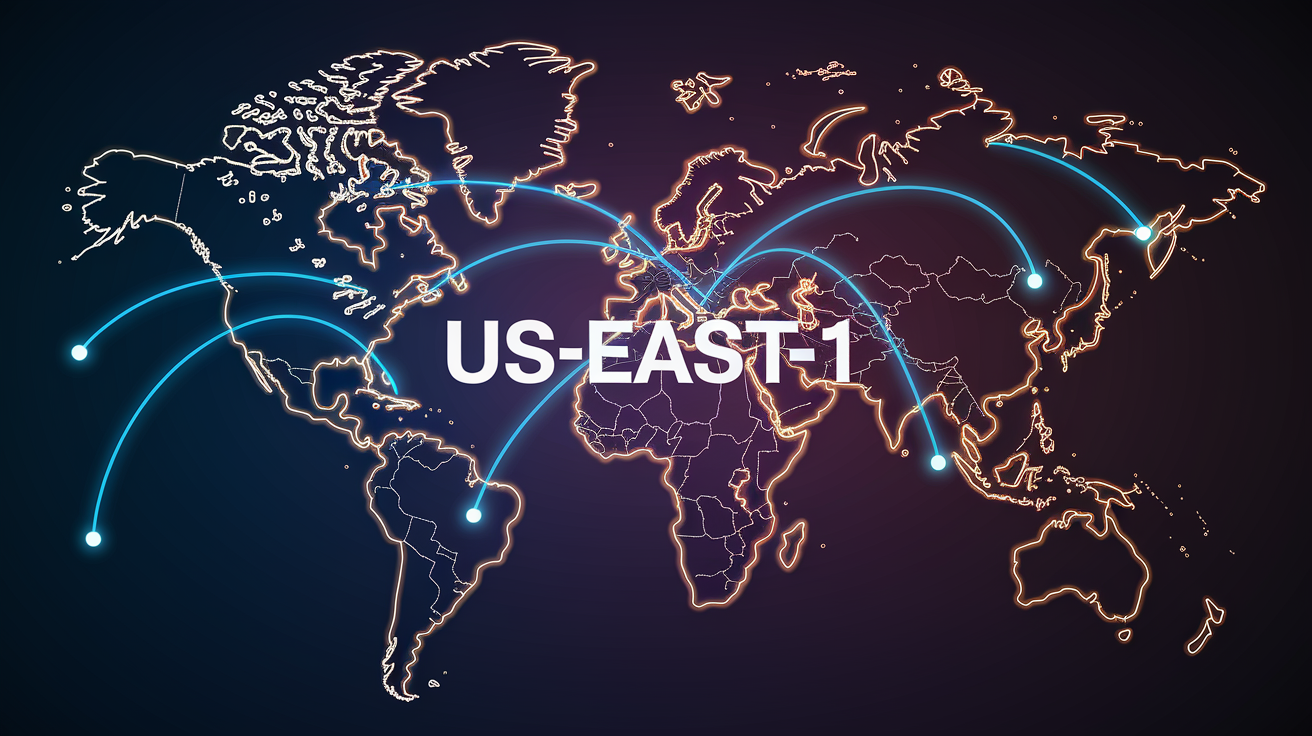
AWS confirmed US-EAST-1 as the affected region, but the disruption went global because many high-traffic consumer apps and enterprise SaaS platforms rely heavily on infrastructure hosted in that single region. Downdetector recorded spikes in outage reports from users across North America, Europe, and Asia. A regional AWS failure can produce worldwide service interruptions when major apps don’t have working multi-region failover. US-EAST-1 is one of AWS’s oldest and most densely populated regions, hosting critical workloads for companies that prioritize proximity to East Coast data centers or have legacy deployments that predate current multi-region best practices.
The distinction between an AWS region failure and a global app outage matters. An AWS region outage means Amazon’s infrastructure in that geographic zone is degraded, affecting services like DynamoDB or Route 53 within specific availability zones. A global app outage means consumer-facing platforms built on top of AWS are failing for users worldwide, even if those users are geographically distant from US-EAST-1, because the app’s backend, database, or authentication layer is centralized in the impacted region.
This outage also triggered downstream failures in services not directly hosted on AWS but dependent on AWS-backed APIs, content delivery networks, or third-party integrations. Platforms built on Google Cloud, Microsoft Azure, and private data centers reported disruptions when their authentication providers, payment gateways, or CDN origins went offline due to their own reliance on US-EAST-1 resources. Modern internet infrastructure is interconnected. A single-region DNS failure can disable features across multiple cloud providers and independent platforms simultaneously.
Major Consumer and Enterprise Platforms Affected by AWS Outage

More than 1,000 apps and services experienced outages or degraded performance during the October 20 incident. Industries from gaming and streaming to finance, productivity, and artificial intelligence all got hit. The breadth of the disruption shows how deeply AWS infrastructure underpins consumer internet experiences and enterprise workflows, with many platforms sharing common dependencies on DynamoDB, CloudFront, and Route 53 within US-EAST-1.
Gaming
- Roblox (login failures and game instance crashes)
- Fortnite (matchmaking and lobby connection errors)
- PUBG Battlegrounds (server disconnections mid-match)
- Rainbow Six Siege (ranked match interruptions and stat-tracking failures)
- Rocket League (couldn’t join online tournaments or casual playlists)
- Pokémon Go (map loading errors and gym battle timeouts)
- Pokémon Trading Card Game (deck syncing and online match failures)
- VRChat (world loading failures and voice chat dropouts)
- Epic Games Store (download and purchase transaction errors)
- Ubisoft Connect (authentication and DRM validation failures)
Streaming and Media
- Prime Video (playback errors and library browsing failures)
- HBO Max (content loading timeouts and account login issues)
- Apple Music (streaming interruptions and playlist sync failures)
- YouTube (intermittent video loading delays and comment posting errors)
- Twitch (stream buffering and chat message delivery failures)
- Spotify (playback pauses and download queue errors)
- Vimeo (upload failures and embed player errors)
- FuboTV (live channel blackouts and DVR access issues)
- Apple TV (app launch failures and content recommendation errors)
Finance and Payments
- Robinhood (trading halts and balance display errors)
- Coinbase (cryptocurrency buy/sell transaction failures)
- Venmo (payment processing delays and transfer confirmation errors)
- Chime (mobile banking login failures and card authorization issues)
Social and Communications
- Snapchat (message sending failures and story upload errors)
- Signal (message delivery delays and group chat sync issues)
- Discord (voice channel disconnections and server role update failures)
- Gmail (intermittent send failures and attachment upload timeouts)
- Google Meet (meeting join failures and screen-sharing errors)
Productivity and Enterprise Tools
- Microsoft Teams (meeting join failures and file sharing errors)
- Office 365 (document save failures and authentication errors)
- Google Drive (file sync delays and sharing permission errors)
- Box (upload failures and collaboration notification delays)
- Mailchimp (campaign send failures and subscriber list sync errors)
- Canvas (Instructure LMS experiencing gradebook access issues)
- Adobe Creative Cloud (cloud document save failures and library sync errors)
AI and Developer Tools
- OpenAI (API rate limit errors and ChatGPT response timeouts)
- Claude (Anthropic chat interface errors and API request failures)
- Perplexity AI (search result loading failures)
- Character.AI (conversation history sync errors)
- Cursor (code completion request timeouts)
- NPM (package download failures and registry query errors)
Smart Home and IoT
- Amazon Alexa (voice command processing failures and smart-home routine errors)
- Ring (doorbell notification delays and live-view connection failures)
- Life360 (location update delays and geofence alert failures)
E-commerce and Marketplaces
- Amazon.com (checkout errors and order tracking failures)
- Shopify (storefront loading errors and payment processing failures)
- Etsy (product listing update failures and buyer message delivery delays)
- Whatnot (live-stream auction connection errors)
- McDonald’s app (mobile order submission failures and loyalty reward redemption errors)
The outage revealed a common architectural vulnerability across industries. Many high-traffic platforms concentrate their primary database, authentication, and API gateway layers in US-EAST-1 without active-active multi-region failover. When DynamoDB and Route 53 failed in that region, apps lost their ability to authenticate users, retrieve session data, process transactions, or serve dynamic content, regardless of how much redundancy existed in other parts of their stack.
Outage Timeline and AWS Recovery Status Updates
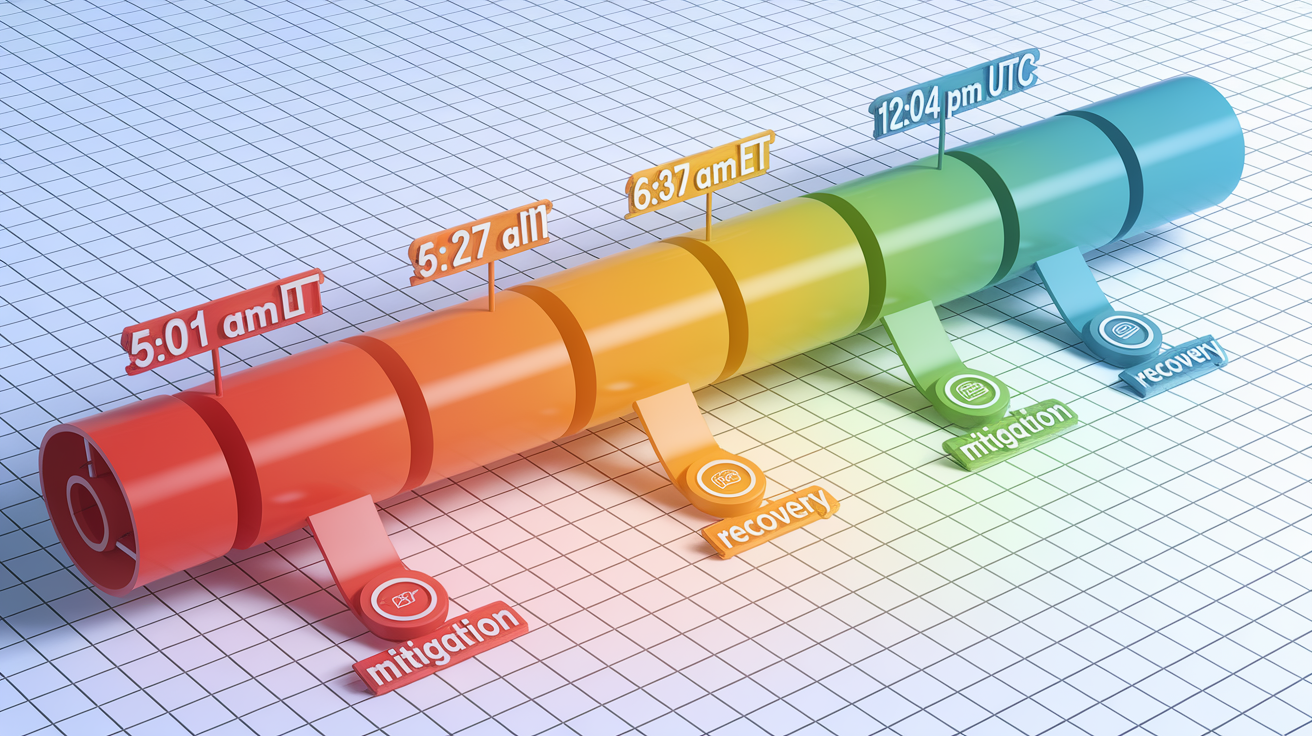
AWS began acknowledging the service disruption on the morning of October 20, 2025, with a series of dashboard updates that tracked the identification, mitigation, and partial resolution of the underlying DNS failure. The timeline shows a multi-hour incident window, with recovery unfolding in phases rather than a single restoration event.
At 5:01 a.m. Eastern Time, AWS posted its first update to the Service Health Dashboard. They identified DNS resolution as the potential root cause of elevated error rates for DynamoDB APIs in US-EAST-1. This marked the shift from investigation to active mitigation, though many customer-facing apps were already reporting widespread failures by that point.
- 5:01 a.m. ET — AWS identified DNS resolution as the likely root cause for DynamoDB API errors in US-EAST-1 and began deploying fixes.
- 5:27 a.m. ET — AWS reported “significant signs of recovery” and stated that “most requests should now be succeeding,” indicating partial restoration of service.
- 6:35 a.m. ET — AWS announced the underlying DNS issue had been “fully mitigated” and that “most AWS Service operations are succeeding normally,” with a warning that some requests may still experience throttling during full recovery.
- 12:04 p.m. UTC (approximately 8:04 a.m. ET) — AWS published an additional dashboard update with no new estimated time to complete normalization, advising customers to continue monitoring for intermittent throttling.
AWS didn’t provide a formal incident report or detailed post-mortem at the time of the last update, and no explicit timeline for the end of intermittent throttling was published. Customers experiencing ongoing issues were advised to monitor the AWS Service Health Dashboard for real-time updates and to implement retry logic with exponential backoff.
How to Check if Your AWS Services Are Still Affected

During and after an AWS outage, verifying the health of your own workloads requires checking multiple data sources. The public Service Health Dashboard reflects region-wide summaries but may not capture account-specific or service-specific issues. Many users during the October 20 incident experienced console login failures, API call errors, and throttled requests even after AWS posted mitigation updates. Relying on a single status page can be misleading.
The AWS Service Health Dashboard provides the official, region-by-region view of service availability and is the first place to check during an incident. It lists affected services, timestamps for status changes, and brief descriptions of the issue and mitigation progress. But it doesn’t show whether your specific resources, like a particular DynamoDB table or Lambda function, are currently experiencing errors.
Six ways to verify your service health during an AWS outage:
- Open the AWS Service Health Dashboard and filter by your primary region (such as US-EAST-1) to see current incident status, mitigation notes, and estimated recovery timelines.
- Log in to the AWS Personal Health Dashboard inside your account console to view targeted alerts about services and resources you’re actively using, which may show issues not reflected in the public status page.
- Review CloudWatch Logs and CloudWatch Metrics for your applications to identify spikes in error rates, latency, or throttling events that indicate ongoing impact even after AWS reports mitigation.
- Set up CloudWatch Alarms on critical metrics (such as DynamoDB ConsumedReadCapacityUnits, Lambda error rates, or API Gateway 5xx responses) to receive automated notifications when thresholds are breached during an outage.
- Check third-party outage tracking sites like Downdetector or status aggregators to see if other users are reporting similar issues with AWS-dependent apps, which can confirm whether problems are isolated to your account or widespread.
- Test your application’s core workflows manually or with automated health checks, retrying failed requests with exponential backoff to determine whether throttling or errors are still occurring in real time.
If you see persistent errors or throttling after AWS declares mitigation complete, the issue may be related to your application’s retry logic, rate limits, or resource quotas rather than the underlying AWS service. Reviewing API response codes, checking service quotas in the AWS console, and validating that your IAM permissions and security group rules are correct can help isolate whether the problem is account-specific or part of the broader incident recovery.
Short-Term Workarounds and Mitigation for AWS Outage Symptoms

When an AWS outage hits, teams need immediate steps to reduce customer impact while waiting for Amazon to restore service. During the October 20 DNS and DynamoDB failures, AWS advised retrying failed requests with delay and preparing for intermittent throttling, but those generic recommendations leave gaps for teams managing production workloads under time pressure.
The first priority is to implement or verify retry logic with exponential backoff in your application code. When API calls to DynamoDB, Lambda, or other AWS services return errors or timeouts, retrying immediately can overwhelm recovering systems and trigger additional throttling. Wait a short interval (such as one second) after the first failure, then double the wait time after each subsequent failure, up to a maximum backoff period. This reduces load on AWS infrastructure during recovery and increases the likelihood that retries will succeed once capacity returns.
- Enable retry logic with exponential backoff in all client libraries and SDKs making calls to AWS APIs, ensuring failed requests are retried automatically without manual intervention.
- Activate circuit breaker patterns in your application architecture to stop sending requests to a failing service after a threshold of errors is reached, preventing cascading failures and allowing time for recovery.
- Route traffic to a secondary AWS region if you have multi-region replication configured, updating DNS records or load balancer targets to shift users away from US-EAST-1 until stability returns.
- Scale down non-essential workloads temporarily to reduce total request volume and free up capacity for critical transactions, prioritizing customer-facing features over background jobs or analytics pipelines.
- Communicate proactively with users through status pages, in-app banners, or social media to set expectations about degraded performance and estimated restoration times, reducing support ticket volume and user frustration.
These workarounds have limits during DNS-related failures. If Route 53 or internal AWS DNS systems are degraded, even multi-region failover may not work correctly if your application can’t resolve the endpoints for resources in the backup region. Circuit breakers help prevent resource exhaustion but don’t restore service availability on their own. Manual traffic rerouting requires pre-configured infrastructure and DNS TTLs short enough to propagate changes quickly, which many teams don’t have. Retry logic with backoff improves success rates once AWS begins recovering but can’t compensate for a total service blackout. The most effective short-term mitigation is a combination of automated retries, intelligent traffic management, and clear user communication, acknowledging that some outages will exceed the resilience of any single-region architecture.
Long-Term Resilience Planning After an AWS Outage
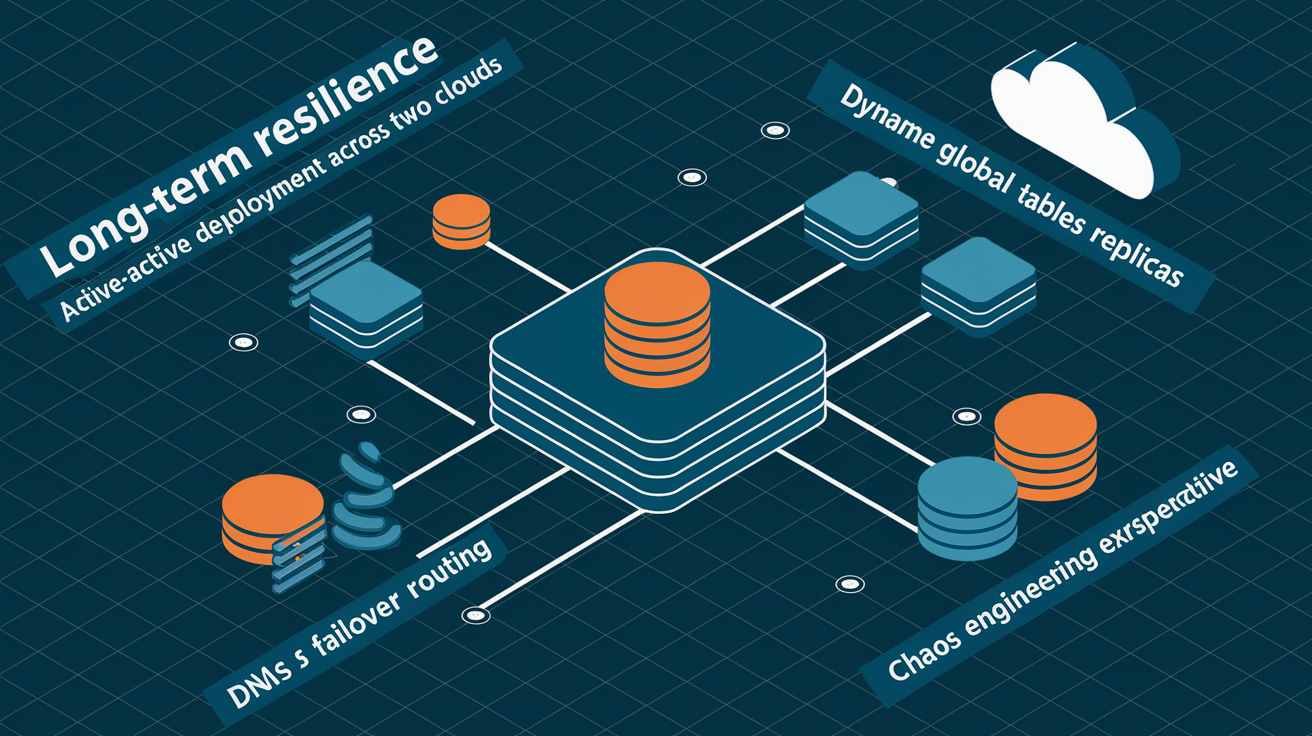
The October 20 AWS outage exposed a critical architectural weakness shared by many high-traffic applications: single-region dependency on US-EAST-1 created cascading failures that no amount of within-region redundancy could prevent. When DNS resolution failed, apps with multiple availability zones, load balancers, and autoscaling groups all went down together because they shared a common control plane and data layer in one region. Long-term resilience requires rethinking deployment strategies, validating failover mechanisms, and accepting the operational complexity of true multi-region or multi-cloud architectures.
| Resilience Strategy | Key Benefit | Who Should Implement |
|---|---|---|
| Active-active multi-region deployment | Eliminates single-region failure as a complete outage scenario, enables instant failover | High-traffic SaaS platforms, financial services, gaming backends, enterprise apps with global user bases |
| Cross-region database replication (DynamoDB Global Tables, RDS read replicas) | Keeps data synchronized across regions for fast recovery and read scalability | Apps requiring low RPO (recovery point objective) and multi-region read access |
| DNS failover with health checks (Route 53 failover routing policies) | Automatically redirects traffic away from unhealthy regions without manual intervention | Customer-facing web apps, APIs, and services where uptime is measured in SLA percentages |
| Multi-cloud deployment (AWS + Google Cloud or Azure for critical workloads) | Protects against cloud-provider-level outages, regulatory or vendor lock-in risks | Enterprises with strict availability requirements, regulated industries, mission-critical infrastructure |
| Chaos engineering and regular failover testing | Validates that disaster recovery plans actually work under real failure conditions | All production systems claiming multi-region or high-availability architecture |
Multi-region and multi-cloud strategies add cost, latency, and operational complexity, so not every application needs them. A content blog or internal tool may tolerate hours of downtime during a rare outage, while a payment processor or multiplayer game can’t. The lesson from this incident is that architectural decisions about region selection, failover automation, and dependency mapping directly determine how long your users will be offline when AWS fails. Teams that tested their failover plans with chaos engineering experiments recovered faster than those that assumed their setup would work without validation. Regular disaster recovery drills, clear RTO and RPO targets, and honest assessments of single points of failure are the foundation of resilience planning that survives real-world cloud outages.
Final Words
In the action, the Oct. 20 outage in US‑EAST‑1 caused DNS failures that drove DynamoDB API errors and intermittent throttling, hitting gaming, streaming, finance, and smart‑home services. AWS logged the root cause at 5:01 a.m. ET, saw recovery signs at 5:27 a.m., and mitigated DNS by 6:35 a.m.; updates continued through 12:04 p.m. UTC.
Check dashboards, retry with backoff, and validate failover paths. For a quick lookup of aws outage which services affected, use the Service Health Dashboard and Personal Health Dashboard — the event is a solid prompt to strengthen resilience.
FAQ
Q: What sites and companies were affected by the AWS outage, including banks?
A: The sites and companies affected by the AWS outage included major consumer and enterprise platforms—Amazon services, streaming, finance firms (Robinhood, Coinbase, Venmo), social apps, and some banks saw downstream disruptions.
Q: What games are affected by the AWS outage?
A: The games affected by the AWS outage included Roblox, Fortnite, Pokémon Go, VRChat, Epic Games Store titles, and many multiplayer or matchmaking services that relied on US‑EAST‑1 infrastructure.

