

Most people point to September 2015 as the moment Snapchat’s face-tracking filters broke the internet — but that’s only part of the story.
Geofilters showed up in August 2014, and Snapchat’s AR Lenses first appeared in 2015 with conflicting dates in the record (January vs. September).
This piece lays out the clear timeline, explains why the date confusion happened, and shows why those milestones matter for creators, brands, and anyone tracking how social media shapes visual culture.
Key Date Overview of Snapchat Filter Introductions

Snapchat rolled out basic Geofilters in August 2014. That’s when users first got to slap location-specific graphics onto their snaps. Face-tracking AR Lenses came next in 2015, though the exact date gets a little fuzzy. Snapchat’s official timeline says January 2015. Most people remember September 2015 as the real launch. Both dates show up in the records, but September’s the one that stuck in everyone’s mind as the moment those face-tracking filters actually went live.
Here’s the difference between basic filters and AR Lenses. Basic filters were simple overlays like color tints, timestamps, temperature readings, location tags. AR Lenses brought in real-time face tracking. Animated effects like dog ears, tongues, face swaps that followed your movements and expressions.
The date confusion probably comes down to internal testing versus public release. January 2015 might’ve been an early test run or limited rollout. September 2015 was when it hit everyone. So practically speaking, Geofilters landed in August 2014, and AR Lenses became widely available sometime in 2015.
Early Snapchat Filters and Their Origins
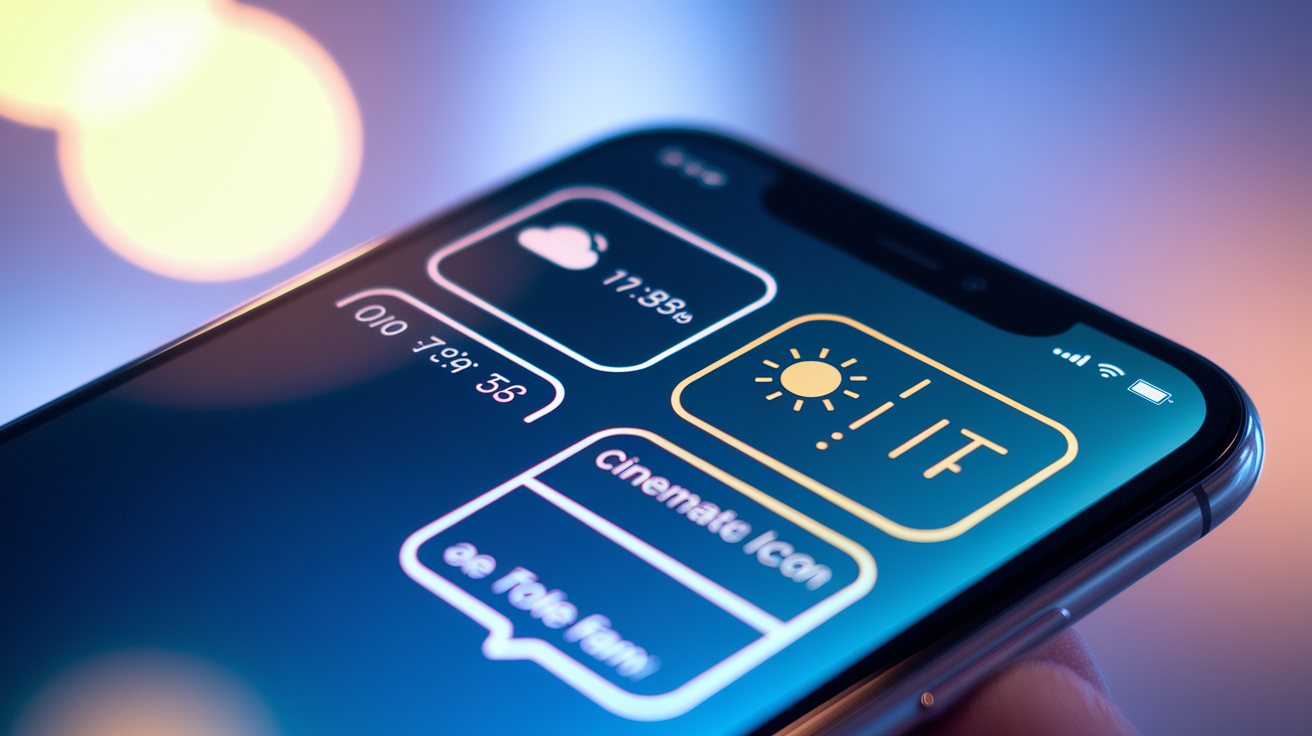
Basic overlays were just graphic layers dropped on top of photos after you took them. You’d swipe left or right to flip through what was available, adding context or visual style without messing with the actual image. These early features let you add things like the current time, weather, or your speed, plus color tints or simple borders.
Early Geofilter graphics changed how people used the app by connecting content to specific locations or events. When you walked into a certain area, location-specific frames or graphics would pop up. You could mark where a snap was taken. This got people sharing at landmarks, events, cities. Filters became a way to tell stories about places.
The earliest common filter types were pretty straightforward:
- Color tint overlays for warm, cool, or black and white effects
- Time and date stamps showing when you captured the snap
- Temperature displays with current weather
- Location tags identifying your city or neighborhood
- Early geofilters with basic frames or text marking a place
Introduction of Snapchat AR Lenses and Their Evolution
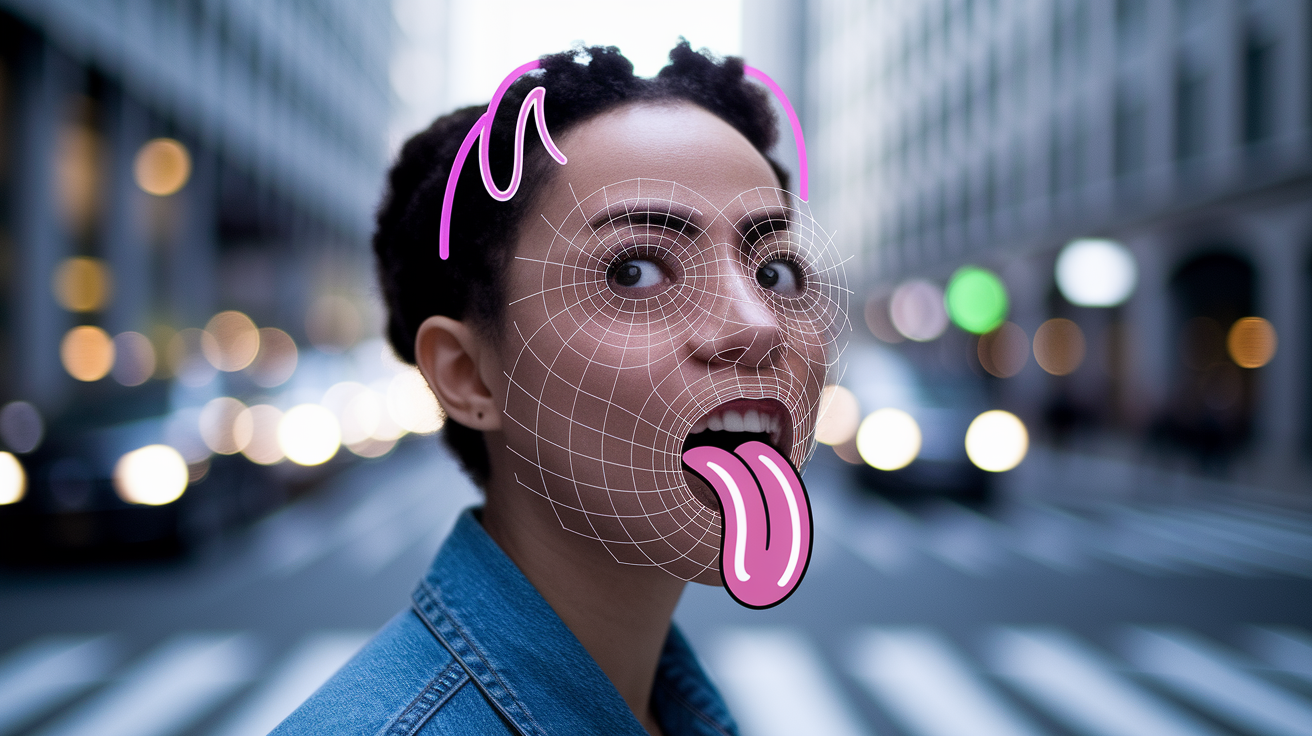
The 2015 AR Lenses release changed how people used the camera. These added real-time effects that responded to facial movements. Instead of slapping on a static overlay after snapping a photo, Lenses tracked faces in live video, anchoring animated graphics to eyes, mouths, head position. The camera became interactive instead of just a capture tool.
The first viral lenses? The dog filter with floppy ears and a tongue that moved with your mouth. Face swap effects that traded faces between two people. Beauty filters that smoothed skin and made eyes bigger. People spent time messing around with different effects, recording short videos to catch the animations, sharing results that friends could copy. Watching digital stuff follow your real-time expressions drove adoption fast.
Early face-tracking tech used machine learning models to find facial landmarks. Eyes, nose, mouth, jawline. Once the system locked onto these points, it created a mesh overlay that moved with your head and expressions. Effects anchored to specific features, so animated ears, hats, or makeup stayed put even when you turned your head or changed expressions.
How AR Lenses Advanced
Better mesh tracking made effects more precise and responsive. Early lenses sometimes slipped or lost alignment when you moved fast. Later updates increased the number of tracked points and cut down latency. Real-time responsiveness got better as phone processing power improved, letting more complex animations and layered effects run smoothly. AR effects became more dynamic. Environmental mapping placed virtual objects in 3D space around you. Digital elements blended with the physical background. Multi-user lenses tracked multiple faces at once.
Timeline of Major Snapchat Filter and Lens Milestones

Here’s how Snapchat layered new features onto the core messaging app, turning filters from simple overlays into a central part of the platform’s identity and business model.
| Year/Date | Feature/Event | Impact |
|---|---|---|
| July 2011 | Snapchat launched on iOS | Established disappearing photo messaging |
| August 2014 | Geofilters introduced | Added location-based overlays to snaps |
| 2015 | AR Lenses launched | Introduced face-tracking and real-time effects |
| July 2016 | Memories and Bitmojis added | Expanded personalization and content storage |
| November 20, 2020 | Spotlight launched with $1M-per-day creator payouts | Competed with TikTok for short-form video |
| June 29, 2022 | Snapchat+ subscription launched at $3.99/month | Introduced recurring revenue model |
| February 10, 2023 | Sponsored Filters disabled | Ended one monetization path for brands |
| March 31, 2023 | On-Demand Geofilters shut down | Removed user-paid custom location filters |
Cultural Impact of Snapchat Filters on Social Media
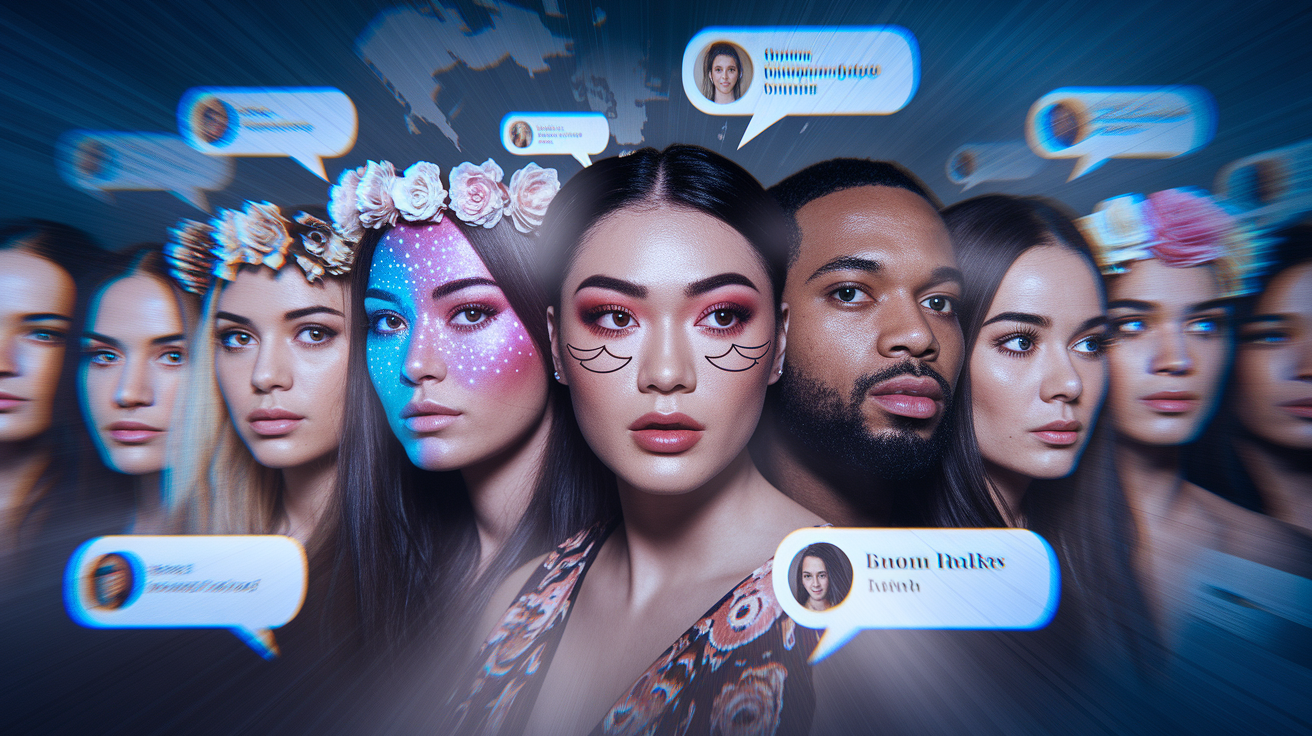
Viral adoption of lenses like the dog filter and flower crown turned Snapchat effects into recognizable cultural symbols. Celebrities, influencers, everyday users shared filtered selfies across platforms. Certain lenses became synonymous with specific moments in internet culture. Applying effects was easy, which lowered the barrier to creating visually interesting content. The ephemeral nature of snaps encouraged experimentation without the pressure of permanent posts.
Face smoothing, enlarged doe eyes, makeup-style effects shaped expectations around appearance and started debates about body image. Articles and mental health professionals noticed a rise in requests for cosmetic procedures designed to replicate filtered looks. They coined terms like “Snapchat dysmorphia” to describe it. Younger users, especially teens, reported increased self-doubt when comparing unfiltered photos to the polished, altered versions they saw online. This raised concerns about the psychological impact of beauty filters on developing self-image.
Sponsored Filters, Brand Lenses, and Monetization Models
Snapchat let brands create sponsored lenses and filters as part of ad campaigns. Companies could design custom effects tied to product launches, movies, or events, reaching users through interactive experiences instead of static ads.
Businesses used branded filters to drive engagement, turning users into active participants who shared branded content with their friends. A movie studio might release a lens that added character makeup or props. A beverage company could create a filter featuring its logo or mascot.
Snapchat shut down Sponsored Filters on February 10, 2023. On-Demand Geofilters ended March 31, 2023. These closures removed two revenue streams that had let brands and individuals pay for custom filter placement at events, locations, or nationwide campaigns. The company cited strategic shifts and changing business priorities. Lens Studio and organic filter creation became the primary tools for custom AR content.
Major monetization paths were:
- Sponsored Lenses for national brand campaigns
- Brand filters tied to product releases and events
- Event Geofilters for weddings, conferences, parties
- Creative AR ad campaigns that turned users into brand ambassadors
Tools for Creating Snapchat Filters and Lenses

Geofilter submissions let users design simple graphic overlays and submit them for approval, typically for personal events or small businesses. Once approved, the filter became available within a defined geographic area for a set time period. Users uploaded design files, selected boundaries on a map, chose start and end dates, paid a fee based on area size and duration.
General creation steps for Geofilters:
- Design the graphic overlay using approved dimensions and safe zones
- Upload the design file through Snapchat’s submission portal
- Select the geographic area and time window for availability
- Submit the design for review and approval
- Publish the filter once approved and payment processed
Lens Studio Tools
Lens Studio lets creators build AR lenses using templates, scripting, asset libraries. The desktop app provides tools for 3D modeling, animation, face tracking configuration, interactive triggers. Creators can publish lenses for public use, so anyone can access custom effects through Snapchat’s lens carousel. Lens Studio’s still active and supports a community of AR developers, artists, brands building effects that range from simple face decorations to complex environmental AR experiences.
Final Words
We laid out the key timeline: Geofilters first appeared in August 2014, and face-tracking AR Lenses debuted in 2015 (with both a January developer rollout and a wider public release later that year).
We also covered how early overlays worked, why Lenses shifted selfie culture, the monetization changes, and the creator tools like Lens Studio that kept AR moving forward.
If you were wondering when did snapchat introduce filters, now you know the dates and what they meant, and there’s more to explore as the platform keeps evolving.
FAQ
Q: When did Snapchat filters become popular?
A: Snapchat filters became popular after Geofilters appeared in August 2014 and especially when AR Lenses rolled out in 2015, when face-tracking lenses quickly went viral.
Q: Is ❤ better than 💛 on Snapchat?
A: The red heart is a longer-standing best-friend marker than the yellow heart; the yellow heart shows you’re each other’s #1, red means that’s lasted about two weeks, pink means about two months.
Q: Did Snapchat have filters in 2016?
A: Snapchat had filters in 2016, including basic overlays and AR Lenses; both types were already live and widely used by that year.
Q: What is 2 🔥 ⌛ in Snapchat?
A: The “2 🔥 ⌛” means you have a two-day Snapstreak and the hourglass warns the streak is about to expire unless you send a snap soon.

