
Did Apple really end 15 years of Intel Macs in a single week?
Apple announced the M1 chip on November 10, 2020, and the first M1 Macs shipped a week later on November 17.
That quick launch—MacBook Air, 13-inch MacBook Pro, and Mac mini—marked the start of Apple’s shift to its own ARM-based silicon.
The change mattered because the M1 delivered big gains in speed, battery life, and efficiency while pushing developers to update apps or rely on Rosetta 2.
This post lays out the full release timeline, the first models, and what buyers and developers should check now.
Key Dates for the Apple M1 Chip Release Timeline
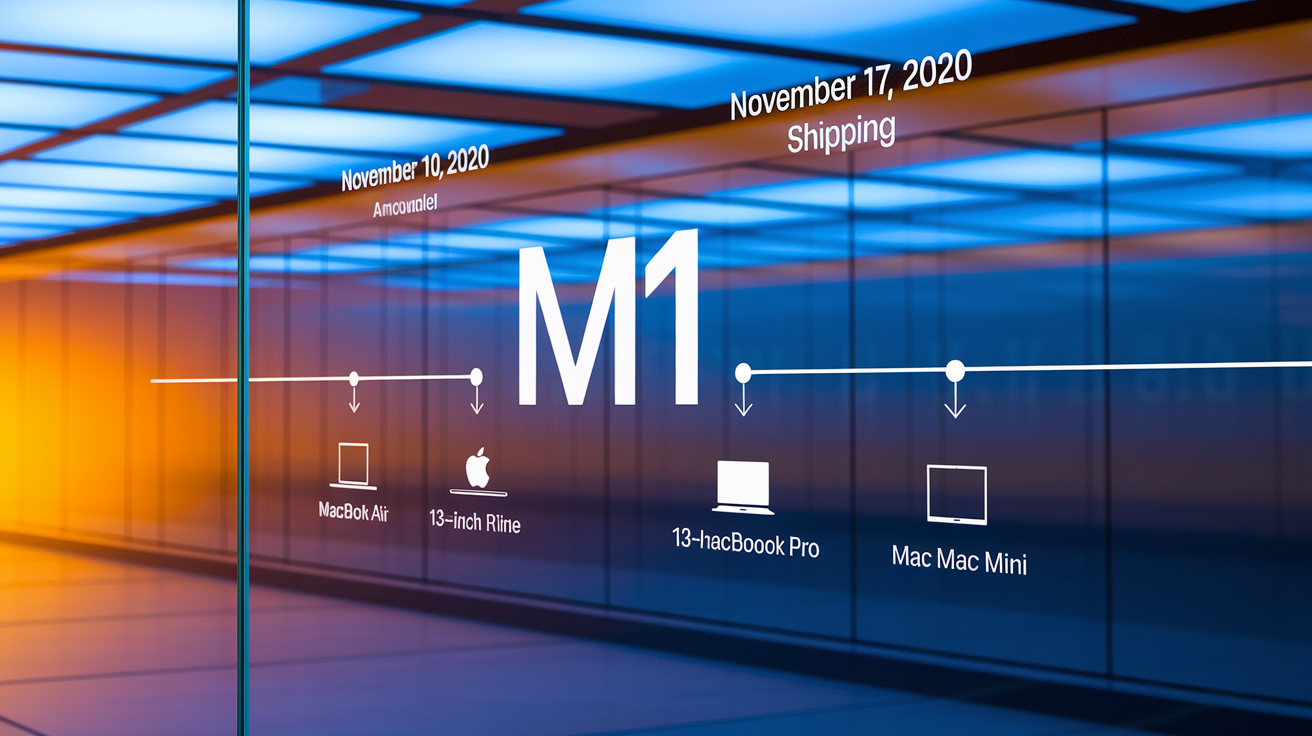
Apple announced the M1 chip on November 10, 2020, during a 45-minute pre-recorded event called “One More Thing.” It was the kickoff to Apple ditching Intel processors for its own custom silicon in Macs. The presentation walked through the architecture, the performance gains, and the first three Mac models getting the new processor.
The first M1 Macs started shipping November 17, 2020. One week after the announcement. Apple dropped three models at once: MacBook Air, 13-inch MacBook Pro, and Mac mini, all running the same M1 chip. The launch came alongside macOS Big Sur, which was built to run on both Apple Silicon and Intel-based Macs through a single OS.
Announcement date: November 10, 2020 (“One More Thing” event)
Release/shipping date: November 17, 2020
First three M1 Macs: MacBook Air, 13-inch MacBook Pro, Mac mini
Transition significance: Apple’s shift from Intel to its own ARM-based processors after 15 years with Intel
First Macs That Launched With the M1 Chip
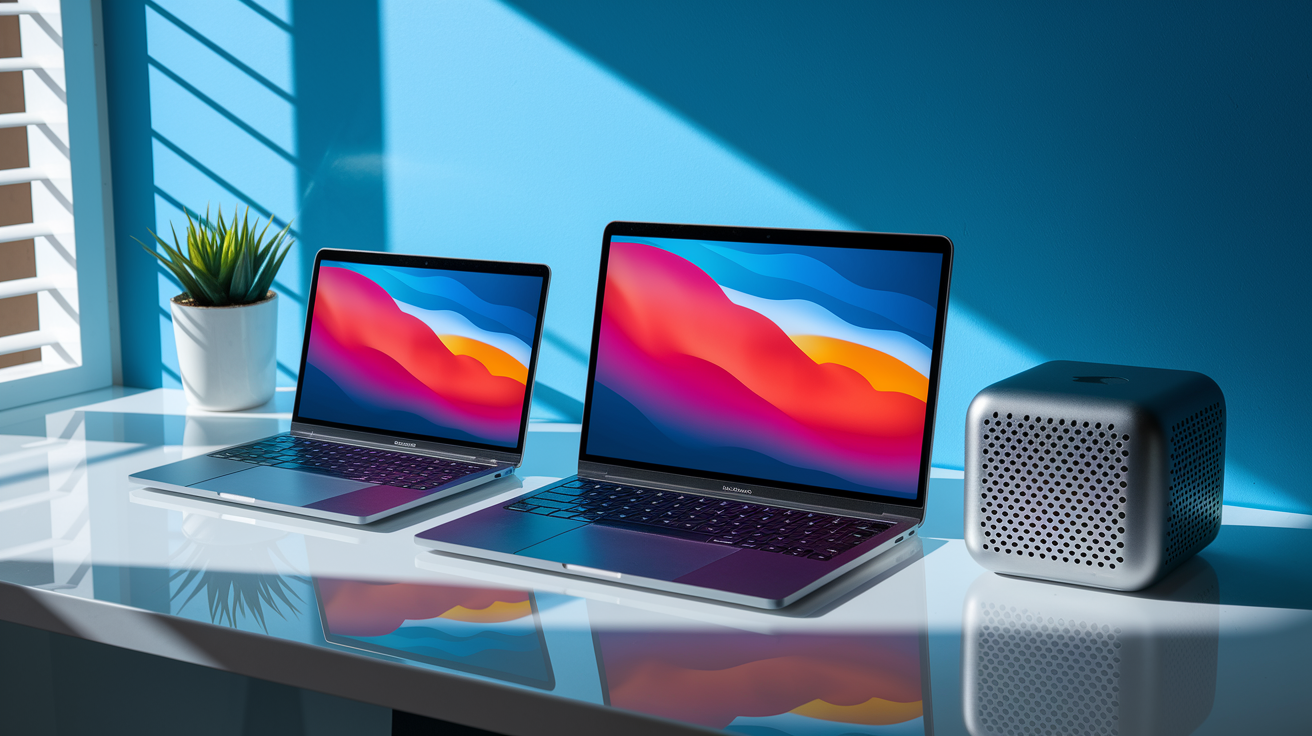
Apple released three Mac models with the M1 chip in November 2020. The MacBook Air went fanless, using passive cooling only. The 13-inch MacBook Pro had an active cooling fan and the Touch Bar, which gave it better sustained performance under heavy loads. The Mac mini packed the same M1 internals into a compact desktop with extra ports and connectivity.
All three shared the same 5nm ARM-based system-on-chip. Unified memory maxed out at 16 GB across every model, no matter which configuration you picked. Storage started at 256 GB and went up to 2 TB, with Apple using fast NVMe SSDs across the lineup.
Thermal design mattered during sustained tasks. The MacBook Air throttled a bit after extended heavy use, while the MacBook Pro’s fan let it hold peak performance longer. The Mac mini used an active cooling system like the Pro, so it could handle continuous workloads without thermal issues.
| Model | Distinguishing Feature | Price at Launch |
|---|---|---|
| MacBook Air | Fanless design, silent operation | $999 (7-core GPU) / $1,249 (8-core GPU) |
| 13-inch MacBook Pro | Active cooling fan, Touch Bar, brighter display (500 nits) | $1,299 |
| Mac mini | Desktop form factor, additional ports | $699 |
Core Specs and Architecture of the Apple M1 Chip
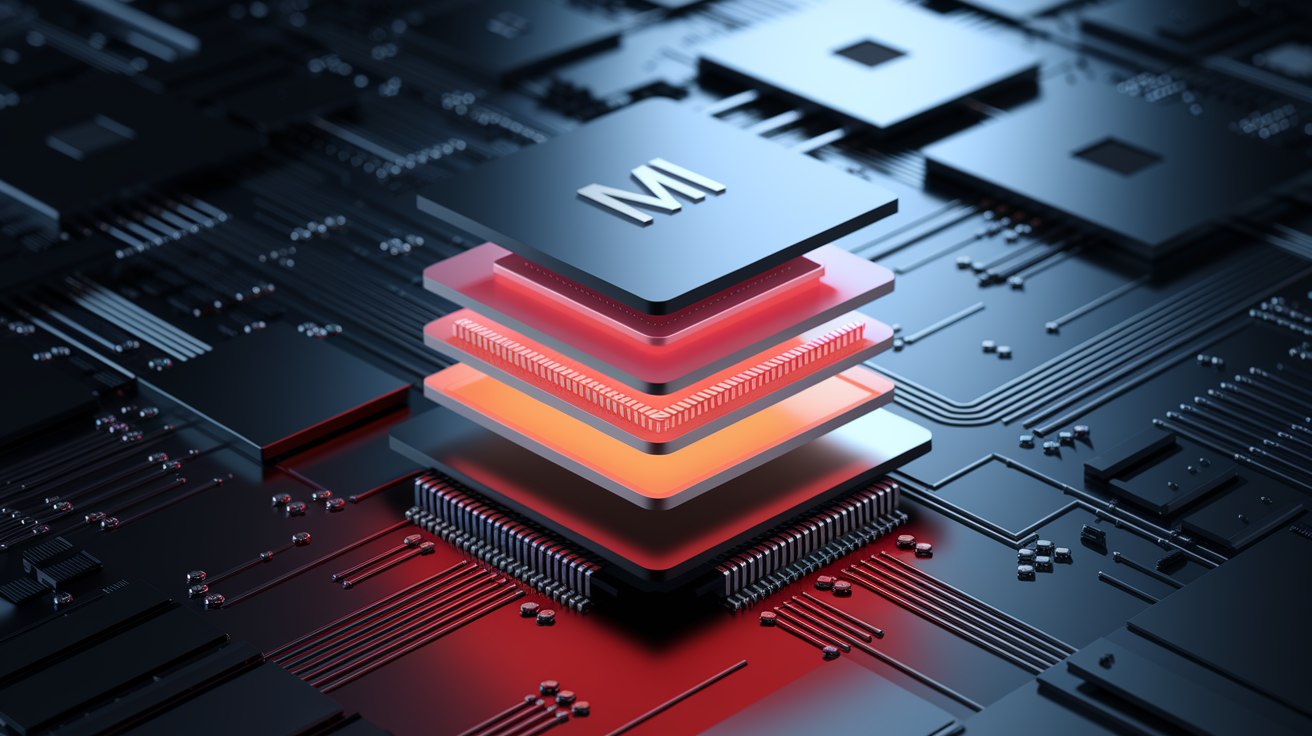
The M1 was Apple’s first desktop-class ARM-based processor, built on TSMC’s 5nm process. The architecture bundled an 8-core CPU, a 7 or 8-core GPU, a 16-core Neural Engine, and unified memory into one package. Different components could access the same pool of RAM without copying data between separate memory pools, cutting latency and boosting efficiency.
Unified memory topped out at 16 GB of LPDDR4X RAM, shared across the CPU, GPU, and Neural Engine. No separate video memory needed. The GPU could access way more memory than typical integrated graphics. Real-world tests showed big improvements in multi-app workflows, high-res video editing, code compilation, and image processing tasks that benefited from fast shared memory.
Apple built the M1 for power efficiency rather than raw peak performance. The chip delivered strong single-threaded and multi-threaded results while using less power than comparable Intel processors, which meant longer battery life and cooler operation. The Neural Engine handled machine learning tasks, speeding up photo analysis, speech recognition, and on-device Siri processing.
8-core CPU (4 high-performance cores + 4 high-efficiency cores)
7 or 8-core GPU (depending on configuration)
16-core Neural Engine for machine learning tasks
Up to 16 GB unified LPDDR4X memory
TSMC 5nm process technology
Integrated Thunderbolt / USB 4 controller
CPU and GPU Architecture
The M1’s CPU uses four high-performance cores for demanding tasks and four high-efficiency cores for background processes and low-power workloads. macOS assigns tasks to the right cores based on what’s needed, switching to efficiency cores during light use to save power and to performance cores when speed matters.
The GPU ranged from 7 to 8 cores depending on the model. Entry-level MacBook Air got a 7-core GPU, while higher-tier configs across all three models included the full 8-core GPU. The integrated design let the GPU share the full memory pool with the CPU, giving it access to up to 16 GB of memory. Way more than typical integrated graphics that reserved only a small chunk of system RAM.
M1 Performance, Battery Life, and Real‑World Improvements
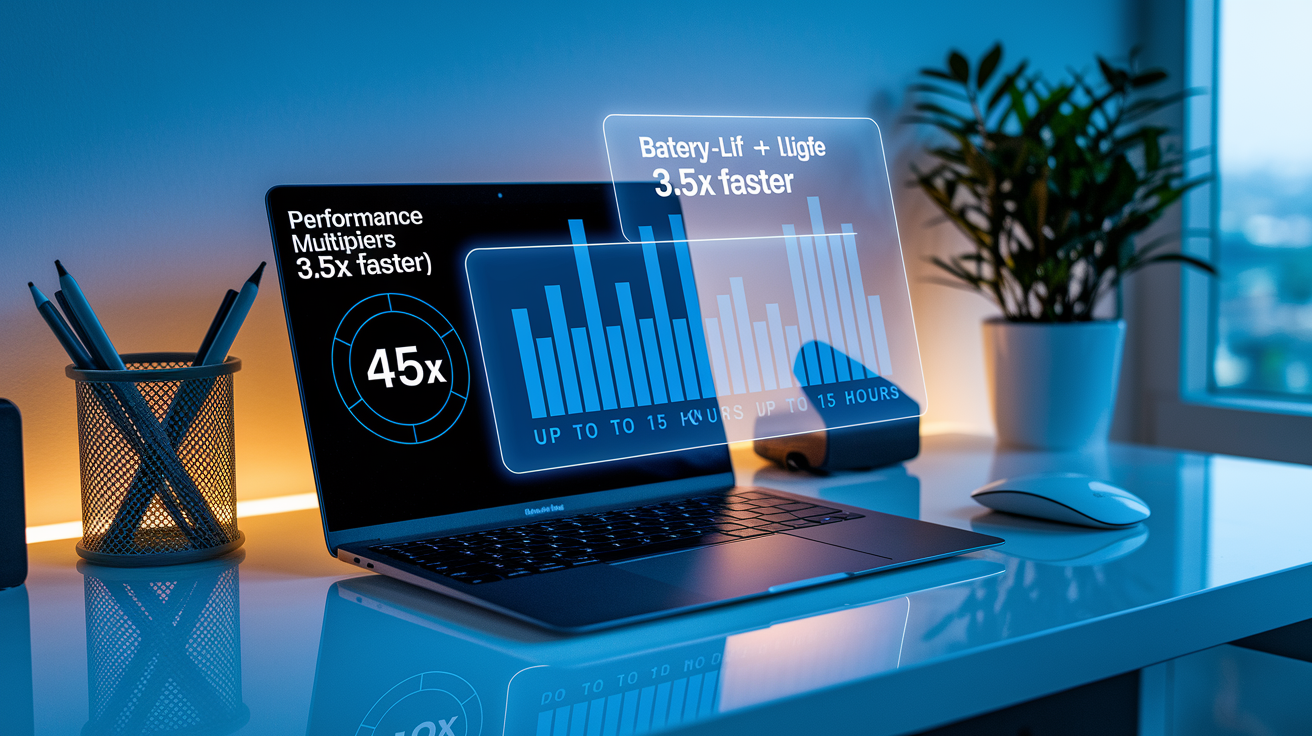
Apple claimed the M1 MacBook Air was 3.5 times faster than the most recent Intel-based MacBook Air, and the M1 MacBook Pro was 2.8 times faster than its Intel predecessor. Independent tests confirmed big performance gains in both single-threaded and multi-threaded workloads, with especially strong results in tasks tuned for Apple Silicon. Apps like Final Cut Pro, Logic Pro, and Xcode saw dramatic speed increases. Even fanless MacBook Airs handled 4K video editing smoothly.
Battery life jumped across all three models. Apple rated the MacBook Air for up to 15 hours of web browsing, and real-world tests measured around 14 hours and 41 minutes on a continuous web browsing test. Compare that to 9 hours and 31 minutes for the prior Intel Air. The MacBook Pro was rated for up to 17 hours of web browsing and measured around 16 hours and 32 minutes in testing, roughly double the battery life of the Intel-based 13-inch Pro. The thermal efficiency of the M1 let the fanless MacBook Air run silently while staying cool, and the MacBook Pro’s fan rarely spun up during normal use.
MacBook Air rated up to 15 hours web browsing, measured around 14:41 in real-world tests
MacBook Pro rated up to 17 hours web browsing, measured around 16:32
M1 Air claimed 3.5x faster than Intel predecessor
M1 Pro claimed 2.8x faster than Intel predecessor
SSD read speeds reached up to 3.3 to 3.4 GB/s depending on model
Comparing the M1 Chip to Intel‑Based Mac Models

The M1 delivered big performance-per-watt improvements compared to the Intel processors Apple had used in the same form factors. Intel-era Macs dealt with delayed chip updates, thermal limits, controversial design choices (butterfly keyboards, USB-C-only ports, the Touch Bar on models many users didn’t want it on), and declining performance-per-dollar as Intel’s roadmap stalled. The M1 Macs offered equal or lower prices while delivering better performance, longer battery life, and cooler, quieter operation.
The fanless M1 MacBook Air outperformed the previous Intel-based MacBook Pro in many tasks. A reversal that showed how much thermal headroom Apple gained by designing its own silicon. The M1 MacBook Pro, with its active cooling, sustained performance longer than the Air and outpaced higher-end Intel MacBook Pros in several benchmarks. The Mac mini dropped from $799 to $699 while offering faster performance and better efficiency than the Intel mini it replaced.
Apple’s move to its own silicon let the company control the entire hardware and software stack, tuning macOS specifically for the M1’s architecture. Intel Macs ran a generic version of macOS that had to support a wide range of third-party processors and configurations. The M1’s integration of CPU, GPU, RAM, and other components into a single SoC reduced latency, improved power efficiency, and enabled features that weren’t possible with modular Intel-based designs.
| Category | Intel Mac | M1 Mac Comparison | Effect on Users |
|---|---|---|---|
| Performance per watt | Lower efficiency, thermal throttling common | Higher efficiency, fanless designs possible | Longer battery life, quieter operation, cooler devices |
| Price | MacBook Air $999, Pro $1,299, mini $799 | Same or lower (mini dropped to $699) | Better performance per dollar |
| Software/hardware integration | Generic macOS, third-party chips | macOS optimized for Apple Silicon | Faster app launches, better responsiveness |
| Sustained performance | Thermal limits reduced peak speeds over time | Better thermal management, even fanless | More consistent performance during long tasks |
Software Compatibility: Rosetta 2, iOS Apps, and Universal Binaries

The M1’s ARM-based architecture required changes to how Mac software worked. Apple gave developers early access to tools starting in June 2020, months before the M1 announcement, pushing them to build Universal Binaries that included both Intel and Apple Silicon code. Apps built as Universal Binaries ran natively on M1 Macs, delivering full performance without translation.
M1 Macs could also run iOS and iPadOS apps natively for the first time, since the M1 shared the same ARM instruction set as A-series iPhone and iPad chips. This opened up a big catalog of mobile apps to Mac users, though not all iOS developers chose to make their apps available on macOS. Some apps worked well with a keyboard and mouse, while others felt awkward without a touchscreen.
Rosetta 2 Translation Layer
Rosetta 2 let Intel-based Mac apps run on M1 Macs without modification. The translation layer converted Intel x86 instructions to ARM instructions, either at install time or the first time an app launched. Most apps ran smoothly through Rosetta 2 with only a small performance hit, and many users reported that translated Intel apps still felt faster on M1 Macs than they had on Intel hardware.
Performance varied depending on the app. Lightweight productivity software translated well and ran without noticeable slowdowns. More demanding apps like Adobe Photoshop (before a native M1 version shipped) showed some performance loss under Rosetta 2 but still delivered usable speed. A few apps with low-level system access or kernel extensions didn’t work through Rosetta 2 and needed native updates, which most major developers released within months of the M1 launch.
Pricing and Configurations at the Time of the M1 Release
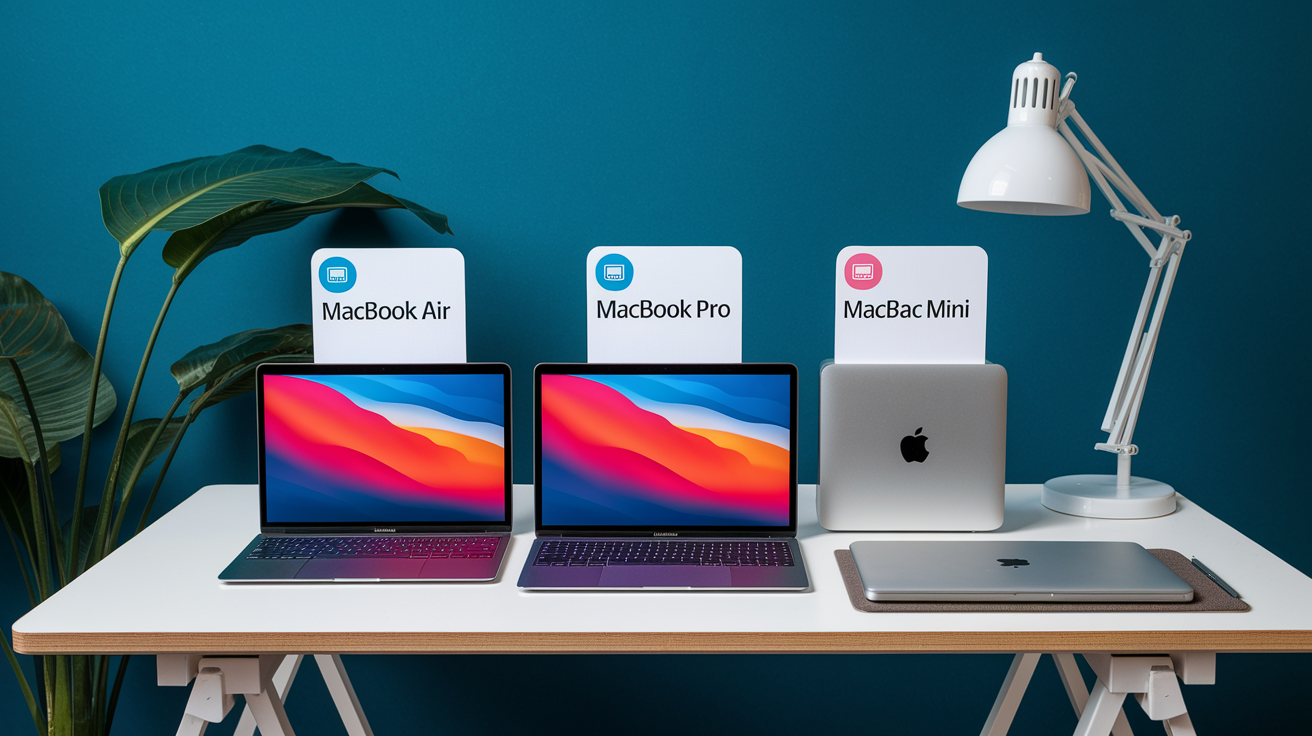
The MacBook Air started at $999 with a 7-core GPU, 8 GB of unified memory, and 256 GB of storage. A $1,249 configuration upgraded the GPU to 8 cores and doubled storage to 512 GB. Both models supported memory upgrades to 16 GB and storage upgrades to 2 TB, though you had to choose at purchase since the unified memory was soldered to the SoC.
The 13-inch MacBook Pro began at $1,299 with an 8-core GPU, 8 GB of memory, and 256 GB of storage. The Pro included a brighter 500-nit display compared to the Air’s 400-nit screen, an active cooling fan, and the Touch Bar. Like the Air, memory maxed out at 16 GB and storage scaled to 2 TB. The Mac mini started at $699 with the same M1 chip, 8 GB of memory, and 256 GB of storage, making it the cheapest entry into Apple Silicon.
SSD performance was strong across all models. The M1 MacBook Pro hit read speeds up to 3.3 GB/s, and the Mac mini reached read and write speeds around 3.4 GB/s. All three models included two Thunderbolt / USB 4 ports, though the Mac mini added two USB-A ports, HDMI 2.0, and Gigabit Ethernet. Display support was limited to one external display up to 6K resolution (or two displays on the Mac mini, one via Thunderbolt and one via HDMI).
Timeline of Apple Silicon After the M1 Chip
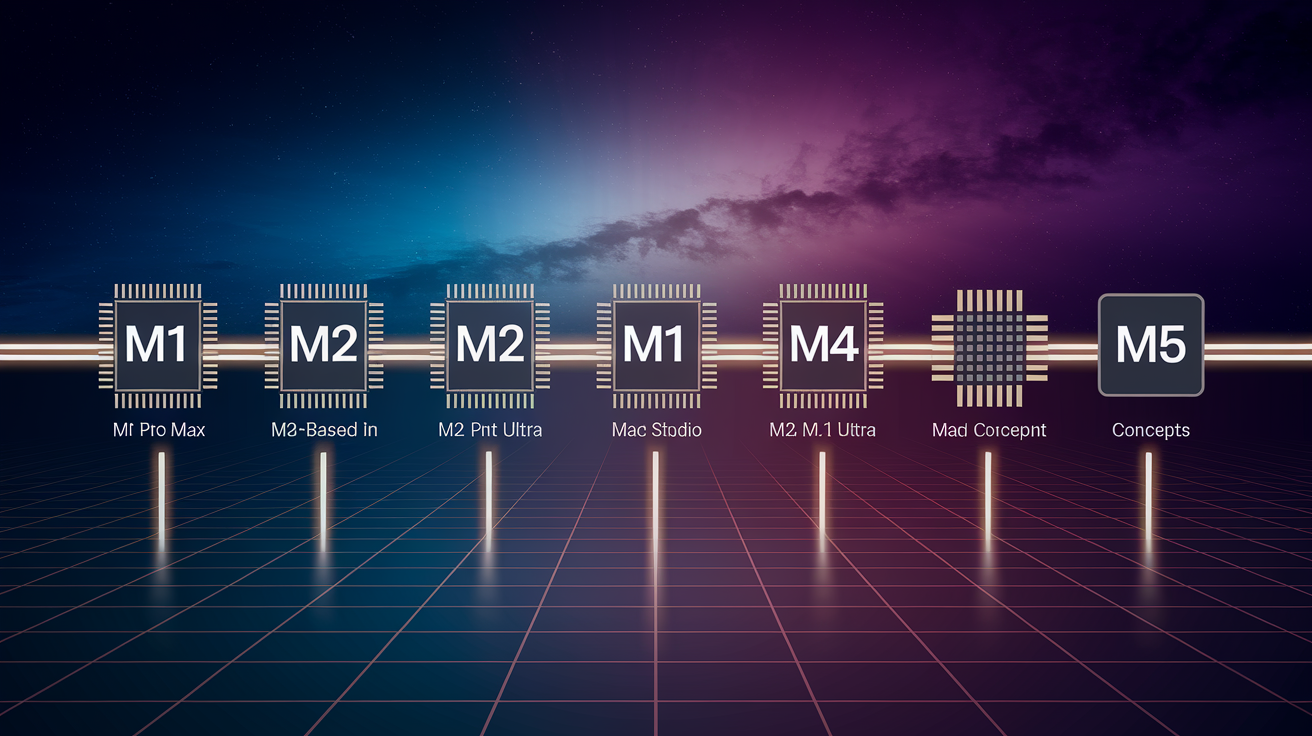
Apple released M1 Pro and M1 Max chips in 2021 for redesigned 14-inch and 16-inch MacBook Pro models. The Pro and Max variants increased CPU and GPU core counts significantly, with the M1 Pro offering up to 10 CPU cores and 16 GPU cores, and the M1 Max scaling to 10 CPU cores and 32 GPU cores. Both chips supported more unified memory (up to 32 GB on Pro, up to 64 GB on Max) and addressed the single external display limitation of the base M1.
The M2 launched in 2022, debuting in a redesigned MacBook Air with a thinner chassis and in an updated 13-inch MacBook Pro. The M2 delivered CPU improvements of around 18% and GPU improvements (with more cores available) of roughly 35% compared to the M1. Apple rated M2-based models for up to 15 to 20 hours of video playback, continuing the strong battery life trend started with the M1.
Apple’s annual chip schedule brought consistent performance gains across generations. CPU cores typically improved 10 to 30% per generation through architecture refinements and process improvements. GPU performance grew mostly by adding more cores rather than big per-core gains. By the time the M5 shipped, the base model was roughly twice as fast across most tasks compared to the original M1.
2020: M1 announced November 10, released November 17 in MacBook Air, 13-inch MacBook Pro, Mac mini
2021: M1 Pro and M1 Max launched in redesigned 14-inch and 16-inch MacBook Pro models
2021: M1-based 24-inch iMac released with a thin, colorful redesign
2022: M2 chip introduced in redesigned MacBook Air and updated 13-inch MacBook Pro
2022: Mac Studio launched with M1 Max and M1 Ultra (two M1 Max chips connected), 27-inch Studio Display released as a midrange Retina monitor
Later generations: M3, M4, and M5 continued the annual schedule with CPU, GPU, and Neural Engine improvements. M4 added neural accelerators to CPU cores, M5 added them to GPU cores.
Final Words
Apple announced the M1 on November 10, 2020 at its One More Thing event and shipped the first M1 Macs on November 17, 2020. That launch paired the new chip with macOS Big Sur and kicked off the shift away from Intel.
We covered the first models, core specs, real-world performance, software compatibility, pricing, and the follow-up timeline through M1 Pro, Max, and M2.
If you’re asking when did apple release m1 chip — the announcement was Nov 10, 2020 and first shipments began Nov 17, 2020. The M1 set a clear path for faster, more efficient Macs.
FAQ
Q: Is the M1 chip outdated, and when did Apple stop using the M1 chip?
A: The M1 chip isn’t outdated; Apple began shipping successors (M2) in 2022, but many M1 Macs still receive support and remain good, cost-effective choices for typical users.
Q: Which is better, M1 or M2?
A: The M2 is better for raw performance with modest CPU/GPU gains, higher memory bandwidth, and larger unified memory limits; M1 stays a capable, lower-cost option for everyday tasks.
Q: Is M1 faster than Core i7?
A: The M1 is faster than many Intel Core i7s in real-world multitasking and power-efficiency tests, offering superior performance-per-watt, though exact results depend on the i7 generation and workload.

