

Wondering why your pushes and Actions are failing right now?
GitHub is showing degraded service for core subsystems — think Git HTTPS, the API, Actions, Codespaces, and Pages — and that can pause deployments, block CI, or make the web UI half-broken.
This post gives a quick status check, explains which features are likely affected, and lists immediate steps to keep work moving (check the official status page, try SSH Git, suspend flaky jobs).
Read on for clear signs, timelines, root causes, and practical workarounds.
Current Real-Time GitHub Status Check

The fastest way to see if GitHub’s degraded right now? Visit the official status page. It shows real-time service classifications for every major subsystem: OK, Degraded Performance, Partial Outage, or Outage. When something breaks, a bright banner pops up at the top with a timestamp, severity tag, and link to the live incident timeline. February 2026 incident durations ranged from 34 minutes to nearly 6 hours, so that banner tells you both current state and how long the team’s been fighting the problem.
The dashboard also surfaces quantitative health indicators. Elevated API error rates, increased latency percentages, per-service impact notes. During the February 9 Git HTTPS outage, the status page explicitly noted that SSH Git operations remained unaffected, helping developers quickly pivot to a working protocol. These granular markers let you confirm which features are actually broken versus which are running normally.
Key signs to look for on the official status dashboard:
- Degraded Performance badge next to one or more services (Repositories, API, Actions, Pages, Packages, Codespaces, Authentication, or Webhooks).
- Active incident timeline showing detection, mitigation, and recovery checkpoints with UTC timestamps.
- Affected subsystem categories listed in red or yellow (for example, “Git Operations” or “Hosted Runners”).
- Error rate percentages or peak impact metrics (such as “90% provisioning failures” during a Codespaces outage).
- Geographic scope notes when only certain regions are impacted (for example, “UK South, Europe, Asia” during the February 12 Codespaces event).
Notifications typically flow through three channels: the status page’s RSS/Atom feed, official social announcements (usually posted within minutes of detection), and any internal monitoring you’ve configured against the status API.
Understanding the Types of GitHub Service Degraded Symptoms

Degraded service shows up in three broad categories: Git operation failures, API call delays, and UI slowdowns. Git push, pull, and clone commands over HTTPS are often the first to break. During the February 9 incidents, a caching misconfiguration overwhelmed the Git HTTPS proxy, causing connection exhaustion and widespread push/pull timeouts. Users saw errors like “Could not read from remote repository. Please make sure you have the correct access rights and the repository exists.” Switching to SSH Git immediately restored connectivity because the SSH path bypassed the failing proxy layer.
API degradation shows up as elevated latencies, intermittent HTTP 502/503 responses, and rate-limit headers arriving sooner than expected. When the February 2 compute outage hit, API requests that depended on hosted runner metadata or Codespaces provisioning returned 503 errors. GraphQL queries timed out. REST endpoints for Actions job logs slowed to several seconds per request. Web UI pages may partially load but fail to render dynamic elements like issue comments or pull request diffs, since those components fetch data via the same strained API backend.
Common failure modes during degraded service:
- Rate limiting at lower thresholds when backends shed load to protect themselves.
- HTTP 503 Service Unavailable returned from the API or Git proxy when upstream services are unreachable.
- Request timeouts (clients give up after 30–60 seconds) because backend queues are full.
- Inconsistent authentication when OAuth provider or session services degrade alongside core features.
- Partial page renders in the web UI when asset delivery or dynamic API calls fail mid-load.
- Failed webhooks when delivery queues back up or destination endpoints can’t be reached.
Some services often remain available during degradation. SSH-based Git operations continued working during the February 9 HTTPS outages. Self-hosted runners on other providers were unaffected during the February 2 compute infrastructure failure.
GitHub Incident Timeline Patterns During Degraded Service Events
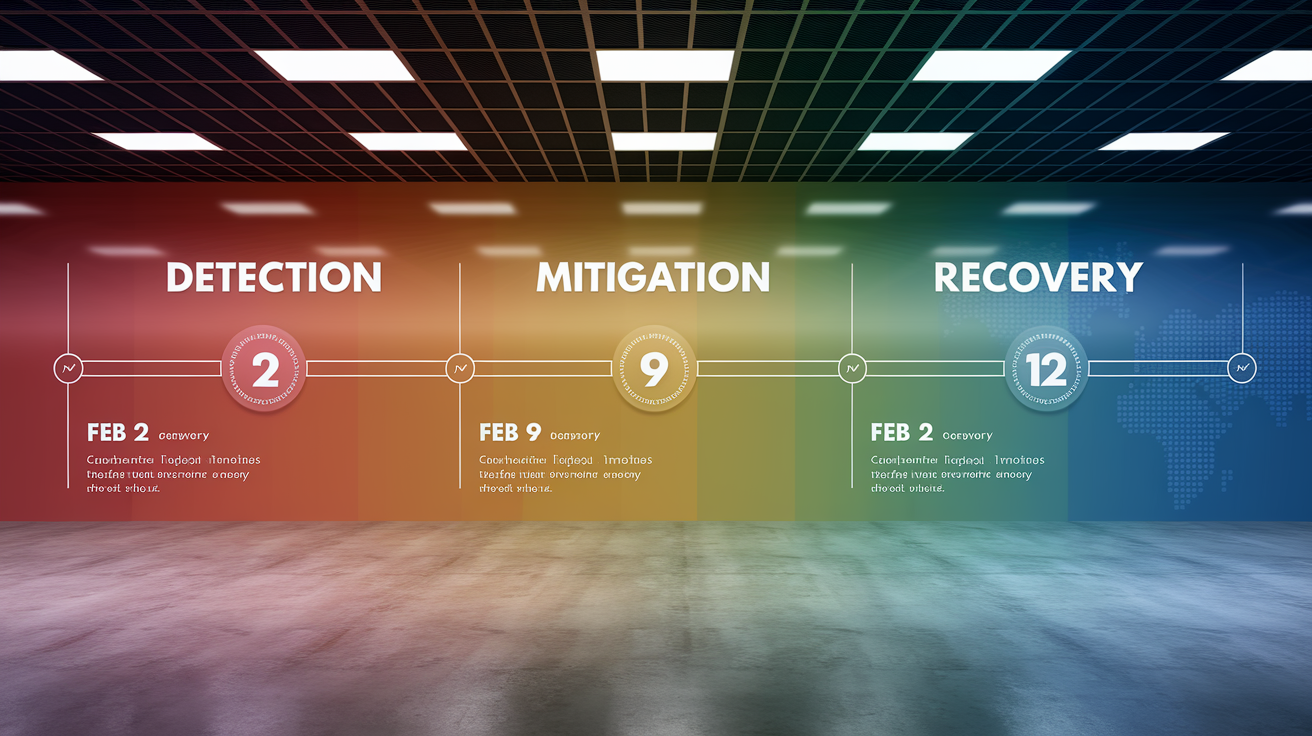
Incidents typically unfold in three phases: detection, mitigation, and recovery. Detection happens when automated monitors flag elevated error rates or when user reports spike on support channels. During the February 12 Codespaces outage, provisioning failure rates hit 90% in UK South before spreading to Europe and Asia, but alerts existed at the wrong severity level and delayed the response by hours. Once an incident is confirmed, the engineering team posts a status banner and begins root-cause triage. Mitigation starts when they identify the failure: rolling back a configuration change, disabling a faulty caching layer, or restarting proxy services across datacenters.
Recovery times depend on the subsystem involved. Cache and proxy incidents can resolve in under an hour once the rollback is applied and queues drain. The February 12 LFS archive error was fixed in 34 minutes by manually applying a corrected network setting. Compute-layer outages take much longer because virtual machines need to be reprovisioned and backlogs processed. The February 2 hosted runner outage took nearly 6 hours from detection to full resolution: standard runners recovered by 23:10 UTC, larger runners by 00:30 UTC the next day, and Codespaces by 00:15 UTC.
| Date | Duration | Primary Impact | Recovery Notes |
|---|---|---|---|
| Feb 2, 2026 | 5h 53m | Hosted runners, Codespaces, Copilot agent | Rollback at 22:15 UTC; runners online by 23:10–00:30 UTC |
| Feb 9, 2026 | 2h 43m (combined) | Git HTTPS, API, Actions, webhooks | Disabled cache rewrites; restarted proxies in multiple DCs |
| Feb 12, 2026 (Codespaces) | ~2h 3m | Codespaces provisioning (90% failure rate, regional) | Authorization claim fix; alert thresholds updated |
| Feb 12, 2026 (LFS) | 34 minutes | Archive downloads with LFS objects | Manual network config correction; added auto-rollback checks |
Timelines vary depending on whether the root cause sits in compute infrastructure (slow to reprovision), caching layers (fast to restart), networking configurations (requires manual validation), or storage backends (may need replication catchup). Compute and storage incidents routinely stretch into multiple hours because recovery depends on external provider coordination and large-scale VM rebuilds.
Technical Causes Behind GitHub Service Degraded Events

Compute-level failures occur when the underlying virtualization or container orchestration layer loses connectivity or applies incorrect policies. On February 2, a loss of telemetry cascaded into mistakenly applied security policies on the compute provider’s storage accounts, blocking access to critical VM metadata. This prevented the system from creating, deleting, or reimaging virtual machines, which broke hosted Actions runners, Codespaces, and any feature using that compute pool. Recovery required rolling back the security policies and waiting for the backlog of provisioning requests to drain as VMs came back online.
Caching overloads happen when a configuration change triggers massive cache rewrites faster than the system can handle. The February 9 incidents began with a user-settings caching change that caused asynchronous rewrites to overwhelm the shared background-work coordinator, leading to cascading failures and connection exhaustion in the Git HTTPS proxy. A second wave hit when an additional cache-update source caused high-volume synchronous writes and replication delays. Both times, the proxy layer ran out of connections and required manual restarts across multiple datacenters. The fix involved disabling the async rewrites, shutting off the additional cache source, and adding self-throttling to prevent future write amplification.
Network misconfigurations disrupt specific service paths without breaking everything. The February 12 LFS archive incident was caused by an incorrect network setting deployed to the LFS service, which made health checks fail and marked the internal service unreachable. Archive downloads without LFS objects continued working because they used a different code path. Authorization claim changes can also break provisioning workflows, as seen in the regional Codespaces outage the same day, when a networking dependency change caused provisioning pools to fail in UK South, Europe, Asia, and Australia while leaving US regions intact.
These technical failures surface to users in predictable patterns:
- API backlog growth when background workers or cache services can’t keep up with request volume.
- Delayed or failed Actions runners when compute provisioning stalls or VM metadata becomes unavailable.
- Failed Codespaces provisioning when authorization flows or network dependencies break.
- Elevated error rates on specific endpoints (for example, 0.0042% average rising to 0.0339% peak for LFS archive requests).
- Connection timeouts when proxy layers exhaust connection pools and can’t establish new upstream links.
Authentication systems degrade as a side effect when they share infrastructure with other services. OAuth flows, session validation, and token issuance all depend on backend APIs and caching layers, so a cache rewrite storm or compute outage can make logins slow or fail intermittently even if the authentication service itself is healthy.
Workarounds for Developers During a GitHub Service Degraded Event

When Git operations are degraded, commit your changes to your local repository immediately to avoid data loss. Use git stash to temporarily store in-progress modifications that aren’t ready to commit. Once the service is restored, you can synchronize your local changes with the remote without risking merge conflicts or lost work. If you need to share code with teammates during an outage, create a Git bundle with git bundle create repo.bundle --all and transfer it via email, shared storage, or messaging, then unpack it on the receiving side with git clone repo.bundle.
Postpone non-critical pushes and pulls until service status returns to green. If you absolutely need to push, try switching from HTTPS to SSH Git (or vice versa), since one transport may remain operational while the other is broken. During the February 9 outages, SSH Git continued working while HTTPS failed.
Seven practical workarounds to maintain productivity:
- Commit locally and delay remote sync until the outage resolves.
- Use
git stashto save uncommitted changes safely. - Mirror critical repositories locally or to an on-premises Git server for offline access.
- Switch to self-hosted runners for CI/CD to remove dependency on hosted Actions infrastructure.
- Apply exponential backoff with jitter in API clients to avoid overwhelming recovering services.
- Reduce API request volume by caching responses locally and batching non-urgent calls.
- Rely on cached authentication tokens if OAuth services are degraded, or generate a personal access token in advance for fallback.
For CI/CD pipelines, implement retry logic that waits progressively longer between attempts. Start with a 2-second delay, then 4, 8, and 16 seconds, with random jitter added to prevent thundering-herd behavior when services recover. If your team uses GitHub-hosted runners and they’re down, switching to self-hosted runners on your own infrastructure (AWS, Azure, on-prem) lets you continue running workflows. Keep a local dependency cache (npm packages, Python wheels, Docker images) so builds don’t fail when the package registry is unreachable.
Geographic and Service Scope of GitHub Degraded Events

Regional impact varies because GitHub’s infrastructure spans multiple cloud providers and datacenters. The February 12 Codespaces outage began in UK South and progressively affected Europe, Asia, and Australia, but US regions were completely spared because the authorization claim issue only impacted specific networking dependencies deployed in non-US zones. In contrast, the February 2 compute provider outage affected all regions simultaneously because the security policy misconfiguration applied globally to the underlying VM metadata layer.
Some incidents show low absolute error percentages but still cause widespread user pain. The February 12 LFS archive error had an average failure rate of just 0.0042%, peaking at 0.0339%, but every user downloading a repository with LFS objects hit the error during that 34-minute window. The error rate stayed low in aggregate because most archive downloads don’t include LFS objects, so the denominator (total archive requests) remained large.
Services commonly impacted together during major incidents:
- Repositories, API, and Git operations (HTTPS or SSH), since they share proxy and caching infrastructure.
- Actions, Codespaces, and Copilot coding agent, all of which depend on the same compute provisioning pools.
- Packages, Pages, and artifact storage, which rely on overlapping storage backends and CDN layers.
- Webhooks, Issues, and Pull Requests, because they use shared background-worker queues and API endpoints.
Region-specific outages happen when a dependency (networking service, authorization provider, or datacenter-local cache) fails in one geographic zone but not others. The Codespaces provisioning failure spread progressively because the faulty authorization claim change was rolled out region by region, and each region’s provisioning system independently hit the same networking dependency bug.
Monitoring GitHub Service Degradation Proactively
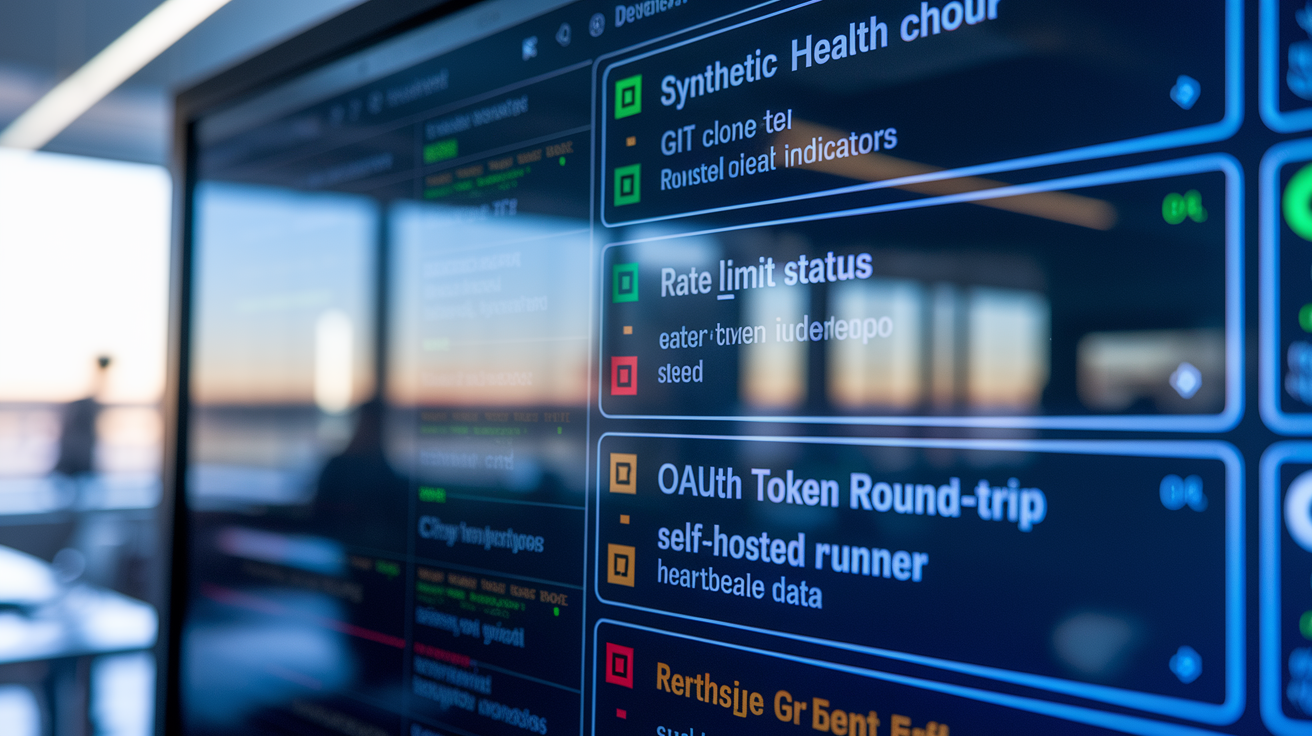
Track GitHub health programmatically by polling the status API every 60 seconds and alerting when any service moves from “operational” to “degraded” or worse. The API returns JSON with a list of components, their current status, and active incidents, so you can parse it in a monitoring script and trigger PagerDuty or Slack notifications the moment something breaks. This often gives you a 5–10 minute head start over waiting for the web status page banner to catch your attention.
Integrate synthetic transactions into your monitoring stack by running a scheduled job that performs real operations against GitHub: clone a test repository, make an API call to list issues, authenticate via OAuth, and check the runner heartbeat for a self-hosted agent. If any of these transactions fails or exceeds a latency threshold, you know GitHub’s degraded before your users start complaining. During the February 2026 incidents, teams with synthetic clones detected the Git HTTPS proxy failure within minutes, while teams relying solely on the status page waited for the official incident post.
Configure health checks for the most critical workflows:
- Repository clone test:
git clonea small public repo every 5 minutes; alert if it takes longer than 10 seconds or fails. - API health call:
GET /orGET /rate_limitand check for HTTP 200 with sub-500ms response time. - Authentication round-trip: obtain a new OAuth token or validate an existing personal access token; fail if it times out.
- Actions runner heartbeat: if using self-hosted runners, monitor their check-in interval; if using hosted runners, trigger a minimal workflow and track queue-to-start time.
- Proxy and CDN check: fetch a static asset from Pages or Packages and verify expected latency and cache headers.
Set alert thresholds based on historical baselines. A 1% error rate sustained over 5 minutes is a strong early signal, especially if your normal rate is below 0.1%. Latency crossing 500 milliseconds for APIs or 2 seconds for Git operations indicates backend strain. If your Actions job failure rate exceeds 2% of baseline (for example, normally 1 failed job per 100, now seeing 3 per 100), assume the hosted runner pool is degraded. Third-party uptime monitors can supplement your internal checks by providing an outside perspective and confirming that the issue isn’t isolated to your network or credentials.
How GitHub Engineers Respond to and Resolve Degraded Service Events

Incident detection starts with automated monitoring that flags elevated error rates, latency spikes, or failed health checks. Once the on-call engineer confirms the alert, they declare an incident, post a status banner, and begin triage. Root cause isolation often happens in parallel: one engineer reviews recent deployments and configuration changes while another examines telemetry dashboards for sudden spikes in cache writes, API request volumes, or compute provisioning failures. During the February 9 Git HTTPS incidents, the team traced the problem back to a user-settings caching change that triggered massive asynchronous rewrites, which led them to disable the cache rewrite mechanism within the first hour.
Remediation varies by root cause. Rolling back a configuration change is the fastest fix, often taking 10–20 minutes once the change is identified, but the system still needs time to drain queues and restore steady state. The February 2 compute outage required rolling back security policies on the cloud provider’s storage accounts at 22:15 UTC, yet full recovery didn’t complete until 00:30 UTC the next day because thousands of virtual machines had to be reprovisioned and the backlog of runner requests processed. Restarting services is common when connection pools or cache states become corrupted. Git proxy services were restarted across multiple datacenters during both February 9 incidents.
Collaboration with external providers can extend resolution times significantly. The February 2 incident involved coordinating with the compute provider to identify which metadata endpoints were blocked and to ensure the policy rollback propagated correctly across all regions. GitHub’s follow-up work with that provider focused on improving engagement speed, incident response protocols, and safer rollout practices for future infrastructure changes.
Typical Mitigation Steps
Engineers roll back recent configuration or code deployments if logs show a clear correlation between the change and the incident start time. They disable problematic background jobs (cache rewrites, async queue workers) to relieve pressure on shared coordinators. Service restarts clear corrupted connection pools or stale cache entries that can’t self-heal. Cache adjustments include reducing write volume, adding self-throttling to bulk updates, or temporarily disabling non-critical cache layers. Provider escalations happen when the root cause sits outside GitHub’s direct control (compute infrastructure, networking dependencies, or storage replication delays) and require the vendor’s engineering team to investigate and apply fixes.
Certain fixes require extended recovery windows because they depend on large-scale data synchronization or VM reprovisioning. After the February 2 rollback, each region’s compute layer had to rebuild its runner pools and Codespaces environments one VM at a time, and the queue of pending user requests had to be processed in order. The staggered recovery times (standard runners by 23:10 UTC, larger runners by 00:30 UTC, Codespaces by 00:15 UTC) reflect the differing sizes and provisioning speeds of those resource pools.
Preventing Future GitHub Service Degraded Events
Engineering teams reduce recurrence by optimizing the systems that failed and adding safeguards to catch similar issues earlier. After the February 9 caching incidents, GitHub optimized the caching mechanism to eliminate write amplification, implemented self-throttling for bulk cache updates, and added configuration integrity checks that validate changes before they reach production. Improved rollback response came from auto-rollback detection, which monitors key metrics post-deployment and automatically reverts a change if error rates cross a threshold within the first few minutes.
Deploy gating ensures that high-risk changes (networking configs, security policies, caching logic) pass through additional validation stages and can’t roll out to all regions simultaneously. The February 12 LFS archive error led to checks that detect configuration corruption and trigger immediate rollback when a service’s health checks start failing. Better telemetry and alert tuning prevent delayed responses. Codespaces provisioning alerts were reconfigured with higher severity after the regional outage went undetected for hours.
Long-term resilience practices:
- Circuit breakers that stop cascading failures by isolating degraded subsystems and returning fast errors instead of timing out.
- Regional failover that automatically shifts traffic to healthy zones when one region’s dependencies fail.
- Capacity buffers that reserve extra compute, cache, and database headroom to absorb unexpected load spikes.
- Gradual rollouts (canary deployments, percentage-based traffic shifts) that limit the blast radius of bad changes.
Historical trends show why prevention is necessary. December 2025 recorded 5 incidents, January 2026 had 2, and February 2026 spiked to 6. The increase in February came from overlapping infrastructure changes: a compute provider policy rollout, caching optimizations, and networking dependency updates all deployed within the same two-week window. Spacing out high-risk changes and improving pre-production testing are now part of the roadmap to flatten that incident curve.
Final Words
in the action, this piece showed how to verify GitHub’s real-time status, spot degraded indicators, read incident timelines, and apply short-term workarounds.
We covered common symptoms, root causes, monitoring best practices, and engineering response patterns you can use right away.
If you see github service degraded alerts, switch to local workflows, enable retries, and watch the status dashboard and feeds for updates. With a few simple checks and fallbacks, you can keep projects moving even during disruptions.
FAQ
Q: How can I confirm GitHub is currently degraded and what dashboard signs should I watch?
A: Confirming GitHub is degraded involves checking the official status page for active incident banners, “Degraded Performance” badges, affected subsystems, recent timestamps, and elevated API error or latency indicators.
Q: What symptoms indicate degraded GitHub service and which services usually stay working?
A: Degraded GitHub service shows push/pull/clone failures, increased API errors, timeouts, 502/503 responses, UI latency, and CI runner failures; SSH Git often remains functional during HTTPS problems.
Q: How long do GitHub degraded incidents typically last?
A: GitHub degraded incidents have ranged from about 34 minutes up to nearly six hours in recent reports; individual timelines vary by subsystem and mitigation complexity.
Q: What technical causes usually trigger GitHub degradations?
A: Common causes include compute or provider metadata failures, cache rewrite amplification, network misconfiguration for LFS and other services, and authorization or provisioning workflow errors disrupting components.
Q: What immediate workarounds should developers use during a GitHub degraded event?
A: Immediate workarounds include committing locally, using git stash or bundle, mirroring repos, switching to SSH if available, reducing API calls, using cached tokens, and considering self-hosted runners.
Q: How can teams monitor GitHub proactively to detect degradation early?
A: Teams can monitor GitHub with the status API, synthetic tests (clone, auth round-trip), third-party uptime tools, runner heartbeats, and alerts tuned for elevated error rates or high latency.
Q: What do GitHub engineers do to respond to degraded events and why can fixes sometimes take hours?
A: GitHub engineers detect, triage, isolate root causes, then roll back changes, restart services, or disable problematic mechanisms; fixes can take hours due to complex dependencies and provider escalations.
Q: Why do some GitHub outages affect only specific regions or services?
A: Regional or service-specific outages occur when underlying infrastructure (cloud provider region, compute, cache, storage) fails or is misconfigured, causing localized propagation instead of a global outage.
Q: What longer-term changes prevent future GitHub degraded events?
A: Prevention measures include safer rollout gating, improved cache design to avoid write amplification, stronger validation checks, enhanced telemetry, and capacity planning to reduce systemic risk.
Q: How will I receive notifications when GitHub is degraded?
A: Notifications for degraded GitHub service typically arrive via the status page feed and incident banners, official social channels, subscriber alerts, and internal monitoring integrations like webhooks or the status API.

