What if you could generate production-ready images without provisioning GPUs or hosting models?
Amazon Titan Image Generator — available only through AWS Bedrock — does exactly that.
This post breaks down what Titan can make, how pricing works, and how it plugs into AWS for secure, scalable workflows.
It’s aimed at developers and teams who need compliant, high-volume image generation that fits inside existing AWS systems.
Read on to learn capabilities, costs, and practical setup steps.
Core Overview of the Amazon Titan Image Generator

Amazon Titan Image Generator is a foundation model in the Amazon Titan family, and you can only access it through AWS Bedrock. It turns text prompts into high-quality images and lets you edit existing ones. The model’s built for developers and enterprises that need reliable, scalable image generation baked directly into AWS. Unlike standalone tools, Titan works as a managed API service. No GPU provisioning, no model hosting.
The model handles different image tasks through one interface. You can generate photorealistic images from descriptive prompts, modify specific parts of an image through inpainting, extend images beyond their edges with outpainting, and create multiple variations of a single concept. Titan includes safety filters that scan outputs for policy violations, watermarking for tracking where images came from, and controls to keep things consistent across generated assets. These features make it work for production workflows where content compliance and brand alignment aren’t optional.
Enterprises use Titan when they need to generate assets at scale without managing infrastructure. Or when AWS integration simplifies authentication and data residency requirements. Or when built-in moderation reduces legal and reputational risk. The model serves marketing teams producing creative variants, e-commerce platforms generating product visuals, and ML teams augmenting training datasets.
Key outputs Titan can generate:
Product images with customizable backgrounds, angles, and lighting. Concept art for design iteration and stakeholder review. Marketing visuals tailored to campaign themes and brand guidelines. Synthetic training data for computer vision models. Variations of existing images to test audience response or localize content.
Functional Capabilities and Supported Image Operations

Titan Image Generator gives you granular control over image creation and modification through structured prompt engineering and reference image inputs. The model interprets natural language descriptions to define subjects, styles, compositions, and lighting conditions. It supports resolution scaling up to 4096×4096 pixels, so you get high-fidelity outputs for print and large-format digital use. Prompt refinement tools let developers weight specific terms or exclude unwanted elements through negative prompts. The model maintains object and scene consistency when generating variations, which matters for serialized content like product lines or branded campaigns.
Safety and compliance mechanisms are embedded into every stage of generation. Titan applies pre-trained classifiers to detect and reject prompts that violate AWS Acceptable Use Policy, then scans outputs before delivery. Metadata tags embedded in image files provide provenance information, so downstream systems can verify that content came from a managed AWS service. Watermarking is optional and configurable, useful for tracking image distribution or enforcing usage terms in licensing agreements.
Specific image operations Titan supports:
Inpainting modifies specific regions within an image by supplying a mask and a text description. Useful for replacing objects, fixing artifacts, or adjusting backgrounds without regenerating the entire image.
Outpainting extends an image beyond its original borders in any direction, maintaining visual coherence with the existing content. Common in creative workflows where framing needs adjustment after initial generation.
Style transformation applies artistic styles or rendering techniques to images through prompt-based control, such as converting a photorealistic scene into a watercolor illustration.
Variation generation produces multiple alternative versions of the same concept with controlled randomness, letting teams A/B test visual approaches or explore design options quickly.
Prompt refinement iteratively adjusts generation parameters and prompt phrasing to converge on desired aesthetics without starting from scratch.
Resolution enhancement upscales images while preserving detail, supporting workflows that begin with low-resolution prototypes and scale up for final delivery.
Technical Specifications and Model Architecture Insights
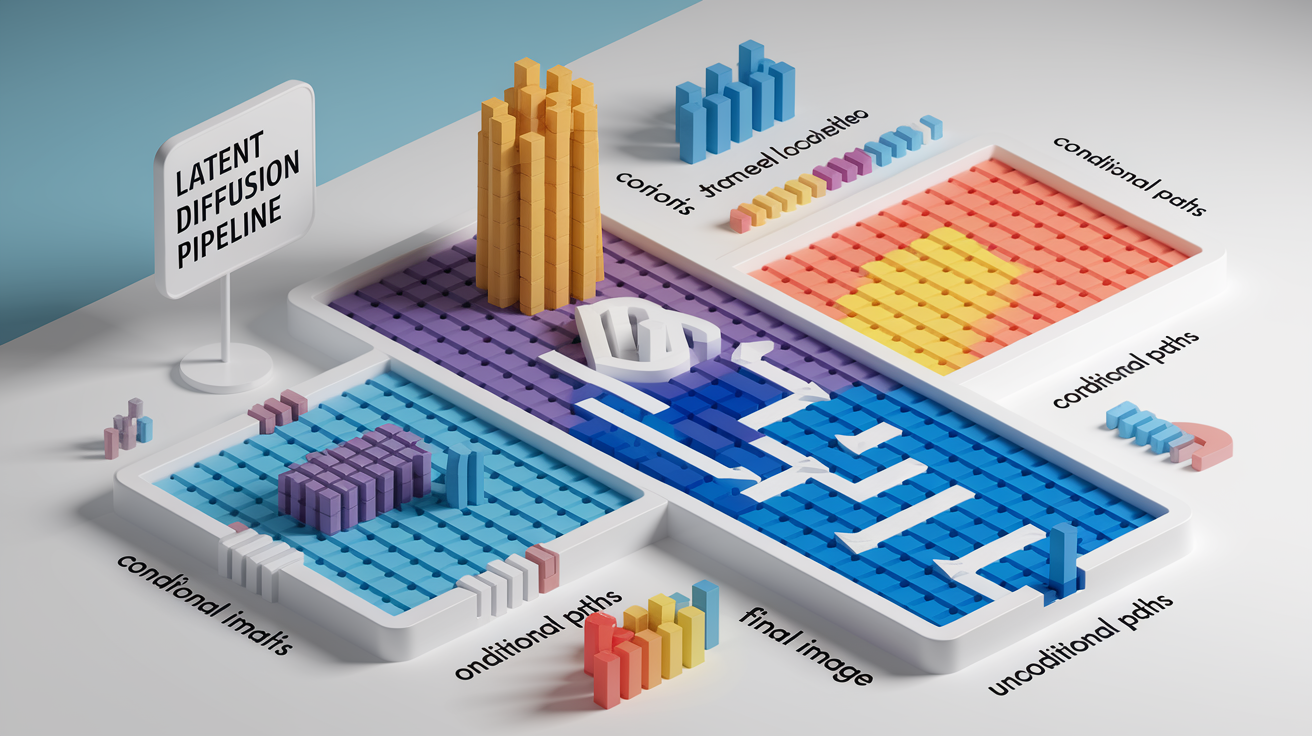
Titan uses a latent diffusion architecture. The generation process operates in a compressed latent space rather than directly in pixel space. This reduces computational overhead and improves generation speed without sacrificing output quality. AWS has optimized the serving infrastructure to minimize cold-start latency, enabling sub-second invocation for cached model configurations. The architecture supports both conditional and unconditional generation paths, so the model can generate images from text alone or refine outputs based on reference images.
The training dataset combines licensed stock imagery, synthetic data, and curated public domain collections, all filtered for copyright compliance and safety alignment. Model weights are tuned to avoid reproducing memorized content from training data, reducing the risk of generating images that infringe on existing intellectual property. AWS applies reinforcement learning from human feedback to align outputs with user intent and suppress harmful or biased patterns that could emerge from unfiltered web data.
Performance on Bedrock benefits from AWS’s managed infrastructure. Models are deployed across multiple availability zones with automatic scaling, ensuring consistent throughput during peak demand. Latency for a single 1024×1024 image typically ranges from one to four seconds depending on prompt complexity and current load. Batch requests process multiple images in parallel, improving cost efficiency for high-volume workloads. Enterprise customers can provision dedicated throughput to guarantee response times and avoid rate-limit throttling.
| Specification | Details |
|---|---|
| Architecture | Latent diffusion with multi-stage denoising and prompt-conditioned attention layers |
| Maximum Output Resolution | 4096×4096 pixels (configurable in increments, higher resolutions incur longer processing time) |
| Supported Input Formats | Text prompts (natural language), reference images (JPEG, PNG, base64-encoded), masks for inpainting |
| Average Latency (1024×1024) | 1–4 seconds per image (varies by region, concurrency, and prompt complexity) |
Using the Titan Image Generator on AWS Bedrock
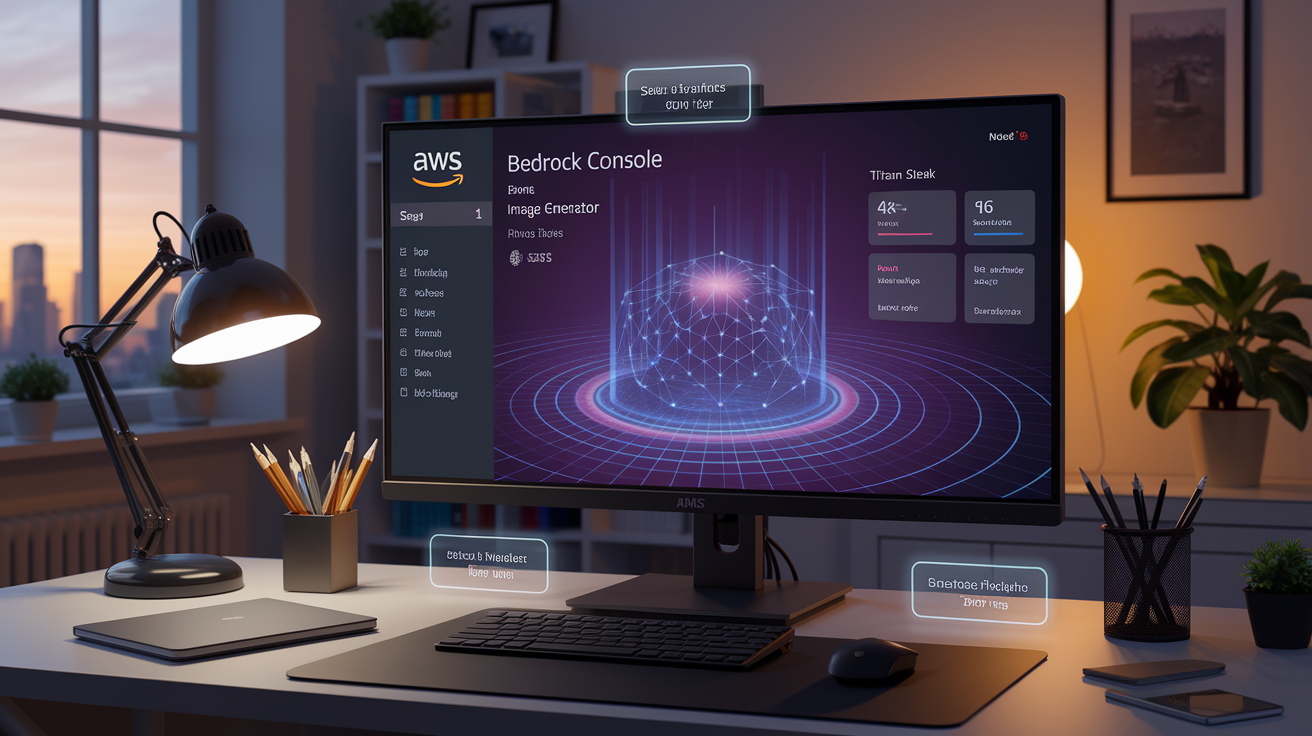
Accessing Titan through the AWS Bedrock console gives you a no-code interface for testing prompts and generating images interactively. The console’s ideal for teams that want to explore model behavior, refine prompts, and prototype creative concepts before committing to API integration. For production workflows, the Bedrock API offers programmatic access through AWS SDKs, enabling automation, batch processing, and integration with existing application logic.
Steps to use Titan Image Generator:
-
Access the AWS Bedrock console. Log in to your AWS account and navigate to the Bedrock service from the console home page. Make sure your account has access to Bedrock and that the service is available in your selected region.
-
Enable the Titan Image model in the catalog. Open the model catalog in Bedrock, locate “Amazon Titan Image Generator” in the list of available models, and request access if required. Some accounts may need to complete a brief onboarding step before model invocation is permitted.
-
Select text-to-image or image-to-image mode. Choose whether you’re generating a new image from a text prompt or modifying an existing image. For image-to-image operations, upload a reference image (JPEG or PNG) and optionally provide a mask to define the region to modify.
-
Input prompts and configure parameters. Enter a descriptive text prompt in the provided field, then adjust generation parameters such as image width, height, guidance scale (controls adherence to prompt), number of variations, and random seed (for reproducibility).
-
Run the generation job. Click the generate button to submit the request. The model processes the prompt and returns one or more images in the console viewer, typically within a few seconds depending on resolution and server load.
-
Export or integrate outputs into applications. Download generated images directly from the console or use the API to retrieve base64-encoded image data and write it to S3, a CDN, or application storage. Integrate API calls into automated pipelines for continuous content generation.
Implementation Examples and API Workflows
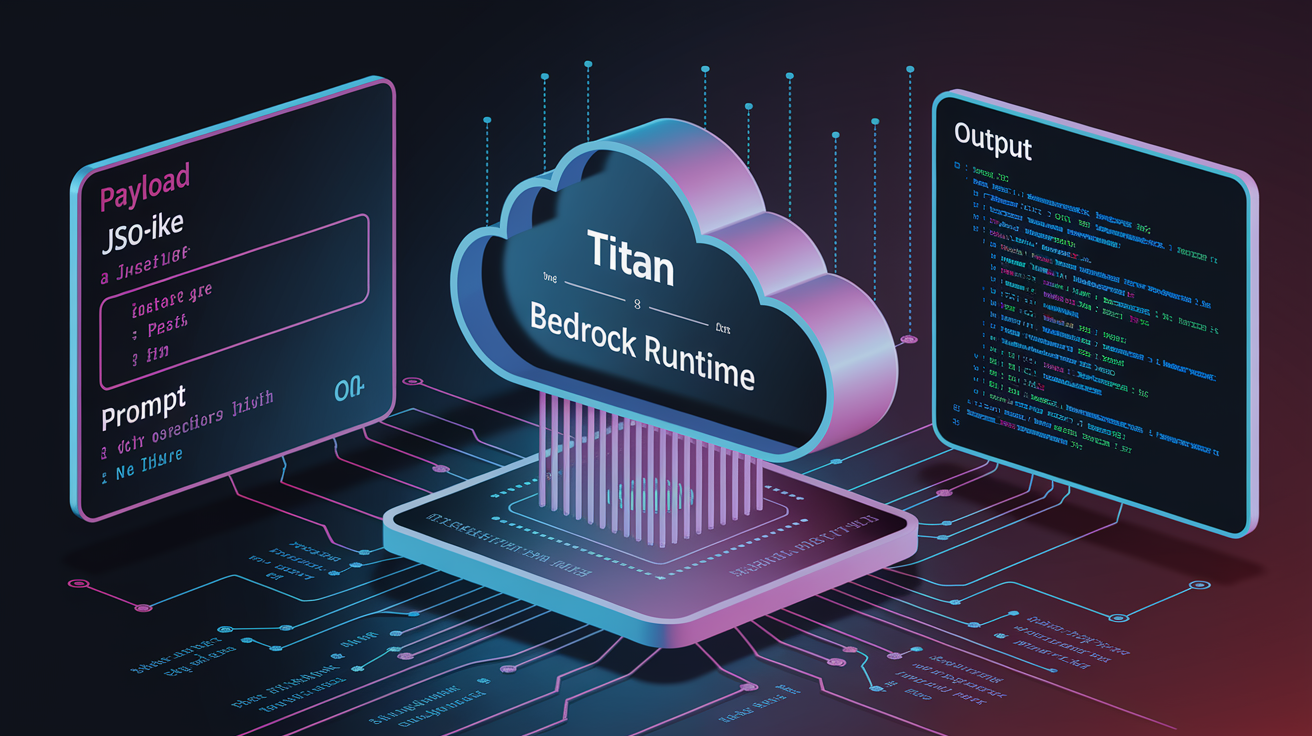
Bedrock provides SDK support in Python, JavaScript, Java, and other languages, so developers can invoke Titan programmatically. API requests consist of a JSON payload specifying the prompt, optional reference images, and configuration parameters. Responses return base64-encoded image data that can be decoded and saved to file systems or cloud storage. Error handling should account for rate limits, transient service errors, and input validation failures.
The following examples demonstrate text-to-image generation and image-to-image modification. Both use the AWS SDK to call the Bedrock runtime. Replace modelId with the exact identifier for Titan Image in your region, and ensure your IAM role has bedrock:InvokeModel permissions.
Python (text-to-image):
import boto3
import json
import base64

client = boto3.client('bedrock-runtime', region_name='us-east-1')

prompt = "A modern office workspace with natural lighting, plants, and minimalist furniture"
payload = {
    "taskType": "TEXT_IMAGE",
    "textToImageParams": {
        "text": prompt
    },
    "imageGenerationConfig": {
        "width": 1024,
        "height": 1024,
        "numberOfImages": 2,
        "seed": 42
    }
}

response = client.invoke_model(
    modelId='amazon.titan-image-generator-v2:0',
    contentType='application/json',
    accept='application/json',
    body=json.dumps(payload)
)

response_body = json.loads(response['body'].read())
for idx, img_data in enumerate(response_body['images']):
    image_bytes = base64.b64decode(img_data)
    with open(f'output_{idx}.png', 'wb') as f:
        f.write(image_bytes)
JavaScript (image-to-image with inpainting):
const { BedrockRuntimeClient, InvokeModelCommand } = require("@aws-sdk/client-bedrock-runtime");
const fs = require('fs');

const client = new BedrockRuntimeClient({ region: "us-east-1" });

const referenceImageBase64 = fs.readFileSync('input.png', { encoding: 'base64' });
const maskBase64 = fs.readFileSync('mask.png', { encoding: 'base64' });

const payload = {
  taskType: "INPAINTING",
  inPaintingParams: {
    text: "Replace the background with a beach scene at sunset",
    image: referenceImageBase64,
    maskImage: maskBase64
  },
  imageGenerationConfig: {
    width: 1024,
    height: 1024,
    numberOfImages: 1
  }
};

const command = new InvokeModelCommand({
  modelId: "amazon.titan-image-generator-v2:0",
  contentType: "application/json",
  accept: "application/json",
  body: JSON.stringify(payload)
});

client.send(command).then(response => {
  const responseBody = JSON.parse(new TextDecoder().decode(response.body));
  const imageBytes = Buffer.from(responseBody.images[0], 'base64');
  fs.writeFileSync('modified_output.png', imageBytes);
});
Pricing Structure and Cost Considerations

Bedrock charges for Titan Image usage on a per-image basis, with costs determined by the resolution and operation type. Text-to-image generation at standard resolutions (512×512, 1024×1024) carries baseline pricing, while higher resolutions or advanced operations like inpainting may incur additional charges. AWS publishes pricing per model invocation in the Bedrock pricing documentation, and costs are metered per successful generation, not per API call.
Enterprise customers running high-volume workloads can negotiate committed throughput or reserved capacity agreements, which reduce per-unit costs in exchange for predictable usage commitments. Billing integrates with AWS Cost Explorer, so teams can track image generation spend alongside other AWS services and set budget alerts to prevent unexpected overruns.
Factors affecting Titan Image pricing:
Image resolution. Higher-resolution outputs (2048×2048, 4096×4096) consume more compute resources and cost proportionally more per image than standard resolutions. Teams should prototype at lower resolutions and scale up only when necessary.
Operation type. Generating images from text typically costs less than editing operations like inpainting or outpainting, which require additional processing to integrate reference images and masks while maintaining visual coherence.
Throughput and concurrency. Accounts with provisioned throughput or dedicated capacity pay a flat rate for guaranteed performance, which may be more cost-effective than on-demand pricing for sustained, high-volume use cases. Burst usage patterns favor pay-per-image billing.
Practical Applications and Real‑World Use Cases
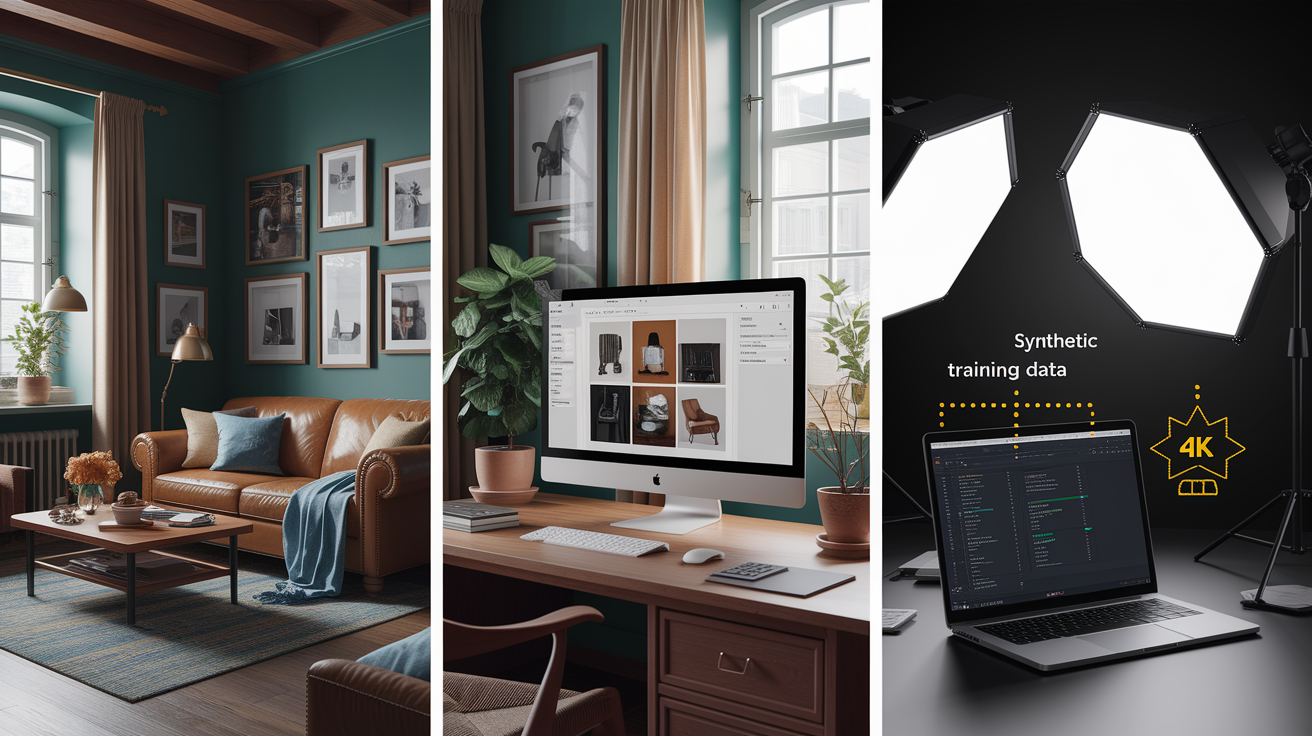
E-commerce platforms use Titan to generate product images at scale, reducing the need for expensive photo shoots. By inputting a product description and style guidelines, teams can produce multiple views, lighting conditions, and background variants in minutes. This accelerates time-to-market for new SKUs and supports dynamic personalization, where product images adapt to customer preferences or seasonal campaigns.
Marketing and creative teams rely on Titan for rapid ideation and A/B testing. Instead of commissioning multiple design drafts, teams generate dozens of variations from a single brief and test them with audience segments. The model’s consistency features ensure that branded elements like logos, color schemes, and typography remain intact across iterations, maintaining visual coherence in multi-channel campaigns.
Developers and data scientists use Titan to augment training datasets for computer vision models. Generating synthetic images with controlled variations in lighting, perspective, and object placement helps models generalize better and reduces dependency on scarce labeled data. This is particularly valuable in domains where real-world data is limited, expensive, or subject to privacy restrictions.
Five practical use cases for Titan Image Generator:
E-commerce product visualization. Generate lifestyle images showing products in context (home, office, outdoor) to improve conversion rates without staging physical photo shoots.
Ad creative generation. Produce multiple ad variants for display campaigns, testing different visuals, headlines, and layouts to find what works.
Synthetic training data. Create labeled datasets for object detection, segmentation, or classification tasks, especially when real-world data is scarce or privacy-sensitive.
Design prototyping. Iterate on visual concepts for websites, apps, packaging, or print materials, so stakeholders can review options before committing to final designs.
Brand content localization. Adapt marketing visuals for regional campaigns by modifying backgrounds, cultural elements, or seasonal themes while preserving core brand identity.
Comparison With Other Image Generation Models
Titan differentiates itself through tight integration with AWS infrastructure, built-in safety guardrails, and predictable enterprise-grade scaling. Organizations already operating on AWS benefit from unified IAM policies, VPC endpoints, and centralized billing. The model’s emphasis on safety and compliance makes it suitable for regulated industries where content moderation and auditability aren’t optional.
DALL·E, offered through OpenAI’s API, excels in creative flexibility and stylistic diversity. It produces highly imaginative outputs and handles abstract or conceptual prompts effectively. But DALL·E lacks the deep AWS integration that simplifies deployment for teams already managing workloads in AWS environments. Pricing structures differ, with DALL·E typically charging per image at fixed rates, whereas Bedrock pricing varies by resolution and operation type.
Stable Diffusion is an open-source alternative that grants full control over model weights, training data, and deployment infrastructure. Teams can self-host Stable Diffusion on their own GPU clusters, avoiding per-image API fees. This suits organizations with specialized requirements or cost-sensitive use cases at scale. The trade-off is operational complexity. Self-hosting requires ongoing maintenance, security patching, and expertise in GPU orchestration, whereas Bedrock abstracts these responsibilities.
| Model | Strengths | Weaknesses |
|---|---|---|
| Amazon Titan | Deep AWS integration, built-in safety and moderation, enterprise SLAs, managed scaling, predictable compliance posture | Limited to AWS ecosystem, less creative flexibility than some competitors, pricing tied to AWS usage patterns |
| DALL·E (OpenAI) | High creative quality, strong abstract and conceptual rendering, simple API, broad stylistic range | External vendor dependency, less control over data residency, fewer enterprise integration options |
| Stable Diffusion | Open-source, full customization, self-hosted control, no per-image API costs, active community tooling | Requires GPU infrastructure and ops expertise, safety moderation must be implemented separately, ongoing maintenance overhead |
Access Requirements, Regions, and Deployment Notes

Using Titan Image Generator requires an AWS account with Bedrock access enabled. Not all accounts have Bedrock available by default. Some may need to request access through the AWS console, particularly for new accounts or accounts in organizations with restrictive service control policies. Once Bedrock is enabled, IAM permissions must grant bedrock:InvokeModel for the specific Titan model ID. Best practice is to create a dedicated IAM role for image generation workloads, scoped to only the models and regions your application requires.
Titan is available in a subset of AWS regions where Bedrock is deployed. As of mid-2024, this includes US East (N. Virginia), US West (Oregon), and Europe (Frankfurt), among others. Region availability expands over time, so teams should consult the Bedrock service documentation for the current list. Latency and data residency requirements often dictate region selection. Choose a region close to end users or within the regulatory jurisdiction that governs your data.
Enterprise deployments may use VPC endpoints to keep API traffic on private networks, avoiding public internet routing and improving security posture. Quota limits apply to concurrent requests and total monthly invocations. High-volume users should monitor usage in AWS Service Quotas and request increases proactively to avoid throttling during peak periods.
Final Words
We walked through how the Amazon Titan Image Generator on AWS Bedrock turns text and images into high‑quality visuals, its main capabilities, and practical places to use it.
You’ve seen technical specs, usage steps, API examples, pricing, and deployment notes so teams can weigh quality, cost, and safety.
For teams testing image AI, start with a small pilot to measure output, cost, and moderation for the amazon titan image model. With the right guardrails, it can speed up product imagery, marketing, and data‑augmentation work.
FAQ
Q: What are Amazon Titan models?
A: Amazon Titan models are a family of foundation models on AWS Bedrock that handle text, image, and embedding tasks, offering enterprise-grade safety, controllability, and easy integration for scalable generative AI.
Q: How much does the Titan image generator and Amazon Titan embed image v1 cost?
A: The Titan image generator and Titan embed image v1 cost vary by usage: Bedrock charges usage-based rates (per image or compute unit for generation; per-request or per-unit for embeddings). Check AWS Bedrock pricing for exact rates.