Think Apple never issues recalls? Think again.
Apple usually fixes problems by isolating specific production batches, not yanking whole model lines.
This Apple device recall history walks you through every iPhone, iPad, and Mac issue from 2004–2024, explains the common causes (batteries, logic boards, adapters), who was affected, and how to check your serial number and get free repairs or refunds.
If you own an older device, this timeline can save you time, money, and a potential safety hazard.
Comprehensive Timeline of Apple Product Recalls

Apple’s been issuing recalls and service programs for over two decades now, but here’s the thing: they don’t recall entire product lines. They go after specific batches. Most of these stem from component defects that only show up after devices have been in people’s hands for a while. Apple usually covers it with free repairs, replacements, or refunds. But you’ve got to check if your device is actually affected.
What makes Apple different from some other electronics companies? They isolate defects to really narrow production windows. Sometimes just a few months. Fewer affected units overall, but it means you need to actively verify whether your specific device is in the recall range. Every program comes with eligibility criteria, repair steps, and coverage periods that often stretch past normal warranty limits.
The scale jumps around. Some programs hit hundreds of thousands of devices across multiple countries. Others? A few thousand units in select regions. Battery problems are the most common, then logic board failures, power adapter issues, and display defects. Apple’s response usually includes detailed ID guides, serial number lookup tools, and service options through retail stores, authorized providers, or mail-in centers.
Knowing the recall history helps you spot patterns in hardware failures and catch active service programs. A lot of recalls stay open for years. Some even offer retroactive refunds if you paid for a repair before the official program launched. Here’s what’s happened from 2004 through 2024:
2004 PowerBook G4 Battery Recall – PowerBook G4 models sold from October 2003 to August 2006 had Sony-made lithium-ion batteries that could overheat. Fire risk, burns, property damage. About 1.8 million units recalled worldwide (1.1 million in the U.S.). Apple swapped batteries for free and told users to stick with AC power only until they got the replacement.
2008 iPhone 3G USB Power Adapter Recall – Wall chargers that came with the iPhone 3G starting July 2008 had a problem: metal prongs could snap off inside outlets. Shock hazard. Millions of adapters across North America, South America, Asia. Apple replaced them with redesigned ultracompact versions marked with green dots.
2011 iPod Nano (1st Gen) Battery Recall – First-gen iPod Nano from December 2005 to September 2006. Battery defect made them overheat as they aged. Apple expected thousands back but got over a million. Free replacements with refurbished models, 90-day warranties.
2013 MacBook Air Flash Storage Issue – MacBook Air units from June 2012 to June 2013 with 64GB and 128GB SSDs. Flash storage defect could wipe your data completely. Apple pushed a firmware update to detect and fix affected drives. If the firmware didn’t work, free hardware swap.
2015 Beats Pill XL Speaker Recall – Every Beats Pill XL ever made (about 231,000 total: 220,000 U.S., 11,000 Canada). Battery overheating, fire risk. Apple pulled the whole product line. Full refunds at $215/£215 per unit. Product discontinued.
2016 Wall Plug Adapter Recall – AC wall adapters shipped with Mac and iOS devices in continental Europe, New Zealand, South Korea. Could crack or break, exposing people to shock. Affected units had four or five characters (or none at all) printed inside the slot instead of a three-letter country code. Apple swapped them for free once you returned the defective one.
2016 USB-C Charge Cable Replacement – USB-C cables included with MacBooks before June 2015 caused charging failures. Sometimes intermittent, sometimes total. Affected cables said “Designed by Apple in California. Assembled in China.” with no serial number after. Free in-store replacements with proof of purchase.
2018 iPhone 7 “No Service” Repair Program – Some iPhone 7s made between September 2016 and February 2018. Logic board defect caused a constant “No Service” error even with full network coverage. Affected devices in the U.S., China, Hong Kong, Macao, Japan. Free repairs, plus reimbursement if you’d already paid for this exact fix.
2018 iPhone 8 Logic Board Repair Program – Certain iPhone 8 models (not the 8 Plus) sold from September 2017 to March 2018. Logic board fault made devices freeze, reboot randomly, or just not turn on. Affected units in the U.S., India, China, Australia, New Zealand, Japan. Free repairs, but if your screen was cracked or you had other damage, you had to pay to fix that first before they’d touch the logic board.
2019 15-inch MacBook Pro Battery Recall – 15-inch MacBook Pros released between September 2015 and February 2017. Batteries could overheat and catch fire. About 432,000 units in the U.S. alone. 26 overheating reports, 17 property damage cases, multiple burn injuries. Apple replaced batteries for free. Airlines temporarily banned these models from flights until you got the battery swapped.
Major Causes Behind Apple’s Product Recalls
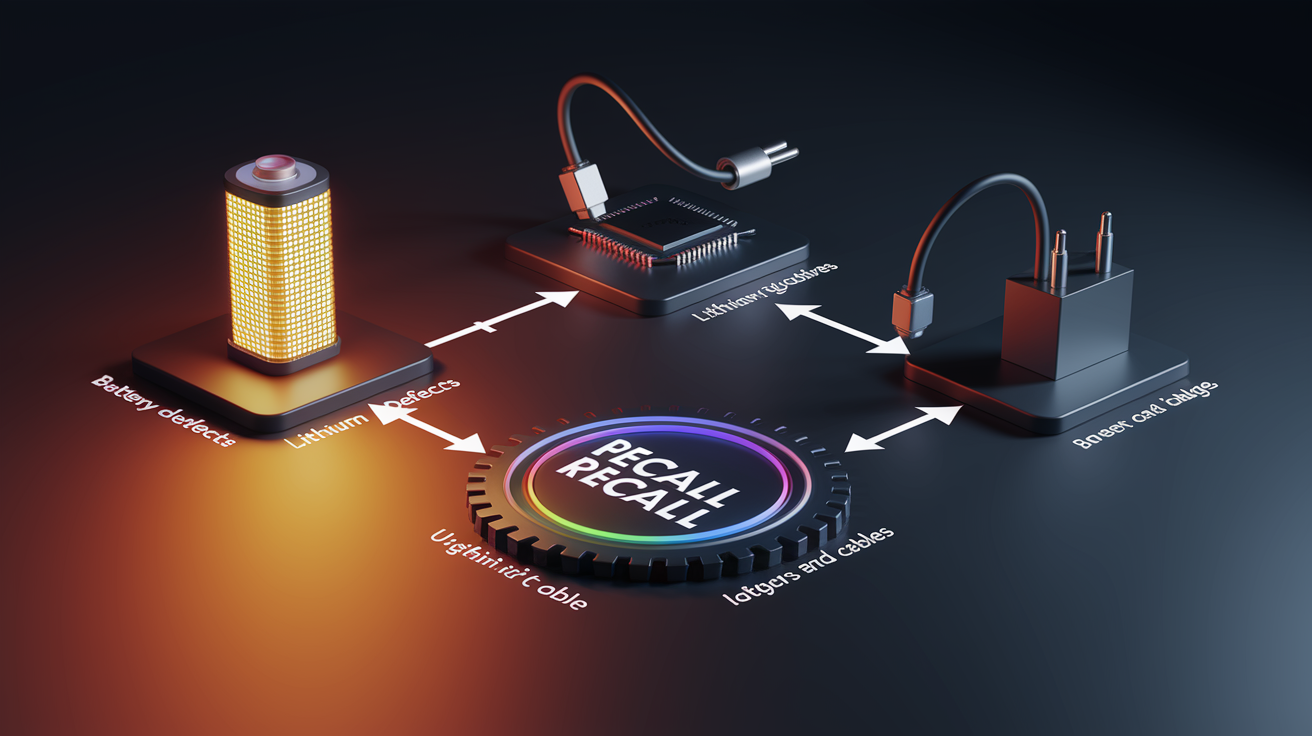
Battery defects are the biggest culprit. Roughly half of all major recalls over the past 20 years. Lithium-ion batteries can fail from manufacturing inconsistencies, bad battery management design, or degradation that spins out of control faster than it should. When battery cells develop internal shorts or go into thermal runaway, they overheat. Damage components, melt plastic, sometimes start fires. Apple’s battery recalls have hit laptops, phones, tablets, accessories. Fixes range from firmware updates that watch battery health to full hardware swaps.
Logic board failures come in second. Usually show up as connectivity issues, boot failures, crashes. These defects often trace back to specific component batches used during tight production windows. That’s why recalls hit devices made within certain months instead of entire model years. The iPhone 7 “No Service” thing and the iPhone 8 restart problems both came from faulty logic board parts that broke down over time.
Power adapter and cable recalls deal with immediate electrical dangers. Adapter prongs breaking off in outlets, cable insulation failing, shock risks that need urgent removal from service. Apple’s response here is fast: stop using it immediately, here’s what to use in the meantime (computer USB, third-party adapters) while we ship replacements. The 2008 iPhone 3G adapter recall and 2016 USB-C cable program both followed this pattern. Redesigned hardware that fixed the core mechanical or electrical flaw.
Most common triggers:
- Defective lithium-ion cells from supplier variance
- Thermal management failures letting components overheat past safe limits
- Mechanical design flaws in adapters, plugs, charging accessories
- Circuit board component failures causing connectivity loss or crashes
- Regulatory violations like radiation emissions exceeding local standards
How to Check if Your Apple Device Is Under Recall
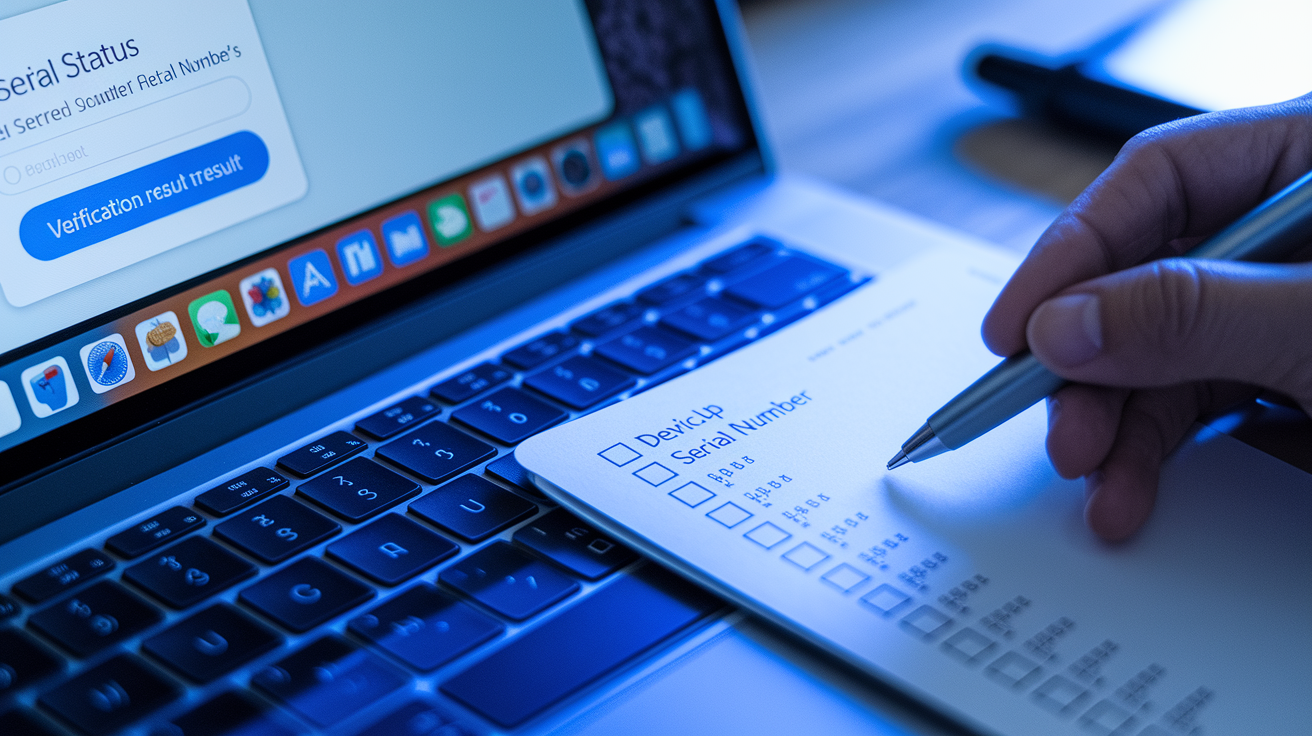
Apple needs your serial number to figure out if you’re affected. Defects usually hit specific production batches, not entire models. The serial number is your device’s unique ID, and Apple’s systems check it against recall databases instantly. Tells you whether your unit was made during the affected window. Apple runs dedicated web checkers for active programs on their support site. No login required.
Most programs stay open for two to three years after a device’s first sale, though serious safety recalls can run longer. Check your recall status whenever you see symptoms that match known issues. Unexpected shutdowns, overheating, connectivity failures, physical defects. Even if you’re out of warranty. Apple’s lookup tools usually give instant results: program eligibility, what component is affected, service options (mail-in, retail store, authorized provider).
Here’s how to check:
1. Find your device serial number – iPhone/iPad: Settings > General > About > Serial Number (tap and hold to copy). Mac: Apple menu > About This Mac > Serial Number. Apple Watch: Watch app on iPhone > General > About. AirPods case or original box.
2. Go to Apple’s support page – Head to support.apple.com and search “check recall status” or “service programs” to find the current list of active repair programs and lookup tools.
3. Enter serial number in the program checker – Each active program has its own verification tool. Paste or type your serial number exactly as shown (case-sensitive, no spaces). Submit. Instant confirmation.
4. Look for physical markers – Some recalls use visual IDs instead. Beats Pill XL had no serial checker (all units recalled). iPhone 3G replacement adapters had green dots. Wall plug adapters showed character patterns in the slot.
5. Call Apple Support directly – Some programs like the iPhone 12/12 Pro sound issue don’t use online checkers. Call 1-800-MY-APPLE or use the Apple Support app to verify with a specialist.
6. Set up notifications – Bookmark Apple’s Exchange and Repair Extension Programs page. Lists all active programs. Apple sometimes extends coverage periods or adds newly found defect patterns to existing programs.
What to Do If Your Apple Device Is Recalled
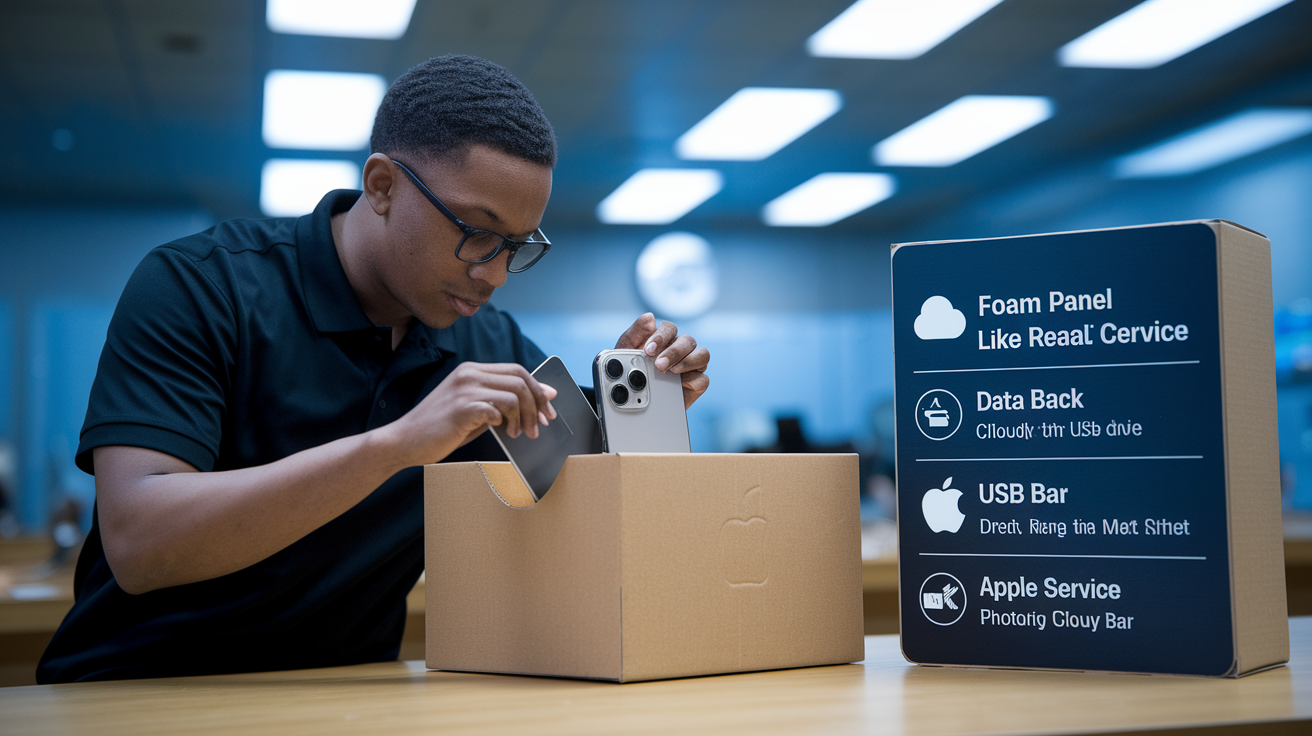
Once Apple confirms you’re in an active program, what you do next depends on how serious the defect is. Battery recalls with overheating or fire risk (MacBook Pro battery recall, Beats Pill XL) require you to stop using the device immediately. Power it down until service is done. These high-priority recalls come with specific instructions: use only AC power (skip the battery), don’t charge overnight, store it somewhere fireproof away from anything flammable. Non-safety recalls like logic board or display issues? Usually safe to keep using while you arrange service. But Apple still recommends fixing it fast to avoid secondary damage.
Before you take it in, back everything up. iCloud or local computer backup. Apple’s service might require wiping the device for component replacements. Techs try to save your data when possible, but that’s on you. Also check if your program only covers the defective part or if you need other paid repairs first. The iPhone 8 logic board program made people fix cracked screens at their own expense before they’d touch the logic board. Pull off cases, screen protectors, accessories. Disable Find My iPhone/iPad/Mac through Settings > [Your Name] > Find My so techs can actually work on it.
Apple gives you service options depending on device type and program. Schedule a Genius Bar appointment for immediate service. Find an Apple Authorized Service Provider for same-day or next-day slots in areas without stores. Arrange mail-in service through Apple Support for a prepaid shipping box with tracking. Most recall repairs take 5–7 business days for mail-in or 1–3 hours in-store for component swaps. Battery replacements and logic board repairs can take longer. When it’s done, Apple documents the service and usually extends warranty coverage for that replaced part beyond your original warranty.
Quick resolution checklist:
- Back up everything using iCloud (Settings > [Your Name] > iCloud > iCloud Backup) or Finder/iTunes on a computer before service
- Grab proof of purchase if the program requires it (receipt, order email, credit card statement with purchase date)
- Turn off activation locks (Find My) and sign out of iCloud so techs can access it during repair
- Check if the program reimburses prior paid repairs for the same issue, then submit your original service receipts through Apple Support for a refund
Notable High-Profile Apple Recalls and Their Impact

The 2019 15-inch MacBook Pro battery recall was Apple’s biggest safety move in a decade. Around 432,000 units in the U.S. alone. Transportation authorities responded immediately. Multiple battery fires, 26 overheating reports, 17 property damage cases, several burn injuries. The FAA issued guidance banning affected MacBook Pros from flights. United, American, Delta, Southwest all made passengers verify serial numbers before boarding. Affected units couldn’t go in checked bags or carry-ons until the battery was swapped. It exposed the real risks of lithium-ion batteries in portable electronics and forced Apple to set up fast-track service channels to clear the repair backlog.
The 2015 Beats Pill XL recall was Apple’s only total product withdrawal. They didn’t try repairs or replacements. The battery design was so flawed they pulled the entire line. Stopped all sales, offered full refunds. 231,000 units affected. Customers returned speakers for electronic payment or Apple Store credit at $215 per unit. Apple ate the entire loss rather than risk more fires. It showed they’ll kill a product line completely when safety can’t be fixed through component swaps.
The 2006 iBook G4 and PowerBook G4 battery recall created the blueprint for Apple’s modern recall process. Serial number verification, multi-channel service options, all still used today. 1.8 million batteries affected globally, about 32% of laptops shipped from 2003 to 2006. Apple worked with battery supplier Sony to coordinate rapid replacement across dozens of countries at once. Customers had to stop using batteries immediately and run on AC power only until replacements arrived. That move prevented the burn injuries and property damage that happened before the recall. This early large-scale recall taught Apple about supply chain quality control, leading to better component testing and tighter supplier oversight that cut down later battery recalls.
These high-profile recalls changed how Apple builds products and checks quality. After the MacBook Pro battery incidents, Apple rolled out more conservative battery management algorithms, added enhanced thermal monitoring in macOS, set stricter standards for battery cells from suppliers. They run extended stress tests now, simulating years of battery aging in compressed timeframes, trying to catch degradation patterns before products ship. It’s worked. Recall frequency has dropped in recent years. Component defects from third-party suppliers still happen though. That’s just reality when you’re manufacturing at Apple’s scale.
Final Words
We ran a chronological timeline from the 2004 iBook G3 battery recall through the 2024 iPhone 12 radiation‑level actions, then unpacked common causes, checks, and next steps.
You now have clear steps to find serial numbers, use Apple’s recall lookup, back up data, and prepare for free repair or replacement. Act quickly for high‑risk issues.
This apple device recall history shows problems get identified and fixed — follow the checks here to verify eligibility and stay protected. Safer devices ahead.
FAQ
Q: Has Apple ever had a recall?
A: Apple has issued recalls. Notable examples include the 2004 iBook/PowerBook battery recall, the 2015 Beats Pill XL, 2016 and 2019 MacBook Pro battery recalls, and 2024 iPhone 12 regional radiation actions.
Q: Which iPhones will no longer work in 2027?
A: There’s no universal list of iPhones that will stop working in 2027; device service depends on carrier network shutdowns and Apple’s software support. Check your carrier’s plans and Apple’s vintage/obsolete device list.
Q: What was Apple’s biggest flop in history?
A: Apple’s biggest flop is widely considered the Newton PDA (1993), which failed because of poor handwriting recognition, high cost, and weak sales, leading Apple to discontinue it and change mobile strategy.
Q: Can I see my Apple product purchase history?
A: You can view your Apple purchase history by signing into your Apple ID: check Apple Store order history, App Store purchases, receipts in email, or contact Apple Support for hardware order records.