

Waiting for an outage map to update can cost you hours. Report the problem directly.
Start with safety: downed lines or gas smells need emergency services first.
Then use the fastest channel available: a phone call if data is out, SMS if voice lines are busy, or the provider app if your connection is stable.
This post shows four rapid steps, the exact details you should provide, and quick checks to confirm your ticket so crews arrive at the right place faster.
Fastest Ways to Act When You Need to Report a Service Outage Immediately

If you see a downed power line, stay at least 35 feet back and call the emergency hotline now. Assume every downed line is live. One touch can be fatal. For gas smells, leave the building immediately and dial 911 from outside. Don’t submit a gas leak through an online form or email.
When internet or data is unreliable, voice calls and SMS work best. Texting “ADD OUTAGE” to a provider shortcode (like 266-33) enrolls you in alerts without needing a browser. Text ‘ADD OUTAGE’ to 266-33 to receive restoration updates even when your data plan is down. Outage map updates can lag behind real reports by up to 30 minutes, so direct submission is faster than waiting for a map pin to appear.
Here are four rapid steps to report immediately:
-
Complete a safety check. Confirm no one is near hazards, downed lines, or gas leaks. If hazards exist, call 911 first, then the utility emergency number.
-
Identify the fastest available reporting channel. Use a phone call if data is out. Use SMS if voice lines are busy. Use the provider app or online form only when connectivity is stable.
-
Submit minimal required information. Provide your account number, full service address, start time, and a short description of symptoms. Skip optional fields if time is critical.
-
Confirm the report was received. Note the ticket number or confirmation message immediately. If you hear or see no confirmation within five minutes, try a different method.
Essential Information to Provide When Reporting a Service Outage
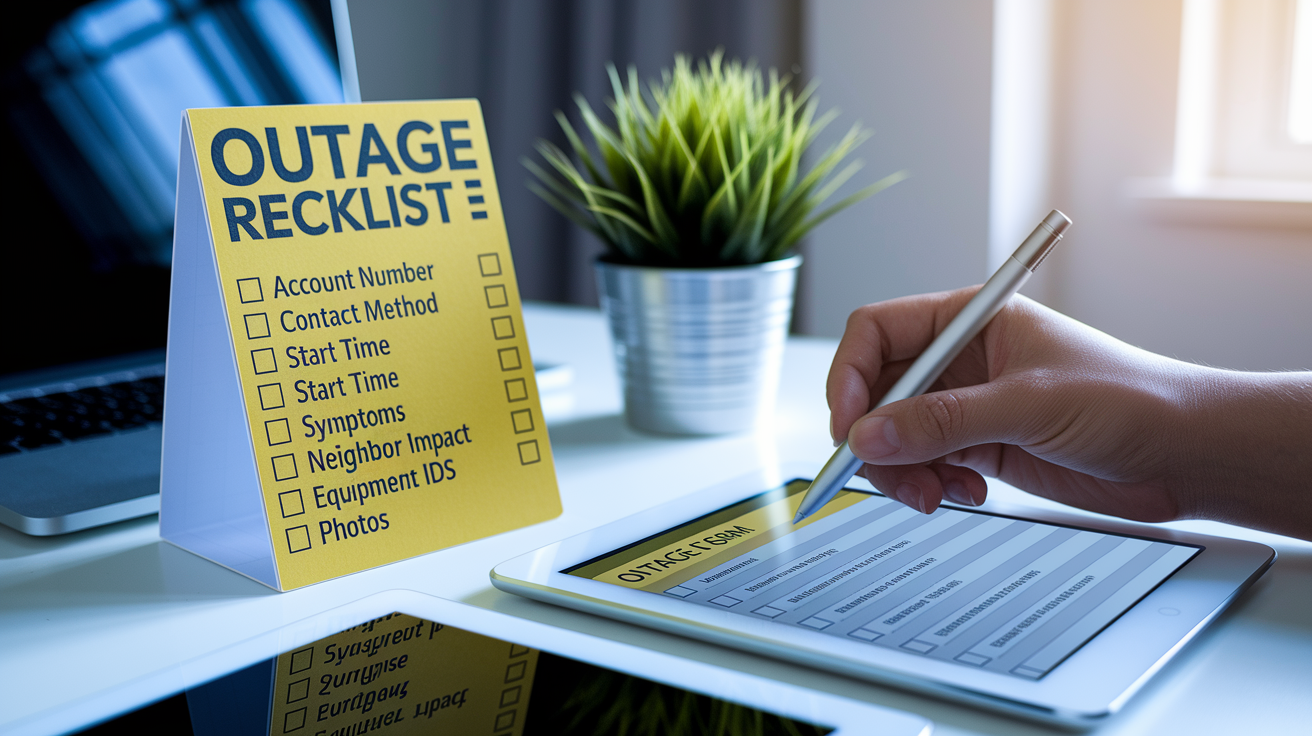
Accurate data at submission speeds triage and dispatch. Incomplete or misspelled information forces the provider to call you back for clarification, adding minutes or hours to the response timeline. Logged-in accounts auto-populate account number and address, but renters and new customers should verify every character of the address string before hitting submit. One missing apartment number can send a crew to the wrong building.
Timestamps matter more than many users realize. If you write “this morning” instead of “07:40 AM,” the dispatcher may assume the outage started at 6:00 AM, skewing estimated restoration calculations and priority logic.
Gather these eight items before you report:
-
Account number – The full number or last four digits. Find it on your bill, app home screen, or confirmation email.
-
Full service address with unit number – Include apartment, suite, or building letter exactly as it appears on your bill.
-
Best contact phone number – Use a mobile number that’ll work during the outage. Avoid landlines tied to the affected service.
-
Exact outage start time and date – Write down the clock time when you first noticed the problem, for example “March 15, 2025, 07:40 AM.”
-
Brief symptom description – State what failed: “no power,” “internet down but phone works,” “flickering lights,” or “sparking at pole.”
-
Whether neighbors are affected – Walk outside and check. If multiple homes are dark, say so.
-
Equipment identifiers when relevant – For internet or cable outages, include router model, modem serial number, and MAC address if the form requests them.
-
Photos or error codes if prompted – Some online forms accept images of breaker panels, meter readings, or equipment status lights. Attach them when the option is available.
Using Online Tools to Report a Service Outage Through Provider Websites

Logging in to your provider account prefills most fields and links the outage report directly to your billing and service history. If you can’t log in because you forgot your password, most reporting pages offer a guest submission option that requires manual entry of account details, address, and contact method.
Online forms typically ask you to select an issue type from a dropdown menu (power, internet, phone, or cable), then prompt you for a contact preference: phone call, text message, or email. If your account is registered for life-support equipment or medical priority programs, you may receive a phone call even if you selected text updates. Submitting duplicate reports within a short window can trigger a warning message telling you to wait for your callback or text. Do not submit additional reports. We have already logged your request.
Outage map tools show real-time data for large-scale events and display estimated restoration times when available, but individual reports can take up to 30 minutes to appear on the map layer. During that lag, you may see no confirmation on the map even though your ticket is active in the dispatch system.
| Tool | What It Does | When to Use |
|---|---|---|
| Report an Outage form | Accepts account and location data, creates a ticket, and sends confirmation via your chosen contact method. | Use when you have stable internet and want to attach photos or provide detailed descriptions. |
| Outage Map | Displays active outages by geographic area, shows estimated restoration times, and lets you confirm whether your block is included in a known event. | Check the map first to see if your outage is already reported. If your street is highlighted, you may not need to submit a separate report. |
| Outage Tracker | Lists all active outages with start times, affected customer counts, and current crew status. Accessible through the account portal or public page. | Use when you want ongoing updates without calling. Refresh every 15–30 minutes for the latest status. |
Reporting a Service Outage by Phone or SMS for the Fastest Confirmation

Voice calls to the emergency or outage hotline work without internet and connect you immediately to an automated system or live agent. Most utilities route callers through an interactive menu: press 1 to report an outage, press 2 to check status, press 0 to reach an agent. Have your account number ready. The system will ask for it first, then confirm your service address, and finally prompt you to describe the problem.
SMS reporting bypasses the need for a data connection and allows two-way confirmation. Texting “ADD OUTAGE” to shortcode 266-33 enrolls you in outage alerts for your registered account. Text ‘ADD OUTAGE’ to 266-33. Message and data rates may apply. You’ll receive a confirmation text within seconds and periodic updates as crews make progress. To stop alerts later, text “STOP” to the same shortcode.
Follow these five steps to report by phone:
-
Find the emergency or outage number on your bill or provider app. Common examples include 1-800-334-7661 for some utilities or 1-800-752-6633 for others. Always verify the number for your specific provider.
-
Call from a charged mobile phone or working landline. If your mobile battery is low, save it for emergency use and borrow a neighbor’s phone if needed.
-
Navigate the automated prompts or press 0 for a live agent. Automated systems collect basic information faster, but live agents can handle complex scenarios like downed lines or multi-service failures.
-
Provide your account number and full service address when prompted. Speak clearly and spell street names if the system asks for confirmation.
-
Describe the start time and symptoms. For example, “Power went out at 07:40 AM. Breakers are on, and three neighbors are also dark.” Note the ticket or confirmation number the system provides.
Sample Phone Script
“Hi, I’m calling to report a power outage. My account number is 123456789. The service address is 123 Main Street, Apartment 2B. The outage started at 07:40 AM today. All breakers are on, and I confirmed my neighbors are also without power. Can you give me a ticket number and estimated restoration time?”
How to Check Service Outage Status After Reporting
After you submit a report, the provider will send confirmation via your chosen contact method (text, call, or email), usually within five minutes. That confirmation includes a ticket number and, if available, an estimated restoration time. Restoration estimates are based on the reported scope and typical repair duration, but they can change once crews arrive and discover additional damage.
Outage maps refresh periodically but can take up to 30 minutes to display your specific report. If you check the map immediately after submitting and see no change, wait 15 minutes and reload the page. Status updates through SMS or account notifications arrive every 30 to 120 minutes during active restoration work, with a final message sent when service is restored.
To monitor progress, use these five methods:
-
Check the outage map every 15–30 minutes for geographic updates and revised estimated times.
-
Log in to your account portal to view ticket details, crew assignments, and status notes.
-
Review SMS or email updates sent automatically to your registered contact number or address.
-
Call the outage hotline and enter your account number to hear recorded status information without speaking to an agent.
-
Follow local utility alerts on social media or municipal emergency pages for wide-area event summaries.
Tips to Speed Up Resolution When Reporting a Service Outage

Before you report, walk through a quick internal checklist. Flip your main breaker off and back on, check that individual circuit breakers are in the “on” position, and power-cycle your modem or router if the outage is internet only. If your equipment looks fine but service is still out, step outside and look at neighboring homes. If their lights are off too, the problem is on the utility side.
Provide precise address formatting, especially for rentals and multi-unit buildings. If the utility’s system can’t find “123 Main St Apt 2” but recognizes “123 Main Street, Unit 2,” you’ll get a faster dispatch. Ask your landlord or property manager for the exact address string used on the official account. Including nearby landmarks or cross streets also helps: “Corner of Main Street and Oak Avenue, blue house with white trim.”
Keep documentation from the moment you report. Write down the ticket number, the time you called or submitted the form, and the name of any agent you spoke with. If the estimated restoration time passes with no update, call back, reference your ticket number, and ask to escalate to a supervisor. Don’t submit duplicate reports through multiple channels. Each submission creates a new ticket that dispatchers must reconcile, wasting time.
Four actions that improve resolution speed:
-
Attach photos of your breaker panel, meter, or equipment status lights when the online form allows uploads. Visual evidence helps remote triage.
-
Run a basic diagnostic and report results: for internet outages, note which lights are on or blinking on your modem. For power, confirm whether outdoor streetlights are working.
-
Register life-support or medical priority status in advance if someone at your address relies on powered medical equipment. Priority accounts move higher in the dispatch queue.
-
Provide a meter reading or equipment serial number when asked. These identifiers validate your report and rule out billing or account mix-ups.
Alternative Ways to Report a Service Outage During Widespread or Severe Events
When a major storm or regional failure hits, phone lines and online systems can become overloaded. If you hear a busy signal or see error messages on the provider’s website, switch to SMS reporting using the dedicated shortcode. Text messages queue reliably even when voice circuits are full, and confirmation texts arrive as soon as capacity opens.
Municipal emergency management offices and local utility field offices sometimes set up temporary reporting centers during large-scale events. If you can’t reach the provider directly, call your city or county emergency hotline. They coordinate with utilities and can relay outage information on your behalf. Some municipalities also maintain public outage dashboards that aggregate data from multiple providers. Checking those pages can tell you whether your block is already logged.
Voice-assistant platforms and crowdsourced outage sites let users report and track outages through third-party interfaces, but these reports don’t always feed directly into the utility’s dispatch system. Use them as supplemental status checks, not primary reporting channels. Always confirm your outage with the official provider to ensure a ticket is created.
Multi-unit & Business Outage Reporting
Property managers and business account holders should use dedicated commercial support lines when an entire building or multiple units lose service. Bulk reporting prevents the system from receiving dozens of duplicate tickets for the same physical fault. If you manage a multi-tenant property, gather unit numbers and tenant contact details, then submit one consolidated report that lists all affected addresses. Most providers assign higher priority to reports that clearly state “entire building, 24 residential units” rather than processing individual tickets one by one. Business accounts with service-level agreements may have separate paths and guaranteed response windows. Reference your SLA terms when you call.
Emergency & Safety Protocols Related to Service Outages
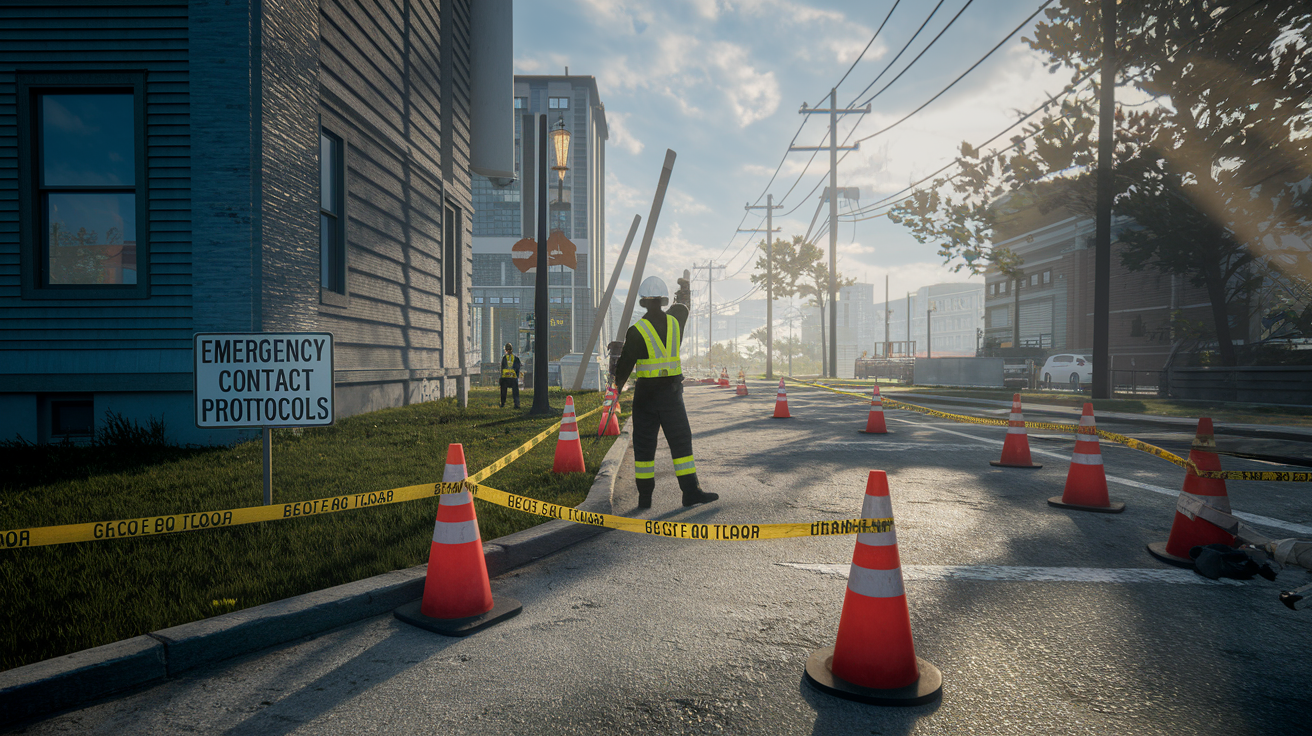
Don’t approach downed power lines, even if they appear inactive or aren’t sparking. Assume every downed line is live and keep a minimum distance of 35 feet. Call the utility emergency number immediately (for example, 1-800-334-7661), then call 911 to alert local emergency services. If a downed line is touching a vehicle, instruct occupants to stay inside unless fire or another immediate threat forces them to exit. If they must leave, they should jump clear without touching the vehicle and ground at the same time.
If you smell natural gas or suspect a leak, leave the building with all occupants, avoid using light switches or electronics that could create a spark, and call 911 and your gas company’s emergency line from a safe outdoor location. Never report gas emergencies through an online form or email. Those channels aren’t monitored continuously for life-safety threats. Providers follow safety-driven restoration processes, prioritizing repairs that eliminate hazards before restoring service to individual homes.
Outage Documentation, Credits, and Post‑Incident Follow-Up

Save every confirmation message, ticket number, and timestamp from your outage report. Take screenshots of outage maps, status updates, and any error messages you encounter during submission. If the outage lasts longer than the provider’s estimated time or violates a service-level agreement, you may be eligible for a service credit or partial refund. Accurate records are required to file a claim.
Many providers automatically issue credits for prolonged outages, but others require you to request a credit through customer service within a specific window, often 30 to 60 days. Check your next bill for a line-item adjustment. If you don’t see one and you believe you qualify, call billing with your ticket number and outage duration. Business accounts with SLAs should reference the exact terms in their contract, including minimum uptime guarantees and per-hour credit rates.
After service is restored, you should receive a final notification via your chosen contact method. That message typically includes the ticket number, the total outage duration, and a brief explanation if the restoration took longer than initially estimated. Providers sometimes publish post-incident reports or “postmortems” for major regional events. These documents explain root causes, response timelines, and steps taken to prevent recurrence.
Four post-outage tasks to complete:
-
Confirm all equipment is functioning normally: restart routers, modems, and any devices that were powered off during the outage.
-
Check your account portal for updated billing or service notes: some providers log outage credits automatically, while others require you to verify the adjustment.
-
Retain all correspondence and ticket numbers for at least 90 days: if follow-up issues or billing disputes arise, you’ll need proof of the original report and timeline.
-
Review and update your contact preferences: if you didn’t receive timely updates, log in to your account and confirm that your mobile number and email address are current and that outage alerts are enabled.
Final Words
When service goes down, act fast: check safety, pick the quickest reporting channel, and submit the essential details so providers can triage immediately. This guide walked through immediate triage, the exact info to gather, online and phone/SMS reporting, status checks, escalation tips, backup channels for big events, and post‑incident documentation.
Keep ticket numbers, timestamps, and photos. Confirm receipt, monitor status pages, and escalate if needed. These steps make how to report a service outage faster and less stressful, and help get things restored sooner.
FAQ
Q: How do I report an outage in my area? / Where can I report a power outage in my area? / How do I report that there’s a power outage in my area?
A: You report a power outage in your area by first staying safe (avoid downed lines), then contacting your utility via their outage hotline, SMS shortcode, or online outage form and confirming the report.
Q: How can I check if there’s an internet outage in my area?
A: You can check if there’s an internet outage in your area by viewing your provider’s outage/status page, checking their social feeds or account notifications, asking neighbors, or calling the provider if updates lag.

